Social analytics tools are platforms that track your social performance, audience behavior, and brand sentiment across networks—so you can prove ROI instead of guessing. Still stuck with “likes” and vibes, while your boss asks “what did we earn from this?”
In this article, we will show you 12 best Social Analytics Tools for 2026, plus a fast comparison table and a 3-minute checklist to pick the right one. Hopefully, after reading, you can choose a tool in 5 minutes and stop wasting weeks on trials.
Fresh 2026 market snapshot (why this matters now)
Interestingly, “social media analytics” market forecasts vary a lot by methodology, but they all point to fast growth.
Moreover, one 2025–2032 projection shows growth from $16.53B (2025) to $61.95B (2032) at 20.8% CAGR.
Furthermore, another forecast claims the market could reach $28.68B by 2032 with 22.5% CAGR.
Core comparison table (the 90% decision value)
Surprisingly, most people pick the wrong tool because they compare features instead of use cases. Use this table first.
Legend: AI Sentiment = our quick practical rating (not a lab score). “Starting price” = public entry point when available.
| Tool | Starting Price | AI Sentiment | Platforms | Best For | Notes |
|---|---|---|---|---|---|
| Sprout Social | $199/seat/mo | ⭐⭐⭐⭐⭐ | Major networks | SMB → Mid-market | Strong analytics + listening; solid G2 rating. |
| Hootsuite | $99/mo | ⭐⭐⭐⭐ | Many (incl. TikTok/Threads/YouTube) | Agencies + teams | Scheduling + analytics + listening, widely used. |
| Agorapulse | Varies by plan | ⭐⭐⭐⭐ | Major networks | Agencies (reports) | Clean inbox + client-ready reports; high G2 rating. |
| SocialBee | $29/mo | ⭐⭐⭐ | 10+ incl. TikTok/Threads | Solopreneurs | Content categories + evergreen recycling; strong G2 rating. |
| Buffer | Free plan | ⭐⭐ | Major networks | Creators + small teams | Simple publishing + analytics; Free plan limits channels. |
| Brandwatch | Custom | ⭐⭐⭐⭐⭐ | Broad listening coverage | Enterprise insights | Listening + competitor benchmarking + dashboards. |
| Meltwater | Custom | ⭐⭐⭐⭐ | Broad (PR + social) | Enterprise PR + comms | Pricing via sales; designed as a suite. |
| IBM Watson (NLP) | Varies | ⭐⭐⭐⭐ | Data-source dependent | Enterprise (custom) | Best as a “sentiment engine” inside your stack (not a social suite). |
| Talkwalker | Custom | ⭐⭐⭐⭐⭐ | Broad listening | Enterprise listening | Often chosen for deep listening + alerts (pricing via sales). |
| Sprinklr | Custom | ⭐⭐⭐⭐⭐ | Omnichannel | Large enterprise | Strong governance + global workflows (pricing via sales). |
| Later | Public plans | ⭐⭐ | IG/TikTok-first | Visual brands | Useful when content calendar is the main need (analytics lighter). |
| Zoho Social | Public plans | ⭐⭐ | Major networks | Budget teams | Solid basics, usually cheaper than enterprise suites. |
Additionally, if you only manage one brand, don’t pay for “enterprise governance” you won’t use.
Moreover, if you manage 5+ client brands, prioritize approvals, roles, and report automation.
12 Best Social Analytics Tools For 2026 (Comparison)
1) Sprout Social
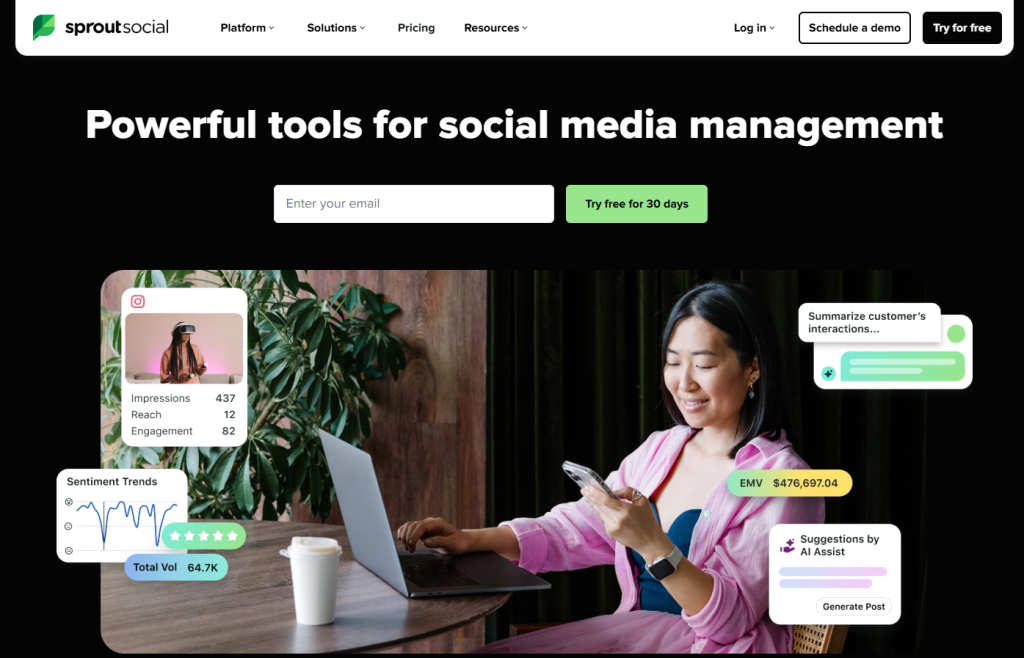
Sprout Social is a social analytics platform for teams that need clean reporting and strong listening. Need dashboards you can send to a client or boss without editing?
In this article, we will show you how to validate Sprout Social in 15 minutes using a simple workflow. Hopefully, after reading, you will know if Sprout is worth the $199/seat level for your team.
Additionally, Sprout is best for SMB to mid-market teams that measure performance weekly.
Key features to check
Moreover, focus on these first:
- Cross-channel analytics dashboards
- Listening + sentiment workflows
- Report templates and export scheduling
Starting price
Furthermore, Sprout starts around $199/seat/month (plans may vary by billing).
Quick setup in 5 minutes
Go to Settings → Social Profiles → Connect.
- Choose Facebook Page, Instagram, LinkedIn
- Tick analytics permissions
- Confirm each profile shows “Connected”
You should see green status icons for all accounts.
Click Analytics → Overview.
- Choose “Last 28 days”
- Select 2 KPIs (Engagement + Clicks)
- Open “Top Posts”
You should see trends plus a ranked post list.
What could be better
Interestingly, seat-based pricing can get expensive as teams grow.
Troubleshooting
- Symptom: Missing data → Cause: permissions/sync → Action: reconnect + wait 24h + contact support (official link placeholder)
FAQs
- Is Sprout good for agencies? The answer is Yes, especially for reporting. Alternatively, consider Hootsuite/Agorapulse if you need lighter pricing.
To sum up, Sprout is a “reporting-first” tool for teams that live in analytics. Internal link: Social Media Reporting Checklist + Comment your team size and networks for a shortlist.
Read more: Mastering Cross-Posting Multi-Platform Social Media
2) Hootsuite
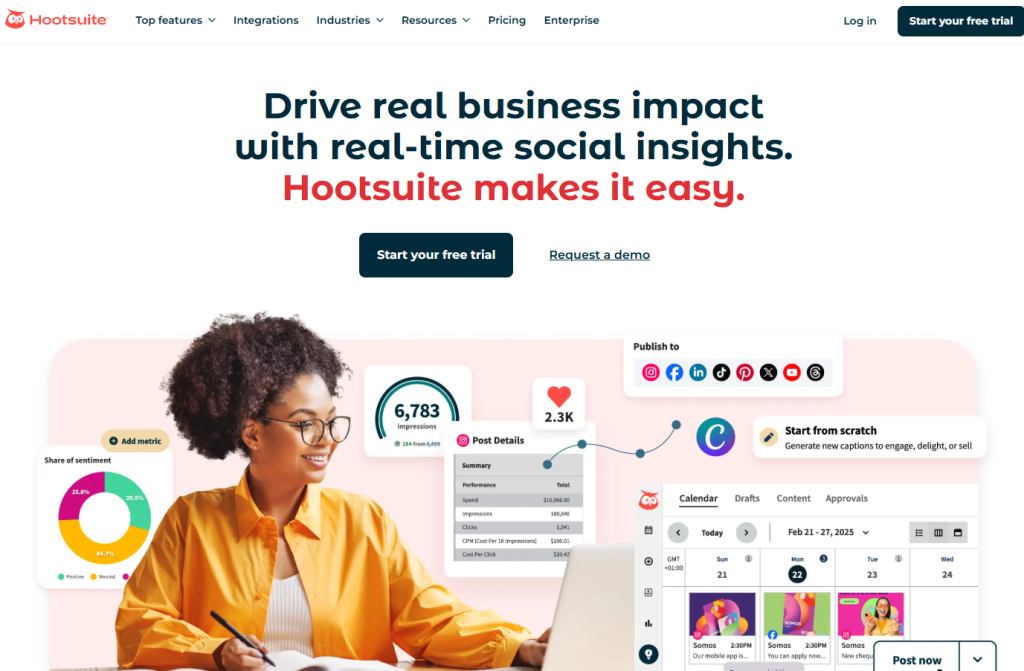
Hootsuite is a social media suite for scheduling, team workflows, and multi-network management. Managing many brands and approvals?
In this article, we will show you how to test Hootsuite’s analytics and team workflows fast. Hopefully, after reading, you can decide if it’s the right agency-friendly hub.
Moreover, Hootsuite is best for agencies and teams that need consistent publishing and monitoring.
Key features to check
Additionally, verify:
- Approval workflows and roles
- Scheduled reports
- Monitoring streams and mentions
Starting price
Furthermore, plans often start around $99/month (varies by region/billing).
Quick setup in 5 minutes
Go to My Profile → Manage Accounts & Teams → Add social account.
- Connect your core channels
- Choose team permissions
- Confirm the account appears in the list
You should see accounts assigned to the right team members.
Click Analytics → Reports.
- Choose a template
- Select date range
- Export PDF
You should get a client-ready report with minimal cleanup.
What could be better
Surprisingly, some advanced analytics may require higher tiers.
Troubleshooting
- Symptom: Scheduled post failed → Cause: token expired → Action: reconnect account + retry + check status (official link placeholder)
FAQs
- Is Hootsuite better than Sprout for agencies? The answer is Yes, if workflows and scheduling matter most. Alternatively, pick Sprout if deep analytics is the main goal.
To sum up, Hootsuite is strong when your pain is “too many accounts, too many people.” Internal link: Agency Reporting SOP + Share your number of client brands for a plan fit.
3) Agorapulse
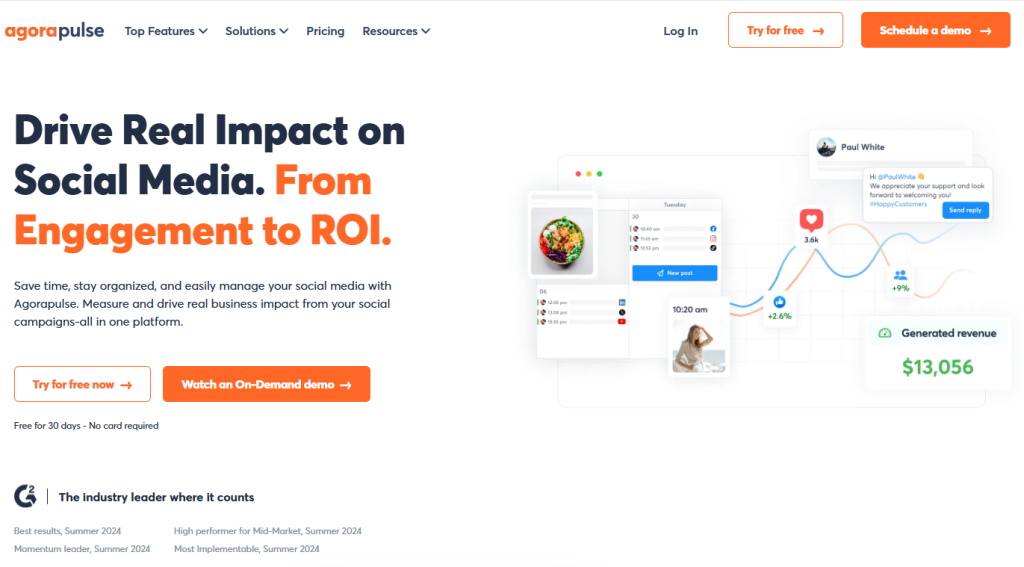
Agorapulse is a social inbox + reporting tool that helps agencies stay organized. Need clean client reports and a calmer content inbox?
In this article, we will show you the fastest way to validate Agorapulse for multi-brand reporting. Hopefully, after reading, you’ll know if it fits your agency workflow.
Additionally, Agorapulse is best for agencies that deliver reports.
Key features to check
Moreover, focus on:
- Unified inbox and assignment
- Publishing calendar
- Client-ready reporting exports
Starting price
Furthermore, pricing varies by plan and user needs.
Quick setup in 5 minutes
Go to Social Profiles → Add a profile.
- Connect your channels
- Assign to a workspace
- Confirm access permissions
You should see each profile under the correct client workspace.
Click Reports → Create.
- Choose KPIs
- Add competitor or content sections (if available)
- Export PDF
You should see a polished PDF that is easy to send.
What could be better
Interestingly, feature access can differ by tier, so check what your plan includes.
Troubleshooting
- Symptom: Inbox not updating → Cause: sync delay → Action: refresh + reconnect + wait 24h (official link placeholder)
FAQs
- Is Agorapulse only for agencies? The answer is No. SMB teams can use it too. Alternatively, choose SocialBee/Buffer for simpler solo publishing.
To sum up, Agorapulse is a “client workflow + reporting” pick. Internal link: Client Reporting Template + Ask for a 2-tool shortlist.
Read more: Best 7 Social Proof Apps for Shopify Store
4) SocialBee
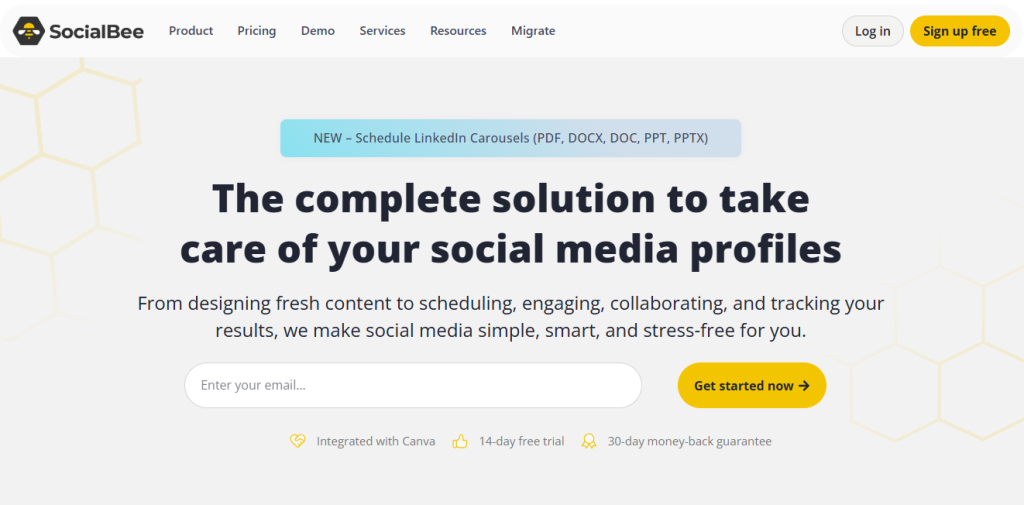
SocialBee is a social scheduling tool built for content categories and evergreen recycling. Want “post once, reuse smartly” without enterprise pricing?
In this article, we will show you how to set up SocialBee’s categories and analytics basics. Hopefully, after reading, you can decide if $29/month is enough for your growth plan.
Moreover, SocialBee is best for solopreneurs and small teams.
Key features to check
Additionally, verify:
- Content categories + queue
- Evergreen recycling rules
- Basic analytics and performance views
Starting price
Furthermore, it starts around $29/month.
Quick setup in 5 minutes
Go to Content → Categories → Create category.
- Name it (e.g., Tips, Proof, Offers)
- Set posting frequency
- Add 5–10 posts per category
You should see a queue that can run for weeks.
Click Analytics → Overview.
- Select last 28 days
- Open “Top posts”
- Note best format
You should see which categories drive engagement.
What could be better
Surprisingly, sentiment and enterprise listening are limited compared to Sprout/Brandwatch.
Troubleshooting
- Symptom: Posts repeat too often → Cause: category rules → Action: adjust frequency + add more posts
FAQs
- Can SocialBee replace Hootsuite? The answer is No for large teams. Alternatively, use Hootsuite for approvals and SocialBee for solo evergreen.
Conclusion
To sum up, SocialBee is the budget evergreen machine. Internal link: Evergreen Content SOP + Comment your niche for category ideas.
5) Buffer
Buffer is a simple publishing and analytics tool with a beginner-friendly interface. Want a clean workflow without heavy dashboards?
In this article, we will show you how to use Buffer’s free plan for a quick performance baseline. Hopefully, after reading, you’ll know if you should stay free or upgrade.
Additionally, Buffer is best for creators and small teams.
Key features to check
Moreover, focus on:
- Publishing queue
- Basic analytics
- Simple team collaboration (if needed)
Starting price
Furthermore, Buffer offers a Free plan (limits apply).
Quick setup in 5 minutes
Go to Channels → Connect channel.
- Connect your core networks
- Confirm permissions
- Add one test post
You should see the channel listed and ready.
Click Analytics → Overview.
- Select date range
- Review engagement and clicks
- Identify top post
You should see a minimal dashboard that’s easy to understand.
What could be better
Interestingly, advanced listening and competitor benchmarking are not the focus.
Troubleshooting
- Symptom: Analytics missing → Cause: channel permissions → Action: reconnect + wait 24h
FAQs
- Is Buffer enough for agencies? The answer is No. Alternatively, use Hootsuite/Agorapulse for approvals and reporting.
To sum up, Buffer is “simple, fast, and clean.” Internal link: Posting Schedule Guide + Share your platforms for a setup checklist.
6) Brandwatch
12-best-social-analytics-tools-
Brandwatch is an enterprise-grade social listening platform for deep insights and benchmarking. Need to track competitors and sentiment at scale?
In this article, we will show you how to validate Brandwatch listening in one afternoon. Hopefully, after reading, you’ll know if it’s the right enterprise insights layer.
Moreover, Brandwatch is best for enterprise insights teams.
Key features to check
Additionally, verify:
- Listening queries and topic clusters
- Competitor benchmarking
- Alerts + dashboards for stakeholders
Starting price
Furthermore, pricing is typically custom.
Quick setup in 5 minutes
Go to Queries → Create query.
- Add brand keywords
- Add exclude terms
- Filter language/location
You should see a clean mention stream that matches your brand.
Click Dashboards → Create dashboard.
- Add sentiment, volume, share of voice
- Set date range
- Save view
You should see a stakeholder-ready dashboard.
What could be better
Surprisingly, it can feel heavy if you only need publishing and basic analytics.
Troubleshooting
- Symptom: Noisy mentions → Cause: broad keyword → Action: tighten query + excludes + filters
FAQs
- Do I need Brandwatch as a small business? The answer is No. Alternatively, choose Sprout Social for analytics + light listening.
To sum up, Brandwatch is the “listening + benchmarking powerhouse.” Internal link: Competitor Tracking Framework + Contact for a query template.
7) Meltwater
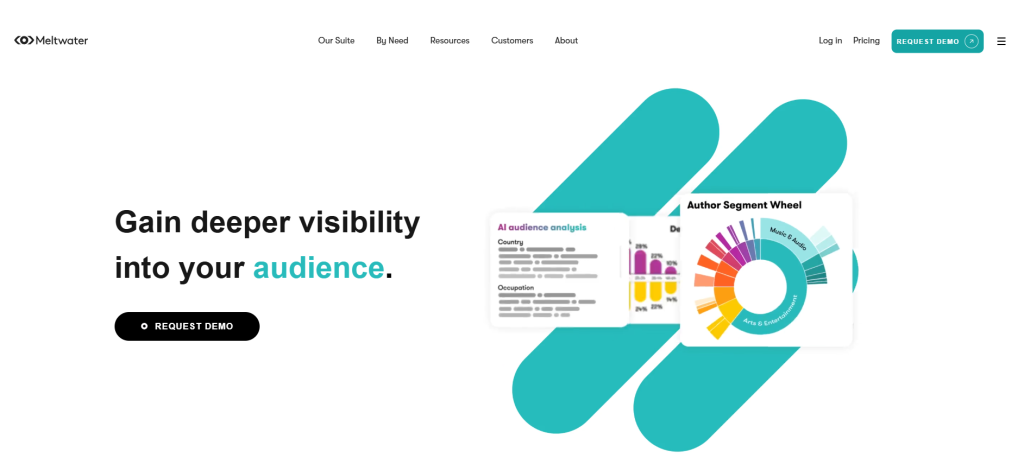
Meltwater is a PR + social intelligence suite designed for comms teams. Need social analytics that connects to media monitoring and PR reporting?
In this article, we will show you a quick way to validate Meltwater for enterprise comms workflows. Hopefully, after reading, you’ll know if it fits your PR and social reporting needs.
Additionally, Meltwater is best for enterprise PR and communications.
Key features to check
Moreover, focus on:
- Monitoring + alerts
- PR and social reporting in one suite
- Team workflows and approvals
Starting price
Furthermore, pricing is usually custom via sales.
Quick setup in 5 minutes
Go to Monitoring → Create alert.
- Add brand and campaign keywords
- Set filters (region/language)
- Enable email alerts
You should receive structured alerts when spikes happen.
Click Reports → Create report.
- Add KPI summary
- Add mention highlights
- Export PDF
You should get a comms-ready report.
What could be better
Interestingly, it may be overkill if you only want scheduling and basic analytics.
Troubleshooting
- Symptom: Too many alerts → Cause: broad keywords → Action: narrow + add excludes
FAQs
- Is Meltwater a publishing tool first? The answer is No. Alternatively, pair it with Hootsuite for daily publishing.
To sum up, Meltwater shines in PR + social intelligence. Internal link: Crisis Monitoring Playbook + Ask for alert keyword examples.
8) IBM Watson
IBM Watson (NLP) is best used as a sentiment engine inside your own data stack. Want custom sentiment scoring beyond what a social suite offers?
In this article, we will show you how to evaluate Watson as a back-end component. Hopefully, after reading, you’ll know whether you need a full suite or just a sentiment API layer.
Moreover, Watson is best for enterprise custom stacks.
Key features to check
Additionally, validate:
- Sentiment classification quality
- Language support
- Integration path (data → NLP → dashboard)
Starting price
Furthermore, this depends on usage and implementation.
Quick setup in 5 minutes
Go to your project plan → Define inputs first.
- Choose data sources (social exports, CRM notes, reviews)
- Decide labels (positive/neutral/negative)
- Select output format (CSV/dashboard)
You should have a clear “input → output” map.
What could be better
Surprisingly, Watson alone does not replace scheduling, publishing, and native social reporting.
Troubleshooting
- Symptom: Sentiment feels off → Cause: domain language/slang → Action: tune prompts/rules + sample review set
FAQs
- Can Watson replace Brandwatch? The answer is No. Alternatively, use Brandwatch for listening and Watson for custom NLP augmentation.
To sum up, Watson is a component, not a full social suite. Internal link: Data Pipeline for Social Analytics + Ask for an integration checklist.
9) Talkwalker
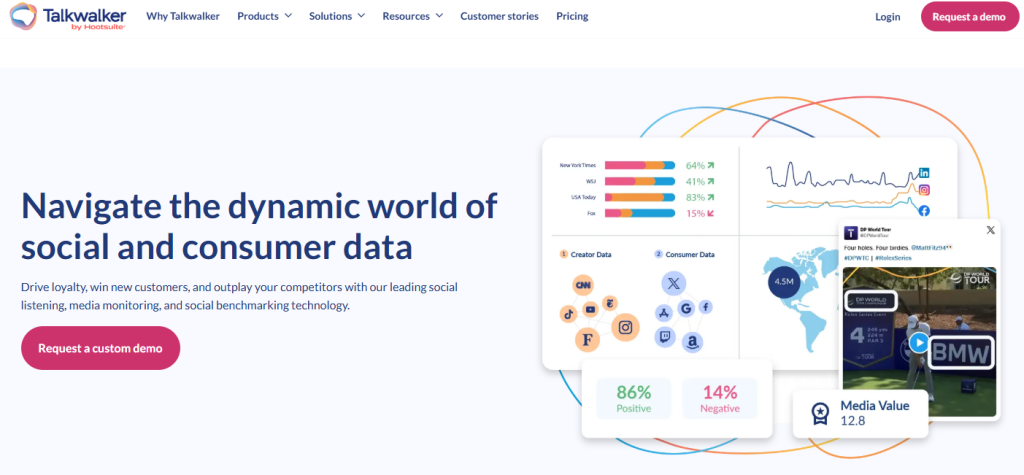
Talkwalker is an enterprise listening platform known for broad coverage and strong alerts. Need fast detection of brand spikes and crises?
In this article, we will show you how to validate listening coverage and alert quality. Hopefully, after reading, you can decide if Talkwalker fits enterprise monitoring.
Additionally, Talkwalker is best for enterprise listening.
Key features to check
Moreover, focus on:
- Listening coverage and sources
- Spike alerts and workflows
- Dashboards for executives
Starting price
Furthermore, pricing is typically custom.
Quick setup in 5 minutes
Go to Queries → Create.
- Add brand + product keywords
- Add exclude terms
- Filter geography and language
You should see relevant mention streams with less noise.
Click Alerts → Create alert.
- Set spike threshold
- Choose email/Slack delivery
- Add stakeholders
You should receive alerts during volume jumps.
What could be better
Interestingly, onboarding can be heavier than SMB tools.
Troubleshooting
- Symptom: Alerts not firing → Cause: thresholds too high → Action: lower threshold + widen query slightly
FAQs
- Is Talkwalker needed for agencies? The answer is No. Alternatively, use Sprout/Hootsuite for agency analytics first.
To sum up, Talkwalker is built for enterprise monitoring. Internal link: Social Listening Query Templates + Share your keywords for a draft query.
10) Sprinklr
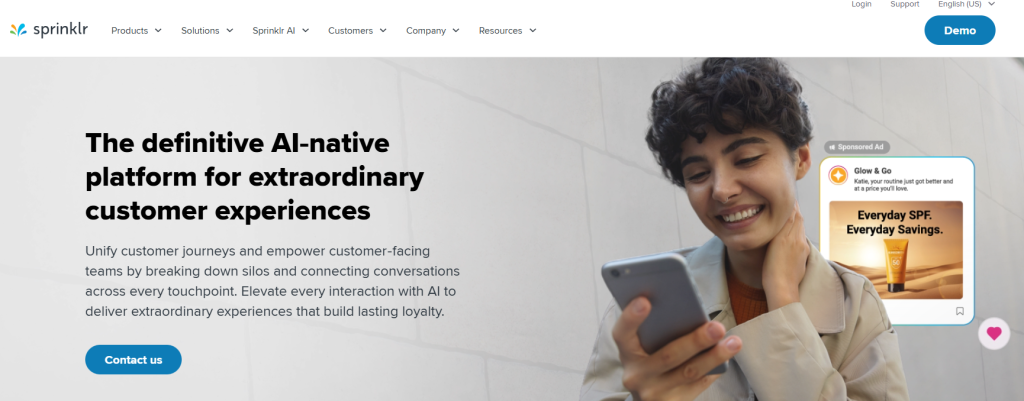
Sprinklr is an enterprise omnichannel platform for governance, workflows, and global operations. Need strict roles, approvals, and unified customer experience?
In this article, we will show you the fastest way to validate governance and reporting. Hopefully, after reading, you’ll know if Sprinklr fits large-scale operations.
Moreover, Sprinklr is best for large enterprises.
Key features to check
Additionally, verify:
- Roles and permissions
- Approval workflows
- Omnichannel reporting and governance
Starting price
Furthermore, pricing is custom.
Quick setup in 5 minutes
Go to Admin → Roles & Permissions.
- Create one editor role
- Create one approver role
- Assign users
You should see a controlled workflow where posts cannot publish without approval.
Click Reports → Dashboards.
- Choose executive KPI widgets
- Set date range
- Save and share
You should have a global dashboard that can be reused weekly.
What could be better
Surprisingly, it can be too complex for small teams.
Troubleshooting
- Symptom: Users can’t publish → Cause: permission rules → Action: review role settings + approval stages
FAQs
- Is Sprinklr worth it for SMB? The answer is No. Alternatively, use Hootsuite/Sprout for smaller teams.
To sum up, Sprinklr is governance-first at scale. Internal link: Enterprise Social Governance SOP + Ask for a rollout plan.
11) Later

Later is a visual-first scheduler often used for Instagram and TikTok workflows. Need a calendar built for creators and visual brands?
In this article, we will show you how to test Later’s calendar and content planning flow. Hopefully, after reading, you’ll know if it’s the right fit for visual marketing.
Additionally, Later is best for IG/TikTok-first brands.
Key features to check
Moreover, focus on:
- Visual calendar planning
- Media library and scheduling flow
- Basic performance analytics
Starting price
Furthermore, Later has public plans (varies).
Quick setup in 5 minutes
Go to Calendar → Schedule.
- Upload 10 assets
- Add captions and hashtags
- Drag posts onto dates
You should see a full week of planned content visually.
Click Analytics → Performance.
- Select 28 days
- Identify top post format
- Note best posting time
You should see which content style performs best.
What could be better
Interestingly, deeper sentiment/listening is not its core strength.
Troubleshooting
- Symptom: Media upload fails → Cause: format/size → Action: compress + retry + check guidelines (official link placeholder)
FAQs
- Can Later replace Sprout? The answer is No. Alternatively, use Later for planning and Sprout for analytics depth.
To sum up, Later is perfect when visuals drive decisions. Internal link: IG/TikTok Content Calendar Template + Comment your niche for a weekly plan.
12) Zoho Social
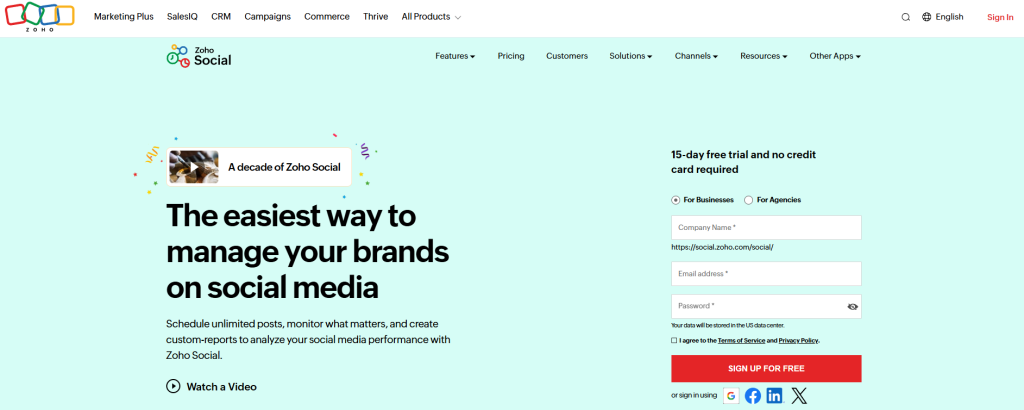
Zoho Social is a budget-friendly social management tool with solid basics. Want a cheaper option for scheduling and simple analytics?
In this article, we will show you how to validate Zoho Social for day-to-day publishing. Hopefully, after reading, you’ll know if it’s enough before upgrading to bigger suites.
Moreover, Zoho Social is best for budget teams.
Key features to check
Additionally, verify:
- Publishing calendar
- Basic analytics
- Collaboration features (if your team needs it)
Starting price
Furthermore, it offers public plans (varies by region and billing).
Quick setup in 5 minutes
Go to Brand → Social Channels → Connect.
- Connect core networks
- Assign brand/team access
- Create one scheduled post
You should see scheduled content in the calendar view.
Click Reports/Analytics.
- Choose date range
- Track engagement and clicks
- Export report
You should get a simple report for weekly updates.
What could be better
Surprisingly, enterprise listening and benchmarking will be limited.
Troubleshooting
- Symptom: Report export missing → Cause: plan limitations → Action: check plan features + upgrade or use CSV workaround
FAQs
- Is Zoho Social good for agencies? The answer is No for heavy workflows. Alternatively, use Hootsuite or Agorapulse.
To sum up, Zoho Social is a practical “good enough” pick on a budget. Internal link: Budget Social Stack Guide + Ask for best plan tier.
The 3 features most buyers want in 2026
Furthermore, these three are the quickest way to separate “posting tools” from “analytics tools”.
1) AI sentiment you can trust
Choose tools that show why sentiment changed (topic, spike source, top posts), not just a score.
Moreover, enterprise listening platforms like Brandwatch focus heavily on this workflow.
2) Cross-channel ROI reporting
Look for reports that connect content → clicks → leads → sales, even if you start simple with UTMs.
Additionally, social suites like Hootsuite and Sprout position analytics as a core value.
3) Competitor benchmarking
Interestingly, competitor baselines help you explain performance even when your results dip.
Furthermore, Brandwatch explicitly highlights benchmarking and dashboards as a key use case.
Pricing tiers that actually make sense
Moreover, you can usually pick the tier by budget and complexity.
- Free / ultra-light: Buffer Free (basic).
- $29–$99 (SMB/solo): SocialBee starts at $29/mo.
- $99–$249+ (teams/agencies): Hootsuite shows $99/mo entry and higher tiers.
- $199+/seat (analytics-heavy teams): Sprout starts at $199/seat/mo (annual billing).
- Enterprise (custom): Meltwater pricing runs through sales.
Checklist: choose a tool in 3 minutes
To sum up, tick one box per line and you’ll land on 2–3 best options.
- ☑️ Budget under $100 → SocialBee / Buffer
- ☑️ Agency managing multiple brands → Hootsuite / Agorapulse
- ☑️ Analytics depth + listening → Sprout Social
- ☑️ Enterprise PR + social suite → Meltwater / Brandwatch
- ☑️ Need lots of networks on one dashboard → Hootsuite / SocialBee (platform support varies by plan)
How to test any tool in 5 minutes (fast workflow)
Interestingly, you don’t need a 14-day trial to know if a tool fits.
Step 1: Connect your key channels
Go to Settings → Social Accounts → Connect.
- Choose Facebook Page + Instagram + LinkedIn first
- Add TikTok only if you publish there weekly
- Tick “Allow analytics permissions” when prompted
You should see all accounts listed as Connected with a green status.
Step 2: Validate analytics in one screen
Click Analytics → Overview.
- Select “Last 28 days”
- Choose 2 KPIs: Engagement rate + Clicks
- Compare one channel vs another
You should see a single dashboard with trend lines and top posts.
Step 3: Spot a “sentiment story” (even basic)
Choose Listening/Sentiment → Brand mentions (wording differs by tool).
- Search your brand name + one product keyword
- Filter by “Last 7 days”
- Open the top spike day
You should see what caused the spike (posts, topics, or sources).
Step 4: Export one report
Click Reports → Create → Export PDF/CSV.
- Choose “Executive summary” if available
- Include top posts + KPIs
- Schedule weekly delivery (optional)
You should get a clean report you can send in one email.
Real reviews (fast trust signals)
Moreover, ratings change over time, so always verify right before you buy.
- Sprout Social: 4.4/5 on G2 (reviews count shown on G2).
- Hootsuite: 4.3/5 on G2.
- SocialBee: 4.7/5 on G2.
- Buffer: 4.3/5 on G2.
- Agorapulse: 4.5/5 on G2.
Additionally, Sprout highlighted multiple #1 placements in G2’s 2026 Winter reports (company announcement).
Troubleshooting (common issues)
Furthermore, most “tool problems” are actually permission or API issues.
- Symptom: Analytics shows blanks or zeros
- Cause: Missing permissions or the network hasn’t synced yet
- Action: Reconnect the account → wait 24 hours → recheck; if still blank, contact support (official link placeholder)
- Symptom: Scheduled post failed
- Cause: Platform API hiccup or expired token
- Action: Retry → reconnect account → check platform status page (official link placeholder)
- Symptom: Sentiment looks “wrong”
- Cause: Keyword query too broad (brand name matches other topics)
- Action: Add exclude terms + use exact match + filter by language/location
FAQs
Do I need an enterprise tool to measure ROI?
The answer is No. You can start with UTMs + basic analytics, then upgrade when you need governance and deep listening.
Is SocialBee enough for a solo creator or solopreneur?
The answer is Yes. Its entry plan is designed for solopreneurs and starts at $29/month, which is usually the best “value floor.”
Is Sprout Social worth it for small teams?
The answer is Yes, if reporting and listening are core to your job. If you only need scheduling, choose a simpler tool first.
Does Buffer still offer a free plan?
The answer is Yes. Buffer documents a Free plan with channel limits, and you can also trial paid plans.
Are Brandwatch and Meltwater priced publicly?
The answer is No. They route pricing through sales for custom packages. If you want a cheaper alternative, start with a non-enterprise suite first.
Conclusion
To sum up, pick your tool by use case + reporting depth, not by feature count.
Additionally, read next: “Social Media Reporting Checklist for 2026” (internal link recommendation).
Moreover, if you want, paste your budget + number of brands + must-have networks, and I’ll point you to the best 2 options.