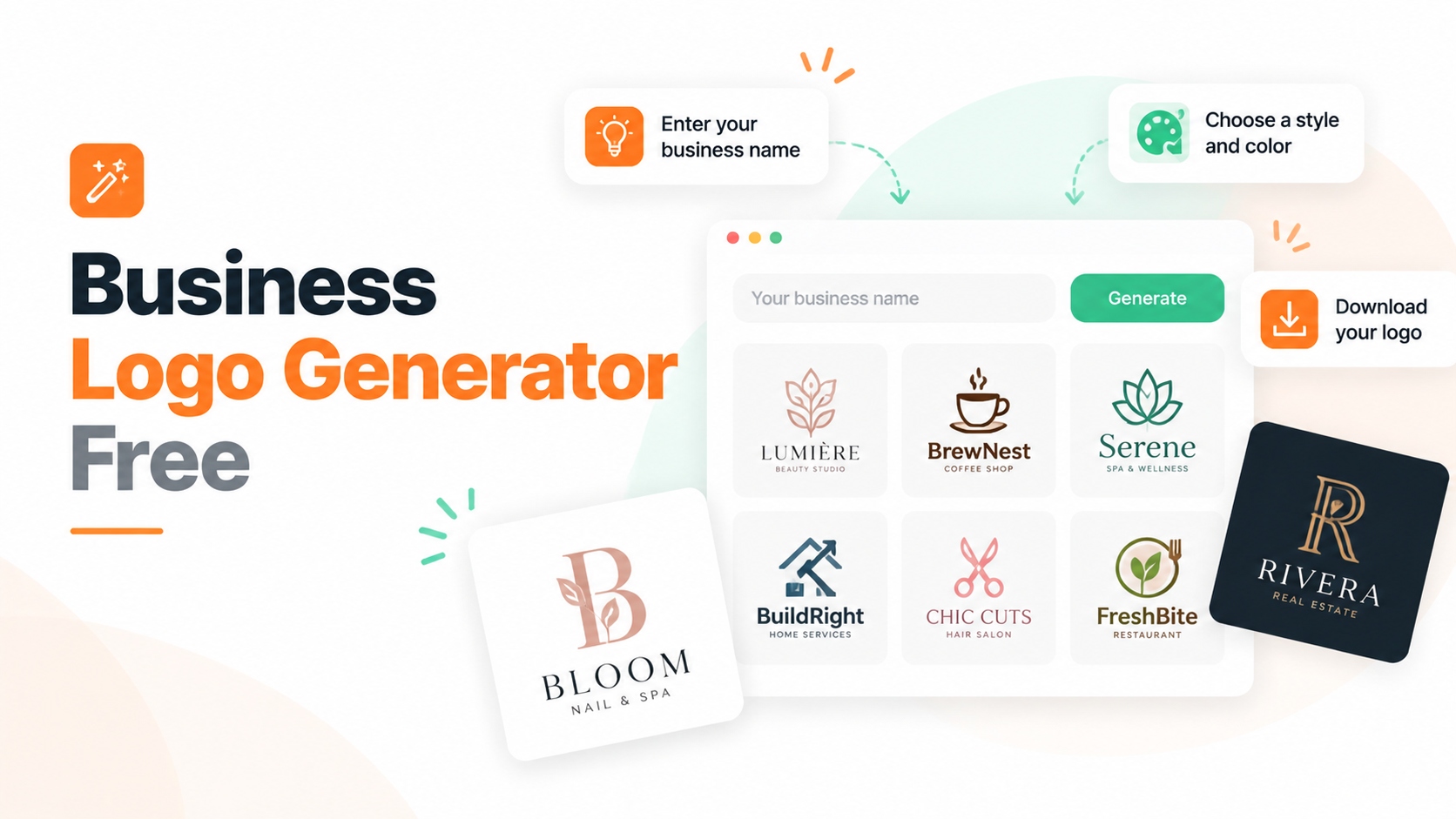
A business logo generator free tool helps entrepreneurs create a professional logo without hiring a designer. Free logo makers such as Canva, Shopify Hatchful, Adobe Express, and Themeisle allow users to create logo concepts, customize brand elements, and download designs for business use.
Free logo generators are useful for:
- New startups
- Small businesses
- Shopify stores
- Freelancers
- Personal brands
However, free does not always mean the same thing. Some tools provide completely free downloads, while others allow free design creation but require payment for high-resolution files.
The main factors to check before choosing a free business logo generator are:
- Whether logo downloads are free
- Available file formats
- Commercial usage rights
- Customization options
- Brand asset support
This guide compares the best free logo makers and explains which tool fits different business needs.
Best Business Logo Generator Free Tools Compared
| Tool | Best For | Free Download | Export Options |
|---|---|---|---|
| Canva Logo Maker | Beginners and small businesses | Yes | PNG, JPG, PDF |
| Shopify Hatchful | Shopify merchants | Yes | PNG |
| Themeisle Logo Maker | Free SVG logo creation | Yes | PNG, SVG |
| Adobe Express | AI-powered logo ideas | Yes | PNG |
| Ucraft Logo Maker | Scalable logo files | Yes | PNG, SVG |
| Squarespace Logo Maker | Simple business logos | Yes | PNG |
| Logo Garden | Quick logo concepts | Yes | Basic files |
| Logo Genie | Minimal logo designs | Preview free | Paid download |
| Looka | AI branding packages | Free preview | Paid files |
| Tailor Brands | Complete brand identity | Free preview | Paid files |
| GraphicSprings | Custom logo editing | Free design | Paid export |
1. Canva Logo Maker
Best for: Small businesses that need a free logo and marketing designs
Canva Logo Maker is one of the most popular free business logo generator tools because it combines logo creation with a complete design platform.
Users can create logos using:
- Business logo templates
- Fonts
- Icons
- Shapes
- Color palettes
The drag-and-drop editor makes Canva suitable for beginners without graphic design experience.
Beyond logos, Canva also supports:
- Social media graphics
- Marketing banners
- Presentations
- Product visuals
This makes it useful for businesses that need more branding materials after creating a logo.
Free Features
Canva’s free plan includes:
- Free logo templates
- Basic editing tools
- Free design elements
- Logo downloads
- Premium elements require Canva Pro.
Export Options
Users can download logos in:
- PNG
- JPG
Pricing: Canva offers a free plan. Canva Pro provides access to premium templates, images, and advanced features.
Why It Stands Out: Canva is more than a logo maker. It allows businesses to create their entire visual identity in one platform.
After creating your logo, you can use Canva designs together with AI marketing tools for ecommerce growth to build stronger campaigns.
2. Shopify Hatchful Logo Maker
Best for: Shopify merchants creating a free ecommerce logo
Hatchful is a free logo generator created by Shopify.
It is designed specifically for entrepreneurs who need quick branding before launching an online store.
The process is simple:
- Select your business category.
- Choose a visual style.
- Add your business name.
- Generate logo options.
Hatchful creates multiple logo variations based on your choices.
Free Features
Hatchful provides:
- Free logo creation
- Industry-based templates
- Social media logo sizes
Export Options
Users can download logo files for:
- Websites
- Social profiles
- Online stores
Pricing: Hatchful is completely free.
Why It Stands Out: Hatchful is built by Shopify, making it a natural choice for ecommerce sellers who need a logo before launching their store.
After branding your store, optimize your product pages with Shopify product page optimization strategies.
3. Themeisle Logo Maker
Best for: Businesses looking for a completely free logo with SVG support
Themeisle Logo Maker focuses on simplicity and free access.
Users can create logos through:
- Templates
- Icons
- Typography customization
- Color adjustments
A major advantage is that users can download logo files without paying.
Free Features
Themeisle provides:
- Free logo generation
- PNG downloads
- SVG downloads
SVG support is useful because businesses can reuse logos across different sizes.
Pricing: Themeisle Logo Maker is free.
Why It Stands Out: Many free logo makers limit high-quality downloads. Themeisle stands out by providing free SVG options.
4. Adobe Express Logo Maker
Best for: Users who want AI-powered free logo ideas
Adobe Express uses AI technology to help businesses create logo concepts based on brand information.
Users can enter:
- Business name
- Industry
- Style preferences
The tool then generates logo ideas that can be customized.
Users can adjust:
- Fonts
- Colors
- Layouts
- Icons
Free Features
Adobe Express provides:
- Free logo creation
- Basic customization
- Design templates
Export Options
Users can download logo files for digital use.
Pricing: Adobe Express offers a free plan. Premium features require a subscription.
Why It Stands Out: Adobe Express brings Adobe’s design ecosystem into a beginner-friendly logo creation tool, making professional-looking results easier for non-designers.
5. Ucraft Logo Maker
Best for: Businesses needing scalable logo files
Ucraft Logo Maker is a simple free tool focused on creating clean business logos.
Users can customize:
- Icons
- Text
- Colors
- Layouts
Free Features
Ucraft provides:
- Free logo creation
- Basic PNG downloads
SVG export is available through paid options.
Pricing: The basic tool is free with optional upgrades.
Why It Stands Out: Ucraft is useful for businesses that need a simple logo design with scalable file options.
6. Squarespace Logo Maker
Best for: Minimal business logo designs
Squarespace Logo Maker focuses on clean and simple branding.
It allows users to:
- Add business names
- Select icons
- Adjust layouts
- Preview logos
Free Features
Users can create and download logos without paying.
Export Options
Available formats include PNG files.
Pricing: Squarespace Logo Maker is free to use.
Why It Stands Out: Squarespace is a good option for businesses that prefer simple, modern logo styles.
7. Logo Garden
Best for: Quick free logo concepts
Logo Garden is designed for users who want to test logo ideas quickly.
The platform provides:
- Icons
- Text editing
- Basic layouts
Free Features
Users can explore different logo concepts using available design elements.
Pricing: Logo Garden is free to use.
Why It Stands Out: Logo Garden is useful during the early branding stage when businesses want to explore different concepts before investing more in professional design.
8. Logo Genie
Best for: Minimal logo designs
Logo Genie creates simple logo concepts based on business information.
Users can explore different:
- Icons
- Fonts
- Layout styles
The tool helps businesses quickly generate logo ideas without starting from a blank canvas.
Free Features
Users can preview logo concepts before purchasing final files.
Pricing: Logo creation previews are free. Downloading final logo files requires payment.
Why It Stands Out: Logo Genie focuses on clean designs that work well for small brands looking for simple visual identity options.
9. Looka Logo Maker
Best for: Businesses wanting AI branding packages
Looka uses AI technology to create logo concepts and broader brand assets.
It provides:
- Logo variations
- Color recommendations
- Brand materials
The platform focuses on creating a complete brand identity instead of only generating a single logo.
Free Features
Users can:
- Generate logo concepts
- Preview designs
- Explore branding ideas
Final downloads require payment.
Pricing: Looka offers free logo previews. Downloading final files requires payment.
Why It Stands Out: Looka focuses on complete brand identity, making it useful for businesses that need more than a basic logo.
10. Tailor Brands Logo Maker
Best for: Startups building a complete brand identity
Tailor Brands combines AI logo creation with business branding tools.
Features include:
- Logo generation
- Social media assets
- Brand materials
The platform helps startups create consistent branding across multiple channels.
Free Features
Users can create logo concepts and explore branding options before purchasing.
Pricing: Tailor Brands uses paid subscription plans.
Why It Stands Out: Tailor Brands works well for businesses that need branding beyond a single logo, including social media and business identity assets.
11. GraphicSprings Logo Maker
Best for: Users who want detailed customization
GraphicSprings provides more manual control compared with template-based logo makers.
Users can customize:
- Shapes
- Typography
- Layouts
- Colors
The platform is designed for users who want more control over logo design decisions.
Free Features
Users can create and edit logo concepts before purchasing export files.
Export Options
Higher plans include:
- Vector files
- Additional branding assets
Pricing: GraphicSprings uses one-time payment packages.
Why It Stands Out: GraphicSprings is suitable for users who want more control over logo customization compared with automated logo generators.
Free Business Logo Generator vs Paid Logo Makers
A free business logo generator is usually enough for startups and small businesses that need a simple brand identity.
However, paid logo makers often provide additional features such as:
- High-resolution files
- Vector formats
- Brand guidelines
- Social media assets
- Commercial branding support
The right choice depends on your business stage.
| Need | Recommended Option |
|---|---|
| Create a quick logo for free | Canva, Hatchful, Themeisle |
| Launch a Shopify store | Shopify Hatchful |
| Need SVG logo files | Themeisle, Ucraft |
| Create social media branding | Canva |
| Generate AI logo concepts | Adobe Express, Looka |
| Build a complete brand identity | Looka, Tailor Brands |
| Need advanced customization | GraphicSprings |