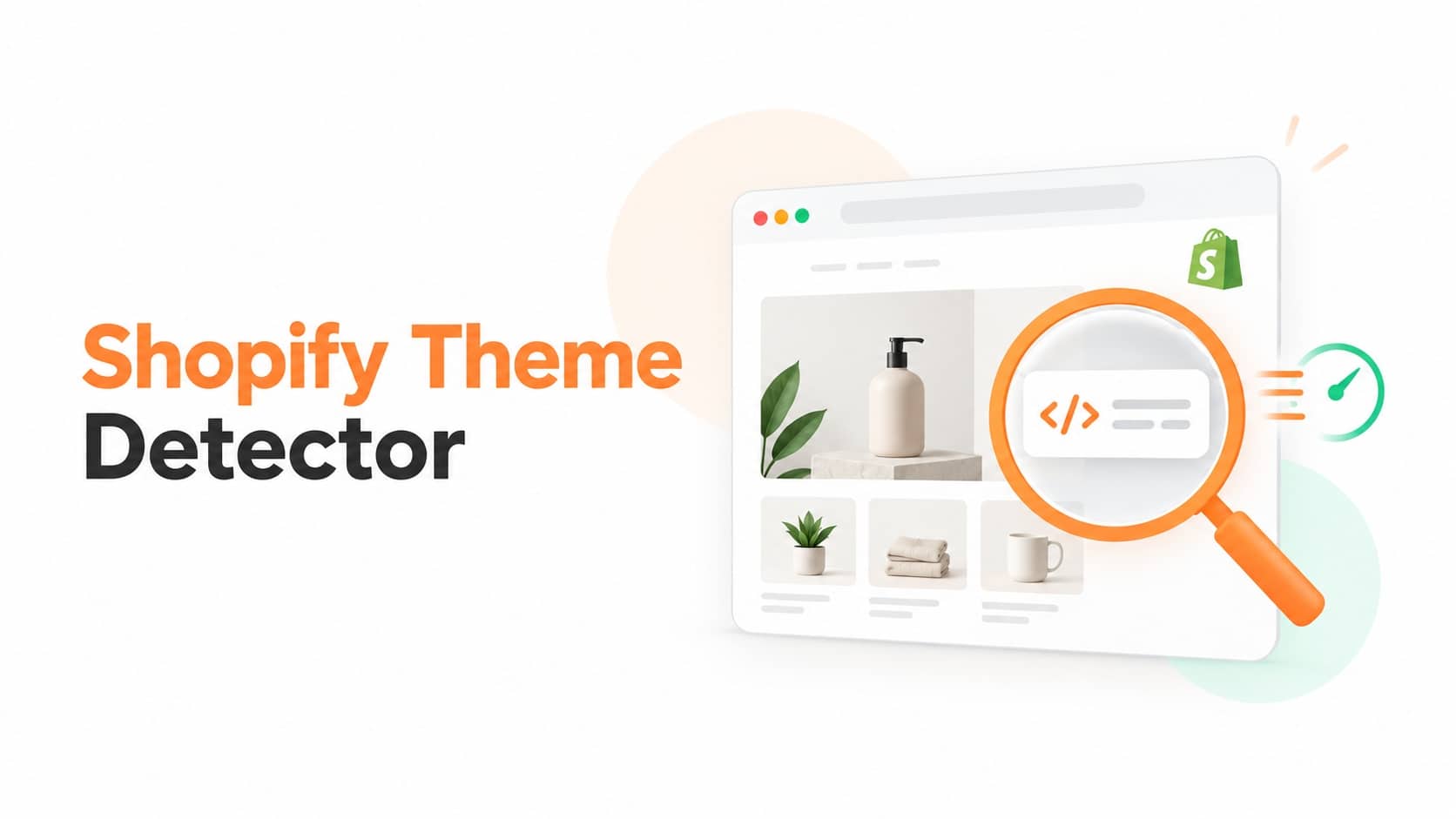
Paste any Shopify store’s URL into the detector on this page, and you’ll see its theme name in a few seconds. If you’d rather check it yourself, or the tool comes back with an unclear answer, the steps below show exactly where that information lives in a store’s code, and what to actually do once you find it.
What a Theme Detector Is Doing, Exactly
There’s no login, no scraping, no special access involved. A theme detector just reads the same public code your browser already loads when you visit a store, and looks for the one spot where Shopify writes the theme’s name into that code.
Most Shopify storefronts include a small script block that looks something like this:
If theme_store_id has a number, that theme was published through the official Shopify Theme Store, and you can look it up directly. If that field is empty or missing, the store is running something the Theme Store doesn’t know about, more on what that means below.
Three Ways to Check It Yourself
You don’t need the tool for this. All three methods below work in any browser, for free.
1. Check the page source
Open the store in Chrome, right-click anywhere on the page, and choose View Page Source (or press Ctrl+U on Windows, Cmd+Option+U on Mac). Press Ctrl+F (Cmd+F on Mac) and search for Shopify.theme. The theme name sits right after "name":.
2. Use the browser console
Right-click the page, choose Inspect, and open the Console tab. Type Shopify.theme and press Enter. The theme’s name and IDs print out directlym, faster than scrolling through raw source, especially on longer pages.
3. Install a browser extension
If you check stores often, a free extension saves the repeat work. Shopify App & Theme Detector by Fera.ai is one widely used option, it shows the theme (and installed apps) in a popup the moment you land on a store.
What the Result Actually Means
This is the part most guides skip, and it’s the part that actually matters once you have an answer.
A theme name with a working Theme Store link. You found an official theme. You can preview the exact base design and buy it yourself.
A theme name, but the live store looks nothing like the demo. That’s normal. The base theme has been customized with apps, custom sections, and Liquid code on top. Buying the same theme gets you the same starting structure, not an identical copy of what you’re looking at.
“Custom,” “Unknown,” or no result at all. This isn’t the tool failing. An empty theme_store_id means a developer built that theme from scratch rather than starting from a Theme Store listing. And if a store returns nothing that looks like theme code at all, it may be running headless, a separate front end (often built with Shopify’s Hydrogen framework) that renders the site instead of a standard Shopify theme. Neither case has a name to look up. That result is telling you something real about how much custom work went into the store, not that the check didn’t work.
Why People Check a Store’s Theme
The most common reason is simple: you saw a layout you liked and want to know if you can buy it. Developers and agencies use the same check to scope client work, a store on a stock theme, a heavily modified one, and a fully custom build are three very different estimates. Merchants also use it for competitive research, to see what design choices other stores in their space have made.
Is It Legal to Check Another Store’s Theme?
Yes. The theme name is sitting in public code that loads in any browser, looking at it isn’t different from viewing any other part of a public webpage. What you can’t do is copy a store’s actual content: its logo, product photography, or written copy. If you find the theme you like, buy your own license from the Shopify Theme Store or the developer’s site, then build your own version with it.
Once You Know the Theme, What’s Next
Search the theme name on the Shopify Theme Store to see its price, demo, and what’s included. If the result came back “Custom” and you liked the layout anyway, treat it as design inspiration rather than something to replicate exactly, screenshot the sections you like and describe them to whoever builds your store, instead of trying to reverse-engineer custom code. For a starting point with Shopify’s own free designs, the themes built directly by Shopify are a reliable baseline with ongoing support.
FAQ
Why does the detector show “Custom” instead of a theme name?
It means the store isn’t running a theme published on the Shopify Theme Store. Either it was custom-coded by a developer, or it’s a heavily modified version of a theme with its identifying details stripped out.
What if the store isn’t built on Shopify at all?
That’s a different result than “Custom.” A custom Shopify theme still runs on Shopify, it just has no Theme Store match. A non-Shopify store has none of Shopify’s underlying traces at all (no `cdn.shopify.com` references, no `myshopify.com` domain anywhere in the code), so the check should come back saying the site isn’t on Shopify, not just that the theme is unrecognized.
I found a theme ID but no name, how do I identify it?
Search the number together with “shopify theme,” for example “theme_store_id 887 shopify.” Theme marketplaces and directories commonly index these IDs, so a search usually surfaces the matching theme and its Theme Store listing.
Will checking a store’s theme notify the owner or affect their site?
No. You’re only reading a page that’s already public — the same code every visitor’s browser loads. It doesn’t touch the store’s backend, doesn’t require any login, and the owner has no way of knowing someone looked.
Can I check my own store’s theme this way?
Yes, the same steps work whether it’s your store or someone else’s. It’s a fast way to confirm which theme is actually live if you’ve lost track after testing a few.
Does this work on every Shopify store?
It works on any store using a standard Shopify theme. It won’t return a name for headless storefronts, since those don’t use Shopify’s theme system at all.