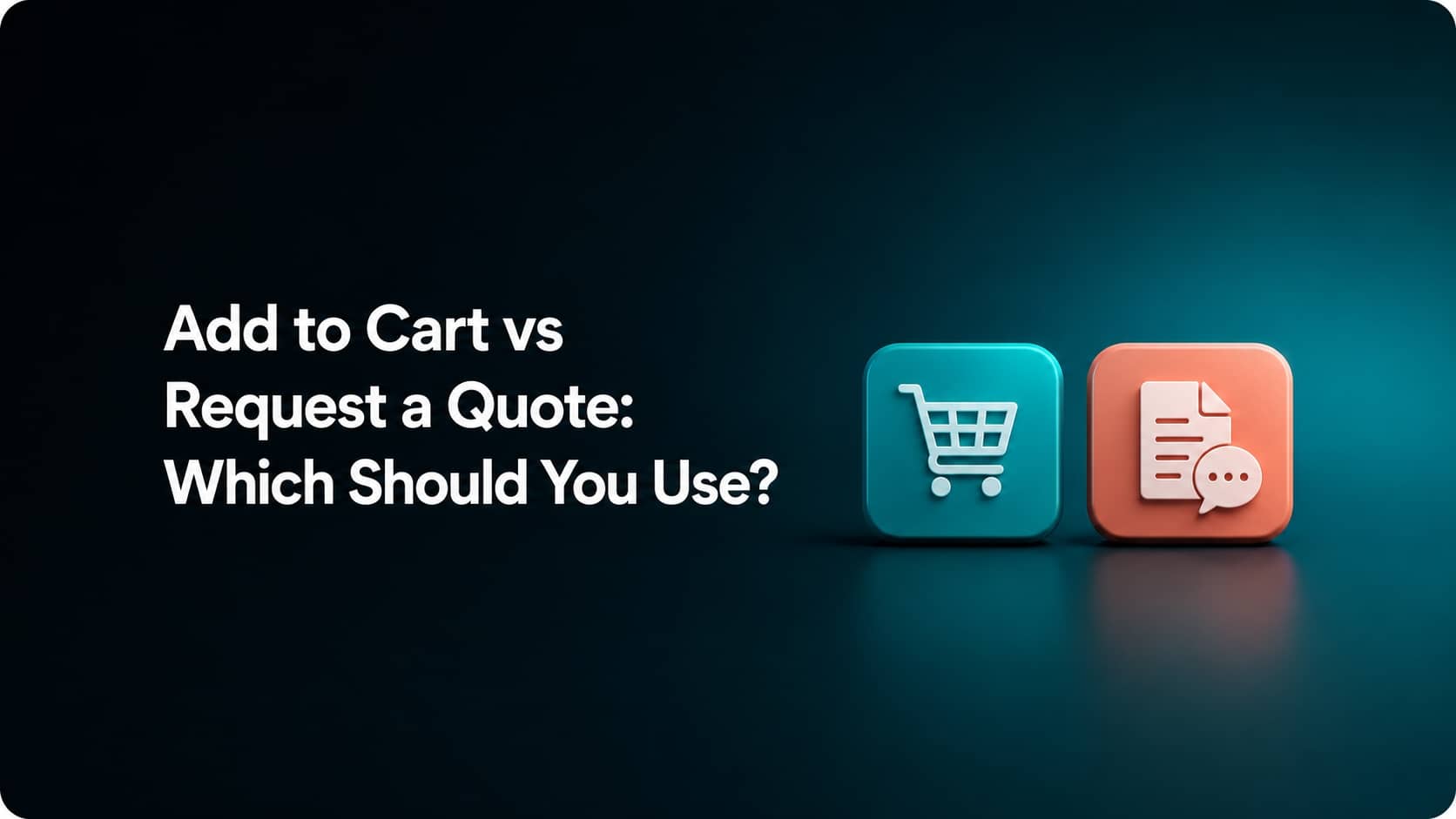
If a customer can see the product, know the final price, choose the right options, and complete the order without talking to you, Add to Cart is usually the simpler path.
If you still need information before you can price or accept the order, Request a Quote makes more sense.
But there is also a third option:
Let the buyer build the order, then submit it for your review.
So the real decision is not between two buttons.
It is between three buying workflows:
| Your situation | Better starting point |
|---|---|
| Price and order terms are already known | Add to Cart |
| Buyer knows what to order, but you need to approve it | Submit for Review |
| Price or terms depend on information you do not have yet | Request a Quote |
The useful question is:
Does your store already know enough to complete this order correctly?
If yes, let the customer buy.
If no, ask before checkout.
Use Add to Cart When the Order Is Already Clear
Add to Cart works best when the customer can complete the purchase without your help.
That usually means the store already knows:
- What the product costs
- Which variants are available
- How many units the customer can buy
- What shipping method applies
- What the payment terms are
- Whether the order can be accepted automatically
For example, imagine you sell wholesale coffee mugs.
A business customer sees:
- 24 mugs → $8 each
- 48 mugs → $7 each
- 96 mugs → $6 each
The prices are already defined.
The minimum quantity is already defined.
The buyer does not need to negotiate.
There is little reason to make that customer send:
“Can I get a quote for 48 mugs?”
if your store can already calculate the answer.
B2B Does Not Automatically Mean Request a Quote
This distinction matters because wholesale and B2B stores often assume they need an RFQ workflow simply because the buyer is a business.
That is not always true.
Shopify B2B catalogs can support customer-specific product availability and pricing. They can also include quantity rules and volume pricing.
So if a buyer logs in and Shopify already knows:
This company pays this price for this quantity.
the order may still work well as a normal self-service purchase.
B2B describes the customer relationship. It does not automatically determine the checkout flow.
If the price can be predefined, let the buyer use it.
Use Request a Quote When You Cannot Price the Order Yet
Request a Quote becomes useful when something important is still unknown.
The quote form is not there simply to collect another lead.
It should collect information you actually need before you can give the customer a reliable price or accept the order.
Custom products
Suppose you sell printed packaging.
The final price may depend on:
- Dimensions
- Material
- Printing method
- Number of colors
- Quantity
- Custom artwork
- Finishing options
A standard Add to Cart button may be too early because the product does not have one meaningful final price yet.
The customer first needs to tell you what they need.
Very large orders that require negotiation
A store might comfortably automate pricing for:
- 10 units
- 50 units
- 100 units
But a buyer asking for 20,000 units may require:
- Different pricing
- Production planning
- Inventory confirmation
- Payment terms
- Shipping arrangements
In that case, Request a Quote can become useful after the normal pricing rules stop being enough.
Shipping needs manual review
A $100 product does not automatically need a quote.
But a product that must ship:
- On a pallet
- By freight
- To a job site
- Internationally under special conditions
may require manual calculation before you can give a reliable total.
The product is really a project
Some products are closer to projects than ordinary ecommerce items.
Examples include:
- Custom equipment
- Manufacturing jobs
- Large signage
- Commercial installations
- Custom furniture
- Contract supply
- Products requiring engineering or design work
The customer is not simply choosing a SKU.
They are giving you enough information to build an offer.
That is a much stronger reason for Request a Quote than simply saying:
“This product is expensive.”
High Price Alone Is Not a Reason to Hide Add to Cart
A common mistake is:
Expensive product = Request a Quote.
Price alone does not tell you whether the customer needs a quote.
Imagine Product A costs $5,000.
It has:
- One clear configuration
- A fixed price
- Standard delivery
- No negotiation
- No customization
The customer may still be able to buy it directly.
Now imagine Product B starts at only $50, but the customer wants:
- 3,000 units
- A custom logo
- Special packaging
- A specific delivery date
- Freight shipping
Product B may need a quote even though its base price is much lower.
Ask:
Can I calculate the final transaction before the customer gives me more information?
That question is more useful than asking whether the product is “high-ticket.”
There Is a Middle Option: Submit the Order for Review
Sometimes the buyer already knows exactly what they want.
You do not need to negotiate a quote.
You just do not want the order to be accepted automatically.
For example:
A wholesale customer selects:
- Product A × 50
- Product B × 30
- Product C × 20
The prices are already known.
The products are already known.
You simply want to verify:
- Availability
- Payment terms
- Delivery timing
- Internal approval
before confirming the order.
A full Request a Quote workflow may add unnecessary work.
A better flow can be:
Buyer builds order → submits order → merchant reviews → order is approved
Shopify B2B supports checkout configurations where orders from selected companies can be submitted as draft orders for review rather than immediately finalized.
This gives you control without turning every order into a negotiation.
Use this rule
Buyer knows what to order, but you need to approve it?
→ Review
Buyer cannot know the final order until you respond?
→ Quote
Those are different problems.
Should You Show Add to Cart and Request a Quote Together?
Sometimes yes.
You do not always have to choose one button for every customer and every order size.
Consider a supplier with standard pricing up to 100 units.
A shopper could see:
Add to Cart
for normal purchases.
And nearby:
Need 500+ units? Request a Bulk Quote
Now small orders stay self-service.
Large or unusual orders enter the sales process only when they actually need it.
This hybrid approach can also make sense when:
- Standard products have fixed pricing
- Custom versions require discussion
- Retail customers buy normally
- Wholesale customers negotiate large orders
- Most shipping is automatic, but freight orders need review
Do not make every customer ask for a quote because a small percentage of orders are complicated.
Route the complicated orders differently.
What Should a Request-a-Quote Form Ask?
A quote form should collect enough information to help you respond.
It should not become a second checkout form filled with fields you do not need.
For many stores, useful information includes:
- Customer name
- Company
- Email or phone
- Product
- Quantity
- Product specifications
- Required delivery date
- Notes
- File upload when relevant
For a simple bulk-price request, you may only need:
Product + quantity + contact information.
For a custom manufacturing project, you may need much more.
The form should match what you need to price the order.
If you are already building an RFQ workflow, the 20 Most Common Request a Quote Questions Answered guide goes deeper into quote forms, workflows, pricing, and common implementation questions.
Do You Need to Hide the Product Price?
Not always.
Request a Quote and Hide Price solve related problems, but they are not the same decision.
Keep the price visible when
The customer can understand the normal starting price and you only need a quote for larger or custom orders.
For example:
Starting at $250
Need custom sizing? Request a Quote
Hide the price when
Showing a public price would be misleading or does not fit how the product is sold.
For example:
-
Pricing is negotiated by customer
-
Each order requires custom specifications
-
Different companies receive different pricing
-
The displayed price would not represent the real transaction
If your main question is about controlling who can see prices, use How to Use Shopify Hide Price rather than turning the RFQ decision into a pricing-visibility problem.
Orichi also has a separate Shopify Hide Product Price guide for hiding prices and replacing normal purchase actions in Shopify.
A Quote Should Not Become an Email Dead End
Requesting a quote is not the final conversion.
It is another step toward an order.
A useful workflow looks more like:
Customer selects product
↓
Provides quantity and specifications
↓
Merchant reviews the request
↓
Price and terms are agreed
↓
Order is created
↓
Customer pays
The weak version is:
Form submitted → email received → manual conversation → information copied between systems → someone eventually creates an order.
The more steps your team has to repeat manually, the harder the workflow becomes to manage as quote volume grows.
Shopify draft orders can help bridge the gap between negotiation and checkout. Merchants can create draft orders, apply custom pricing where appropriate, and send customers an invoice or checkout link.
That means the quote process does not have to end outside Shopify.
It can lead back into an order.
When a Request-a-Quote App Makes Sense
Do not install a Request-a-Quote app simply because you run a B2B store.
First identify the workflow you actually need.
A dedicated app becomes more useful when you want to:
-
Replace Add to Cart with Request a Quote on selected products
-
Hide prices for selected products or customers
-
Keep normal checkout on other products
-
Collect quantities and specifications
-
Allow file uploads
-
Manage quote requests
-
Approve or respond to quotes
-
Turn accepted quotes into Shopify orders
Orichi’s Request a Quote & Hide Prices app supports RFQ forms alongside price and purchase-button controls. Its current Shopify listing also supports applying quote rules to selected products, collections, or customer groups and converting approved quotes into Shopify draft orders.
The important part is the order of the decision:
Do not start with:
“I need a quote app.”
Start with:
“What information is missing before I can accept this order?”
If the answer is nothing, Add to Cart may already be enough.
If you only need approval, use a review workflow where possible.
If you still need specifications, negotiation, or manual pricing, then a Request-a-Quote workflow becomes useful.