Your Shopify store uses forms every day. Customers contact you. People sign up for emails. Buyers place orders. The default Shopify contact form works, but it is very basic. It does not connect to your email tools. It does not let you add extra fields. It cannot show or hide questions based on what a customer picks.
A good form builder app fixes all of this. It helps you collect better data, save time, and give customers a smoother experience.
In this guide, we tested 9 of the most popular form builder apps on the Shopify App Store. We looked at features, price, ease of use, and how well each app works with other tools. Here is what we found.
How We Picked Form Builder Apps
We reviewed each app based on five simple questions:
- Is it easy to set up with no coding needed?
- Does it connect to email tools like Mailchimp or Klaviyo?
- Can it show or hide fields based on what a user picks? (This is called conditional logic.)
- Is the price fair for what you get?
- What do real Shopify store owners say in their reviews?
9 Best Shopify Form Builder Apps Free and Paid
| App Name | Rating | Free Plan | Starting Price | Best For |
| OptiMonk Popups & Forms | 4.8 / 5 | Yes | $29 / month | Conversion popups and A/B testing |
| POWR: Contact Form Builder | 4.6 / 5 | Yes | $9.99 / month | Beginners, no coding |
| Hulk Form Builder | 4.9 / 5 | Yes | $9.90 / month | Complex forms, file uploads |
| Powerful Contact Form Builder | 4.8 / 5 | Yes | $9.99 / month | Email marketing integrations |
| Pify Form Builder | 4.6 / 5 | Yes | $5.99 / month | Lead capture and wholesale orders |
| Shopify Forms (Official) | 4.1 / 5 | Yes (free only) | Free | New stores, no budget |
| Formify | 4.3 / 5 | Yes | $12.99 / month | Forms inside the checkout page |
| MAG: Form Builder | 4.2 / 5 | Yes (free only) | Free | Simple forms, fast setup |
| AAA Form Builder | 4.4 / 5 | No (7-day trial) | $9.99 / month | Advanced logic and payments |
Note: Prices shown are as of Q1 2026. Always check the Shopify App Store for the latest pricing before you install.
OptiMonk Popups & Forms
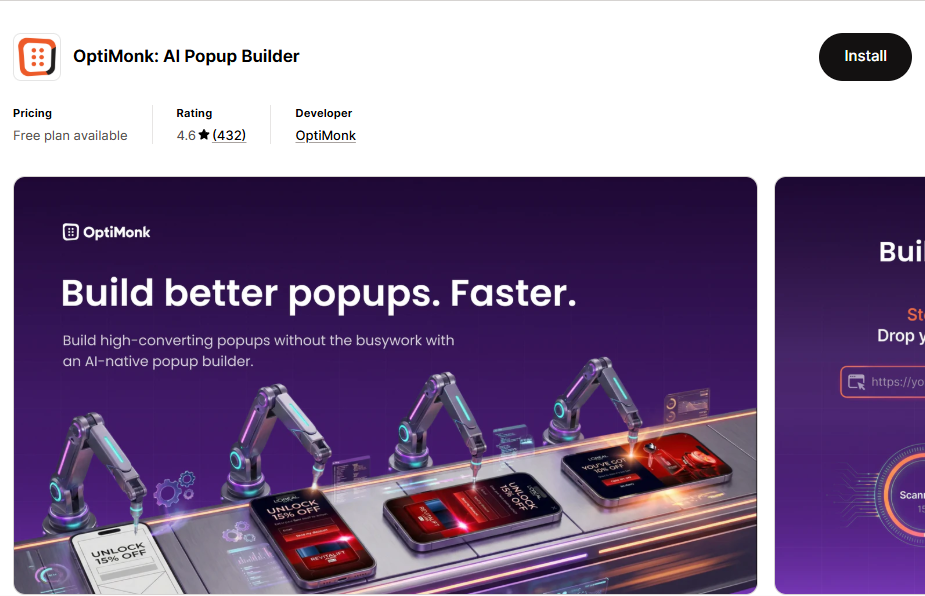
OptiMonk is one of the most powerful tools for turning visitors into buyers. It is not just a form builder. It is a full conversion rate tool with smart popups, email capture, and A/B testing.
Key Features
- Email and SMS popups: Collect subscribers with ready-made templates or fun spin-to-win games
- AI personalization: The app changes popup content based on what a visitor looks at or where they come from
- A/B testing: Test two versions of a form to see which one works better
- Many templates: Hundreds of designs ready to use
Pricing
- Free plan: Available with basic features
- Paid plans: Start at $29 per month
Good Points
- Great for stores that want to grow their email list fast
- A/B testing helps you find the best design without guessing
- Works well with Klaviyo, Mailchimp, and other email tools
Weak Points
- More expensive than most form builder apps
- The full power of the tool takes time to learn
POWR: Contact Form Builder
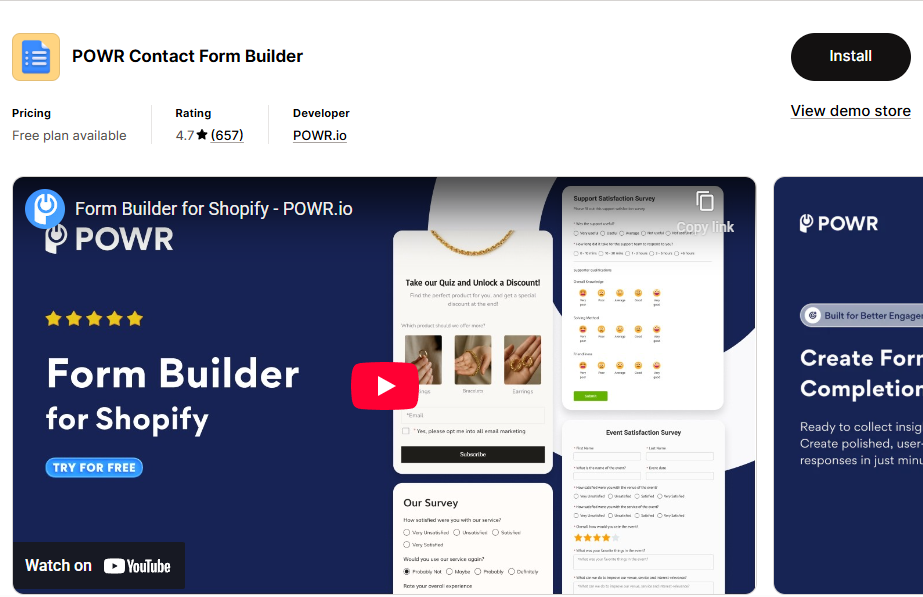
POWR is a great choice for beginners. You can add forms to your Shopify store in a few minutes. No coding needed. No technical knowledge required.
Key Features
- Smart forms: Fields can change based on what a user picks (conditional logic)
- Email alerts: Get a notification the moment someone fills out your form
- Google Sheets sync: All form answers go straight into a spreadsheet
- POWR dashboard: See all your contacts and answers in one place
Pricing
- Free plan: Available
- Paid plans: Start at $9.99 per month
Good Points
- Very easy to use, even for first-time users
- Good value for the price
- Customer support is helpful
Weak Points
- Support response can be slow due to time zone differences
- The free plan has limited fields and forms
Hulk Form Builder
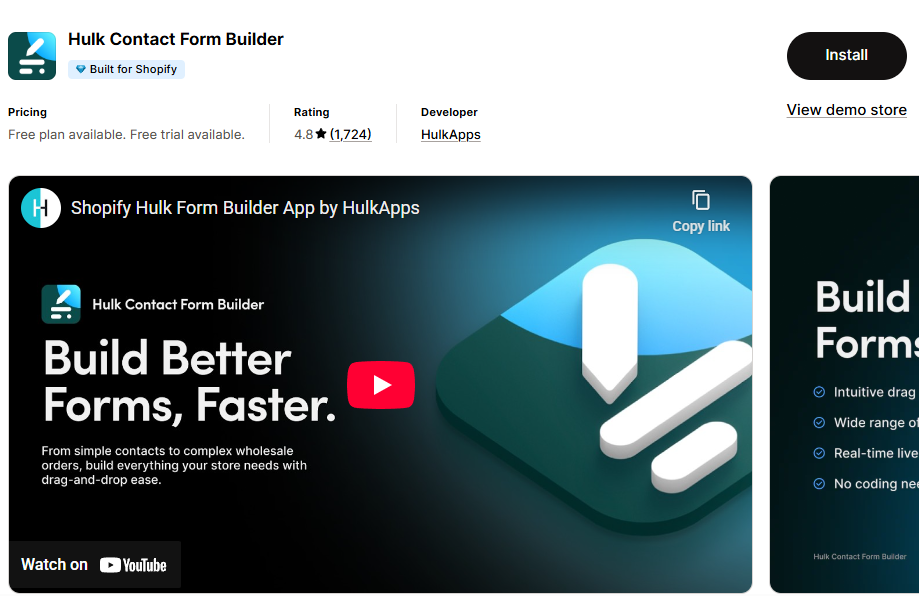
Hulk Form Builder is a strong option if you need to create many different types of forms. It works with all current Shopify themes and has built-in spam protection.
Key Features
- File uploads: Let customers attach photos or documents to their form
- Conditional logic: Fields appear or disappear based on what the user picks
- Google reCAPTCHA: Stops spam bots from filling out your forms
- Theme matching: Forms automatically match the look of your store
Pricing
- Free plan: Available
- Paid plans: Start at $9.90 per month
Good Points
- Highest rating in this list at 4.9 out of 5
- Works with complex forms that have many steps or conditions
- File upload feature is rare and very useful
Weak Points
- Some advanced features require the paid plan
- The interface can feel busy at first
Powerful Contact Form Builder
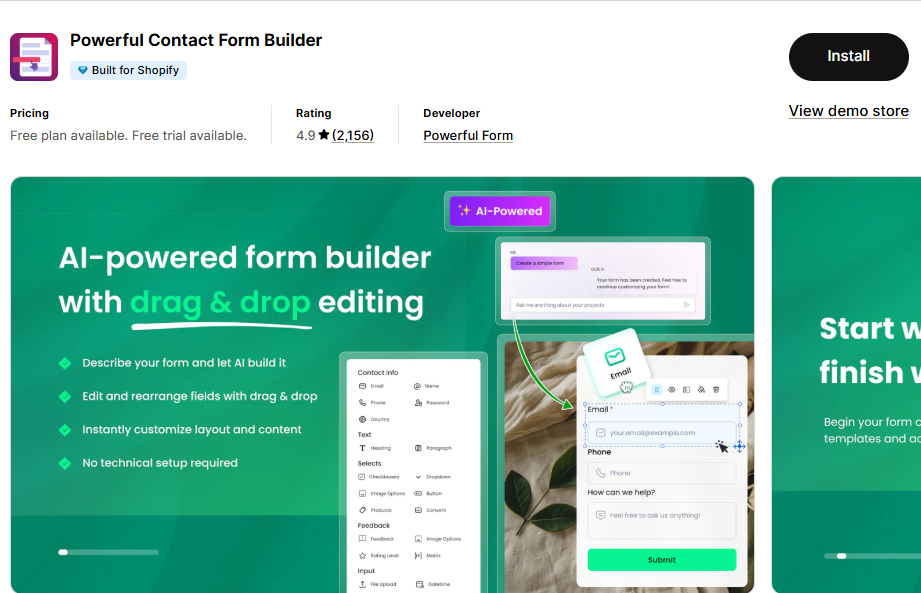
Built specifically for Shopify, this app connects your forms to almost every major email and marketing tool. If you use Klaviyo, Mailchimp, or Omnisend, this app is a great fit.
Key Features
- Autoresponder emails: Send an automatic reply when someone fills out a form
- CRM integrations: Connects with Klaviyo, Mailchimp, Omnisend, Sendinblue, and Google Calendar
- Custom sign-up forms: Create account registration pages with extra fields
- File and photo uploads: Let customers send pictures or files
Pricing
- Free plan: Available
- Paid plans: Start at $9.99 per month
Good Points
- Best in class for connecting to email marketing tools
- Easy to set up autoresponder emails
- Works with many Shopify apps
Weak Points
- The design editor is not as flexible as some competitors
Pify Form Builder

Pify makes it simple to capture leads and take wholesale orders. It has a built-in payment option through PayPal, which makes it useful for order forms.
Key Features
- Contact widgets: Add small form buttons that float on your page
- Subscription forms: Collect email addresses for your newsletter
- Wholesale order form: Let buyers place large orders and pay via Shopify or PayPal
- 15+ templates: Many starting designs to choose from
Pricing
- Free plan: Available
- Paid plans: Start at $5.99 per month (cheapest in this list)
Good Points
- Most affordable paid plan
- Good for stores that sell in bulk or to other businesses
- PayPal payment option inside the form is a unique feature
Weak Points
- Fewer advanced features compared to Hulk or POWR
- Design options are more limited
Shopify Forms (Official App)
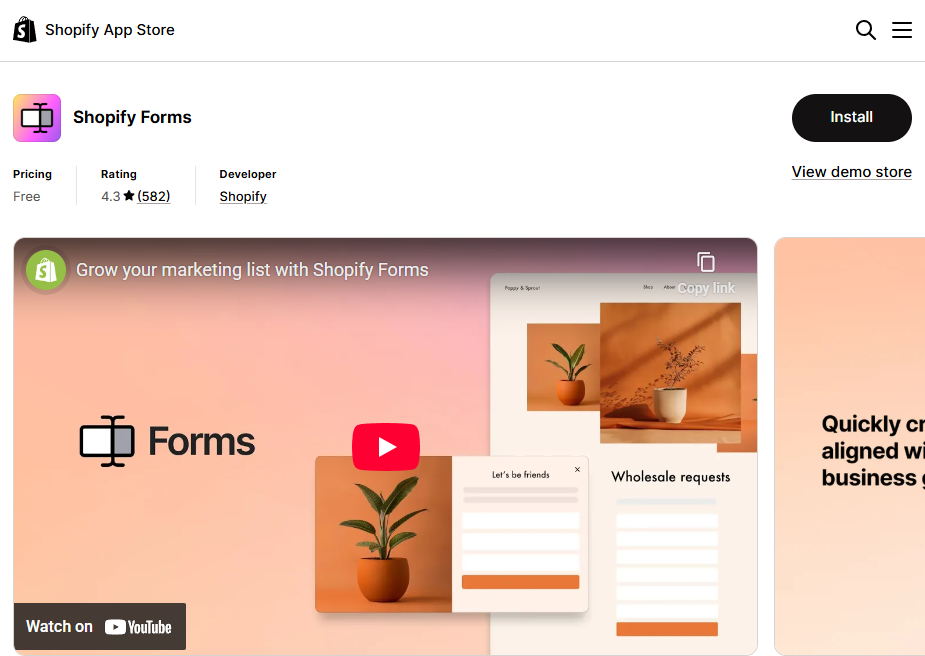
This is the official form app made by Shopify. It is completely free. If you are just starting out and have no budget, this is where to begin.
Key Features
- Pop-up forms: Show a form when visitors are about to leave your site
- Inline forms: Place a form anywhere on your store page
- Customer tagging: Add tags to new subscribers automatically
- Discount triggers: Give a discount code when someone signs up
Pricing
- Free: No paid plan, completely free forever
Good Points
- Zero cost, works immediately
- Simple and reliable
- Made by Shopify so it works perfectly with your store
Weak Points
- No conditional logic (fields cannot change based on user answers)
- No integration with external email tools like Mailchimp
- Very limited customization
Formify: Custom Checkout Forms
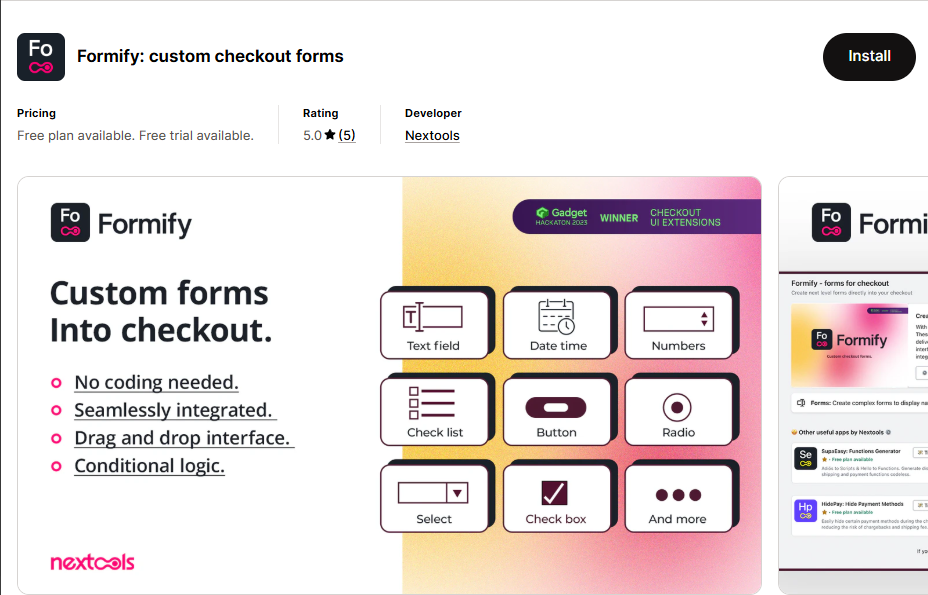
Formify solves a specific problem: collecting extra information from customers during checkout. Most form builders cannot do this. Formify can.
Key Features
- Checkout extension: Add custom fields directly inside the Shopify checkout page
- Drag and drop builder: Build forms without any coding
- Customer data collection: Ask questions like gift messages, delivery preferences, or custom order notes
Pricing
- Free plan: Available
- Pro plan: $12.99 per month
Good Points
- Unique ability to place forms inside the checkout flow
- Great for stores that need extra order details
- Easy to use drag-and-drop interface
Weak Points
- More expensive than general form builders
- Limited use case: Only useful if you need checkout-specific forms
MAG: Form Builder
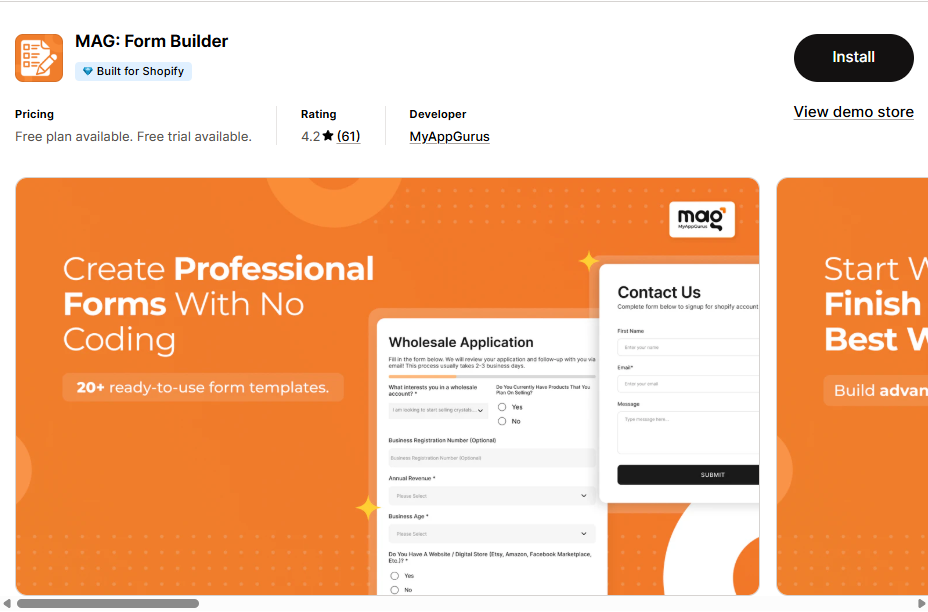
MAG is a straightforward, free form builder. It does not have many advanced features, but it is easy to use and costs nothing.
Key Features
- Drag and drop: Build forms by dragging fields into place
- Edit at any time: Change your form whenever you need to
- Simple setup: Ready to use in minutes
Pricing
- Free: No paid plan, completely free
Good Points
- Free with no hidden costs
- Good for stores that only need simple contact forms
- Fast to set up
Weak Points
- No integrations with email or CRM tools
- No conditional logic
- Not suitable for complex form needs
AAA Form Builder: Custom Forms
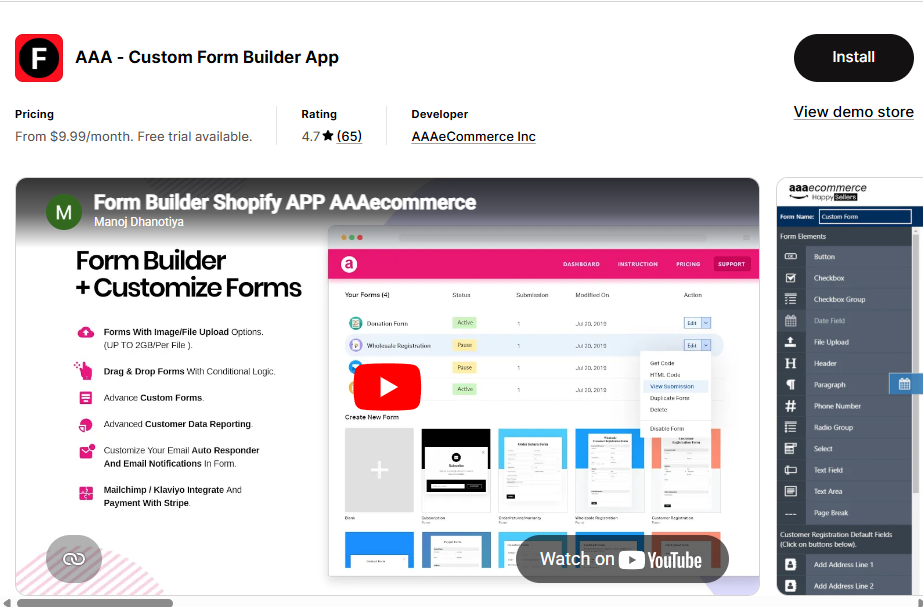
AAA Form Builder is a strong choice for stores that need advanced forms. You can build quizzes, product recommendation forms, return request forms, and even collect payments.
Key Features
- Conditional logic: Show or hide fields based on user answers
- Quiz and recommendation forms: Guide customers to the right product
- Return forms: Handle customer return requests through a form
- Payment collection: Accept payments directly inside a form
Pricing
- No free plan: Starts at $9.99 per month
- 7-day free trial: Try it before you pay
Good Points
- Very powerful conditional logic
- Can collect payments inside forms
- Good for stores with complex workflows
Weak Points
- No free plan after the trial ends
- Takes more time to learn than simpler apps
Which Form Builder App Should You Choose?
Here is a simple guide to help you decide:
| Your Situation | Best App to Use |
| You have no budget and need something simple | Shopify Forms (official) or MAG |
| You want to grow your email list with popups | OptiMonk Popups & Forms |
| You use Klaviyo or Mailchimp for email marketing | Powerful Contact Form Builder |
| You need complex forms with many conditions | Hulk Form Builder or AAA Form Builder |
| You want to collect info during checkout | Formify |
| You are new to forms and want easy setup | POWR Contact Form Builder |
| You sell wholesale or want payment in forms | Pify Form Builder or AAA Form Builder |
Frequently Asked Questions
Does Shopify have a built-in form builder?
Yes. Shopify has an official form app called Shopify Forms. It is free. However, it has very limited features. It does not support conditional logic and does not connect to external email tools. For basic use it is fine. For more advanced needs, you will want a third-party app.
Which form builder is best for lead generation?
OptiMonk and POWR are both strong choices for lead generation. OptiMonk is better if you want smart popups and A/B testing. POWR is better if you want a simple setup with Google Sheets connection. Pify is a good low-cost option with lead capture widgets.
Do form builder apps slow down my Shopify store?
Most modern form builder apps are designed to load fast. To keep your store running quickly, only install apps you actually use. Remove any apps you are not using. Check your store speed in Google PageSpeed Insights after installing any new app.
Can I connect my form to Klaviyo or Mailchimp?
Yes. Several apps in this list support direct integration with Klaviyo, Mailchimp, and other email tools. Powerful Contact Form Builder has the most integrations. OptiMonk and POWR also connect to major email platforms.
What is conditional logic in a form?
Conditional logic means a form can show or hide certain fields based on what a user selects. For example, if a customer picks ‘Yes, I want gift wrapping’ a new field appears asking for the gift message. If they pick ‘No’ the gift message field stays hidden. This makes forms shorter and easier to fill out. Apps with conditional logic include Hulk Form Builder, POWR, and AAA Form Builder.
Final Thoughts
All 9 apps in this list are good choices. The right one depends on what you need.
If you are just starting out, use the free Shopify Forms app. If you want to grow your email list, try OptiMonk. If you need powerful integrations with email tools, go with Powerful Contact Form Builder. If you need complex conditional logic or payment collection inside a form, AAA Form Builder or Hulk Form Builder are your best options.
Start with a free plan when possible. Test the app for a few weeks. Then decide if you need to upgrade to a paid plan.
Tip: Always check the reviews on the Shopify App Store before installing. Real user reviews give you the most honest picture of how well an app works for stores like yours.
Read more: