Instagram tools are apps that help you measure performance (analytics) and plan posts (scheduling) in one workflow.
But which Instagram tools actually show Reels/Stories metrics, ROI-proof reports, competitor benchmarks, and auto-scheduling—without wasting your time?
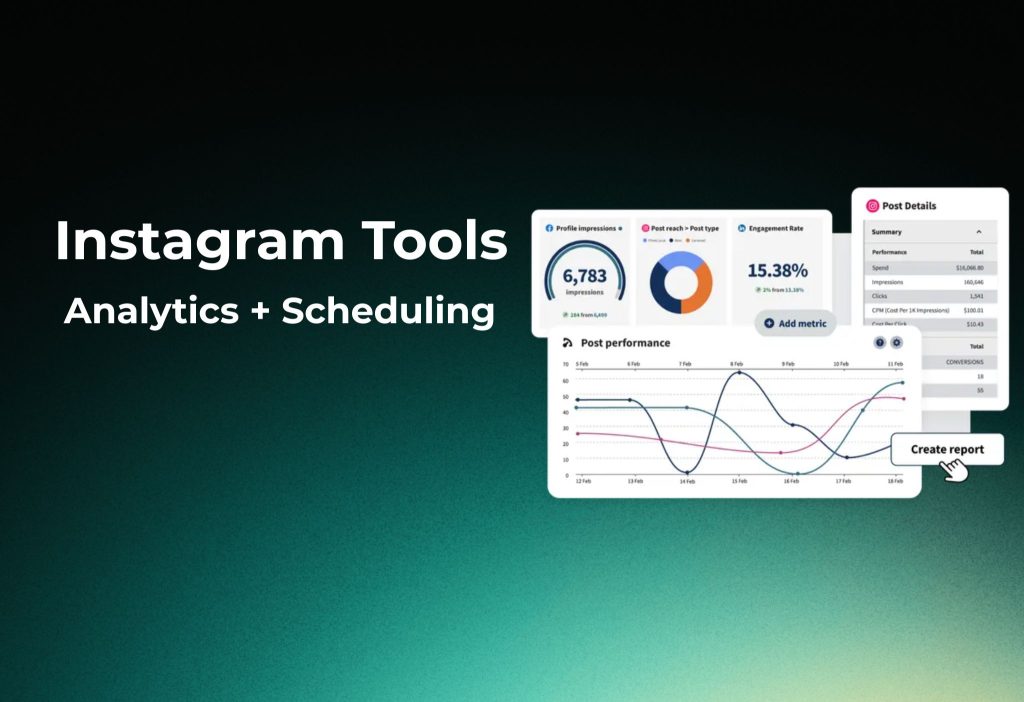
In this article, we will show you how to pick the right Instagram analytics and scheduling tool in 2026, set it up, and start reporting results fast. Hopefully, after reading, you’ll know exactly which tool to test first and how to confirm it fits your needs.
Quick Comparison Matrix (Top 8 Instagram Tools 2026)
Interestingly, most “best” Instagram tools win because they do one thing extremely well (deep analytics) or two things reliably (publish + report).
Here’s a simple comparison to scan.
| Tool | Best for | Starts at (monthly) | Platforms | Reels/Stories | Trial |
|---|---|---|---|---|---|
| Iconosquare | Deep Instagram-only analytics | $59 | Instagram only | Complete | 14 days |
| Sprout Social | Enterprise reporting + inbox | $249/seat | 10+ | Advanced | 30 days |
| SocialPilot | Best value for teams | $30 | 10+ | Good | 14 days |
| Later | Visual planner + grid | $25 | 7+ | Visual | Free tier |
| Hootsuite | Large network scheduling | $99 | 20+ | Basic | 30 days |
| Buffer | Simple scheduling | $6/profile | 10+ | Simple | Free tier |
| Metricool | Timing + reporting value | $22 | 10+ | Strong | Free tier |
| Agorapulse | Agency approvals + inbox | $79 | 8+ | Agency | 30 days |
Iconosquare
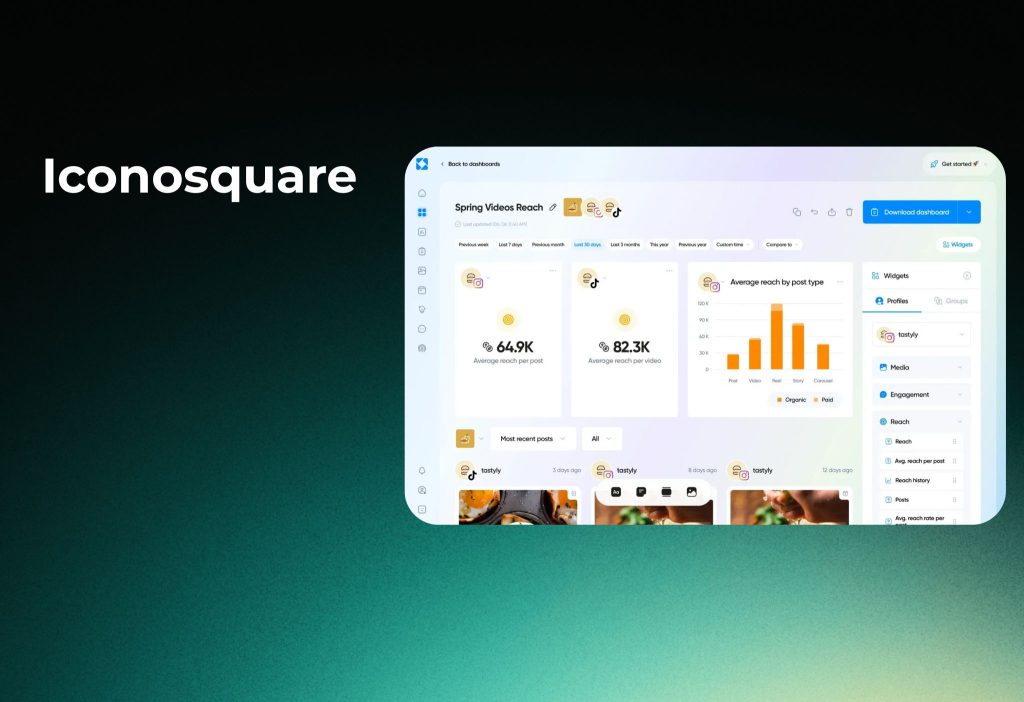
Iconosquare is an Instagram-first platform built for deep analytics and benchmarking.
Interestingly, it’s one of the clearest “analytics specialists” in the Instagram tools space, because it focuses on Instagram instead of trying to do everything.
Best for
- Agencies and brands that need ROI-proof reports
- Teams obsessed with Reels + Stories performance
- Marketers who want competitor benchmarks
What you’ll typically use it for
- Track Reels reach, interactions, saves, and shares
- Monitor Stories behavior (exits, taps, completion-style signals)
- Compare growth and engagement against competitors
- Export client-ready dashboards and recurring reports
What could be better
- Publishing/scheduling is not always the main strength versus “scheduler-first” tools
- Multi-platform management is limited by design
To sum up, Iconosquare is the go-to when you want the deepest Instagram analytics and clean reporting.
Sprout Social
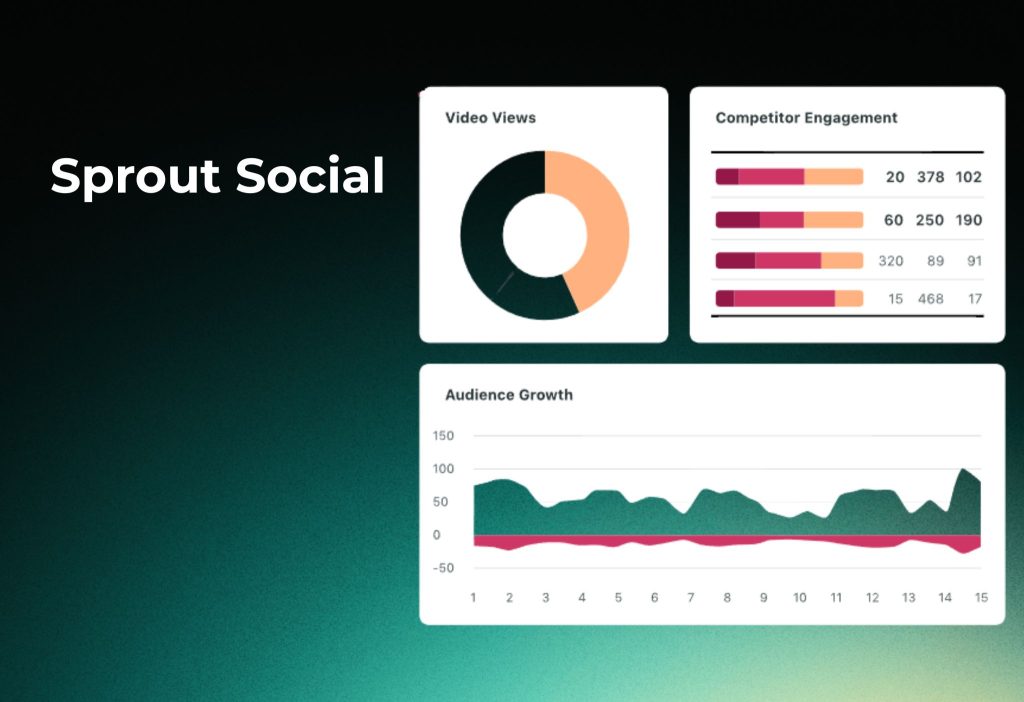
Sprout Social is a premium social suite that combines analytics, scheduling, and unified inbox workflows.
Moreover, it’s designed for teams that need approvals, consistency, and reporting at scale.
Best for
- Enterprise brands and multi-region teams
- Social teams needing governance + collaboration
- Organizations running cross-channel campaigns
What you’ll typically use it for
- Centralize publishing across multiple networks (including Instagram)
- Build executive-ready performance reports
- Manage engagement via a unified inbox
- Standardize workflows (roles, approvals, audit-friendly processes)
What could be better
- Cost increases quickly with seat-based pricing
- It can feel “too much” for solo creators
Surprisingly, Sprout often wins not because it’s the cheapest, but because it reduces operational chaos.
SocialPilot
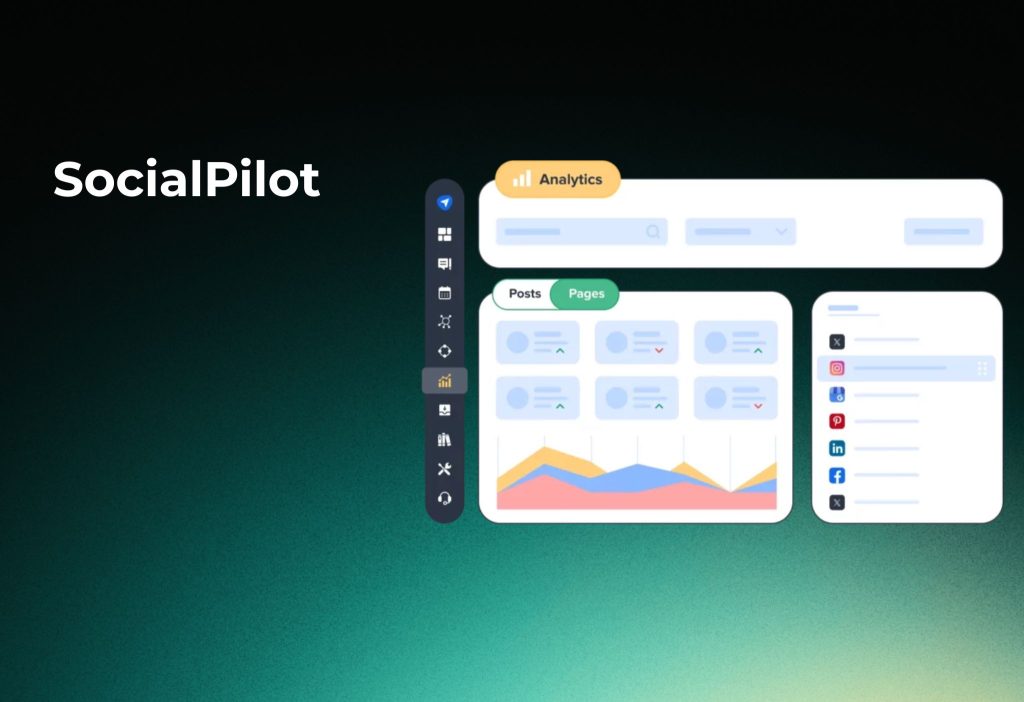
SocialPilot is a practical Instagram tool that focuses on scheduling efficiency plus usable analytics.
Additionally, it’s popular with SMBs because it balances features and price without heavy complexity.
Best for
- Small agencies managing multiple clients
- SMB teams needing bulk planning + simple reporting
- Marketers who want multi-platform scheduling with Instagram support
What you’ll typically use it for
- Plan and schedule Instagram content at scale (calendar-first workflows)
- Manage multiple profiles and brands in one dashboard
- Generate reports that are easy to share with clients
- Keep publishing consistent with less manual work
What could be better
- Advanced social listening and enterprise-grade customization may be lighter than top-tier suites
To sum up, SocialPilot is a “workhorse” choice when you need speed, scale, and decent reporting.
Later
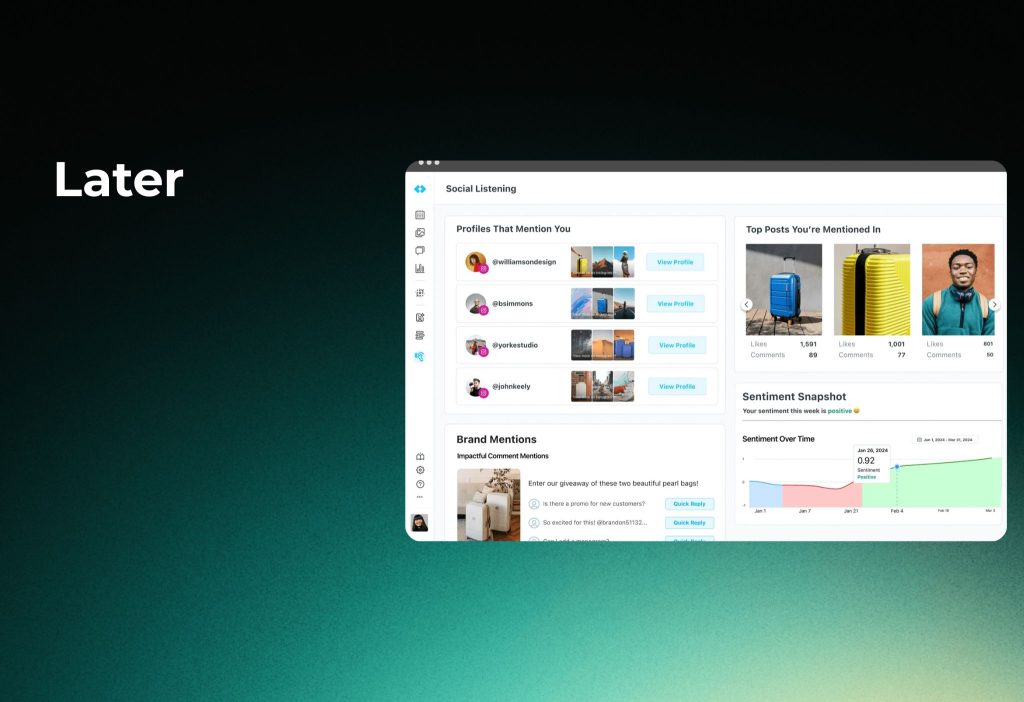
Later is a visual-first tool built around planning, calendar organization, and aesthetic control.
Interestingly, many creators choose Later because it makes Instagram feel easier to run day-to-day.
Best for
- Solo creators and small brands
- Teams managing a consistent visual feed style
- Anyone who prefers a drag-and-drop calendar experience
What you’ll typically use it for
- Build a weekly/monthly Instagram plan with a visual calendar
- Preview layouts and keep your grid consistent
- Schedule posts efficiently with simple workflows
- Use timing suggestions to improve engagement patterns
What could be better
- Deep competitor analytics can be limited compared to analytics-first tools
- Power reporting may depend on plan level
Moreover, Later is a great fit when your priority is planning, consistency, and visual workflow.
Hootsuite
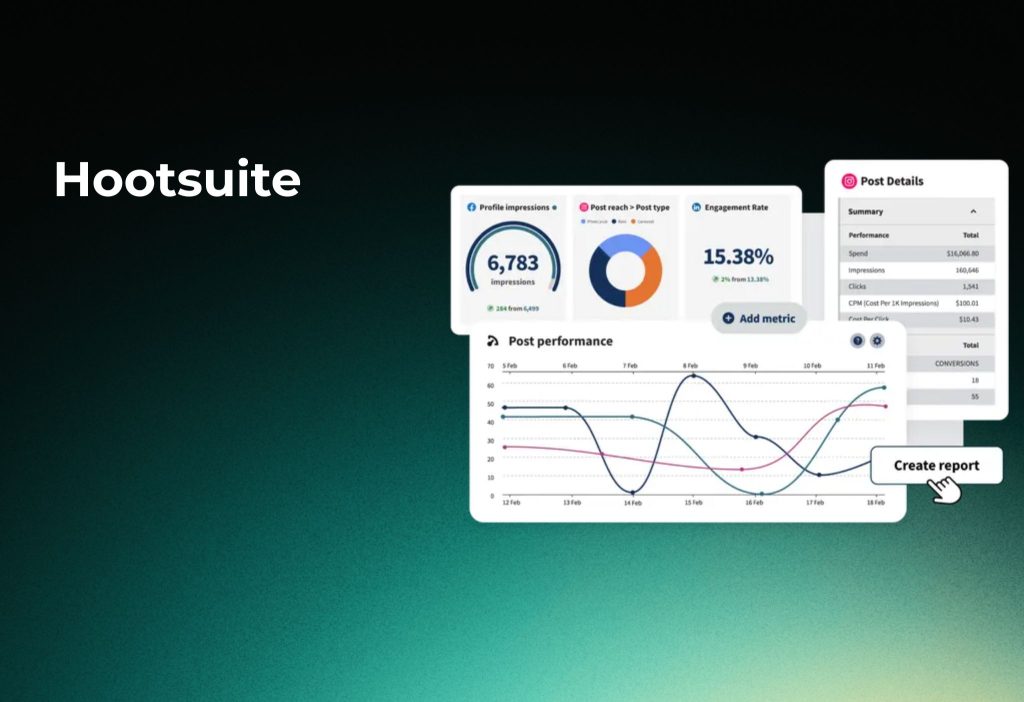
Hootsuite is a long-standing social platform focused on multi-network management and large-scale scheduling.
Furthermore, it’s often chosen by teams managing many profiles and channels at once.
Best for
- Teams running multiple social platforms, not Instagram-only
- Organizations needing stable publishing and broad coverage
- Managers who want one dashboard for scheduling and monitoring
What you’ll typically use it for
- Schedule high volumes of content across multiple networks
- Organize publishing using a centralized calendar
- Monitor social activity and team workflows
- Build cross-platform performance snapshots
What could be better
- Instagram-specific depth (especially Stories/Reels analysis) can vary by plan
- Some teams find it heavier than they need
To sum up, Hootsuite is strong when you need scale + multi-platform control.
Buffer
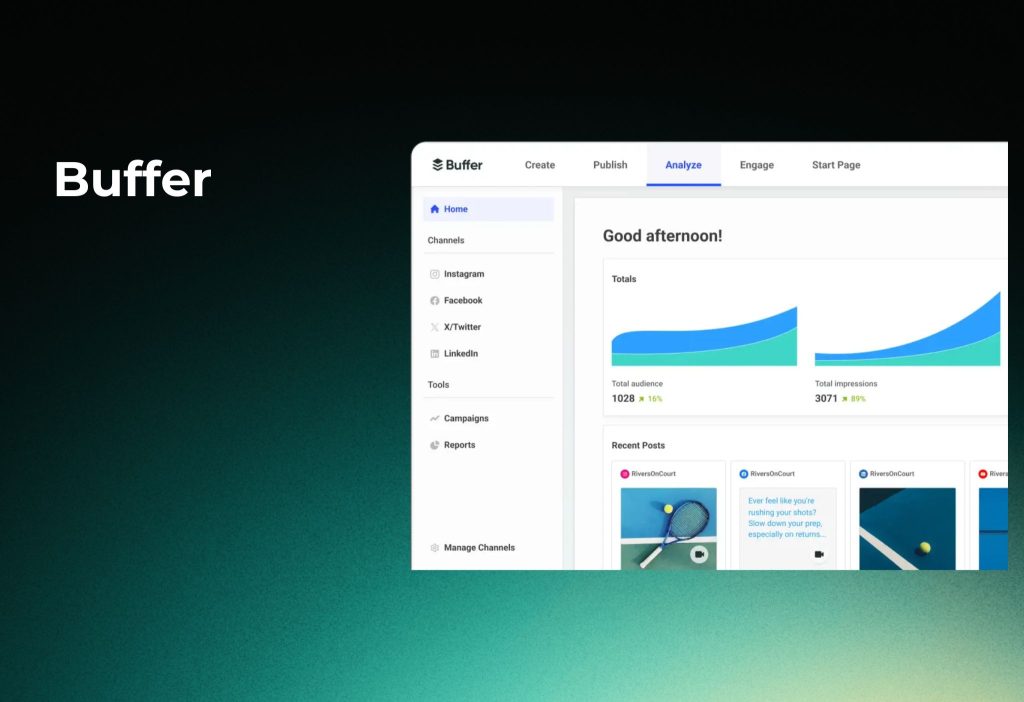
Buffer is a lightweight Instagram tool built for simple publishing and steady consistency.
Additionally, it’s one of the easiest tools to learn quickly, especially for small teams.
Best for
- Solo creators who want a clean scheduler
- Small teams that hate complex dashboards
- Anyone who needs a low-friction content pipeline
What you’ll typically use it for
- Queue and schedule Instagram posts without overthinking
- Maintain a consistent posting rhythm
- Collaborate on drafts with a simple workflow
- Keep publishing organized with minimal setup
What could be better
- Advanced competitor tracking is not the focus
- Deep Reels/Stories analytics may be limited compared to specialist tools
Surprisingly, Buffer often wins because it’s calm and predictable.
Metricool
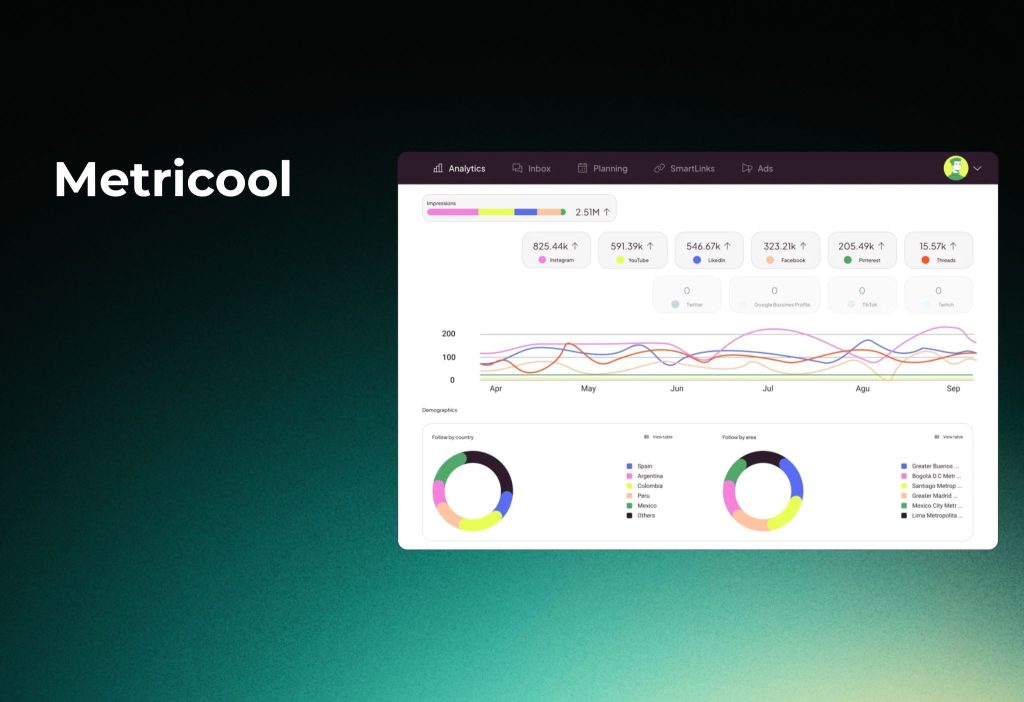
Metricool combines analytics, reporting, and scheduling in one “good value” bundle.
Moreover, it’s popular with marketers who want one dashboard that covers performance and planning.
Best for
- Growth-focused creators and small teams
- Marketers who want reporting without enterprise pricing
- Multi-platform users who still care about Instagram results
What you’ll typically use it for
- Track Instagram performance with clear dashboards
- Plan and schedule content with a built-in calendar
- Create reports for clients or internal reviews
- Use timing insights to improve posting windows
What could be better
- Some advanced Instagram metrics may depend on plan level
- Deep competitor benchmarking can vary in depth
To sum up, Metricool is a strong pick when you want analytics + scheduling without paying enterprise rates.
Agorapulse
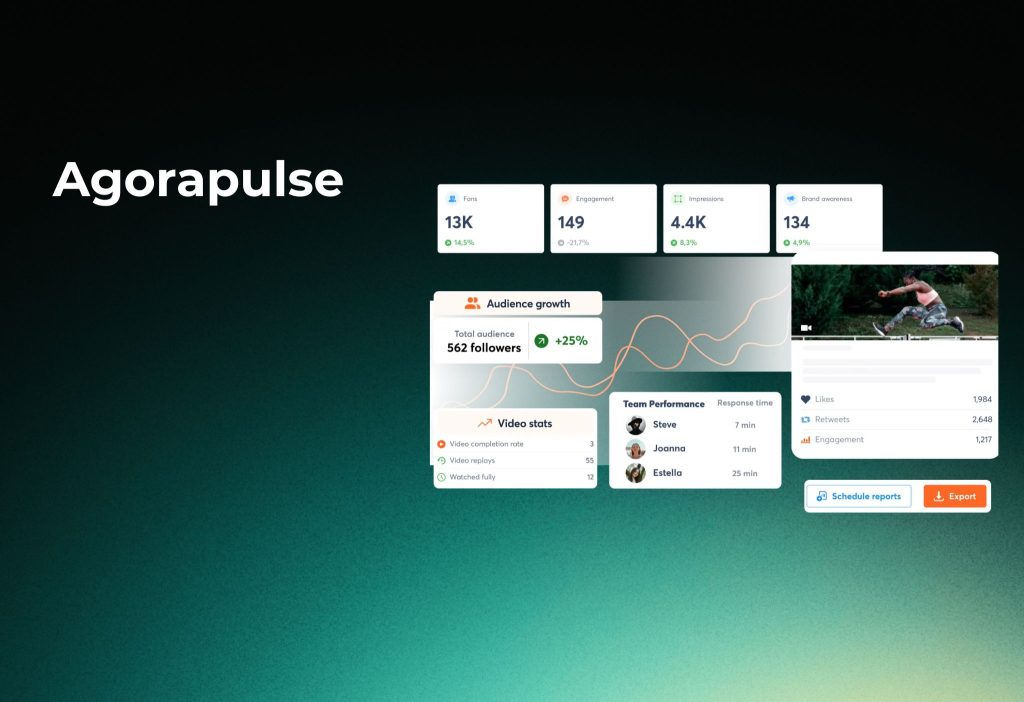
Agorapulse is built for teams that need inbox management, approvals, and agency-friendly processes.
Interestingly, it’s less about fancy features and more about running social like a clean operation.
Best for
- Agencies with client approvals and multiple stakeholders
- Teams that need a structured workflow and accountability
- Brands that want publishing + engagement management together
What you’ll typically use it for
- Manage Instagram publishing with approvals and roles
- Handle messages/comments via a unified inbox
- Organize content production across team members
- Produce reports that are easy to deliver to clients
What could be better
- If you want the deepest Instagram-only analytics, pair it with an analytics specialist
- Some features can feel “team-first” (overkill for solo users)
To sum up, Agorapulse shines when you need process, approvals, and agency execution.
Moreover, you don’t need to “buy the biggest tool.” You need the tool that matches your workflow.
Core Features US Users Demand in 2026
Furthermore, these are the four feature buckets that decide everything.
1) Reels and Stories metrics (top priority)
Surprisingly, many tools still hide the exact metrics you need to defend ROI.
Look for:
- View completion / retention signals
- Saves and shares (often stronger intent than likes)
- “Best time to post” based on your real data
2) Scheduling that saves time
Additionally, scheduling is not just “queue posts.” It’s reducing manual work.
Look for:
- Bulk upload (hundreds of posts)
- Visual calendar with drag-and-drop
- First comment automation + hashtag handling
- Carousel preview before publishing
3) Competitor benchmarking
Moreover, competitive context turns “numbers” into “insights.”
Look for:
- Follower growth comparison
- Engagement rate benchmarking
- Hashtag performance vs competitors
4) Exportable reports (client-ready)
To sum up, reporting is where most teams lose time.
Look for:
- White-label PDF exports
- Client-ready dashboards
- Scheduled report delivery (weekly/monthly)
How To Choose the Right Instagram Tool (5-Minute Decision)
Step 1: Define your #1 goal (before you compare pricing)
Go to your notes or project brief, then choose one:
- Prove ROI (reports, exports, dashboards)
- Grow Reels (Reels retention + saves/shares)
- Post consistently (calendar + automation)
- Manage a team (approvals + inbox)
You should see one clear “primary goal” written down.
Step 2: Pick your tool type (one-tool vs two-tool stack)
Additionally, many agencies use two tools because it’s faster.
Choose one:
- One-tool stack: scheduling + analytics in one dashboard
- Two-tool stack: one tool for publishing, one tool for deep analytics
You should see a clear stack choice (1 tool or 2 tools).
Step 3: Match your budget tier (don’t overbuy)
Moreover, your budget tier decides your shortlist.
Pick one tier:
- Free / starter: Buffer, Metricool, Later (free tier)
- SMB ($25–$79): Later, SocialPilot, Metricool, Agorapulse
- Agency / enterprise ($99+): Hootsuite, Sprout Social
You should see 2–3 tools that fit your tier.
Setup Tutorial: Analytics + Scheduling (Works for Most Tools)
Step 1: Connect your Instagram account
Go to Settings or Accounts, then click Connect Instagram.
- Select your Instagram profile
- Choose the correct Business/Creator account
- Tick permissions for analytics and publishing
You should see your Instagram account listed as “Connected” or “Active.”
Step 2: Turn on Reels and Stories tracking
Interestingly, Reels/Stories tracking is often a separate toggle or permission.
Go to Analytics → Content Types (or similar).
- Choose Reels and Stories
- Select a date range (last 30 days is a good start)
- Save your default dashboard view
You should see Reels and Stories cards with performance metrics.
Step 3: Build your posting calendar
Go to Publishing → Calendar.
- Click Create Post
- Choose Instagram
- Select Reel / Post / Story (based on your tool options)
- Upload media and write caption
You should see your post appear on the calendar at the scheduled time.
Step 4: Enable “best time to post” recommendations
Furthermore, timing tools only work if the tool can read your engagement history.
Go to Analytics → Best Time to Post (or Recommendations).
- Select the Instagram profile
- Choose your main timezone
- Apply recommended posting windows to your calendar
You should see suggested time slots or a heatmap-style schedule.
Step 5: Create a client-ready report template
Moreover, templates turn reporting into a 2-minute task.
Go to Reports → Templates.
- Choose Instagram Performance
- Add KPIs: reach, engagement, saves, shares, follower growth
- Select Reels/Stories sections
- Click Schedule Delivery (weekly or monthly)
You should see a saved report template with an auto-send schedule.
Which Tool Should You Pick
Deep analytics
Choose Iconosquare.
Additionally, this is ideal when your client asks, “Show me Reels and Stories performance, not just likes.”
Workflow + reporting
Choose Sprout Social.
Moreover, it’s built for teams that need governance, inbox, and reporting at scale.
Scheduling + reporting
Choose SocialPilot.
Furthermore, it’s a strong “do most things well” option for SMBs and small agencies.
Aesthetics and visual planning
Choose Later.
Surprisingly, the visual calendar and grid workflow can be the difference between “posting sometimes” and “posting consistently.”
Simple scheduling without complexity
Choose Buffer.
To sum up, it’s great when you just want to schedule and move on.
FAQs
What are the best Instagram tools in 2026?
The answer is Yes—there are several strong options.
Pick Iconosquare for deep Instagram analytics, SocialPilot for value, Sprout for enterprise, and Later for visual planning.
Alternatively, start with a free tier (Buffer/Metricool) to test your workflow.
Do I need paid Instagram tools to grow?
The answer is No.
You can grow with native Instagram Insights if you track consistently and post on schedule.
Alternatively, use a free scheduler first, then upgrade only when reporting becomes time-consuming.
Are Instagram scheduling tools safe to use?
The answer is Yes if the tool uses official Instagram connections and you keep permissions updated.
However, failures can still happen due to permissions or format rules.
Alternatively, schedule inside Meta Business Suite when you need maximum stability.
Should agencies use one tool or two tools?
The answer is Yes—two tools can be better.
Many agencies use one tool for scheduling and another for deeper analytics to save time.
Alternatively, choose one all-in-one suite if your team prefers one dashboard.
Conclusion
To sum up, the best Instagram tools in 2026 are the ones that match your Reels/Stories reporting needs and your publishing workflow.
Additionally, if you’re building a full content system, check this internal guide next: How To Get 1k Followers On Instagram In 5 Minutes (2026 update)
Comment what your team needs most (analytics, scheduling, or reports), and share your tool stack