A social media scheduling tool lets you plan posts in advance and publish them automatically across platforms like Instagram, Facebook, LinkedIn, TikTok, and YouTube. In 2026, the most usable free options include Buffer (3 channels, 10 scheduled posts per channel), Publer (3 social accounts, 10 posts per account), Metricool (free scheduling plus analytics), Planable (unlimited users but a 50-post total cap), and Zoho Social (1 brand, 1 user on its free edition) — all confirmed to require no credit card. Native schedulers built directly into Meta Business Suite, LinkedIn, TikTok, and YouTube Studio offer a no-tool alternative with no posting limits beyond platform-specific scheduling windows.
This guide ranks the 10 best truly free scheduler options with quick picks for different needs, compares them side by side in a feature table, breaks down each tool’s free-plan limits, and walks through how to set up a free scheduler in 10 minutes. It closes with a simple weekly growth routine and an FAQ covering common questions about credit card requirements, posting caps, and self-hosted alternatives like Postiz.
Quick picks for sustainable growth
If you want the fastest decision, start here:
- Best overall for beginners: Buffer (simple + free forever).
- Best free “power user” scheduler: Publer (strong features + generous free tier).
- Best for creators who want analytics + planning: Metricool (free plan + no card).
- Best for team approvals (free): Planable (unlimited users, but 50 total posts).
- Best “no tool needed” approach: Meta Business Suite (FB/IG), LinkedIn scheduler, YouTube Studio, TikTok scheduler.
Comparison table
Moreover, here’s the “at-a-glance” view.
| Tool | Free (no card) | Best platforms | Key free limit | Best for growth | Standout |
|---|---|---|---|---|---|
| Buffer | Yes | IG, FB, LinkedIn, X, more | 3 channels + 10 scheduled posts/channel | Beginners | Clean workflow + basic analytics |
| Publer | Yes | Major platforms | 3 social accounts; 10 scheduled posts at once per account | Recycling + batching | Canva/RSS-style workflows |
| Metricool | Yes | Multi-platform | Free plan includes scheduling (limit depends on plan rules shown by Metricool) | Creators who track performance | Planner + analytics in one place |
| Zoho Social | Yes (free edition + no card) | Core brand channels | Free edition supports 1 brand/1 user | Small businesses | Built for “brand + engagement” workflows |
| Planable | Yes | Multi-platform planning | 50 total posts (doesn’t reset) | Approvals + teamwork | Strong review/approval UI |
| Postiz (open-source) | Yes (self-hosted) | Depends on setup | Your server = your limits | Tech-savvy creators | Own your workflow + data |
| Meta Business Suite | Yes (free) | Facebook + Instagram | No public hard limit shown | IG/FB consistency | Native scheduling for posts/Reels/Stories |
| LinkedIn native scheduler | Yes (native) | Schedule 10 minutes → 3 months ahead | B2B cadence | No extra tool needed | |
| TikTok Video Scheduler | Yes (native) | TikTok | 15 minutes → 10 days ahead | TikTok consistency | Native scheduling for Business accounts |
| YouTube Studio | Yes (native) | YouTube | Schedule publication time | Long-form creators | Built-in scheduling workflow |
The 10 best free scheduling tools (with “best for”)
1) Buffer (Free plan)
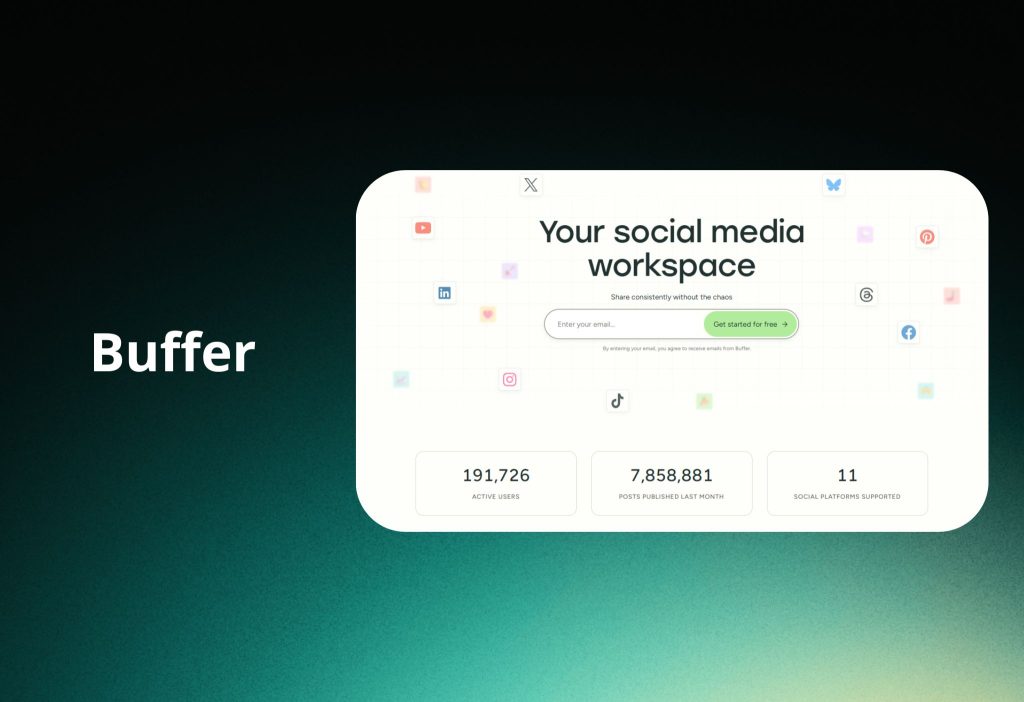
Buffer is the easiest place to start if you want consistent posting without overthinking.
Additionally, Buffer clearly states “no credit card needed” and has a free plan you can stay on.
Free plan snapshot
- Connect up to 3 channels.
- Queue up to 10 scheduled posts per channel.
- Includes basic analytics and community/inbox features listed in the free plan.
Best for: beginners who want “set it and forget it.
2) Publer (Free plan)
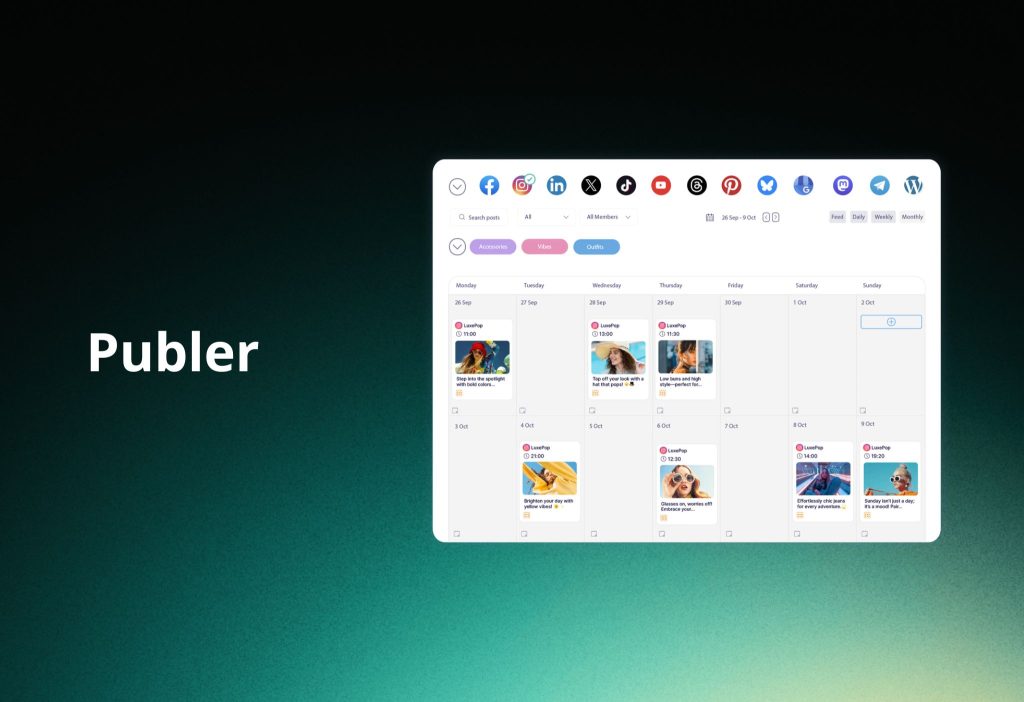
Moreover, Publer is great if you like batching content, reusing evergreen posts, or working from a content calendar.
Surprisingly, Publer also markets “no credit card required” to get started.
Free plan snapshot
- Up to 3 social accounts (Twitter/X excluded on Free).
- Up to 10 scheduled posts at once per social account.
Best for: creators who want a stronger free toolkit than “just a queue.”
3) Metricool (Free plan)
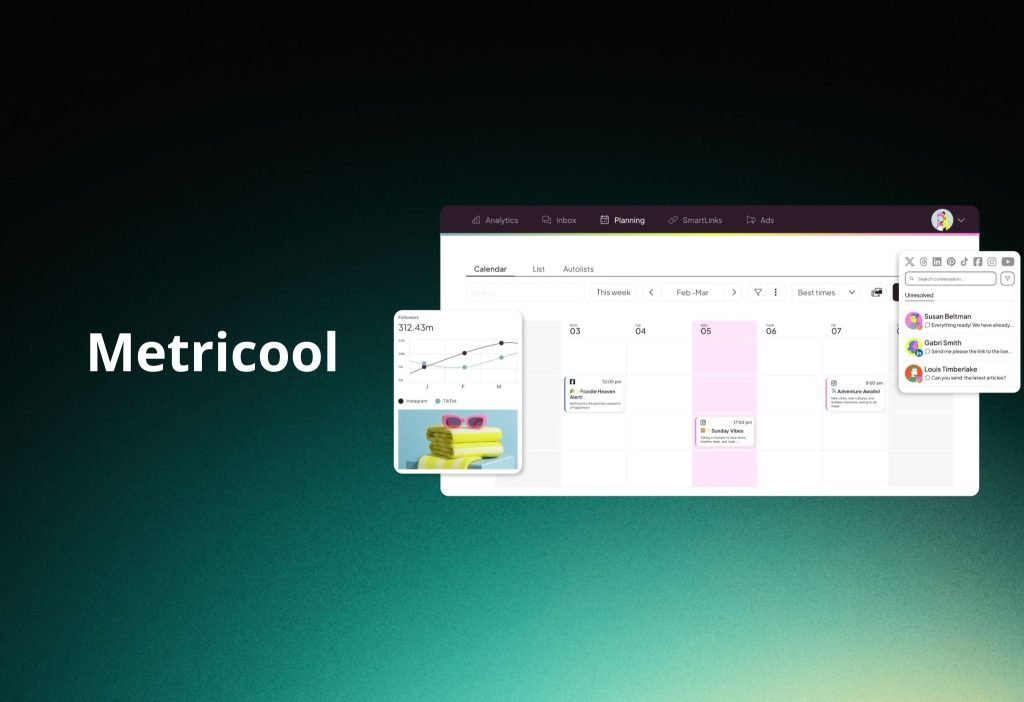
Metricool is a strong choice if you want scheduling plus basic performance tracking in one place.
Metricool explicitly says the free plan does not require a credit card.
Free plan snapshot
- Metricool confirms a free plan exists and supports scheduling + analytics for getting started.
- The “what’s included” details for free posting limits are shown in Metricool’s plan pages/help docs.
Best for: creators who want to post consistently and review results weekly.
4) Zoho Social (Free edition)
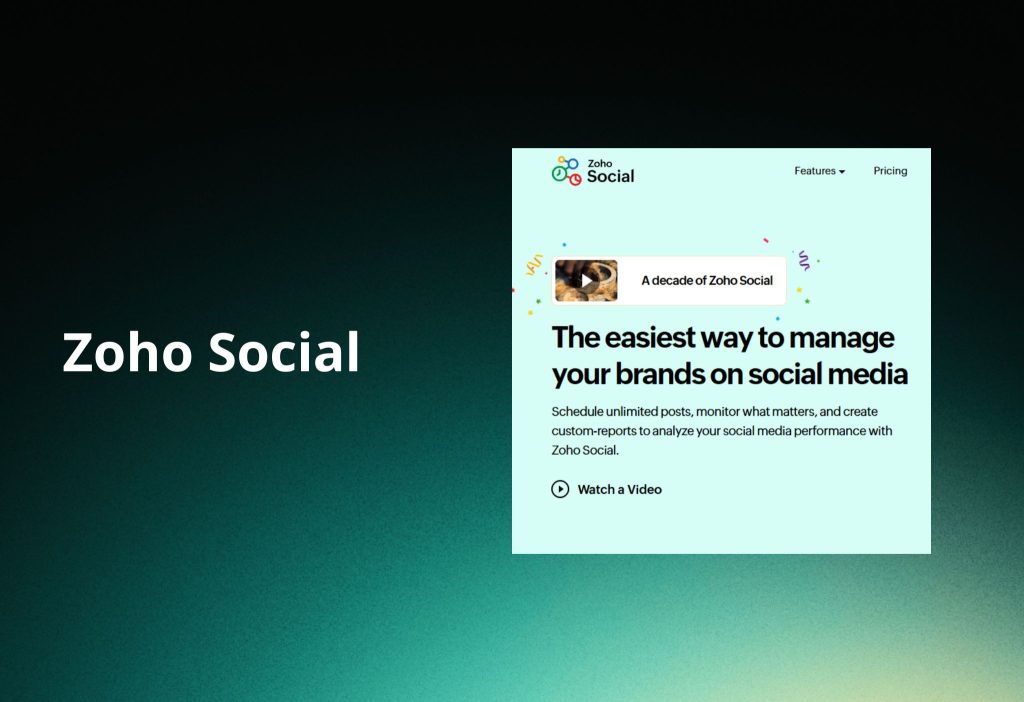
Zoho Social offers a free edition experience designed for “one brand” users.
Zoho also offers a 15-day trial with no credit card, depending on what you start with.
Free plan snapshot
- 1 brand + 1 user on the free plan.
- “No credit card needed” messaging appears on Zoho’s free edition page.
Best for: small businesses that want a “brand dashboard” feel.
5) Planable (Free plan)
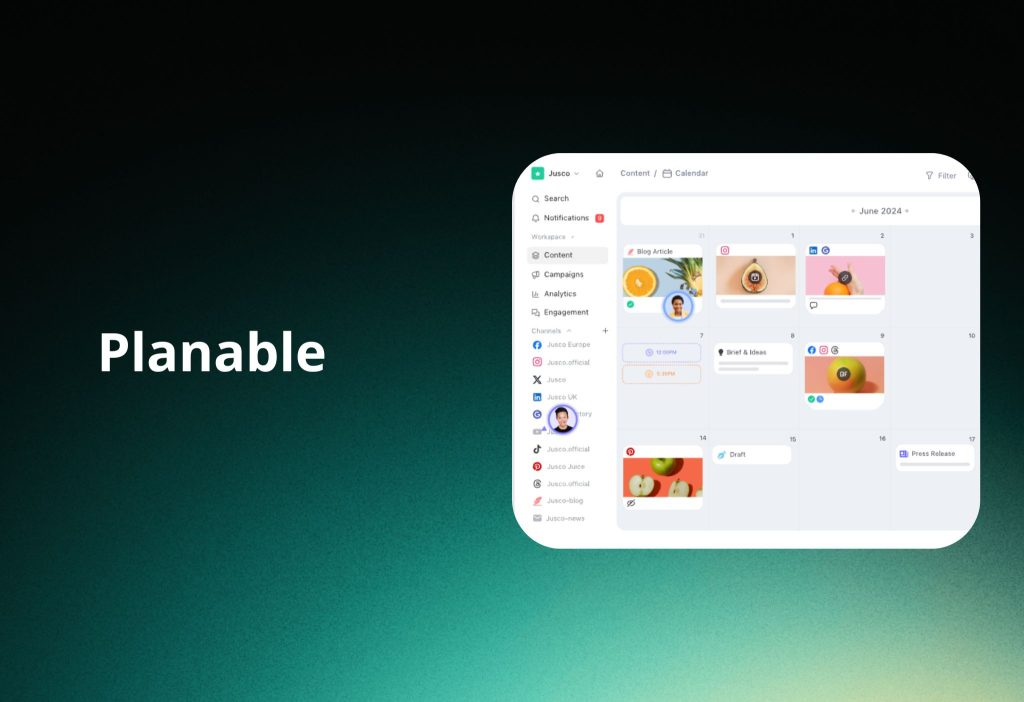
Furthermore, Planable is ideal when growth requires a simple team process: draft → review → approve → schedule.
Planable’s help center says the free plan has no time limit and doesn’t require credit card details.
Free plan snapshot
- Create up to 50 total posts (record-based, does not reset).
- Unlimited users/workspaces are stated in the free plan docs.
Best for: teams who need approvals more than analytics.
6) Postiz (open-source, self-hosted)
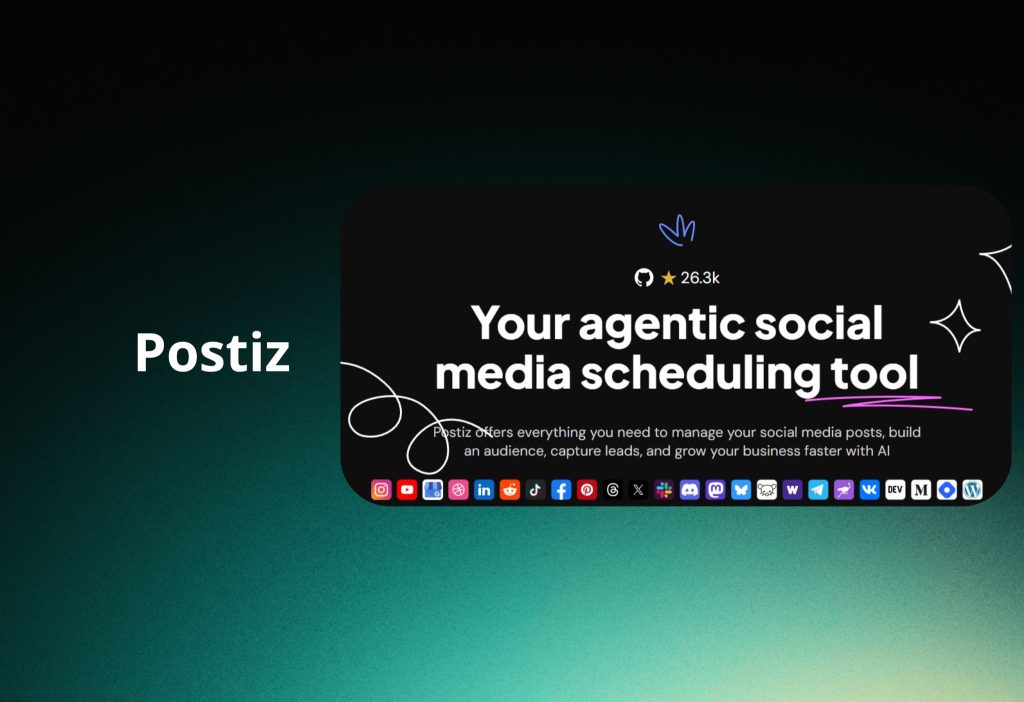
Moreover, Postiz is a different path: you host it yourself and control the workflow.
Its GitHub describes it as an open-source, self-hosted social media scheduling tool.
Free plan snapshot
- Free if you self-host (your hosting costs may apply).
- Great for privacy-focused or technical teams.
Best for: creators who want maximum control and customization.
7) Meta Business Suite (Facebook + Instagram)
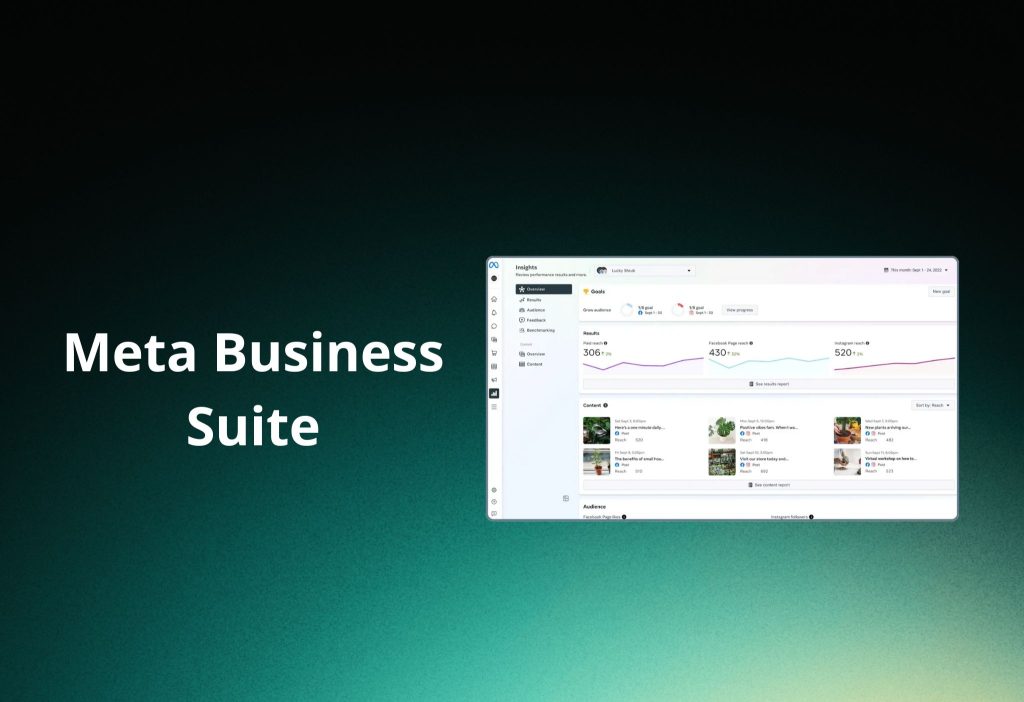
Meta Business Suite is a free tool for businesses, and it supports creating and scheduling content.
Meta provides official help docs for scheduling FB/IG posts (desktop + mobile).
Best for: anyone whose growth focus is mainly Instagram and Facebook.
8) LinkedIn native scheduler
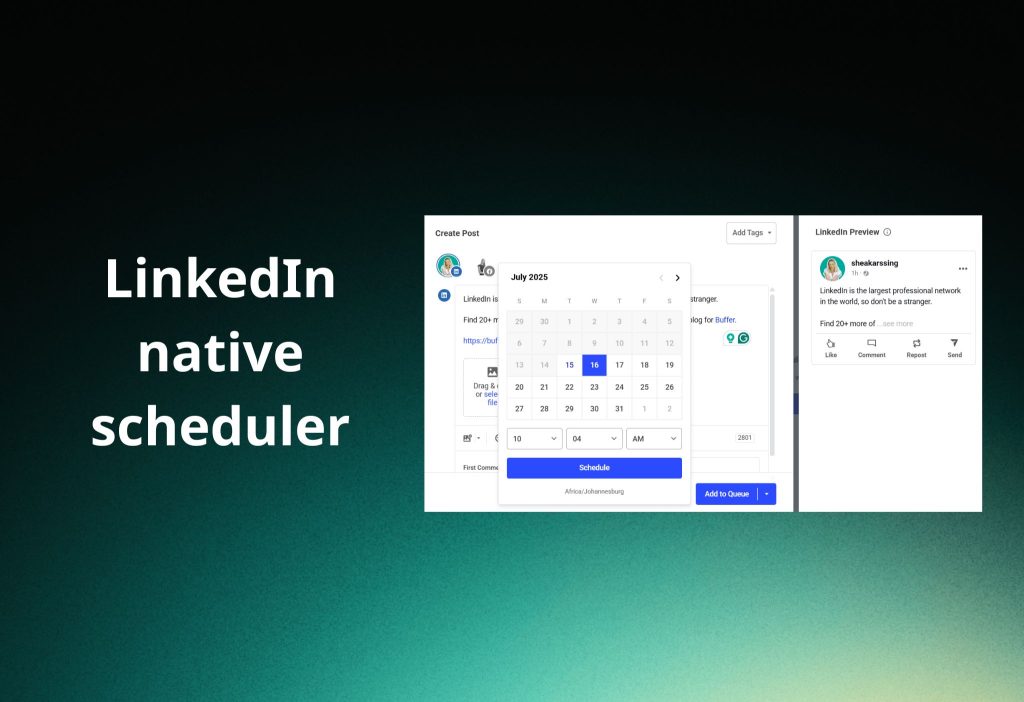
Furthermore, LinkedIn has a built-in scheduler that’s perfect for B2B consistency.
LinkedIn’s help doc shows the Clock icon flow and notes scheduling windows (up to ~3 months).
Best for: founders, recruiters, and B2B marketers who only need LinkedIn.
9) TikTok Video Scheduler (native)
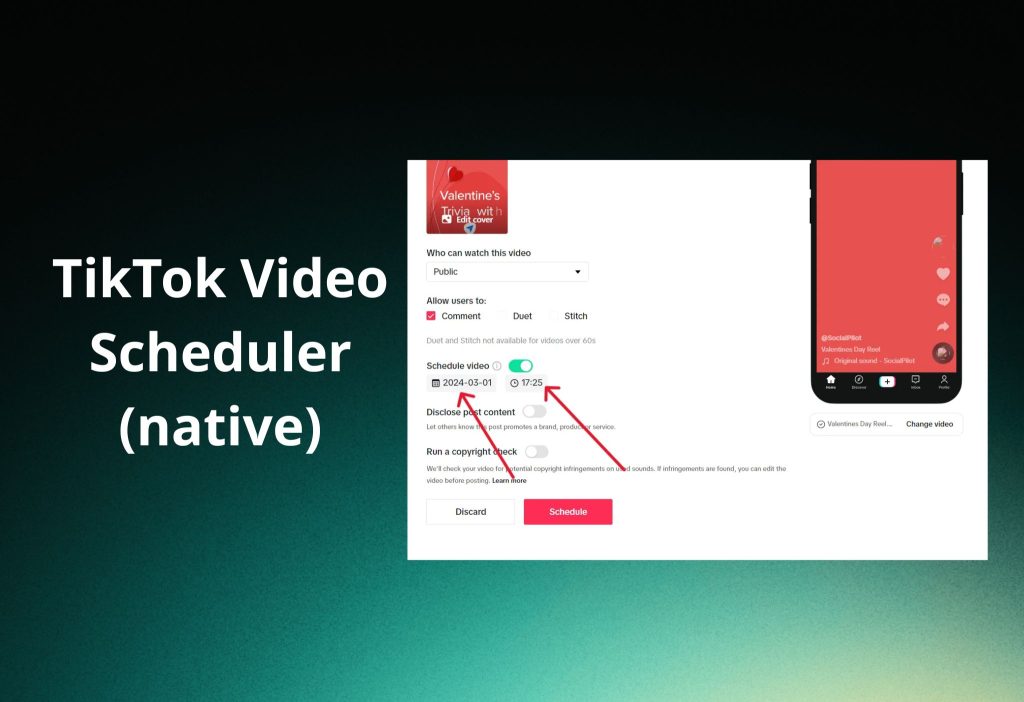
TikTok’s Video Scheduler lets you plan posts ahead instead of rushing daily uploads.
TikTok’s official blog says you can schedule 15 minutes to 10 days in advance and that desktop scheduling requires a Business Account.
Best for: TikTok creators who want consistency without a third-party tool.
10) YouTube Studio (native)
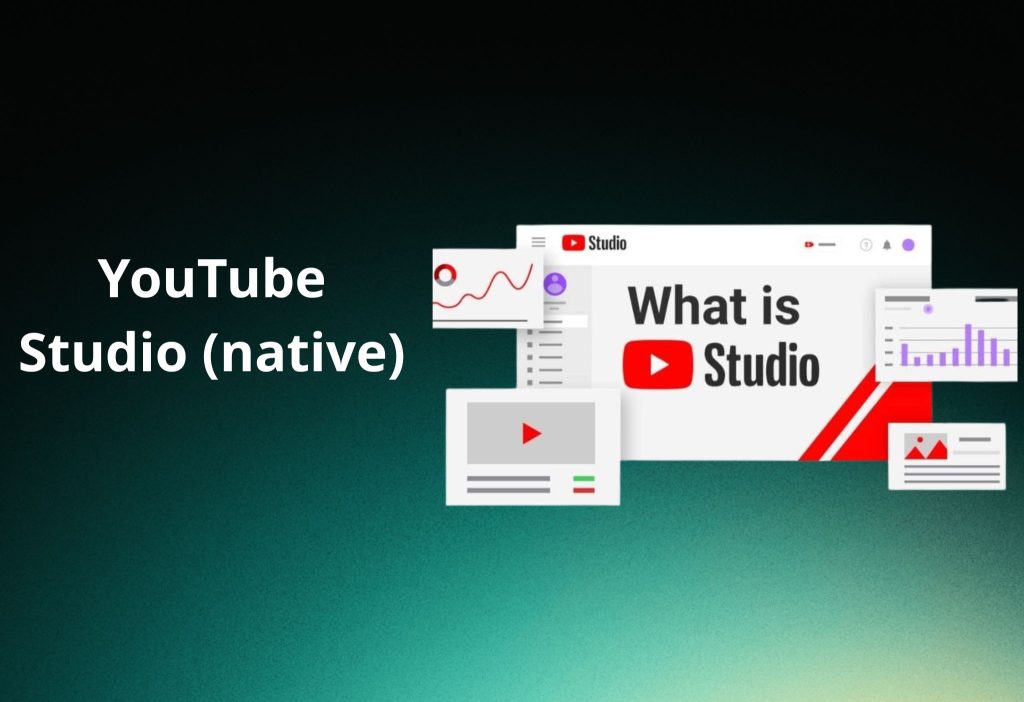
To sum up, YouTube Studio scheduling is the simplest “free” win for long-form creators.
YouTube Help explains how to set a video as “Scheduled” and publish later.
Best for: YouTubers who batch-produce and publish on a calendar.
Read more: Top AI Tools for Growing Shopify Stores
How to set up a free scheduler in 10 minutes
The setup is almost always the same: connect accounts → build a queue → repeat weekly.
Step 1: Pick your “growth channel mix”
Go to your content plan → Choose 1–3 platforms you can post to every week.
- Choose where your audience already comments/DMs.
- Choose what you can create fast (text, short video, carousel).
- Choose one “main” platform first.
You should see a clear focus like “IG + FB” or “LinkedIn only.”
Step 2: Create a free account (example: Buffer)
Go to Buffer → Click Get started for free.
- Select the Free plan.
- Sign up with email/Google.
- Confirm your email.
You should see your Buffer dashboard with an option to add channels.
Step 3: Connect your social channels (example: Buffer)
In Buffer → Click Connect a channel.
- Select the platform (IG/FB/LinkedIn/etc.).
- Log in and approve permissions.
- Repeat until you hit your free limit (up to 3).
You should see each connected channel listed in your workspace.
Step 4: Schedule your first week (simple “3 posts” method)
Go to Publish/Queue → Click New post.
- Write 1 helpful tip post.
- Write 1 proof post (result, lesson, behind-the-scenes).
- Write 1 invitation post (question, poll, CTA).
You should see 3 scheduled posts sitting in your calendar/queue.
Read more: Top Effective Facebook Audience Insights Tool Alternatives
How these tools plug into a “growth strategy” (simple + sustainable)
Consistent scheduling fits perfectly into Step 2: Content Consistency.
Basic analytics fits into Step 4: Data Optimize.
Weekly routine (15 minutes)
- Go to Analytics/Insights → Check top post + worst post.
- Copy the hook style from the best post.
- Drop the format that consistently underperforms.
- Schedule next week’s 3–5 posts.
You should see your posting become more consistent, with fewer “dead weeks.”
FAQs
Do these tools really require no credit card?
The answer is Yes for the tools listed as “free/no card” in their own pages/help docs (Buffer, Publer, Metricool, Zoho Social free edition, Planable).
Alternatively, use native schedulers (Meta/LinkedIn/TikTok/YouTube) since they don’t involve payments at all.
Can I schedule on LinkedIn without any tool?
The answer is Yes. LinkedIn supports scheduling via the Clock icon, with the scheduling window explained in their help doc.
Alternatively, use Buffer if you want multi-platform queues.
Can I schedule TikTok posts for free?
The answer is Yes. TikTok’s Video Scheduler supports scheduling up to 10 days ahead (with requirements).
Alternatively, schedule manually using a batching routine if you don’t want to switch account types.
Is Planable free good enough for teams?
The answer is Yes for approvals and collaboration, because it supports multiple users and workspaces on free.
Alternatively, if you publish high volume, you may outgrow the 50-post cap quickly.
Is open-source Postiz “safe” to use?
The answer is Yes if you self-host responsibly and follow standard security practices.
Alternatively, if you don’t want to manage hosting, choose a hosted free plan like Buffer.
Conclusion
To sum up, the best free scheduling setup in 2026 is simply: pick 1–3 platforms, schedule weekly, review results, repeat.
If you want, paste your target platforms (IG/FB/LinkedIn/TikTok/YouTube) and your weekly posting goal, and I’ll tell you the best “stack” from this list.