Social monitoring tools are platforms that track what people say about your brand (and your competitors) across social networks and the wider web. But which one should you pick when every tool promises “insights”?
In this article, we will show you how Brandwatch, Meltwater, Sprout Social, Hootsuite, and Brand24 compare on features, pricing style, user experience, integrations, and data accuracy. Hopefully, after reading, you’ll know exactly which tool fits your team size, goals, and budget.
Quick overview: what each tool is best at
Brandwatch is built for deep social listening and consumer intelligence, with broad web coverage and advanced query options (including many Boolean operators).
Meltwater blends social listening with media monitoring, so it’s a strong option if you care about PR coverage beyond social (including editorial media, and more).
Sprout Social is a social media management suite (publishing + engagement + reporting) with Listening available as an add-on for deeper insights and alerts.
Hootsuite is an all-in-one social management tool that also includes social listening for monitoring mentions, sentiment, hashtags, and trends (and it’s been expanding listening capabilities).
Brand24 is a lightweight, budget-friendly listening tool focused on real-time mentions, sentiment, and fast alerts, with published plan tiers.
Side-by-side comparison (simple)
| Tool | Best for | Listening depth | Publishing/Inbox | Pricing style |
|---|---|---|---|---|
| Brandwatch | Enterprise insights + research | Very deep | Not the main focus | Custom plans |
| Meltwater | PR + media monitoring + social | Deep | Not the main focus | Custom suite |
| Sprout Social | Manage social + add listening | Medium→Deep (add-on) | Strong | Per-seat + add-ons |
| Hootsuite | Teams who want “one dashboard” | Medium | Strong | Tiered (varies) |
| Brand24 | Fast alerts on a budget | Medium | Not the main focus | Published tiers |
How to choose the right tool in 5 minutes
Interestingly, the “best” tool is usually the one that matches your workflow—not the one with the most charts.
1) Choose your primary goal
Go to your planning doc (or a blank note) and write ONE goal.
- Choose Brand reputation & crisis alerts (fast mention spikes)
- Choose PR & earned media reporting (coverage + journalists + media impact)
- Choose Customer insights & research (trends, themes, market understanding)
- Choose Social team efficiency (publish + inbox + reporting in one place)
You should now have a single sentence like: “We need real-time alerts for brand mentions and sentiment shifts.”
2) Decide your coverage requirements
Moreover, coverage differences are where tools truly separate.
- Select the channels you must track (social + news + blogs + forums, etc.)
- Decide if you need long historical analysis (year-over-year trends)
- Decide if multi-language tracking matters
You should now have a checklist of “must-have sources” for your industry.
3) Pick your “workflow type”
Furthermore, your team structure often dictates the tool.
- If you need enterprise research + advanced queries, lean Brandwatch
- If you need PR + media monitoring, lean Meltwater
- If you need publish + inbox + optional listening, lean Sprout Social or Hootsuite
- If you need simple alerts + quick reporting, lean Brand24
You should now have 1–2 finalists.
Read more: Best 7 Social Proof Apps for Shopify Store
Setup tutorial: build a monitoring system that actually works
Surprisingly, most teams fail at monitoring because they track the wrong keywords.
Step 1: Create a keyword plan (before you open any tool)
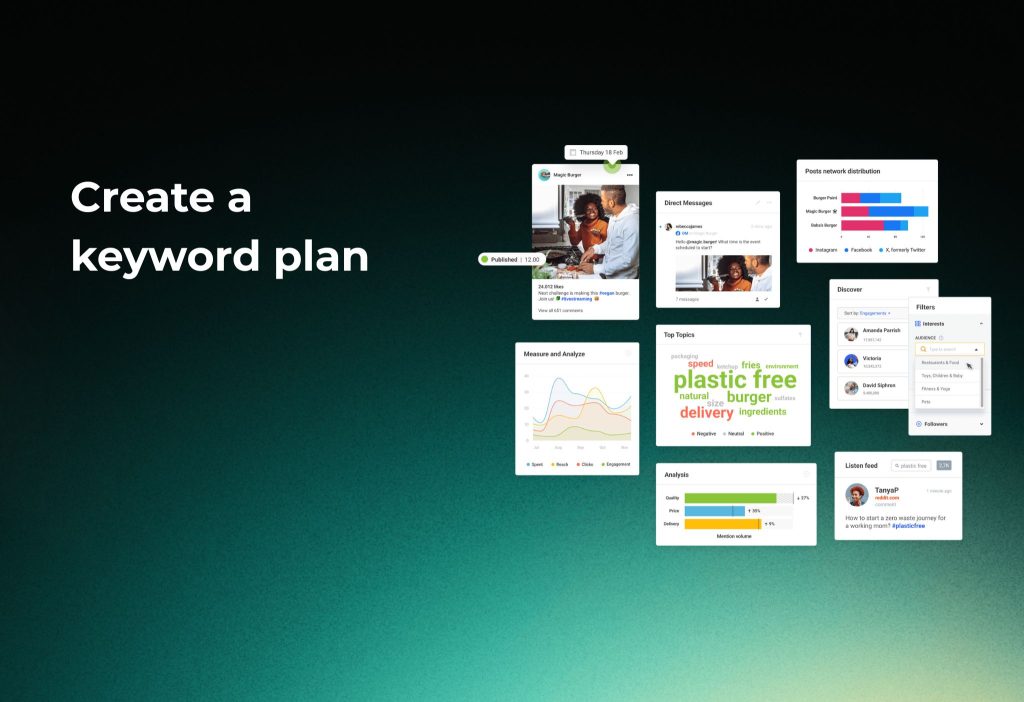
Go to your notes app and create three keyword buckets.
- Brand: brand name, product names, misspellings
- Category: “best + category”, “category problems”, “category alternatives”
- Competitors: competitor names + “vs” + your brand
You should now have 20–50 keywords that represent real conversations.
Step 2: Build a query that filters noise
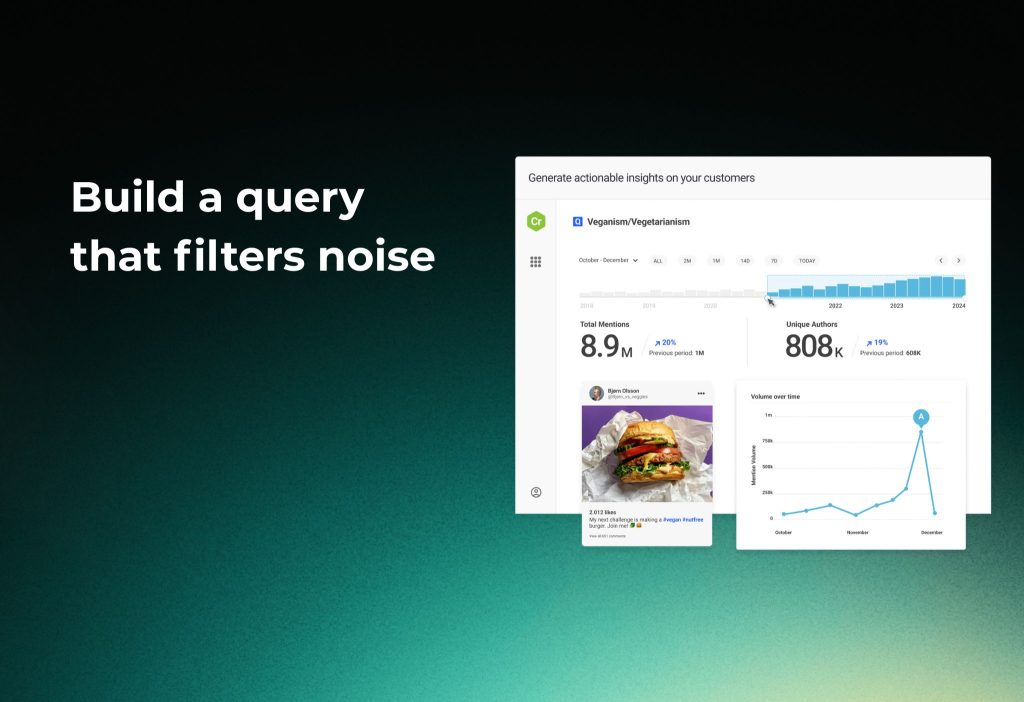
Go to your tool’s Listening / Monitor / Explore area and create a new Topic/Query.
- Add your brand keywords with OR
- Exclude junk with NOT (jobs, careers, spam words, irrelevant meanings)
- Add location/language filters if needed
You should now see fewer irrelevant mentions and a cleaner feed of results. (Brandwatch supports many Boolean operators for advanced filtering.)
Step 3: Turn alerts on for spikes and negative sentiment
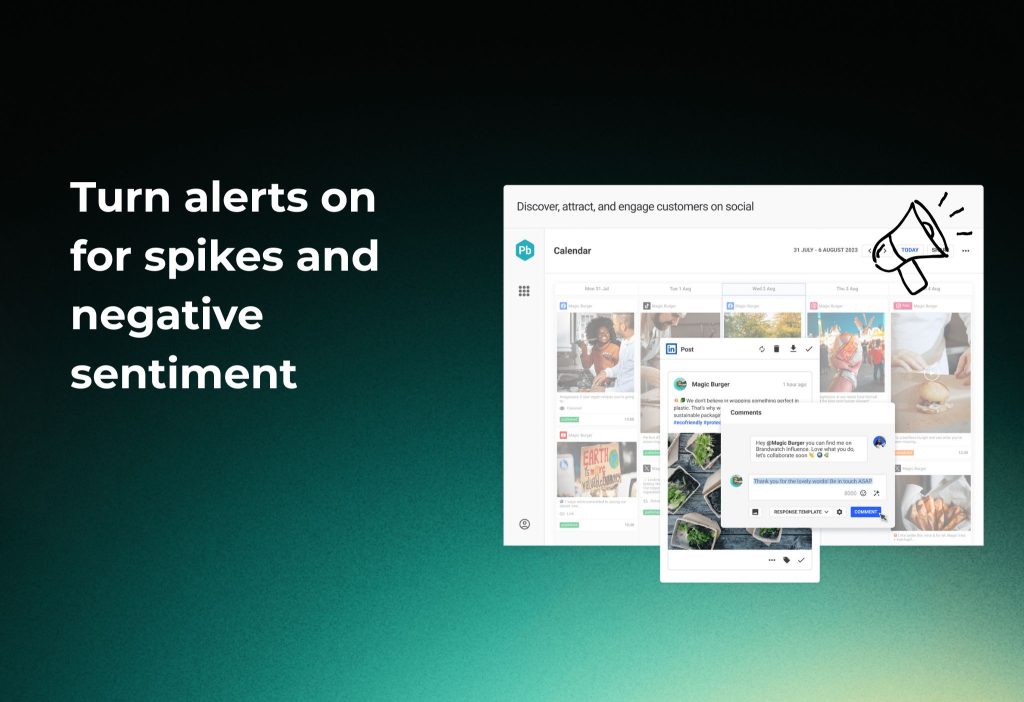
Additionally, alerts are what make monitoring actionable.
Go to Alerts / Notifications and set these rules:
- Alert on mention volume spike
- Alert on negative sentiment spike
- Alert on high-reach author/influencer mention
You should now receive notifications before a small issue becomes a big one. (Sprout’s Listening add-on supports spike alerts; Hootsuite includes listening features like monitoring mentions and sentiment.)
Step 4: Connect your team chat (Slack/Teams) for instant visibility
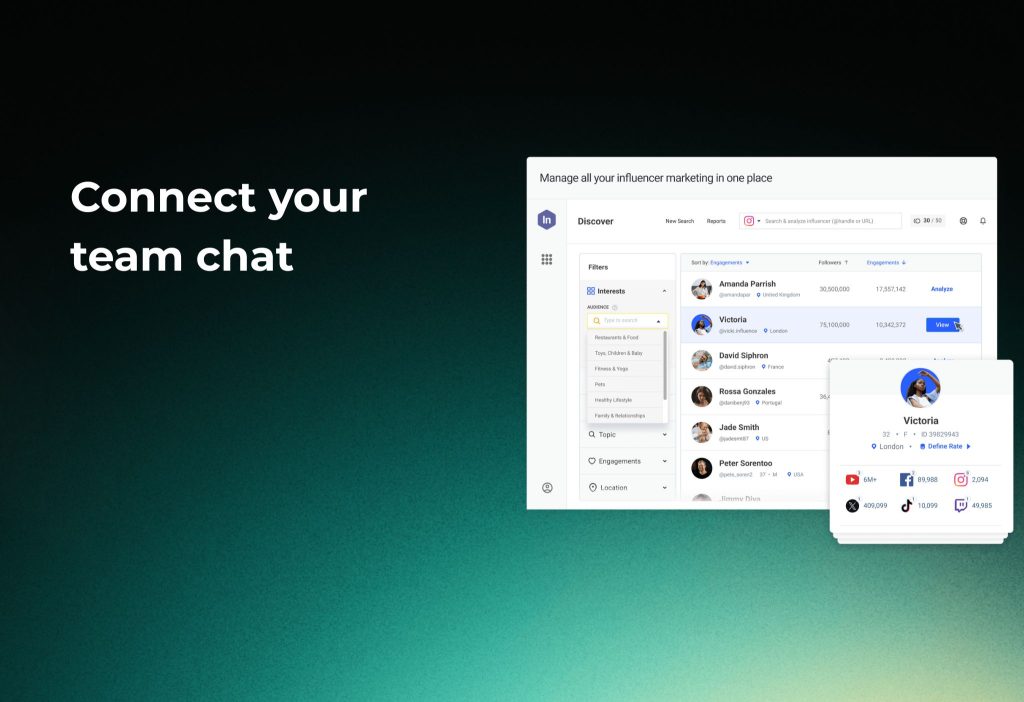
Moreover, alerts are only useful if your team sees them.
Brand24 → Slack
Go to Account Settings → Integration.
- Choose Slack
- Connect your workspace
- Select which projects/filters post notifications
You should now see Brand24 alerts appear in the Slack channel you picked.
Brand24 → Microsoft Teams
Go to Teams and open Apps → Workflows.
- Pick “Send webhook alerts to a channel”
- Choose the Team + Channel
- Paste your webhook from Brand24
You should now see mention alerts flowing into a Teams channel.
Step 5: Export a weekly report your boss will actually read
Furthermore, reporting wins budget.
Brandwatch export (example workflow)
Go to your dashboard view.
- Click the Export icon (top-right)
- Choose Export dashboard as CSV (or use custom export options)
- Share the file with stakeholders
You should now have a report you can reuse every week with minimal effort.
Read more: Integrating Social Media with Shopify: The Ultimate Guide
Features that matter most (and who wins)
Data coverage + depth
Brandwatch highlights broad coverage and large-scale data access across many online sources.
Meltwater emphasizes cross-channel listening and also includes broader media types alongside social listening.
Brand24 focuses on tracking mentions across a large number of online sources and keeping alerts simple.
Competitive benchmarking
Sprout supports competitive analysis concepts like share of voice calculations and competitor performance views in listening strategies.
AI summaries and clustering
Hootsuite highlights AI-assisted listening and integrations that include sentiment analysis and other capabilities.
Meltwater documents AI-driven clustering features that group related content by topic similarity.
Pricing (what to expect in 2026)
| Tool | Pricing Model | Estimated Starting Cost (Monthly) |
|---|---|---|
| Brandwatch | Custom quotes (sales-led) | $800–2,000 (Basic, 3-5 users); $2K–5K Pro; $5K–15K+ Enterprise |
| Meltwater | Custom suite builder | $1,000+ |
| Sprout Social | Per-seat + Listening add-on | $249/user (Standard+); Listening extra ~$100+/user |
| Hootsuite | Tiered by region/billing | Standard $99+ (listening included); Listening trong Professional $249 |
| Brand24 | Published tiers (public) | Individual $79; Team $149; Pro $199; Business $499 (annual discount) |
Pricing changes often, so treat these as “models,” not promises.
- Brandwatch: plan-based and sales-led (custom quotes).
- Meltwater: “build a suite” style pricing and custom quotes.
- Sprout Social: per-seat plans, and Listening is available as an add-on to Standard and up.
- Hootsuite: tiered plans; exact prices may vary by region and billing, and listening features are included in Standard plan descriptions.
- Brand24: published tiers (e.g., Individual/Team/Pro/Business) with monthly vs annual-billed pricing shown publicly.
Data accuracy: how to trust your insights (without fooling yourself)
Interestingly, “sentiment” is helpful—until sarcasm shows up.
Go to your listening dashboard and validate your insights weekly:
- Sample 20 “negative” mentions and check if they’re truly negative
- Compare spikes to real events (campaign launch, outage, influencer post)
- Track keywords that trigger irrelevant results and add exclusions
You should now see fewer false alarms and more reliable trends. (Brand24 explains sentiment classification at a high level: positive/neutral/negative.)
FAQs
Is social listening included in all Sprout plans?
The answer is No. Sprout lists Listening as an add-on available to Standard plan and up, rather than a default feature in every plan. A simple alternative is to start with Keyword monitoring first, then add Listening when you need deeper insights.
Is Hootsuite Listening included without upgrading?
The answer is Yes (for the Standard plan description). Hootsuite’s Standard plan page describes social listening features like monitoring mentions and sentiment. Alternatively, if you need deeper listening, consider enterprise-focused tools.
Can these tools track competitors?
The answer is Yes. You can monitor competitor names and keywords, and some platforms support competitive analysis methods like share of voice. Alternatively, if you only need basic comparisons, use simpler keyword tracking first.
Is sentiment analysis perfectly accurate?
The answer is No. These tools classify sentiment automatically, so you should validate with manual samples. Alternatively, treat sentiment as a “directional signal,” not a final truth.
Should a small business pick Brandwatch or Meltwater?
The answer is No (in most cases). Those are typically enterprise-style platforms with custom pricing models. Alternatively, start with Brand24 or an all-in-one tool and upgrade when your needs grow.
Do I need PR/media monitoring or just social monitoring?
The answer is It depends—but if earned media coverage matters, PR-focused monitoring is a big advantage. Alternatively, if your work is mostly social engagement and publishing, prioritize a management suite with listening add-ons.
Conclusion
To sum up, choose Brandwatch or Meltwater for deep enterprise intelligence, choose Sprout Social or Hootsuite for “manage + listen,” and choose Brand24 for fast, budget-friendly monitoring.
If you want, tell me your business type and main goal (crisis alerts, PR, insights, or publishing), and I’ll recommend the best-fit tool from these five.