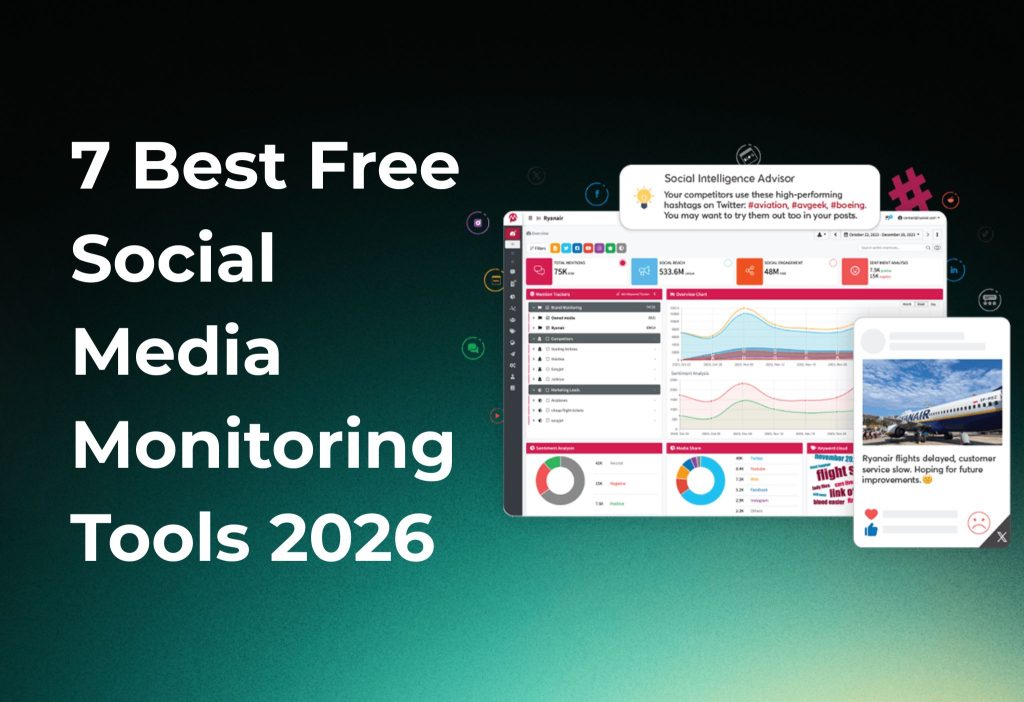
Social media monitoring in 2026 is harder to do for free than it used to be. With 5.66 billion social media user identities worldwide, platforms are restricting API access while tool vendors quietly move core features behind paid tiers, Talkwalker and BuzzSumo, both previously free staples, are no longer usable without a paid subscription starting at $99/month and $199/month respectively.
The good news: seven tools still offer genuinely usable free or freemium access in 2026. Social Searcher remains the only truly free, unlimited option requiring no login, best for quick PR checks and hashtag audits. BrandMentions offers free mini-tools including a Social Mention scanner and Hashtag Tracker, plus a 7-day trial for deeper listening. Metricool provides the strongest freemium dashboard for one brand with basic analytics across connected profiles. Tailwind suits Pinterest-first monitoring with a free-forever entry plan. Google Alerts covers web and news discovery but is not reliable for real-time social coverage. HubSpot Social Inbox is powerful for CRM-integrated monitoring but requires Marketing Hub Professional or Enterprise in most cases. Mentionlytics offers a 14-day no-card trial with mention theme analysis before its $41/month Basic plan kicks in.
This guide covers four areas in order: 2026 stats and trends explaining why free monitoring tools are shrinking, a quick-pick comparison table showing the real free status of all seven tools, step-by-step setup instructions for each tool, and a clarification of which previously free tools like Talkwalker and BuzzSumo are no longer worth pursuing.
2026 stats & trends you should know first
Interestingly, the world now has ~5.66B social media “user identities” (DataReportal), and usage keeps growing year over year.
Moreover, DataReportal’s Digital 2026 report highlights that social media users are now a true “supermajority” and AI usage is mainstream (1B+ monthly users).
Furthermore, this is why free monitoring tools are shrinking: platforms restrict access, while tool vendors add “AI-lite” features and move deeper listening to paid tiers.
Quick pick: the top 7 tools
Additionally, here’s the refreshed list (with the real 2026 free status):
| Tool | Best for | 2026 free status |
|---|---|---|
| Social Searcher | Fast public mentions/hashtags | Free, unlimited, no login |
| BrandMentions (free mini-tools) | Quick checks + hashtag tracking | Free tools + 7-day trial |
| Metricool | “Freemium” dashboard + basic monitoring | Robust free plan (1 brand) |
| Tailwind | Pinterest/IG planning + light insights | Free plan available |
| Google Alerts | Web/news monitoring backup | Free, but weak for social |
| HubSpot Social Inbox/Streams | Monitoring inside a CRM workflow | Usually paid / trial-based |
| Mentionlytics | Mid-tier listening trial | Trial (no card) |
Surprisingly, Talkwalker and BuzzSumo are no longer “free tools” in any meaningful way for most teams.
1) Social Searcher (best truly-free monitoring in 2026)
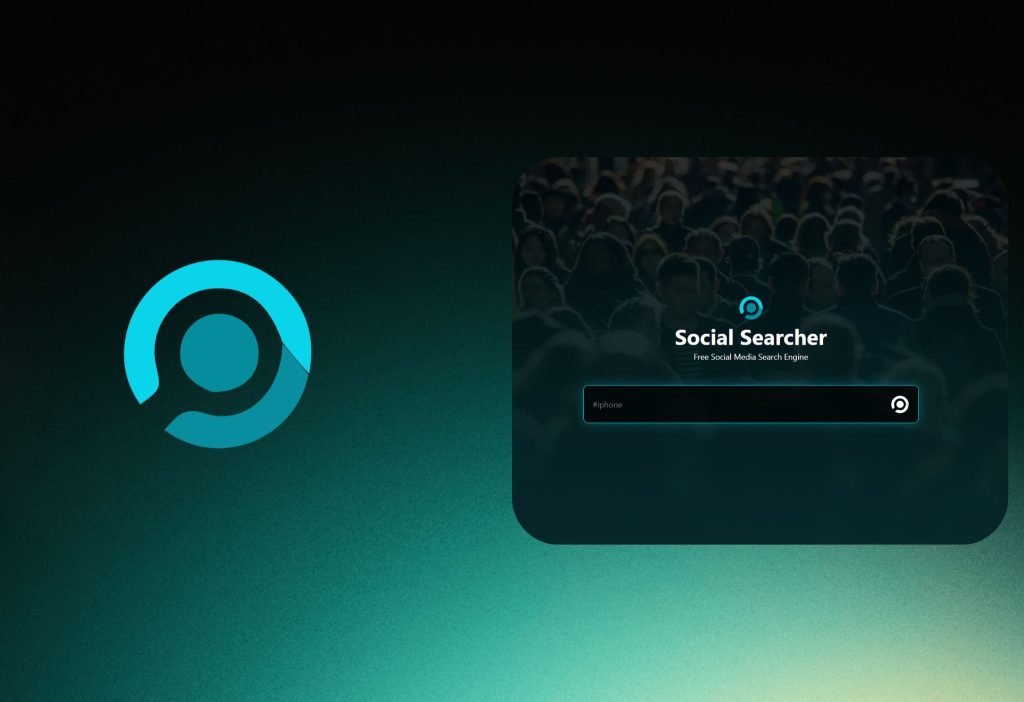
Social Searcher is a free social listening/search engine that lets you look up public posts, profiles, and mentions across multiple platforms.
Additionally, it’s the easiest “open the tab and search” option when you need a quick answer.
How to set it up (fast):
- Go to Social Searcher.
- Type your brand name, product, or hashtag.
- Choose a query that matches how people actually write it (common misspellings help).
- Click Search / run the lookup.
- Sort results by date to spot fresh spikes.
- Switch to media/image previews if you’re tracking visual mentions.
You should see a stream of public results you can skim and screenshot.
Best use case: quick PR checks, campaign hashtag audits, competitor name scans.
2) BrandMentions (free mini-tools + short trial)
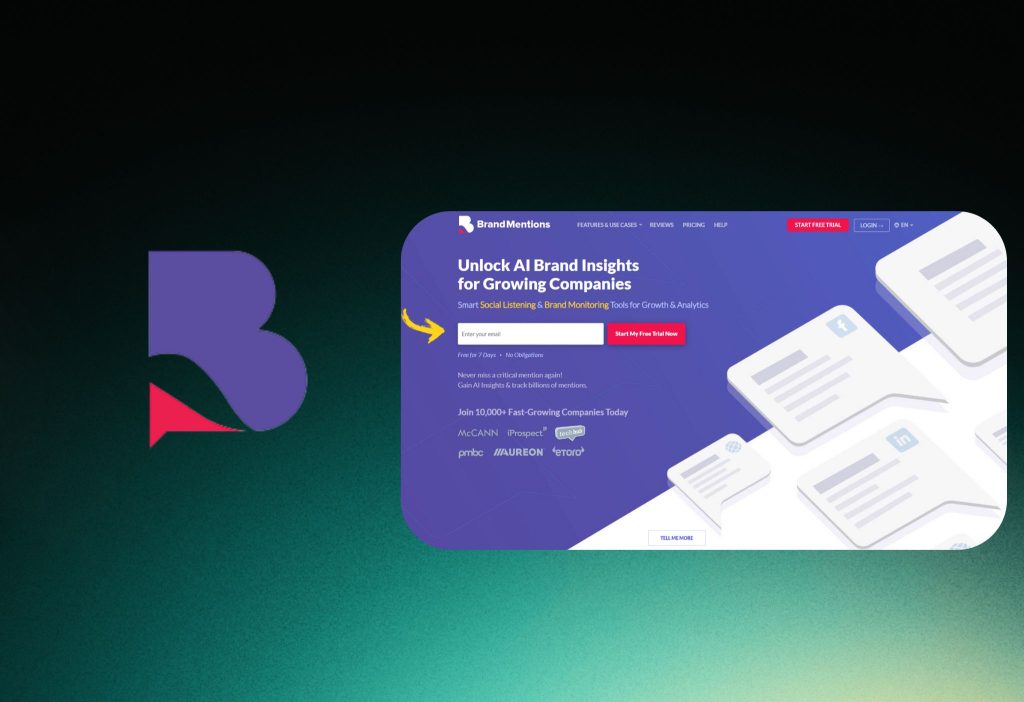
BrandMentions is a paid listening product, but it still offers free mini-tools (like Social Mention and Hashtag Tracker) plus a 7-day free trial.
Moreover, it’s a practical “bridge” when you want deeper results for a week without committing.
Option A: Use the free Social Mention tool
- Go to Social Mention (by BrandMentions).
- Enter your keyword/brand.
- Scan the aggregated mentions feed.
You should see a consolidated list of public content tied to your query.
Option B: Track hashtags with the free Hashtag Tracker
- Go to Hashtag Tracker.
- Search your hashtag.
- Review the combined stream (where supported).
You should see hashtag mentions grouped into one view.
Option C: Turn on the 7-day trial (for deeper monitoring)
- Go to BrandMentions and start the free 7-day trial.
- Add your brand keywords.
- Enable email notifications/alerts.
You should start getting mention updates during the trial window.
3) Metricool (best freemium “dashboard” for small teams)
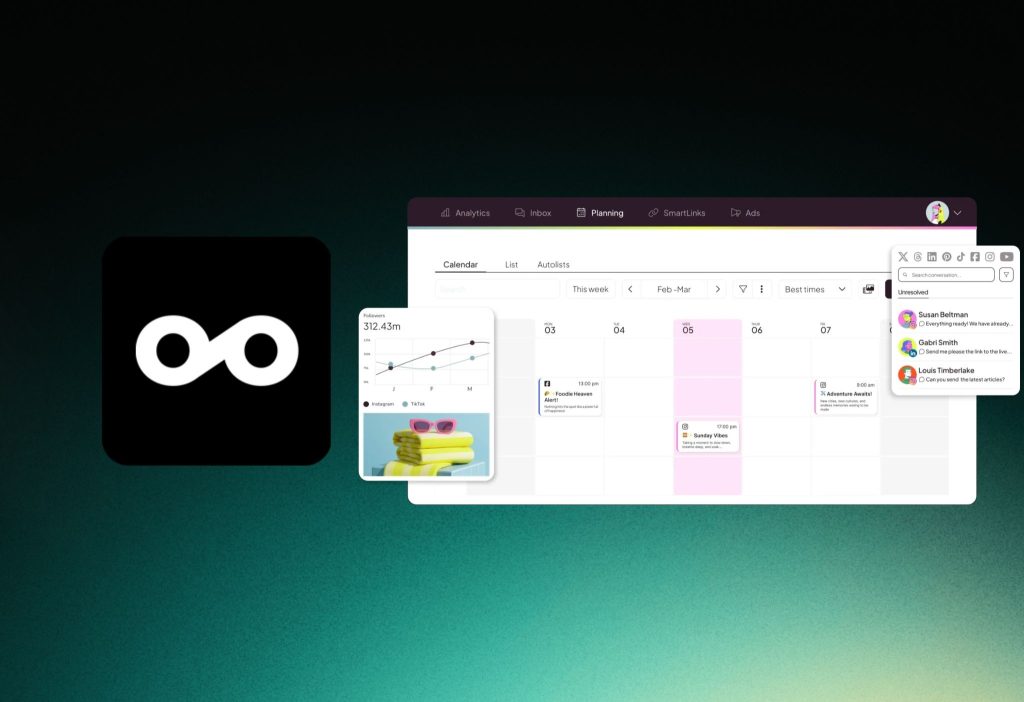
Metricool is a social management platform with a strong free tier for one project/brand.
Interestingly, their help docs confirm the free plan supports 1 brand and 1 profile per network within that brand.
Furthermore, Metricool includes AI features across accounts (with a credit model), and it also treats X/Twitter access as an add-on in paid plans—one of the clearest signs that platform access is getting stricter.
How to set it up (free plan):
- Go to Metricool and create a free account.
- Create your 1 brand.
- Connect the social profiles you actually need.
- Go to Analytics (or equivalent dashboard area).
- Review baseline metrics weekly.
- Track post performance and basic trends.
You should see a single dashboard for your connected profiles.
4) Tailwind (free plan for Pinterest-first monitoring)
Tailwind is best known for Pinterest marketing and scheduling, with a “free forever” entry plan on its site.
Additionally, it’s a smart pick if your “monitoring” is really about spotting what pins/topics are gaining traction and staying consistent.
How to use Tailwind for lightweight monitoring:
- Go to Tailwind and sign up on the free plan.
- Connect Pinterest (and Instagram if needed).
- Choose your posting workflow (basic is fine).
- Go to your analytics/insights area.
- Watch performance by board/topic.
- Save patterns you want to repeat.
You should see Pinterest performance insights tied to your content.
5) Google Alerts (useful backup, not true social listening)
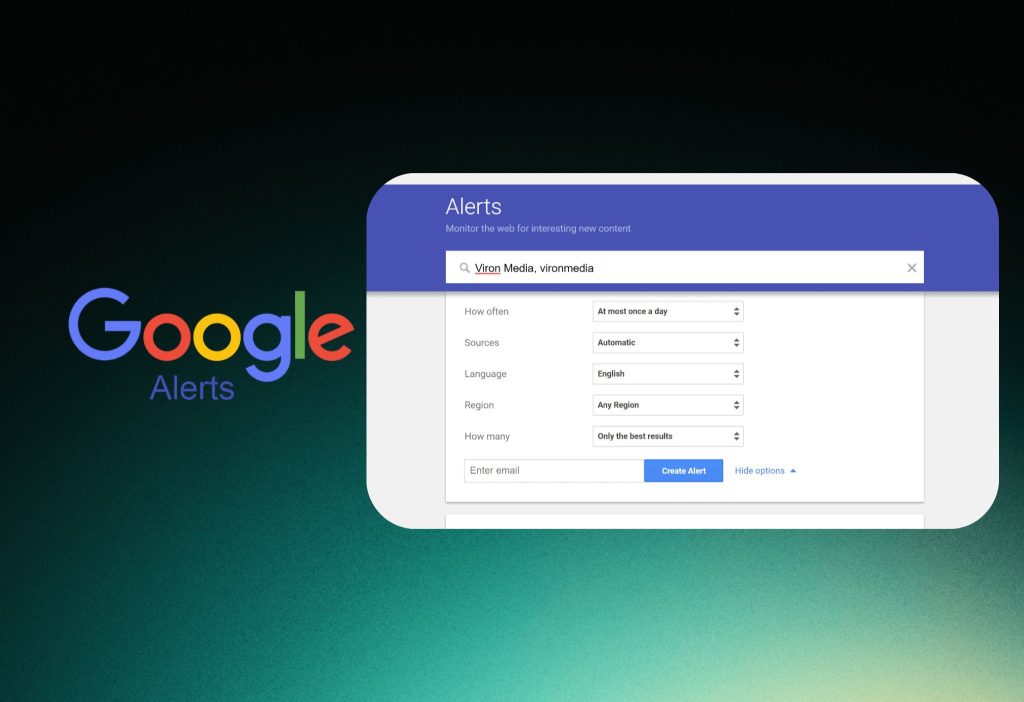
Google Alerts is a free tool to “monitor the web” for new content and email you updates.
However, multiple media monitoring vendors point out a key limitation: Google Alerts is not real-time, and it’s weaker for fast-moving social coverage.
How to set it up (correctly):
- Go to Google Alerts.
- Enter your brand name in quotes:
"Your Brand". - Add variants (product name, founder name, common typo).
- Enter your brand name in quotes:
- Choose settings:
- How often: pick As-it-happens for the fastest option.
- Sources: start with Automatic, then test News/Blogs.
You should start receiving alert emails when Google indexes matching pages.
6) HubSpot Social Inbox/Streams (great workflow, but usually not free)
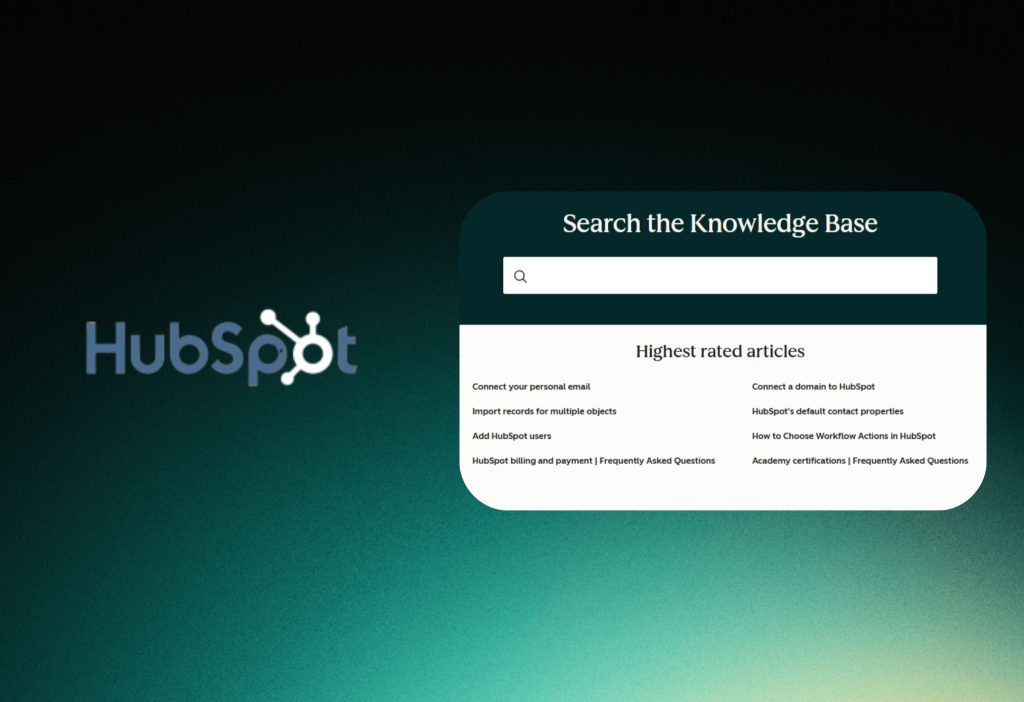
HubSpot’s Social features can create keyword monitoring streams and help manage replies with AI, which is powerful if you already live in HubSpot.
But importantly, HubSpot’s own knowledge base states the Social tool requires a Marketing Hub Professional or Enterprise subscription (in most cases).
How to monitor in HubSpot (if you have access):
- Go to Marketing → Social.
- Click the Reply tab to open the social inbox.
- Use the left menu to filter by Mentions, Comments, or DMs.
- Go to Streams/Feeds (Monitoring area).
- Create a stream for competitors and keywords (where supported).
- Assign owners and set a daily review routine.
You should see a curated queue of interactions your team can respond to.
7) Mentionlytics (trial-based “real listening” for 2026)
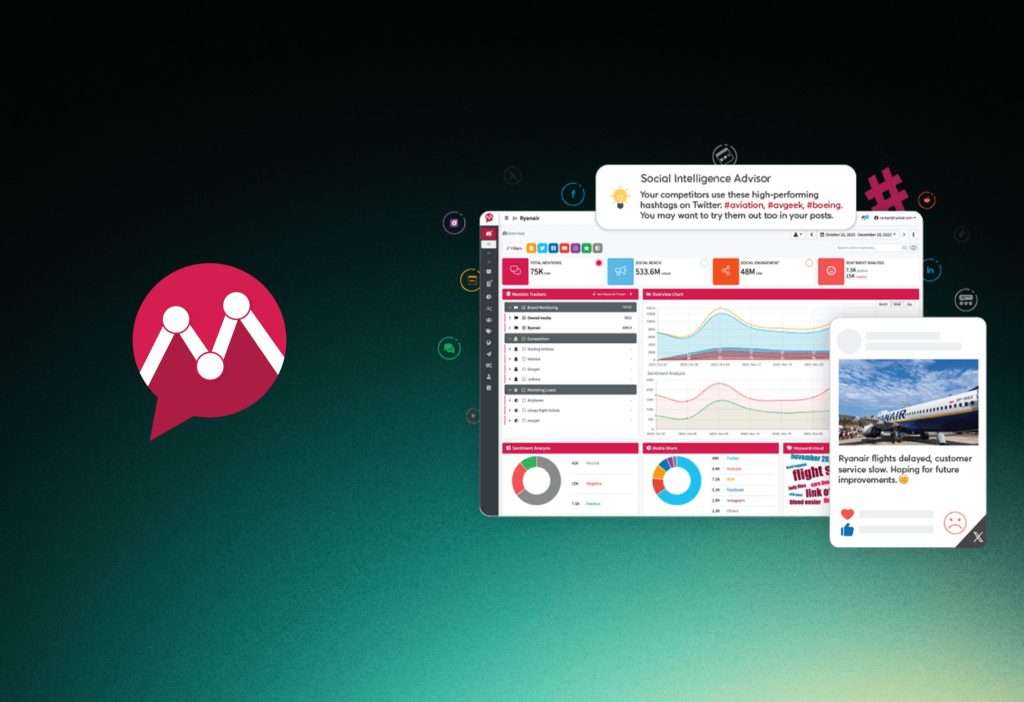
Mentionlytics is positioned as an “intelligent” monitoring tool with a 14-day free trial (no card required).
Moreover, its comparison page lists a Basic plan at $41/month for 5K mentions, which helps set expectations: this is trial-first, then paid.
How to trial it efficiently:
- Go to Pricing and start the free trial.
- Add 3–5 keywords only (brand + product + competitor).
- Turn on daily email summaries.
- Review “themes” in your mentions:
- Common complaint topics
- Feature requests
- Competitor comparisons
You should end the trial with clear patterns you can act on.
Tools that used to be “free” (but aren’t anymore)
Additionally, if you’re refreshing an older 2024–2025 list, be careful with these:
- Talkwalker: Hootsuite promotes “Listening Basics” via trial; common pricing references show paid tiers starting around $99/month billed annually.
- BuzzSumo: marketed as a premium platform with plans starting at $199/month, though trials may exist.
- SmarterQueue: no free plan, but it offers a 14-day free trial (no card).
FAQs
Is there a truly free social media monitoring tool in 2026?
The answer is Yes. Social Searcher offers free, unlimited searches with no login, which is why it’s a top pick.
Alternatively, use BrandMentions’ free mini-tools for specific checks (hashtags, quick mention scans).
Is Google Alerts enough for brand monitoring?
The answer is No. It can help with web/news discovery, but it’s not reliable for real-time social monitoring.
Alternatively, run Google Alerts in parallel with a social search tool for daily checks.
Can I do monitoring inside HubSpot for free?
The answer is No (in most cases). HubSpot indicates the social tool typically requires Marketing Hub Professional or Enterprise.
Alternatively, use Social Searcher + a lightweight freemium dashboard like Metricool to cover the basics.
Conclusion
To sum up, in 2026 the best “free monitoring” usually means free search + light alerts + smart trials, not full enterprise listening.
Additionally, if you’re building a bigger stack, consider linking internally to: “Best Social Media Analytics & Scheduling Tools 2026” (internal link placeholder).
Drop a comment with your target platforms (Instagram, TikTok, X, LinkedIn), and I’ll suggest the cleanest free-first setup for your exact needs.