OpenAI Ads is OpenAI’s advertising platform built directly into ChatGPT, showing clearly labeled “sponsored” boxes below never inside ChatGPT’s organic answers. Roughly 20% of ChatGPT queries carry direct commercial intent, the platform serves close to a billion users, and OpenAI has removed the $50,000 minimum spend that applied during its early pilot meaning any Shopify store can now test the channel with a modest budget using either CPC or CPM bidding.
This guide covers how OpenAI Ads differs from social-feed advertising, which markets currently have access (the US first, with the UK, Mexico, Brazil, Japan, and South Korea rolling out, and the EU not yet in scope), how CPC/CPM bidding works, a six-step walkthrough for launching your first campaign including setting up pixel and Conversions API tracking and a measurement nuance called the “conversation gap” that affects how ChatGPT-driven conversions get attributed.
What is OpenAI Ads?
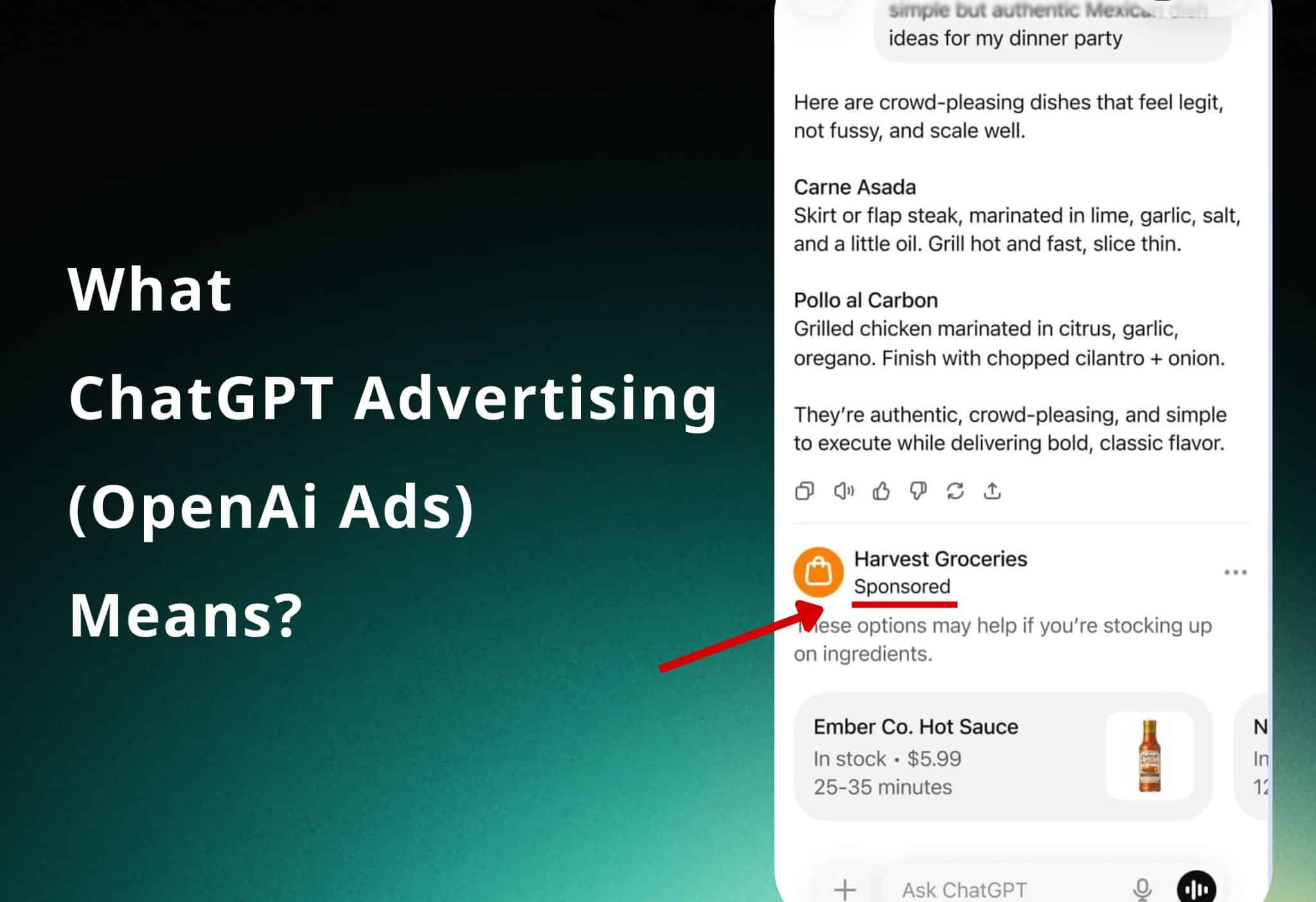
OpenAI Ads is OpenAI’s advertising platform built directly into ChatGPT. Ads appear in a clearly labeled, visually separated “sponsored” box below ChatGPT’s organic answers: never inside the answer itself. OpenAI is explicit that ads do not influence the responses ChatGPT gives, and conversations stay private from advertisers.
The model is closer to Google Search Ads than to social feeds, but adapted to a conversational environment. Instead of matching keywords, ChatGPT selects which ad to show based on the topic of the current conversation, the user’s past chats, and previous ad interactions. For example, someone researching recipes might see an ad for a meal kit or grocery delivery.
Why this channel is different
People don’t open ChatGPT to browse. They use it to solve problems, compare options, ask for recommendations, and make decisions. That makes user intent deeper and more specific than most other channels. OpenAI estimates that roughly 20% of ChatGPT queries carry direct commercial intent and the platform serves close to a billion users.
For a store owner, that means you can reach people at the exact moment they’re evaluating a purchase, inside an environment they trust for decisions.
Where OpenAI Ads is available right now
This is the part most introductions skip, so let’s be direct about it.
OpenAI Ads launched in the US first, for logged-in adult users on the Free and Go tiers (Plus, Pro, Business, Enterprise, and Education tiers do not show ads). OpenAI has since begun expanding the pilot to country, and announced plans to add the UK, Mexico, Brazil, Japan, and South Korea in the following weeks.
The EU is not yet in scope, which OpenAI attributes to stricter consent and tracking requirements under GDPR and the ePrivacy Directive.
The practical takeaway: if your customers are in the US or one of the newly added markets, you can run campaigns now. If they’re elsewhere, you can’t buy ads yet, but you can and should install conversion tracking today, so you have measurement data from day one when the platform reaches your market. (More on that below, and in our dedicated setup guide.)
How buying and bidding works
In the first phase of the pilot, advertisers could only buy on a CPM (cost-per-thousand-impressions) basis. OpenAI has since added CPC (cost-per-click) bidding, which lets you align spend more directly with the actions people take after seeing your ad. CPC has quickly become the popular choice.
Importantly, the $50,000 minimum spend requirement that applied during the early pilot has been removed. A local store can now test ChatGPT advertising with a modest budget and scale once it sees results” the same playbook that made Google and Meta ads accessible to small businesses.
You can buy ads three ways: directly through the self-serve Ads Manager, through agency partners (Dentsu, Omnicom, Publicis, WPP), or through ad-tech partners (Adobe, Criteo, Kargo, Pacvue, StackAdapt).
How to launch your first campaign
Launching a campaign follows six steps: sign up as an advertiser, set your campaign budget and goal, create your ads, add context hints for ad matching, install conversion tracking (pixel + CAPI), then launch and optimize based on performance. Here is the end-to-end flow using the self-serve Ads Manager.
Step 1: Sign up as an OpenAi advertiser
Go to ads.openai.com and sign up. Access is rolling out gradually, so if you don’t have access immediately, register your interest and you’ll be notified as it opens to more businesses. Once you’re in, you’ll land in Ads Manager, where you can create your account and add payment information.
Step 2: Set up your campaign, budget, and goal
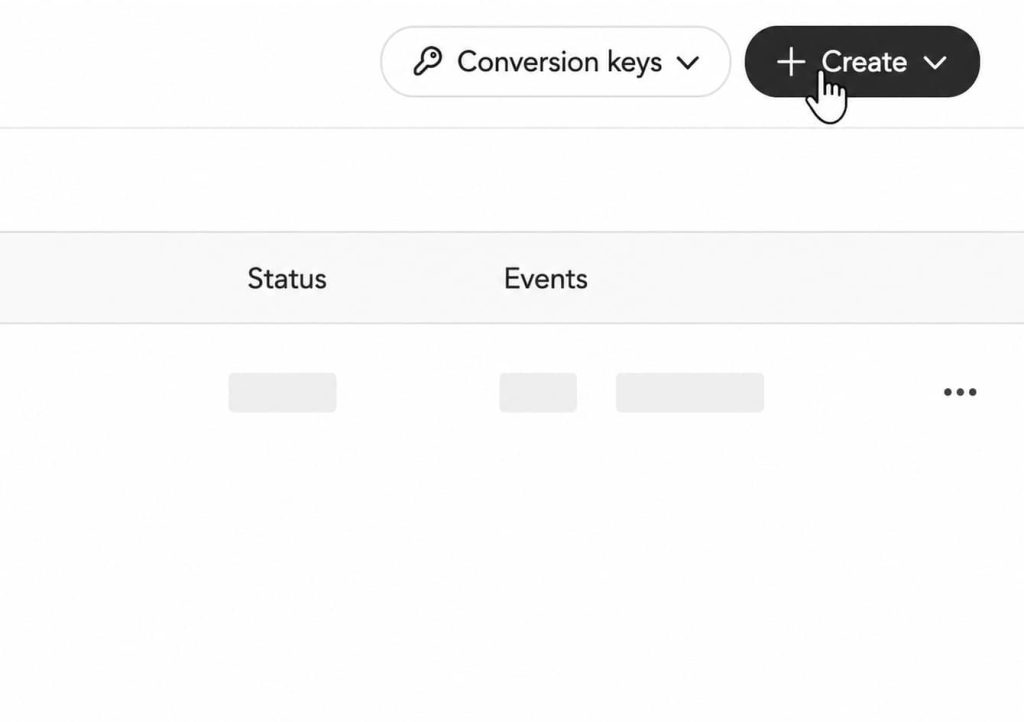
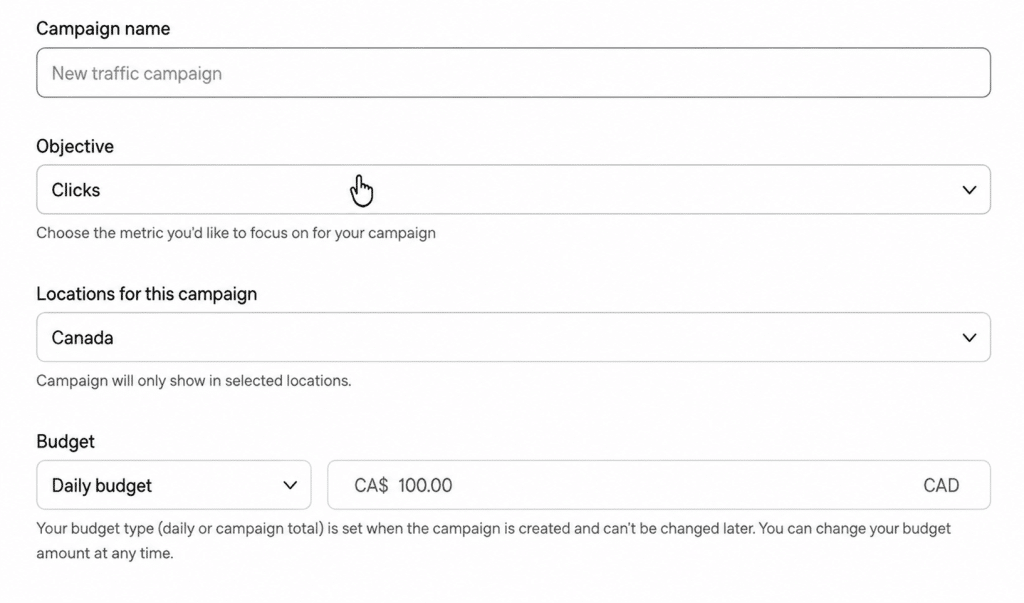
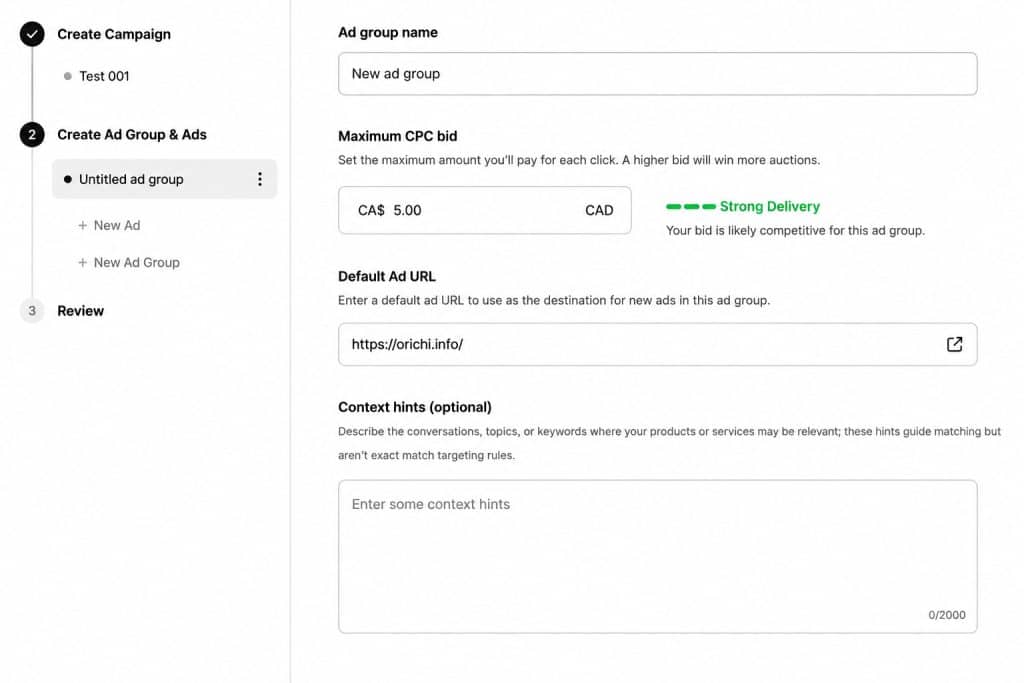
Inside Ads Manager you create a campaign, then set your budget, bid (CPC or CPM), and pacing. Decide what outcome you’re optimizing for clicks to your store, or conversions if you have tracking installed (strongly recommended, see Step 5).
Step 3: Create your OpenAi ads
You can build ads directly in the tool or bulk-upload your ad details. Each ad unit includes:
- Advertiser name and favicon
- A headline
- Description copy
- Landing page URL
- An image asset
Step 4: Provide context hints
Because OpenAI matches ads to conversations rather than exact keywords, you provide context hints at the ad-group level short descriptions of the conversations, topics, or scenarios where your product is relevant. These guide matching but are not exact-match keywords. Think about the real questions a customer would ask ChatGPT right before buying what you sell, and describe those moments.
One early learning worth applying: ads perform better when the call to action is framed as a direct, helpful response to the user’s original question, rather than a generic promo line. Write your copy as if you’re answering the person, not interrupting them.
Step 5: Install conversion tracking before you spend
This is the step that separates the brands that win this channel from the ones that waste budget. Without conversion tracking, you’re flying blind, you’ll see clicks but not sales, and you can’t optimize.
OpenAI provides two tracking methods:
- The JavaScript Pixel: a browser SDK (`oaiq.min.js`) that fires conversion events from your site.
- The Conversions API (CAPI): a server-to-server integration that sends events directly from your backend, bypassing ad blockers and browser restrictions.
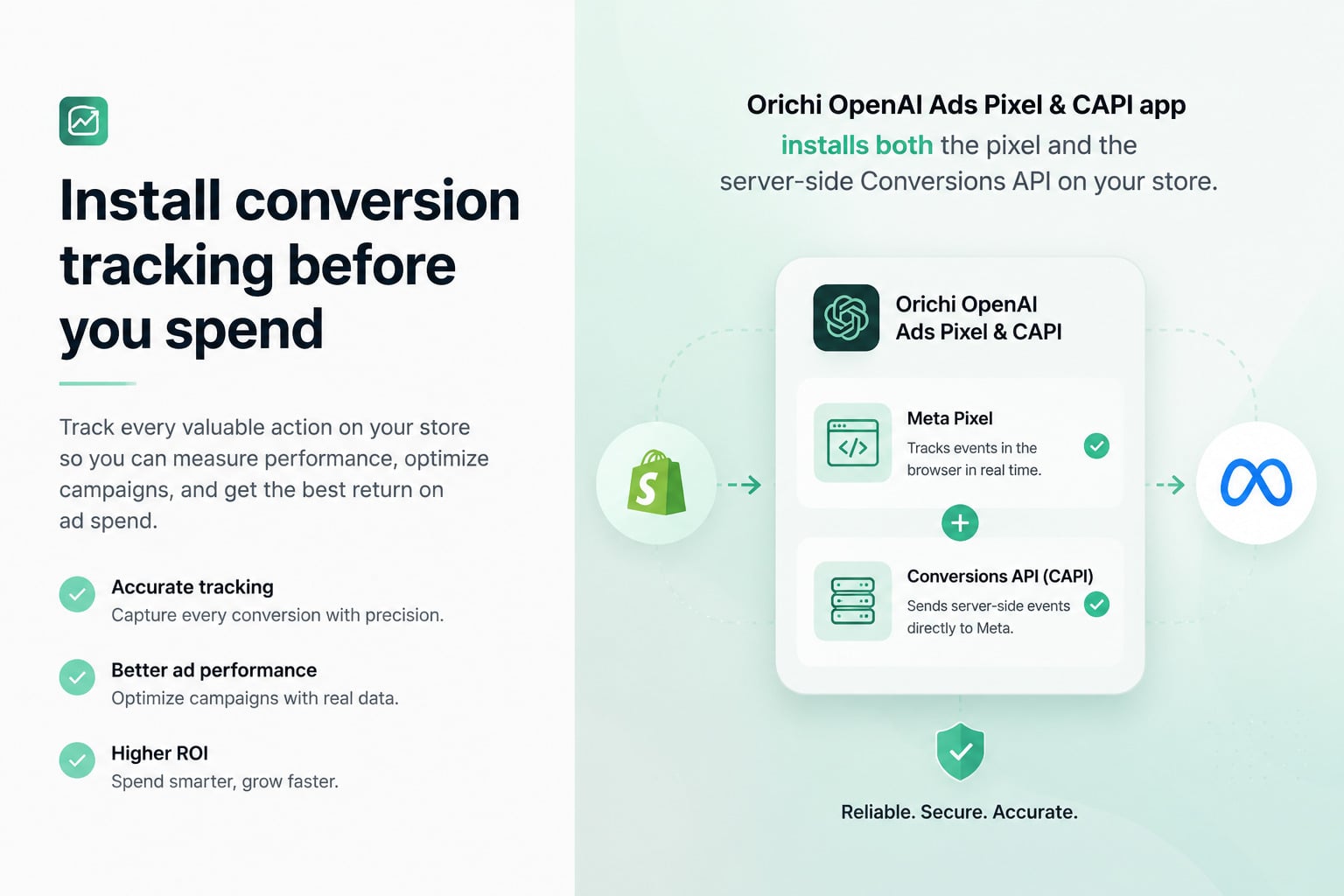
OpenAI explicitly recommends running both together for maximum coverage, deduplicated by a shared event ID so conversions aren’t double-counted. This is the same dual-track pattern Meta popularized with its Pixel + CAPI.
Before choosing a Shopify app, compare OpenAI Ads apps for Shopify by the parts of the channel they cover: tracking, product feeds, performance reporting, and customer audiences.
For Shopify merchants, you don’t need to touch code or stand up a server-side tagging stack. Orichi OpenAI Ads Pixel & CAPI app installs both the pixel and the server-side Conversions API on your store in a few clicks: including the automatic `oppref` attribution capture and event deduplication that are otherwise fiddly to get right.
→ See our step-by-step guide: How to Set Up the ChatGPT Pixel on Your Shopify Store with Orichi.
Step 6: Launch, measure, optimize
Once your ads are live, use Ads Manager’s measurement tools to track performance, edit campaigns, and optimize. Watch your conversion data closely in the first weeks and shift budget toward the ad groups and context hints that convert.
One measurement nuance you should know:
ChatGPT introduces a structural challenge other platforms don’t the conversation gap. A meaningful share of ChatGPT-influenced conversions happen outside the immediate click session, users absorb information during a conversation, then convert days later via branded search or a direct visit. Last-click attribution will undervalue these.
This is exactly why server-side CAPI matters. Browser-only tracking loses these delayed and cross-session conversions; the Conversions API recovers them. If you only install the pixel, you’ll systematically underreport the channel’s true impact and likely under-invest in something that’s actually working.
Should you act now?
If you sell in an eligible market: yes, sign up, install tracking, and run a small test campaign to learn the channel while competition is still low.
If you’re in a market that’s not live yet (including the EU): you can’t buy ads, but install the pixel and CAPI now. When OpenAI reaches your market, you’ll already have clean measurement and historical data, and a head start on everyone who waited.
Either way, the move that costs you nothing and protects every future dollar is getting conversion tracking in place today.
Orichi builds Shopify apps used by thousands of stores. Our OpenAI Ads Pixel & CAPI app installs ChatGPT conversion tracking browser pixel plus server-side CAPI, on your store in minutes.
[Install it here / Learn more.]