Tracking problems on Shopify rarely start with the ad platform itself.
A pixel may be installed but still miss conversions. Browser-based tracking can lose events when customers use ad blockers or when browser restrictions interfere with the tracking request. And if your product feed or event data is incomplete, your ad platform has less information to work with.
That is why choosing a Shopify pixel tool should start with what you need to track, not simply which app has the longest feature list.
Some stores only need a Google Ads conversion pixel. Others need Meta Pixel with Conversions API (CAPI). Multi-channel stores may need several pixels, server-side events, product feeds, and revenue reporting in one workflow.
Here are the Shopify pixel tools worth considering in 2026, grouped by the tracking problem they solve.
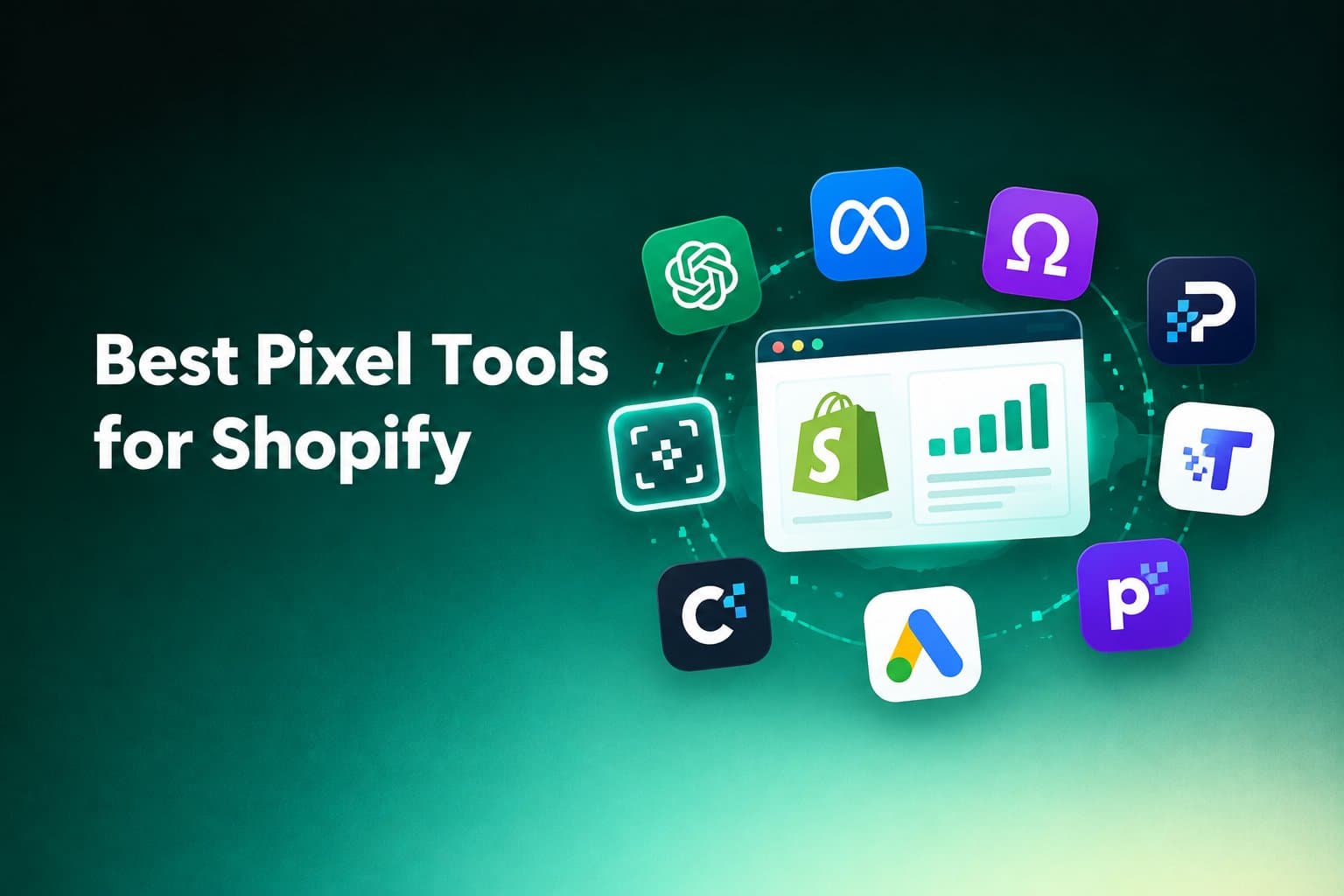
The 8 best pixel tools for Shopify in 2026
| Tool | Best for | Main tracking focus | Server-side tracking | Feed |
|---|---|---|---|---|
| Orichi OpenAI Ads Pixel & Feed | OpenAI / ChatGPT Ads | OpenAI Ads Pixel | CAPI | OpenAI product feed |
| OC Meta Pixel | Meta Ads | Meta/Facebook Pixel | CAPI | Meta feed |
| Omega Facebook Pixel, Meta Ads | Meta Ads + catalog workflows | Meta Pixel | CAPI | Facebook/Instagram feed |
| Parkour: Facebook Pixel & Feed | Meta Pixel + feed | Meta Pixel | CAPI | Meta feed |
| TiXel | Multi-platform tracking | Meta, TikTok, Pinterest, Snapchat, Google Ads and more | CAPI | Depends on platform |
| Pixelfy | Multiple social pixels | Meta, TikTok, Snapchat, Pinterest | CAPI | — |
| Google Ads Pixel by Nabu | Google Ads | Google Ads conversion tracking | — | — |
| cPixel | Multi-platform server-side tracking | Meta, TikTok, GA4, OpenAI Ads | Server-side | — |
The important difference is not simply how many pixels an app supports. It is where the app fits in your tracking workflow.
1. Orichi OpenAI Ads Pixel & Feed
Best for: Shopify stores preparing to run or measure OpenAI Ads.
OpenAI Ads tracking has a slightly different requirement from a basic browser pixel setup. You may need both conversion data and a product feed so your store can send the information required for your advertising workflow.
Orichi OpenAI Ads Pixel & Feed on Shopify App Store
Orichi OpenAI Ads Pixel & Feed combines those pieces in one Shopify app. According to its current Shopify App Store listing, it supports:
- OpenAI / ChatGPT Ads Pixel setup without theme-code changes
- Multiple OpenAI / ChatGPT pixels
- Server-side Conversions API
- Automatic event deduplication using shared event IDs
- Product-feed syncing through SFTP or a hosted URL
- Customer lists built from Shopify segments and hashed for upload
- Revenue, ROAS, and CPA reporting at campaign and product level using store order data
This makes it a different type of pixel tool from apps focused only on Meta or Google.
Where it fits
Consider this workflow:
Shopify store → OpenAI Ads Pixel → CAPI → product feed → Ads Manager → revenue/ROAS tracking
Instead of installing one tool for the pixel and another system for product-feed management, the app is designed to cover these OpenAI Ads requirements together.
It is particularly relevant if your tracking problem is not just:
“Is my pixel installed?”
but:
“Can my Shopify store send the conversion and product data needed for OpenAI Ads?”
What to check before installing
You should still verify the events and feed requirements for your specific OpenAI Ads setup. A pixel tool cannot fix incorrect product data, missing events, or campaign configuration that happens outside the Shopify app.
2. OC Meta Pixel
Best for: Shopify stores that primarily advertise through Meta.
OC Meta Pixel – Facebook Pixels on Shopify App Store
OC Meta Pixel focuses on Meta/Facebook tracking and supports multiple pixels, Conversions API, feed management, event tracking, and advertising attribution. Its current Shopify listing also describes UTM attribution and performance reporting.
The useful part is the combination of:
browser pixel + server-side CAPI + feed
That matters when your store needs more than basic PageView tracking.
Where it fits
A typical Meta workflow looks like:
Shopify → Meta Pixel → CAPI → Meta Ads → conversion/ROAS analysis
If Meta is your main advertising channel, a dedicated Meta tracking app can make more sense than paying for a multi-channel tool whose extra integrations you will not use.
3. Omega Facebook Pixel, Meta Ads
Best for: Meta advertisers that also need catalog and feed management.
Omega Facebook Pixel, Meta Ads on Shopify App Store
Omega combines Meta Pixel, Facebook CAPI, Facebook/Instagram feed management, UTM attribution, and event tracking. Its Shopify listing also includes catalog-related functions such as attribute mapping, custom rules, scheduled sync, product selection, and feed optimization.
That makes it useful when your problem extends beyond conversion tracking.
For example:
Pixel is working + conversions are being sent + product catalog still needs management
In that situation, a pixel-only app may leave part of the workflow outside the tool.
4. Parkour: Facebook Pixel & Feed
Best for: Meta tracking with a simpler pixel-and-feed workflow.
Parkour: Facebook Pixel & Feed on Shopify App Store
Parkour combines Facebook/Meta Pixel, Conversions API, and feed/catalog functionality. Its Shopify listing describes no-code setup, event tracking, and a workflow designed around Meta conversion data.
This can make sense for stores that want to keep their Meta tracking and product-feed workflow together instead of managing separate tools.
A useful distinction
Do not choose a tool simply because it says “CAPI.”
Ask what you actually need:
- Meta Pixel only?
- Browser + server-side tracking?
- Multiple pixels?
- Product feed?
- Event monitoring?
- Revenue attribution?
Two apps can both advertise CAPI while solving very different problems.
5. TiXel
Best for: Stores running ads across several platforms.
TiXel takes the multi-platform approach. Its current listing covers Meta, TikTok, Pinterest, Snapchat, X, Google Ads and other advertising pixels, with server-side Conversions API support and real-time event reporting.
This type of tool is useful when your store does not want a separate Shopify tracking app for every advertising platform.
The tradeoff
Multi-platform coverage sounds convenient, but it can also make the setup more complex.
If you only spend money on Meta Ads, you may not need a tool designed to cover many other channels.
Use the broad integration when you actually need it.
6. Pixelfy: Multi Facebook Pixels
Best for: Stores that need multiple social advertising pixels.
Pixelfy supports multiple Facebook/Meta pixels alongside TikTok, Snapchat, and Pinterest pixels. Its listing also describes server-side tracking through Meta CAPI and TikTok Events API, with event deduplication for key conversion events.
This can be useful for stores that need different pixels for different campaigns, brands, products, or advertising setups.
The key question is whether you actually need multiple pixels.
If you have one store, one ad account, and a simple campaign structure, adding multiple pixels can create unnecessary tracking complexity.
7. Google Ads Pixel by Nabu
Best for: Shopify stores focused on Google Ads conversion tracking.
Google Ads Pixel by Nabu on Shopify App Store
Nabu focuses specifically on Google Ads conversion tracking. Its current Shopify listing describes one-click Google Pixel installation, Google Tag support, enhanced conversion tracking, and tracking for purchases, add-to-cart, checkout, and post-purchase upsells.
This is a good example of why “more integrations” does not automatically mean “better fit.”
If your immediate problem is:
“I need reliable Google Ads conversion tracking on Shopify.”
a focused Google Ads tool may be more relevant than a multi-platform pixel suite.
8. cPixel
Best for: Stores looking for server-side tracking across several platforms.
cPixel focuses on server-side tracking for Meta, TikTok, GA4, and OpenAI Ads. Its current Shopify listing says it rebuilds purchase events from Shopify order data and sends them through the relevant server-side APIs, while providing live delivery status and reasons for events that were not sent.
This approach is useful when the main problem is not installing a pixel but reducing the amount of conversion data lost between the browser and advertising platform.
When this approach makes sense
Look at server-side tracking when:
- browser events are inconsistent
- ad blockers affect tracking
- you need server-side event delivery
- several advertising platforms need conversion data
- you want visibility into event delivery
But server-side tracking is not a substitute for fixing your event setup. If the source data is wrong, sending it server-side does not make it correct.
Which Shopify pixel tool is right for your store?
Start with the advertising platform, then work backward.
| If your main need is… | Look for… |
|---|---|
| OpenAI / ChatGPT Ads | OpenAI Ads Pixel + feed support |
| Meta Ads | Meta Pixel + CAPI |
| Meta Ads + product catalog | Meta Pixel + CAPI + feed |
| Google Ads | Google Ads conversion tracking |
| TikTok Ads | TikTok Pixel + Events API |
| Several ad platforms | Multi-pixel / multi-platform support |
| Lost browser conversions | Server-side tracking / CAPI |
| Multiple pixels | Pixel management and event separation |
| Conversion + product data | Pixel + feed in the same workflow |
| Revenue attribution | ROAS / revenue reporting |
The simplest rule is:
Choose based on the missing part of your tracking workflow, not the number of features on the app page.
What should you actually look for in a Shopify pixel tool?
A useful pixel app should reduce one of three problems:
- Installation
- Data loss
- Data management
1. Installation
For a basic setup, look for:
- no-code or low-code installation
- Shopify compatibility
- clear event configuration
- support for the events your ad platform needs
- protection against duplicate tracking
2. Data loss
If browser tracking is incomplete, look for:
- server-side tracking
- Meta CAPI
- TikTok Events API
- OpenAI Ads CAPI
- event deduplication
- event delivery monitoring
The important distinction is that server-side tracking gives the platform another way to receive conversion events. It does not automatically guarantee perfect attribution.
3. Data management
Some stores need more than events.
You may also need:
- product feeds
- customer audiences
- UTM attribution
- revenue reporting
- ROAS
- CPA
- multi-pixel management
That is where a broader Shopify advertising app can become more useful than a basic pixel installer.
Browser Pixel vs. Server-Side Tracking: What’s the Difference?
A browser pixel runs in the customer’s browser.
For example:
Customer visits product page → browser fires event → ad platform receives event
Server-side tracking adds another route:
Customer places order → Shopify has order data → server sends event → ad platform receives event
This matters because browser tracking can be affected by browser restrictions, ad blockers, closed tabs, or other client-side limitations.
CAPI and similar server-side systems are designed to provide an additional server-to-platform event path. Some Shopify apps combine both approaches and use event IDs to help prevent the same conversion from being counted twice.
That is why you should not think of CAPI as simply a “better pixel.”
It is better understood as another part of the tracking architecture.
Do you need a Shopify pixel app at all?
Not necessarily.
If your store has a simple advertising setup and your existing Shopify or advertising-platform integration already provides the tracking you need, adding another app may create unnecessary complexity.
A dedicated pixel app becomes more useful when you need something your current setup does not handle well, such as:
- multiple pixels
- server-side events
- cross-platform tracking
- product-feed management
- event monitoring
- custom attribution workflows
- revenue or ROAS reporting
Before installing another app, identify the exact tracking gap first.
A practical Shopify pixel setup
For a small Shopify store, avoid starting with every possible tracking tool.
A cleaner approach is:
Step 1: Identify your ad platforms
List the platforms where you actually spend money.
For example:
Meta + Google Ads
or:
Meta + TikTok + OpenAI Ads
Step 2: List the events you need
Usually this means checking whether important actions such as:
- product views
- add to cart
- checkout
- purchase
are being recorded correctly.
Step 3: Check browser tracking
Verify that the pixel actually fires when the relevant action happens.
Step 4: Check server-side tracking
If browser events are incomplete, consider whether CAPI or another server-side method fits your setup.
Step 5: Check the product feed
For platforms that require product information, make sure the feed contains the products you actually want to advertise.
Step 6: Check the reporting
Finally, verify that the data you receive is useful for the decision you need to make.
Tracking is not successful simply because the pixel says “active.”
The useful question is:
Can the ad platform receive the right conversion and product data from your Shopify store?
Key Takeaways
The best Shopify pixel tool depends on the tracking problem you are trying to solve.
- OpenAI Ads: Orichi OpenAI Ads Pixel & Feed is built around OpenAI Ads Pixel, CAPI, product feeds, audiences, and ROAS/CPA reporting.
- Meta Ads: OC Meta Pixel, Omega, and Parkour focus on Meta Pixel/CAPI workflows, with different levels of feed and reporting functionality.
- Multi-platform tracking: TiXel and Pixelfy are designed for stores that need several advertising pixels.
- Google Ads: Nabu focuses on Google Ads conversion tracking and enhanced conversions.
- Server-side tracking: cPixel focuses on server-side event delivery across multiple platforms, including OpenAI Ads.
The important decision is not “Which app has the most features?”
It is:
Which part of your Shopify tracking workflow is currently missing or unreliable?
Fix that part first. Then choose the tool that directly supports it.
FAQ
What is a pixel in Shopify?
A pixel is a tracking mechanism that sends information about actions on your Shopify store to an advertising or analytics platform. Depending on the platform, tracked actions can include page views, product views, add-to-cart actions, checkouts, and purchases.
Is CAPI better than a pixel?
CAPI is not simply a replacement for a browser pixel. It provides a server-side way to send conversion events to an advertising platform. Many tracking setups use browser and server-side events together.
Can one Shopify app manage multiple ad pixels?
Yes. Some Shopify apps support multiple pixels and multiple advertising platforms. The exact platforms and event types depend on the app.
Do I need a product feed as well as a pixel?
Not for every advertising workflow. If the platform uses product-feed data for ads, catalog, or product discovery, then a feed may be part of the required setup.
What should I check when my Shopify pixel is not tracking purchases?
First check whether the purchase event fires correctly. Then check whether the event reaches the advertising platform, whether duplicate events are being sent, and whether server-side tracking is configured where appropriate.