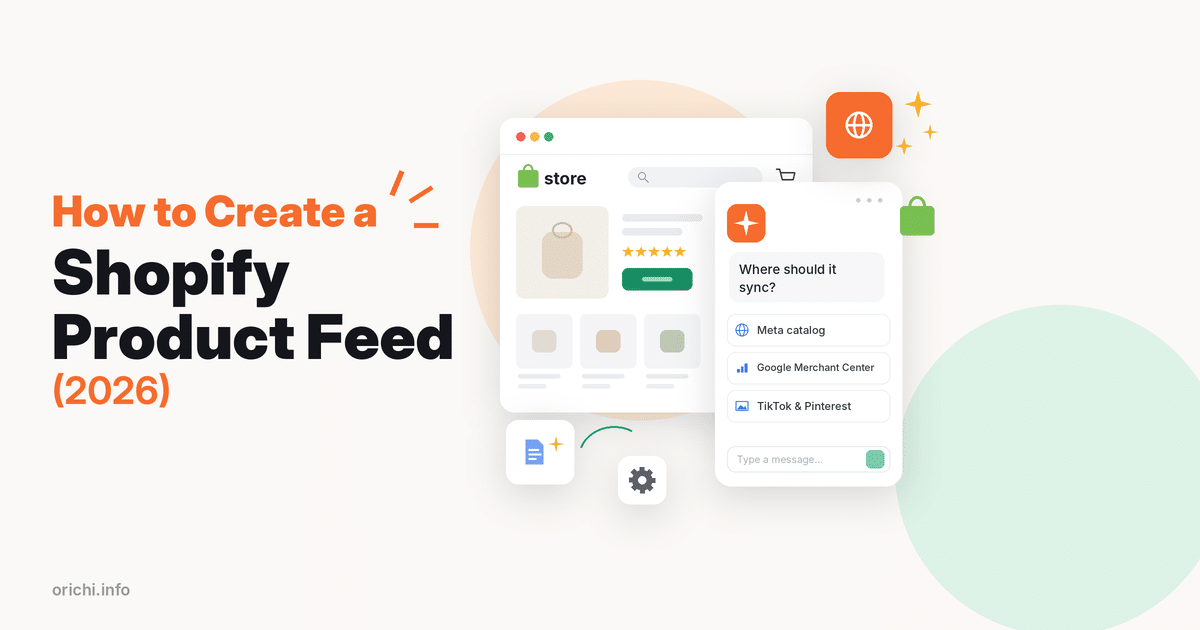
A Shopify product feed is a file, usually XML, that lists your products with titles, prices, images and stock so ad channels like Google, Meta, TikTok and Pinterest can show them. You create one either through a channel’s own Shopify app, such as Google & YouTube, which syncs products automatically, or with a feed app that gives you a feed URL for any channel.
Plan on 15–30 minutes for a first feed. This guide walks through both options, then covers the errors merchants hit most.
What goes into a product feed
Each row in a feed is one product or variant. Channels expect fields such as ID, title, description, link, image link, price, availability, brand and a product identifier like GTIN or MPN. If a required field is missing or wrong, the channel rejects that item. See our guide to brand, MPN and GTIN for how to fill identifiers.
Good feeds are also kept fresh. If your price or stock changes in Shopify but the feed updates once a day, ads can show a price that no longer matches your store.
Option 1: Use a channel’s own Shopify app
Shopify’s Google & YouTube channel syncs your products to Google Merchant Center automatically, and you manage listings from the Shopify admin. For a store that only advertises on Google, this is the simplest path.
- In Shopify admin, add the Google & YouTube sales channel.
- Connect your Google account and Merchant Center account.
- Review the requirements and the products marked as eligible.
- Fix any product issues shown, then let the channel sync.
Limits of this route: each channel app only feeds its own platform. You cannot reuse it for Bing, a price comparison site or a custom catalog, and you get fewer controls over titles, custom labels and rules. Read our Google Shopping feed guide for the full Google setup.
Option 2: Create a product feed URL with a feed app
A feed app builds a feed file from your catalog and hosts it at a URL. You paste that URL into each channel, and the channel fetches it on a schedule. This works for any platform that accepts a scheduled feed.
Feed apps compared
| App | Rating | Reviews | Price label | Best for |
|---|---|---|---|---|
| OC Multi Product Feed LLMs.txt | 5.0 | 25 | Free (1 feed, 500 items); paid from $8.99/mo | One app for Meta, Google, TikTok, Pinterest, Bing, ChatGPT |
| Simprosys Google Shopping Feed | 4.9 | 4,929 | From $4.99/mo; 21-day trial | Google-first stores, PMax tools |
| Multifeed Google Shopping Feed | 4.9 | 1,116 | Free (10 products); paid from $5.95/mo | Many formats (XML, CSV, TSV, JSON) |
Data checked October 13, 2026 on each app’s Shopify App Store listing.
Simprosys and Multifeed have far more reviews and deeper Google tools. OC Multi Product Feed is our app; it has fewer reviews but covers many channels from one dashboard.
Step by step: create a feed with OC Multi Product Feed
- Install OC Multi Product Feed LLMs.txt from the Shopify App Store and open it.
- Create a feed: give it a name and choose the target channel, for example Facebook (Meta) or Google.
- Pick the product source: all products, or a single collection for a campaign.
- Organize products: map categories, and use tags or collections to group products for campaigns.
- Localize: choose the market, language and currency. Multi-language and multi-currency feeds need the Medium plan or higher.
- Customize fields: adjust titles or other attributes and add UTM parameters to track traffic.
- Copy the feed URL: open Manage Feed and copy the generated XML link.
- Add it to the channel: in Meta Commerce Manager, open your catalog, go to Data sources, choose to connect a data feed, select “Use a URL”, paste the link, set the schedule and time zone, and upload.
- Check status: view items in the catalog and fix any errors the channel reports.
The same feed URL step works for Pinterest. See how to create a Pinterest product feed and how to create a Facebook product feed for screenshots.
Plans (checked October 13, 2026): Free for 1 feed and 500 items with daily sync; Small $8.99 a month for 3 feeds and 2,000 items; Medium $19.99 for unlimited feeds, 10,000 items and real-time sync; Enterprise $49.99 for 100,000+ items. Paid plans have a 7-day trial.
How to tell if your feed is healthy
A feed that uploads is not the same as a feed that works. After the first sync, check these four things in each channel:
- Approved vs submitted items. If 1,000 items go in and 700 are approved, the other 300 have errors worth fixing before you spend on ads.
- Price and stock match. Open five random items in the channel and compare them with your store. Any mismatch points to sync timing or a currency setting.
- Images load. Broken or tiny images are a common reason for low reach. Use square or near-square images with a plain background where the channel asks for it.
- Titles read well. Put the brand, product type and key attribute (size, color, material) near the start.
Repeat the check after big catalog changes, such as a new collection or a theme switch.
Common product feed problems and fixes
Products disapproved for missing GTIN
Map the barcode field in Shopify to GTIN. If the product truly has no GTIN, send brand plus MPN and mark the identifier as not existing where the channel allows it. One merchant review of a feed app said GTINs vanished from the feed after a change, so check a sample item after every edit.
Merchant Center keeps asking to verify the website
Low-star reviews of a popular feed app (2025) mention repeated verify-and-claim prompts and products removed from listings. Verify your domain once in Merchant Center, and avoid having two apps claim the same account.
Feed stops at a product limit
Free tiers cap items. One reviewer said it was not clear that a feed would not publish above the free limit. Count variants, not just products, before choosing a plan.
Prices or stock out of date
Daily sync can lag behind flash sales. Move to real-time sync or schedule more fetches in the channel.
Charged after uninstalling
A few reviewers report this across many apps. Cancel the plan in the app, uninstall, then check Settings > Billing in Shopify.
FAQ
Does Shopify have a product feed URL?
Shopify does not give you one general feed URL for every channel. Channel apps sync directly, and feed apps generate a URL you can paste into any platform.
What format should a Shopify product feed use?
XML is the most widely accepted. Some channels also take CSV or TSV. Check each channel’s spec before you build.
How often should the feed update?
At least daily. If prices or stock change often, use real-time sync or several fetches a day.
Can one feed serve Google and Meta?
Often not as-is. Each channel has its own fields and categories. Most feed apps let you clone a feed and adjust it per channel.
What is LLMs.txt in a feed app?
LLMs.txt is a plain text file that points AI assistants to a site’s key pages. It is separate from ad feeds. Our app names it in its listing title; check the listing for what the current version includes.
Build your first feed free
Start with one free feed of up to 500 items and add channels as you grow. Install OC Multi Product Feed LLMs.txt from the Shopify App Store.