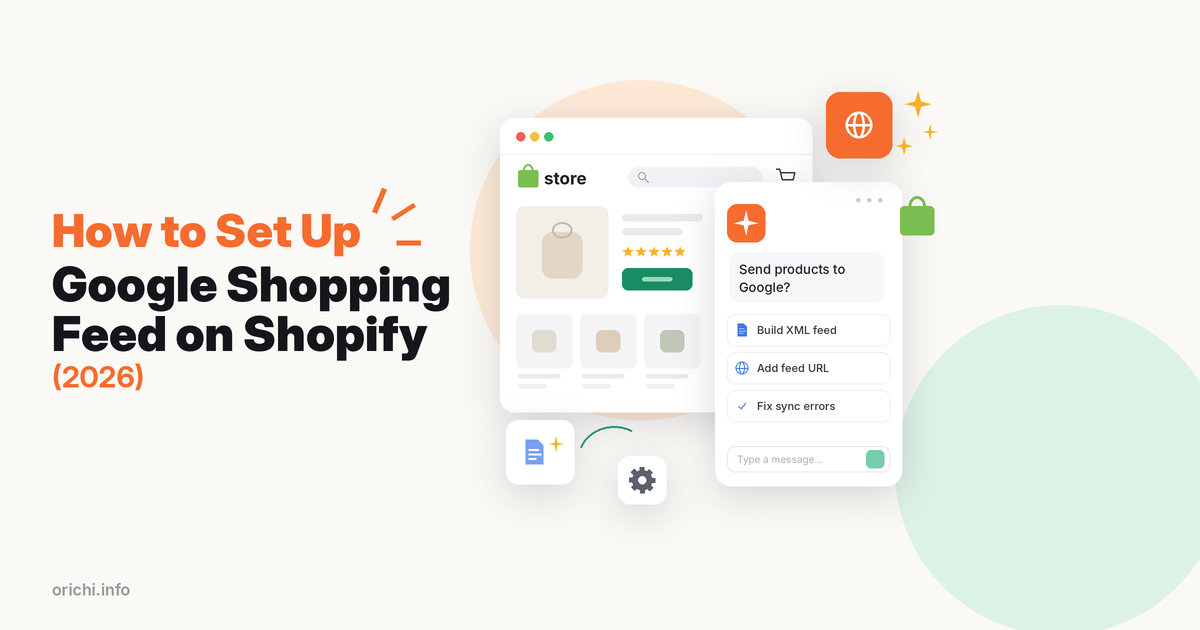
To set up a Google Shopping feed from Shopify, generate an XML feed with a feed app such as OC Multi Product Feed and add its URL in Merchant Center as a product source, which gives you control over titles, custom labels and markets. The simpler alternative is the free Google & YouTube app, which syncs your products, deals and shipping to Merchant Center.
Setup takes 20–40 minutes, plus Google’s product review time. Below are both methods, how Merchant Center fetches a file feed, and the sync problems merchants report.
What you need before you start
- A Google Merchant Center account with your website verified and claimed.
- Clean product data: a clear title, a real price, stock status, an image without overlays, and a GTIN (barcode) or brand plus MPN. See our guide to brand, MPN and GTIN.
- Policies on your store: shipping, returns and contact details that are easy to find. Missing policies are a common cause of account problems.
Option 1: Add a feed URL in Merchant Center
A feed app builds an XML file from your catalog with the fields you choose and hosts it at a URL. Merchant Center then fetches that file. This gives you rules for titles, custom labels for campaigns, and separate feeds per country or language.
Feed apps that support Google
| App | Rating | Price label | Best for |
|---|---|---|---|
| OC Multi Product Feed LLMs.txt | 5.0 | Free (1 feed, 500 items); from $8.99/mo | Google plus Meta, TikTok, Pinterest, Bing |
| Simprosys Google Shopping Feed | 4.9 | From $4.99/mo; 21-day trial | Google-first stores, PMax tools |
| Multifeed Google Shopping Feed | 4.9 | Free (10 products); from $5.95/mo | Rules and expressions, many formats |
If Google is your only channel, Simprosys and Multifeed have far more reviews and deeper Google tools. OC Multi Product Feed is our app; it suits stores that also need Meta, TikTok or Pinterest feeds from one place. Read our Simprosys review for a closer look at that option.
Step 1: Build the Google feed in OC Multi Product Feed
- Install the app and create a new feed. Choose Google as the channel.
- Pick the product source: all products or one collection.
- Map product categories, and use tags or collections to group items for campaigns.
- Set the market, language and currency for this feed. Make one feed per country you target.
- Adjust fields such as titles and custom labels, and add UTM parameters.
- Open Manage Feed and copy the XML feed URL.
Step 2: Add the feed URL in Google Merchant Center
- In Merchant Center, open Settings > Data sources and select Add product source. (You can also start from Products > Add products.)
- Select Add products from a file, then Enter a link to your file.
- Paste the feed URL. It must start with http://, https:// or sftp:// and point straight to the file.
- Select Continue and finish the setup.
Google accepts .txt, .xml and .tsv files up to 4 GB and fetches the file every 24 hours by default; the schedule can be changed. If prices change often, use an app plan with real-time sync and adjust the fetch schedule.
OC plans (checked October 14, 2026): Free for 1 feed and 500 items with daily sync; Small $8.99 a month for 3 feeds and 2,000 items; Medium $19.99 for unlimited feeds, 10,000 items and real-time sync.
Option 2: Sync with Shopify’s Google & YouTube app
Google & YouTube is built by Google, is free to install, and has 5,521 reviews with a 4.5 rating (checked October 14, 2026). It syncs products, deals and shipping to Merchant Center, and also runs Performance Max campaigns and connects YouTube Shopping. Ad spend is billed to your Google Ads account.
- In your Shopify admin, install the Google & YouTube app.
- Connect your Google account and choose or create a Merchant Center account.
- Review the store requirements the app lists and fix any it flags.
- Choose which products to sync by making them available on the Google & YouTube sales channel.
- Wait for Google’s review, then check product status in Merchant Center.
What merchants report: 1-star reviews from mid-2026 describe only a small part of a catalog reaching Merchant Center (19 of 250+ products in one case), stock showing out of stock on Google while in stock on Shopify, no way to trigger a manual re-sync, and repeated Merchant Center suspensions for “misrepresentation” without a clear reason.
When the app is enough: one market, a clean catalog, and no need to rewrite titles for Google.
Do not run two Google feeds for the same products
If you keep the Google & YouTube app syncing and also add a feed URL, Merchant Center can receive the same products twice from two sources. Pick one main source per product and country. If you move to a feed app, turn off product sync in the old source first.
Optimize titles in your Google feed
Google matches searches to your product data, and the title carries the most weight you can control. A few rules help:
- Put the brand and product type first, then the key attribute: size, color, material or model.
- Use the words shoppers search for, not internal names like “Summer Drop 3”.
- Keep promo text such as “free shipping” or “50% off” out of titles; Google can disapprove it.
- Use custom labels for margin, season or best sellers, then split campaigns by label.
Common Google Shopping feed problems and fixes
Only part of the catalog appears
Check that each product is published to the source you use, has a price and an image, and is not blocked by a filter in your feed app. Count variants: free plans often cap items, not products.
Stock or price mismatch
Google flags items whose price or stock differs from the landing page. Shorten the fetch interval, or turn on real-time sync if your plan has it.
Website verify and claim prompts keep coming back
One feed app’s low-star reviews mention repeated verify-and-claim prompts. Verify the domain once, and do not let two apps claim the same Merchant Center account.
Account suspended for misrepresentation
Review your contact page, return policy, shipping times and checkout for clear, matching information. Fix the site before you request a review; repeated quick appeals can lead to longer reviews.
For more on Merchant Center setup, see our complete Google Shopping feed guide.
FAQ
Is the Google Shopping feed for Shopify free?
The Google & YouTube app is free to install, and free product listings cost nothing. You pay only for ads you run. Feed apps have free tiers with item limits.
How long does Google take to approve products?
Google reviews new products before they show. Check the Products page in Merchant Center for status and issues.
Can I have different feeds for different countries?
Yes. Create one feed per country, language and currency, then add each as a product source in Merchant Center.
Which file format should I use?
XML is common for feed apps. Merchant Center also accepts .txt and .tsv.
Do I still need the Google & YouTube app if I use a feed app?
Not for product data. Some stores keep it for Performance Max or YouTube Shopping, but turn off its product sync to avoid duplicates.
Build your Google feed for free
Start with one free feed of up to 500 items, then add Meta, TikTok or Pinterest from the same app. Install OC Multi Product Feed LLMs.txt from the Shopify App Store.