To create a bundle on Shopify, pick the route that fits your offer. For discount bundles such as “buy 3, save 15%” or a free gift, install a bundle discount app like OC: Volume Discount Bundle App and create a campaign. For a fixed kit sold as its own product, open the free Shopify Bundles app, click Create bundle, pick the products, set one price, and save.
A fixed bundle takes about 10 minutes. This guide covers both routes, the limits of each, and fixes for the issues merchants report.
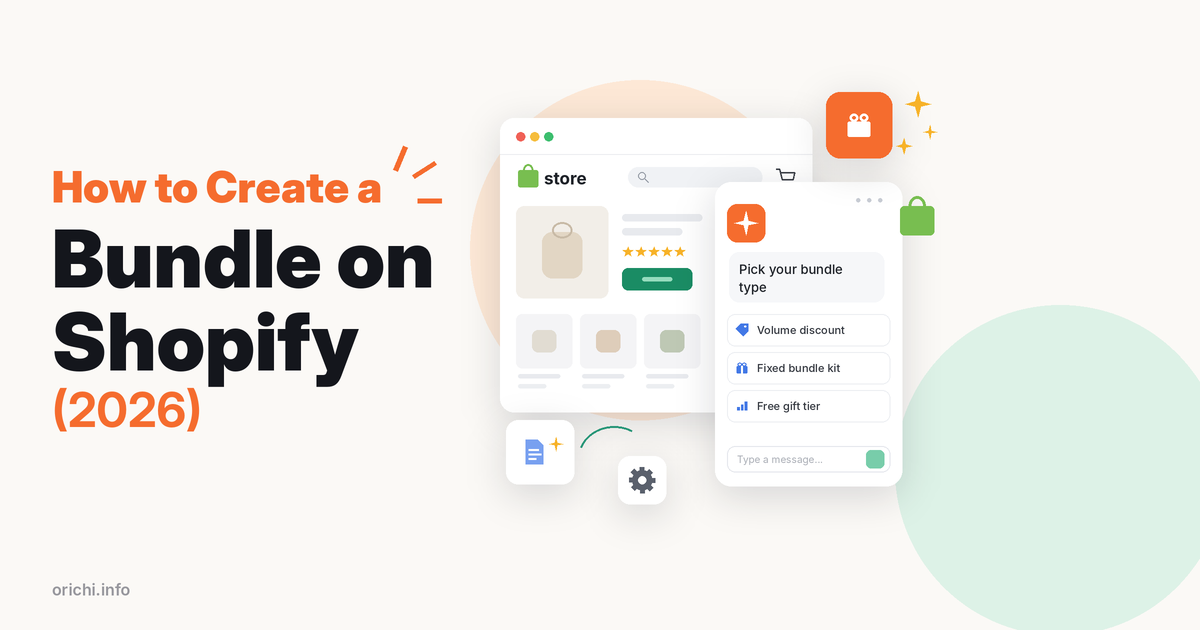
First, pick the type of bundle
- Fixed bundle: set products sold together as one item, like “Skincare starter kit”.
- Multipack: several units of the same product, like a 3-pack of socks.
- Discount bundle or quantity break: shoppers add items as usual and get a discount when the offer rules are met.
- Mix and match: shoppers choose items from a set. Shopify Bundles does not list this; you need an app built for it.
The type decides the tool. Fixed bundles and multipacks work with Shopify’s own app. Discount offers need a third-party app.
Option 1: Create bundle offers with OC: Volume Discount Bundle App
If you want shoppers to save when they buy more, a discount app fits better. OC: Volume Discount Bundle App is made by our team, so read this with that in mind. It has a 5.0 rating from 76 reviews and the Built for Shopify badge.
Instead of creating a new product, it adds an offer block to your existing product pages: bundles and volume discounts by product or collection, BOGO and buy-X-get-Y inside quantity breaks, free gifts, and post-purchase or thank-you-page upsells.
Steps
- Install OC: Volume Discount Bundle App from the Shopify App Store.
- Turn on the app embed in Online Store > Themes > Customize > App embeds, so the offer block can appear on product pages.
- Create a campaign and pick the type: bundle, volume discount, BOGO or buy X get Y.
- Choose the products or collections the offer applies to.
- Set the tiers: for example 2 items 10% off, 3 items 15% off, or add a free gift to the top tier.
- Pick a template and match colors and text to your theme. The listing says design takes about 5 minutes.
- Save and test each tier on the product page, cart and checkout.
Price: free for 1 campaign; Plus is $7.99 a month for unlimited campaigns and A/B testing, with a 7-day trial.
Where it is weaker: it does not create a separate bundle product with its own inventory, which Shopify Bundles does. For a boxed kit with its own SKU, the native app fits better.
Option 2: Create a bundle with the free Shopify Bundles app
Shopify Bundles is made by Shopify and is free (Shopify Help Center). It creates fixed bundles and multipacks as real products with their own inventory, sold on the Online Store, Shop, Shopify POS and headless storefronts.
Steps for a fixed bundle
-
- Install Shopify Bundles, then in your admin go to Apps > Bundles.
- Click Create bundle and enter a title.
- Click Select products, choose the products to include and confirm.
- Optionally adjust quantities, choose which variants to include, or combine options with matching names.
- Click Save and continue, then add the price, images and description.
- Choose sales channels and set the status to Active. New bundles start as Draft.
- Click Save and place a test order.
Steps for a multipack
Follow the same steps, but open the menu next to the product in the bundle and choose Duplicate product to add more units of the same item.
Limits to know
- Fixed bundles hold up to 30 components, with up to 2,000 units per component.
- Each bundle allows a maximum of 3 options and 100 variants in total.
- Pricing is fixed; there are no tiered or percentage offers.
Limits checked October 14, 2026 on Shopify’s help center. The app holds a 2.9 rating from 568 reviews on the Shopify App Store.
What merchants complain about: in recent 1-star reviews, apparel sellers say the 3-option, 100-variant cap is reached fast when two products each have size and color. Others say images and product details do not carry over, so they re-enter them. Some report checkout trouble when a bundle mixes digital and physical items, and bundle sales missing from third-party reporting tools.
Discount app vs native bundle: which to use
| Need | Discount app (e.g. OC) | Shopify Bundles |
|---|---|---|
| Bundle as its own product and SKU | No | Yes |
| Tiered or percentage offers | Yes | No, fixed price only |
| Free gift with purchase | Yes | No |
| Sold on Shopify POS | Check the app | Yes |
| Cost | Free for 1 campaign, then $7.99/mo | Free |
Data checked October 14, 2026.
Many stores use both: a native kit for gift sets and a discount app for “buy more, save more” on best sellers. Read bundling with or without an app for more examples.
How to price a bundle
- Start from margin, not from a round discount. Add up the cost of each item, then decide how much margin you can give up.
- Pair a best seller with a slow mover so the bundle moves stock you need to clear.
- Show the saving. Display the full price next to the bundle price so the value is clear.
- Keep it simple. Two or three tiers are easier to read than five.
See our guide to pricing product bundles on Shopify for worked examples.
Test your bundle before launch
- Add it to cart on mobile and check that the right items, quantities and price appear.
- Complete a test order with a 100% discount code, then confirm each component’s stock went down.
- Try a second discount code to see whether offers stack the way you expect.
- Check order emails and packing slips so your team can see every item to pack.
Ten minutes of testing saves refunds and support tickets after launch.
Common problems and fixes
“Too many options” error
Shopify Bundles caps a bundle at 3 options and 100 variants. Split the bundle into smaller sets, or limit variants to the most popular sizes and colors.
Bundle images missing
Add a dedicated bundle photo. Reviewers say component images do not carry over automatically.
Discount not showing in cart
For app offers, check that the app embed is on, the product is in the campaign, and no other automatic discount conflicts. Shopify’s discount combination settings decide whether offers stack.
Bundle not selling
Move the offer close to the add to cart button and make the saving clear. Our article on why Shopify bundles fall short covers more fixes.
FAQ
Can I bundle products on Shopify without an app?
Not as a true bundle. You can create a separate product called “Kit” and manage stock by hand, or use the free Shopify Bundles app, which keeps inventory in sync.
Does Shopify Bundles support mix and match?
Its listing names fixed bundles and multipacks only. For customer-built boxes, use a dedicated bundle builder app.
Will bundles show on Shopify POS?
Bundles made with Shopify Bundles can be sold on Shopify POS, according to Shopify’s help center.
Can I add a free gift to a bundle?
Not with Shopify Bundles. Discount apps such as OC can add a free gift to an offer tier.
Launch your first bundle offer
Want “buy more, save more” or free-gift bundles on your product pages? Your first campaign is free. Install OC: Volume Discount Bundle App from the Shopify App Store.