If you’re active on social media, you’ve felt the “one link in bio” problem. Instagram, TikTok, and other platforms often give you a single URL, but most businesses and creators have more than one destination. You might want to send people to your website, a specific service page, a booking link, a shop page, or a lead magnet—without forcing everyone into the same place.
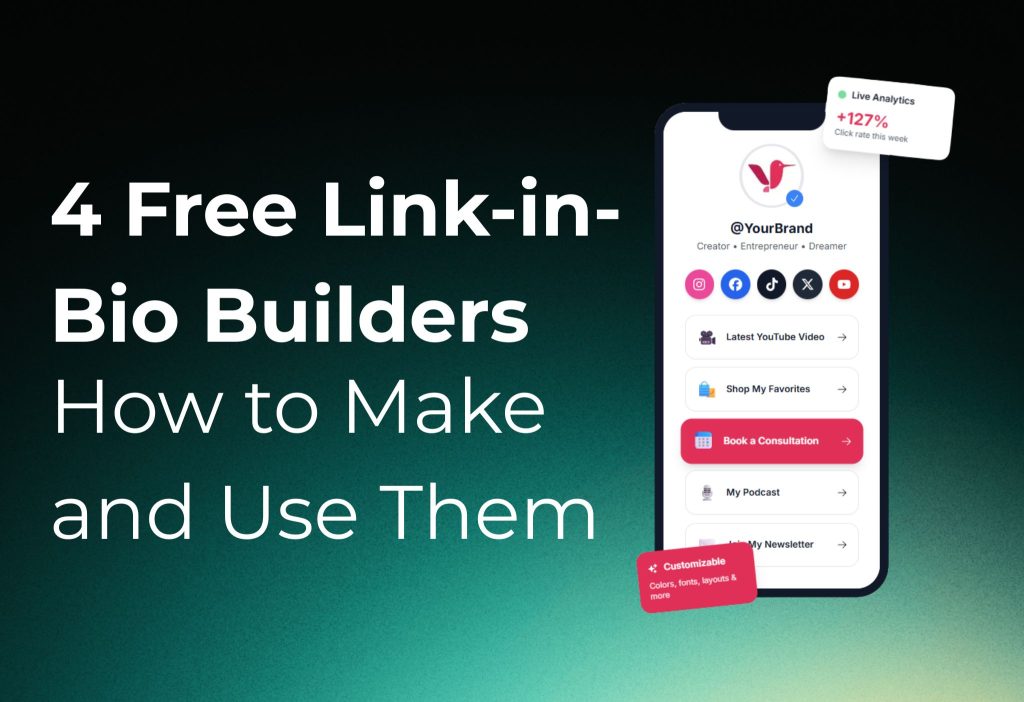
A link-in-bio tool solves this by giving you a simple landing page that holds multiple links. Your audience taps your bio URL, lands on a clean page, and chooses what they need. It reduces friction, improves click-through rate, and helps you guide people to the right offer faster.
Before we get into the tools, here’s a useful mindset. If you already have a website, a powerful option is to build your link-in-bio page inside your own domain. That way, every click sends people directly to your website, which supports your brand and gives you full control. But if you’re not ready to invest time or budget into a custom web build, free link-in-bio builders are an easy place to start.
Below are four free options you can set up quickly: Linktree (free plan), Bio Sites by Squarespace, Campsite.bio, and Canva Websites.
Linktree (Free Link In Bio): Fast, Simple, and Beginner-Friendly
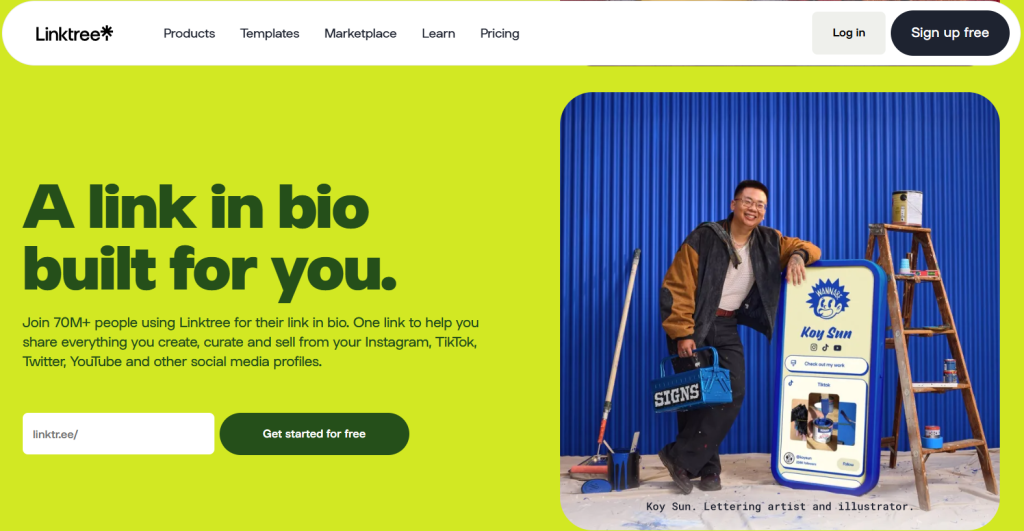
Linktree is one of the most popular link-in-bio platforms. The free plan lets you build a simple landing page with multiple links in minutes. It’s a good choice if you want something quick, clean, and easy to maintain.
Setup is straightforward. You create an account, pick a Linktree username (often your creator name or business name), and then start adding your links. After that, you choose a template and upload basics like a logo or profile image. The page updates as you add or remove links, so you can keep it current with your latest campaign, offer, or content.
One small detail that matters is link naming. If your link button just says “Website,” people may hesitate. Clear labels like “Visit our website,” “Book an appointment,” or “Shop best sellers” tend to get more clicks because the intent is obvious. You can also rename links like “Queensland” to “Facebook” so visitors instantly understand where they’re going.
Linktree also gives you simple controls to turn links on or off. That’s useful when an offer ends or when you want to rotate seasonal promotions without deleting anything. Once your page looks right, you copy your Linktree URL and paste it into your social media bio.
With the free plan, you may see Linktree branding on the page. If you want full removal and deeper customization, that typically requires a paid upgrade, but the free version is enough for many creators and small businesses.
Bio Sites by Squarespace: More Customization and Built-In Options
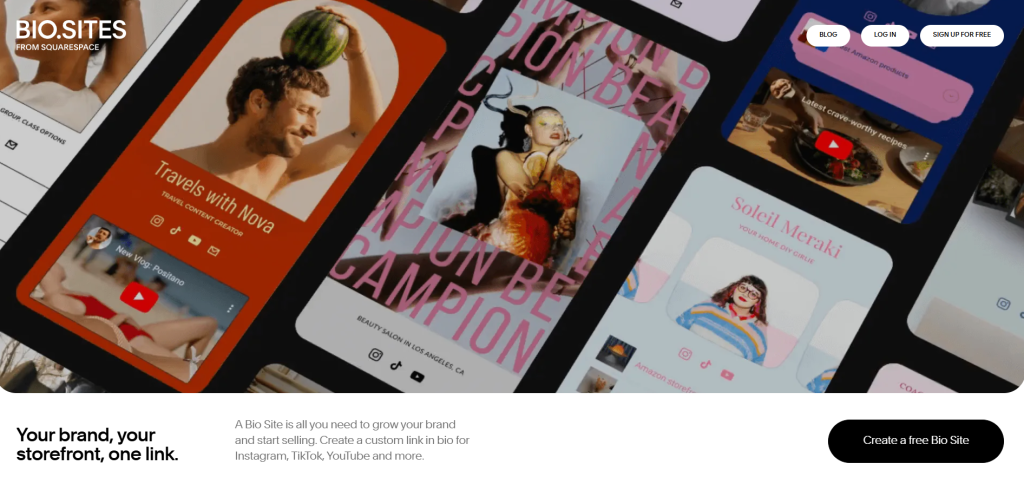
Bio Sites is a link-in-bio builder made by Squarespace. It’s designed to feel more like a mini landing page than a basic link list, and it often gives you more design flexibility through templates, layout options, and style controls.
To get started, you sign up for free, choose a template, and then edit the page content. You can add multiple link blocks and customize what each section highlights. This makes it easier to present specific services or offerings in a way that feels structured, not cluttered.
Bio Sites also includes features that can support a more “business-ready” setup. For example, you can connect a payment option for a paywalled link. That means you can place a paid offer behind a button and require payment before someone unlocks it. The platform supports payment providers like Stripe and PayPal, which is helpful if you want to sell a digital product, a paid resource, or a private link without building a full store.
Another practical add-on is the ability to connect your Instagram content to the page. Instead of only showing buttons, you can surface your feed and create a more visual, brand-aligned experience. This is especially useful for creators, photographers, salons, fitness coaches, and product-based brands where visuals drive trust.
Bio Sites also offers analytics so you can see page views and engagement at a basic level. That’s valuable because link-in-bio performance is not just about design—it’s about what people actually click. When you’re done editing, you publish and keep updating as your offers change.
Read more: TikTok Shop Name Ideas: Creative, Catchy, and Brand-Ready Inspiration
Campsite.bio: Clean Landing Pages, But Analytics May Be Locked
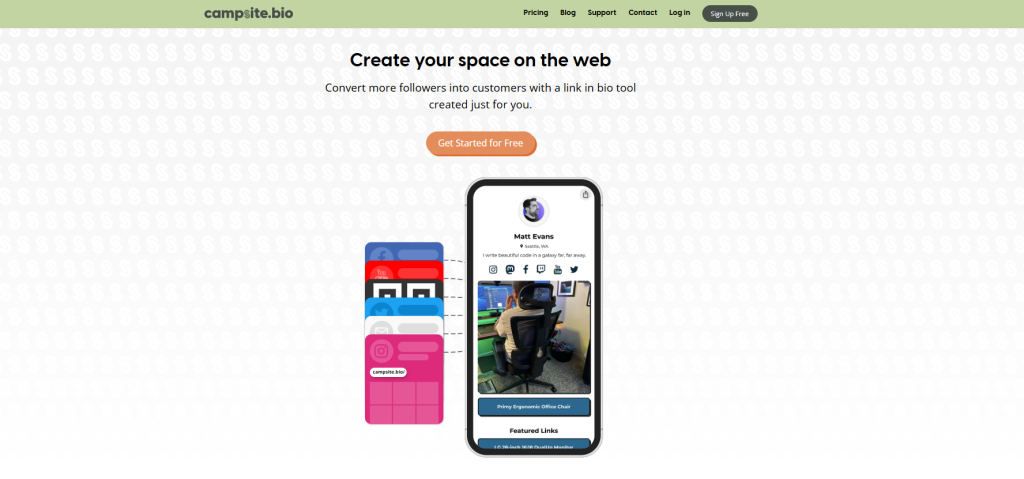
Campsite.bio is another free link-in-bio option with a simple setup flow. It lets you create an account, add social links, insert your main URLs, and choose a theme. If you want a lightweight page that looks good and is easy to manage, Campsite.bio can do the job.
The main limitation is that the free plan may restrict analytics. If you rely on click data to decide which offers to keep, this can be a drawback. Without built-in analytics, you’ll want to track link performance using UTM parameters and your own analytics tool, such as Google Analytics, so you still have visibility into what’s working.
Customization is also more limited compared to tools like Bio Sites or a fully custom Canva page. You can still add an image and choose a theme, but you may feel boxed in if you want deeper brand control. For many people, though, the simplicity is the point: fewer settings, faster publishing, and less time spent tweaking.
Canva Websites: The Most Design Freedom, But It Takes More Work
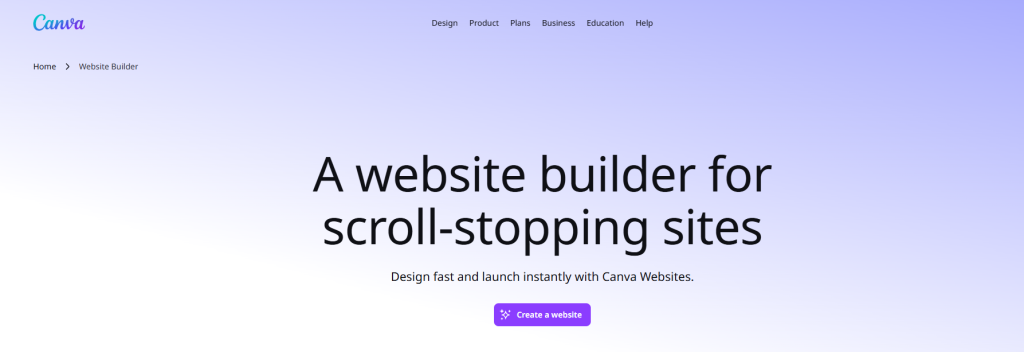
If you want the most design control, Canva Websites is the standout option. Instead of choosing a standard link-list template, you design a mini landing page using Canva’s layout tools. You can match your brand colors, typography, visual style, and overall vibe much more precisely.
The trade-off is effort. Unlike the other tools that are built for quick link setup, Canva requires you to think like a designer. You’re responsible for layout, spacing, hierarchy, and making sure the page works well on mobile. It’s still free, but it’s not “instant.”
Canva websites are great when your brand depends on visuals and personality, or when you want something that feels custom without hiring a web designer. If you’re launching a new offer, running a campaign, or building a creator portfolio, a Canva link-in-bio page can look polished and unique when done well.
If you choose this route, keep your page focused. Use clear buttons, keep the number of links reasonable, and make the top section instantly answer, “What should I click first?” A beautiful page that’s confusing won’t convert.
Read more: How to Go Viral on TikTok?
How to Choose the Right Tool for Your Use Case
If you want the quickest setup with the least friction, start with Linktree. It’s simple, reliable, and easy to update when your content changes.
If you care about customization, business features, and a more landing-page feel, Bio Sites by Squarespace is a strong choice. It’s especially helpful when you want to highlight services, show visual content, and optionally add payment-related features.
If you want a clean link page and don’t need deep analytics inside the platform, Campsite.bio can work. Just be prepared to handle tracking another way if analytics are restricted on the free plan.
If you want maximum creative freedom and a page that looks fully branded, Canva Websites is the best fit. Choose it when design matters and you’re willing to spend more time building the layout.
FAQ
Is There a Free Link in Bio Tool?
Yes, there are several free link in bio tools available today. Many platforms allow creators, small businesses, and brands to create a simple link-in-bio page without paying upfront. These tools are designed to help you share multiple links from one bio URL on social media platforms like Instagram, TikTok, and X.
Free plans usually cover basic needs such as adding links, choosing a simple layout, and publishing a live bio page. However, advanced features like analytics, monetization, or deep customization are often reserved for paid plans.
Free Link in Bio Tool by Canva
Canva offers a free link in bio tool as part of its website builder. Users can start with ready-made templates and customize them to match their brand identity. The editor uses a drag-and-drop interface, making it easy to add images, logos, social media icons, and branded design elements.
Canva’s free plan is ideal for users who care about visual branding and want a polished-looking bio page without technical setup. While it does not focus heavily on analytics, it works well as a simple, design-first link in bio solution.
Is Linktree 100% Free?
Linktree does offer a free plan, but it is not completely unlimited. With the free version, users can add unlimited links and create a basic link-in-bio page. Customization options are limited, usually allowing only simple background colors and basic profile settings.
Advanced features such as detailed analytics, monetization tools, custom branding, and integrations with eCommerce platforms are available only on paid plans. This makes Linktree’s free plan suitable for beginners, while growing creators often need to upgrade.
What Is the Best Free Alternative to Linktree?
If you are looking for free alternatives to Linktree, there are several options worth considering. Platforms like Hopp by Wix, Linkin.bio by Later, Koji, Beacons, Lnk.bio, Milkshake, Stan, and Shorby all provide free plans with different strengths.
Some tools focus on visual layouts, others emphasize creator monetization, and some integrate directly with social media scheduling tools. Most free alternatives allow basic link management, while advanced analytics and integrations typically require a paid upgrade.
Is a Bio Site Free to Create?
Yes, creating a bio site can be completely free. Canva’s bio site editor allows users to build a one-page bio website from scratch or by using pre-designed templates. These bio sites can function similarly to link-in-bio tools but offer more flexibility in layout and content.
Free bio site builders are a good option for users who want more control over structure and branding while keeping costs low.
Is Taplink Free?
Taplink does offer a free plan, but it comes with limitations. The free version allows basic customization and simple link setup. However, many of Taplink’s advanced features, such as analytics, CRM tools, payment integrations, and custom themes, are only available on paid plans.
Taplink’s free plan works for basic use cases, but businesses and creators who need data tracking or sales features usually need to upgrade.
Final thoughts
Your link-in-bio page is a conversion tool, not just a link holder. Make your first link the most important action, use labels that describe outcomes, and keep the page updated so people never land on expired offers.
If you can access analytics, use them. If you can’t, track clicks with UTMs and monitor performance inside your broader analytics setup. Over time, the best link-in-bio page becomes a small but powerful hub that turns social traffic into leads, bookings, and sales.