A link in bio tool helps you turn one Instagram bio link into a simple mobile landing page. That page can hold your website, shop, newest content, lead magnets, and contact options in one place. It matters on Instagram and TikTok because you typically get one clickable bio link, so your “link hub” becomes your main traffic bridge.
If you want the fastest setup with extra Instagram management features, Pallyy is the strongest all-around pick. If you want a clean, dedicated bio link builder with minimal clutter, Shorby is the easiest to operate. If you care most about tracking, branding control, and advanced link features, Replug is built for marketers.
What to look for in a link in bio tool
Start with the basics: mobile-friendly design, fast loading, and an editor you will actually use every week. Then look at tracking options like UTM parameters, built-in analytics, and support for tracking pixels such as Meta Pixel and Google Analytics 4. If branding matters, check for a custom domain option and white-label settings. If you sell products, look for ecommerce blocks, payment links, and Shopify-style integrations.
1) Pallyy
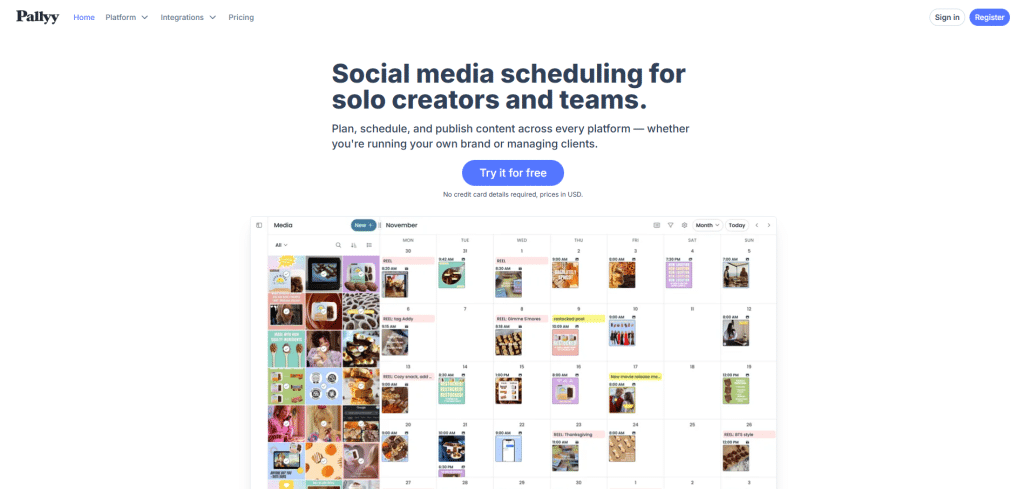
Pallyy is a link in bio tool that also behaves like a lightweight social media command center. You can build a clean bio landing page, then manage Instagram planning and posting workflows from the same platform. That combination is why it fits most creators, small brands, and social media managers.
Setup is simple. You connect your Instagram account, open the Biolink feature, and add destinations like your blog, online store, booking page, or a featured offer. You can present links as classic buttons or as a grid of clickable images that mirrors an Instagram feed, which is useful when your content strategy is visual-first.
Customization is straightforward. You can edit the title, description, cover image, and styling for the page and buttons, then add social icon links for channels like YouTube or TikTok. The share link uses a short URL format with a customizable slug, which keeps your bio clean.
The biggest time-saver is how Pallyy can fit into your publishing flow. If your workflow already includes scheduling posts, updating the bio link at the same time helps you avoid forgetting to change the “one link” after every campaign. The trade-off is that biolink pages here stay fairly simple compared to advanced landing page builders, and deep design control is limited.
2) Shorby
Shorby is for people who want a dedicated link in bio builder without extra social scheduling features. It focuses on speed, clarity, and block-based editing, which makes it feel easy even if you are not technical.
You create a page, add your profile image and headline, then stack blocks like buttons, messenger links, text, countdown timers, and social icons. When you are done, you copy the link and paste it into your Instagram, TikTok, or other social bio. The process is fast and stays out of your way.
A standout feature is QR code support. You can generate and download a QR code that points to your bio page, which is useful for offline touchpoints like business cards, packaging, posters, or event signage. It can be quicker for users to scan than to type a URL.
Shorby also includes basic insights so you can see impressions and clicks per link. It supports connecting your own custom domain, which is a major branding win if you want visitors landing on your domain instead of a third-party short link. The downside is that design customization remains limited, and it is not an all-in-one social media platform.
3) Woorise
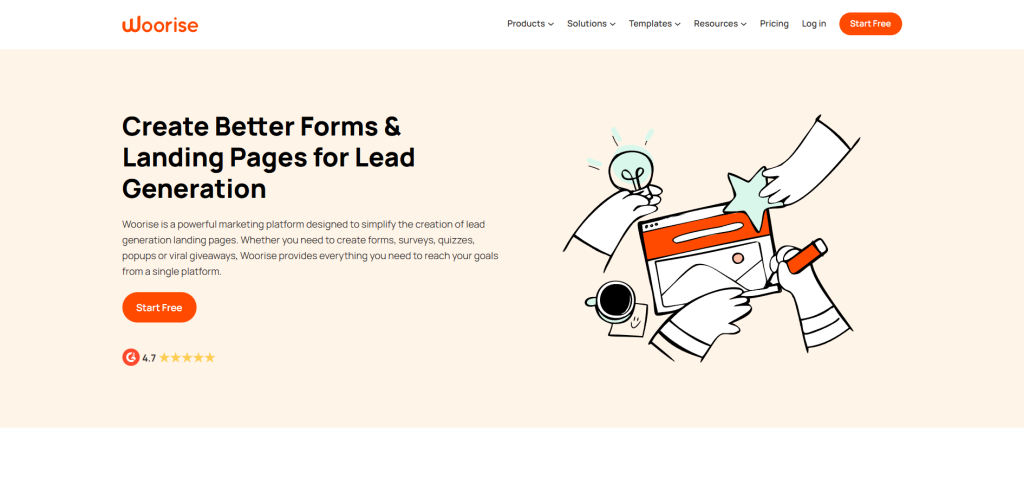
Woorise is more than a link in bio tool. It is an all-in-one lead generation platform that can build landing pages, forms, quizzes, contests, and interactive campaigns. If your “link in bio” goal includes capturing leads, collecting emails, or running promotions, this broader toolset can make sense.
You start with templates, including dedicated bio link templates that range from vertical mobile-first layouts to wider designs that also look good on desktop. You then customize using a drag-and-drop editor with finer control than most bio link tools.
Woorise lets you add more than links. You can embed video, images, forms, and even payment-related blocks, so your bio page can behave like a mini funnel. You can publish to a Woorise-hosted URL or publish on your own site, depending on your setup.
The trade-off is time and cost. Compared to simpler tools, it takes longer to set up and has a higher starting price, especially if you only want a basic link hub.
4) Replug
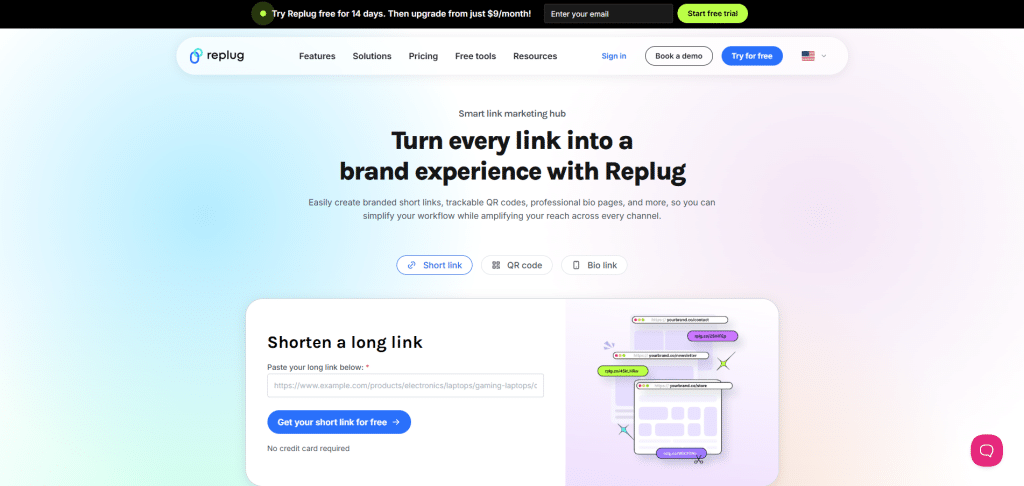
Replug is built for marketers who treat links like assets. It is a link management platform with bio pages, short links, advanced analytics, retargeting, and routing logic. If you run campaigns across Instagram, email, ads, and partnerships, Replug fits that performance mindset.
The bio page builder is drag-and-drop and flexible. You can add links, videos, images, buttons, and forms. The main strength is branding control. Replug supports a white-label approach, so you can remove third-party branding and apply your own identity across short links, landing pages, dashboards, and reports.
Tracking and retargeting are where it shines. You can use tracking pixels to build audiences for retargeting across channels and measure campaign performance more precisely. Replug also includes advanced options like A/B testing and link rotation, which lets you route visitors to different page variants based on rules such as location, time, or campaign conditions.
This power comes with complexity. Replug is less beginner-friendly than simple bio tools, and there may be no free plan depending on current offers. It is best when you will actually use the advanced features rather than pay for them and ignore them.
5) Tap.bio
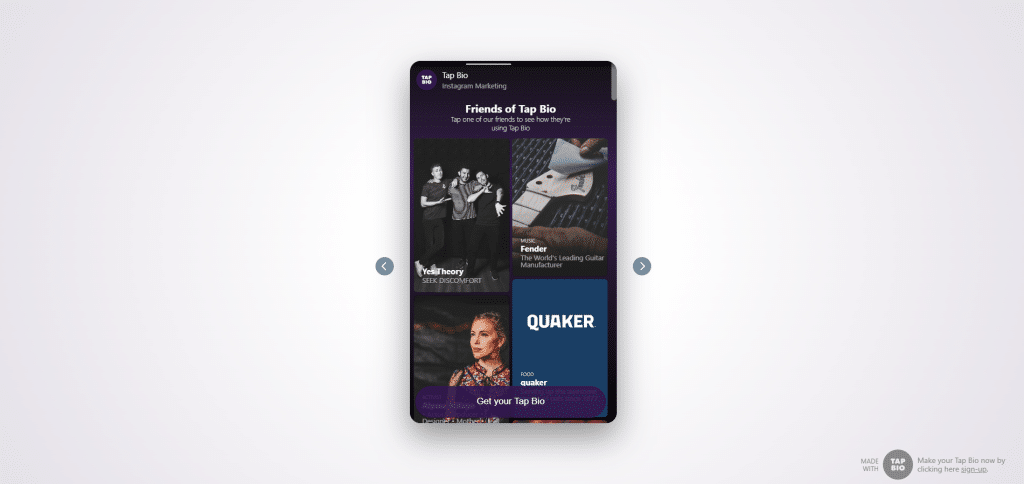
Tap.bio is the most visually distinctive option in this list. Instead of one static page with buttons, it uses swipeable, card-based microsites. The experience feels closer to how users browse Instagram Stories or short-form content, which can reduce friction on mobile.
Each card acts like its own landing page. You can choose card types based on goals, such as an Instagram grid-style card for clickable posts, a shop-focused card for product links, or an email collection card for list building. Because the cards are purpose-built, they often look polished with minimal effort.
The free plan is limited in how many cards you can add, and analytics may not be included at that tier. Another practical limitation is that the card-based layout is designed for mobile first, so desktop viewing may feel less natural.
6) HopperHQ
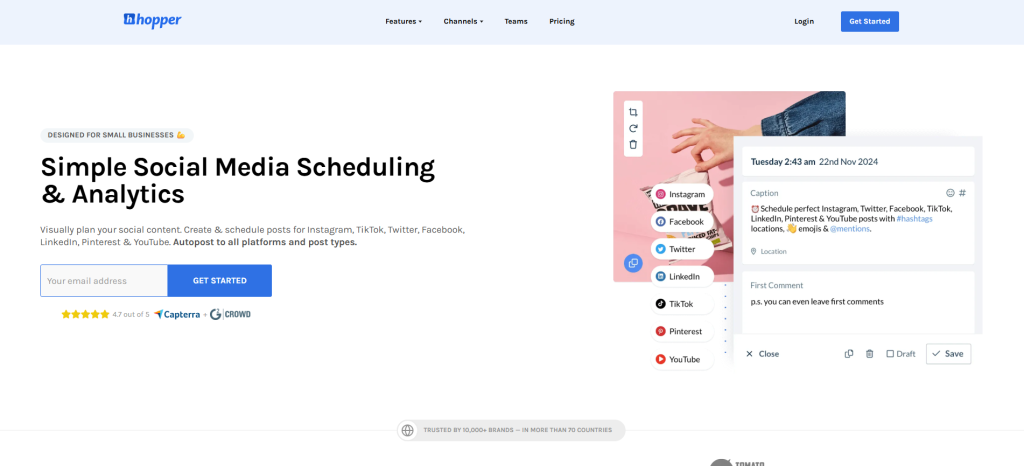
HopperHQ is similar to Pallyy in spirit. It includes link in bio pages, but it also provides social media scheduling and planning features. If you need one tool for content ops plus a simple link hub, it can be a clean fit.
The bio setup is straightforward. You add your links, choose a theme, and publish the short link in your Instagram bio. The platform also provides a calendar workflow to plan and schedule posts across networks, plus analytics dashboards for performance tracking.
HopperHQ stands out for teams. It supports collaboration with shared access and approval workflows, and it can allow multiple users without extra cost in some plans. The downside is aesthetic: the short link domain may look less branded than custom domains or cleaner short URLs.
Read more: Checkout Links Review
7) Lnk.Bio
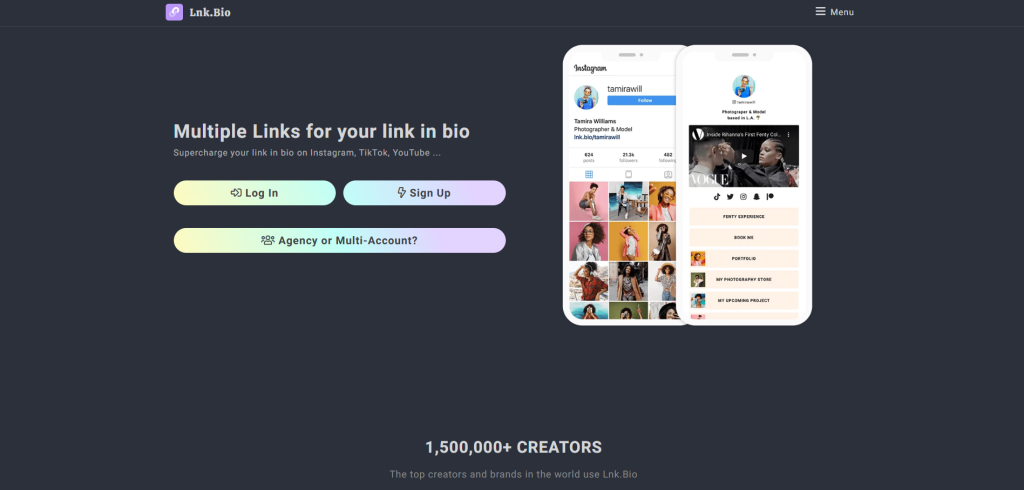
Lnk.Bio is a simple, fast bio link tool with a low barrier to entry. A key convenience is signing in via Instagram, which reduces friction for creators who want to set up in minutes.
The free plan is generous in practical ways. You can add many links, pick from a large template library, and use extras like music, video embeds, and QR codes. Paid tiers unlock features like scheduling links and building a clickable grid that mirrors your Instagram or TikTok posts.
The tool is beginner-friendly and quick. The trade-offs are typical for simpler platforms: analytics can feel basic, and the most valuable automation features sit behind higher-priced plans.
8) Linktree
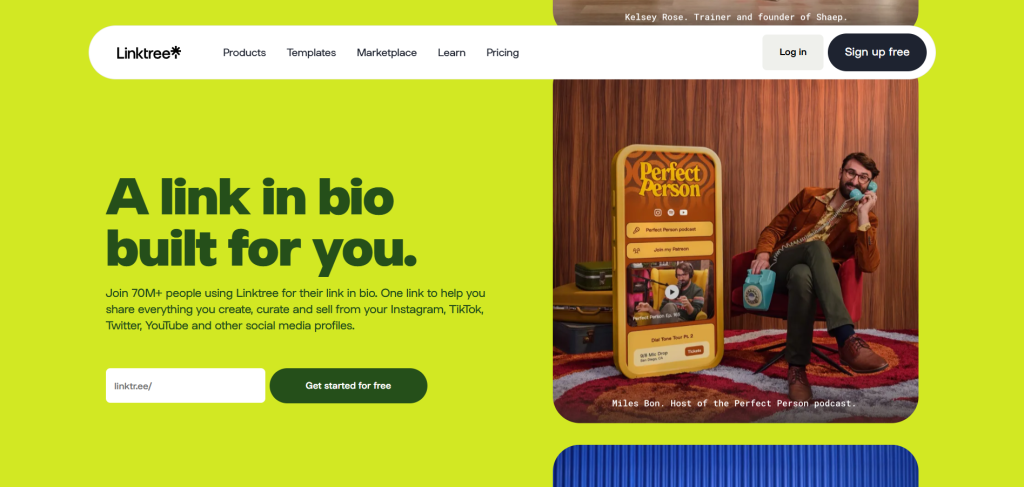
Linktree is the most widely recognized link in bio platform. It is flexible, easy to use, and offers strong analytics for a dedicated bio link tool. Templates help you publish quickly, and an app marketplace adds widgets and integrations.
That extensibility is useful if you want to embed things like music players, email signup forms, or product displays. For example, creators often connect services like Shopify for product highlights or audio platforms for music promotion, depending on what they sell.
There are downsides. Linktree does not always support custom domains in the way many brands want, which can be a limitation if branded URLs are a priority. It is also so common that many link pages can look similar unless you invest time in customization. Some users have also reported occasional platform trust issues with third-party link pages in general, so it is smart to monitor deliverability and keep a backup plan like a simple page on your own domain.
9) Leadpages
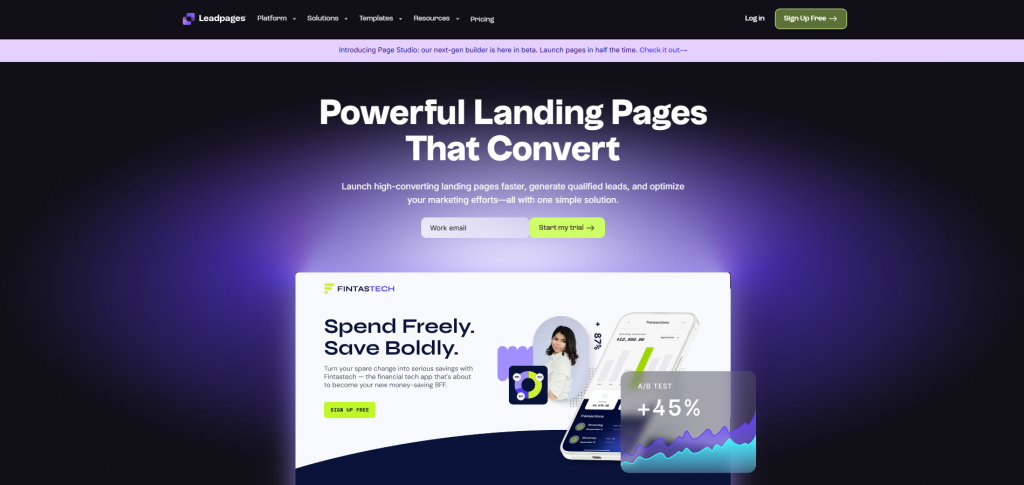
Leadpages is a full landing page builder that can also create link in bio pages. It is best when you want deeper layout control and conversion-focused design rather than a basic link list.
The editor gives you full control over structure, content blocks, and styling. The template library includes bio-style pages that often look more “website-level” than typical link hub templates. Leadpages also tracks performance signals like conversion rates across templates, which can help you choose designs built for signups or sales.
Once your bio page is ready, you can publish it to your own domain or a hosted subdomain and then place that URL in your Instagram bio. Leadpages also includes broader conversion tools like A/B testing, pop-ups, and lead management, which is valuable if your bio link is part of a larger funnel.
The trade-offs are cost and scope. There is often no free plan, and the tool can be overkill if you only need a simple link hub. URLs can also be longer depending on your setup, which matters if you want the cleanest-looking bio link.
Final thoughts
All nine options solve the core problem: turning one Instagram bio link into a smart hub that can drive traffic, sales, and signups. Your best choice depends on how you work.
If you want a strong default with extra Instagram workflow tools, Pallyy is the safest pick. If you want a dedicated bio link tool that stays simple and supports custom domains, Shorby is hard to beat. If you need advanced tracking, retargeting, and brand control for campaigns, Replug is built for performance. If design is your edge, Tap.bio offers a unique swipeable experience that looks premium on mobile.
Most of these tools offer a free plan or trial. The fastest way to decide is to test two or three with the same set of links, then keep the one you will actually update every week.