Messaging apps are tools for private chats, group conversations, and community communication.
But with Signal, WhatsApp, Telegram, iMessage, Messenger, Discord, and Snapchat—how do you pick the “right one” in 2026?
In this article, we will show you the top messaging apps, how they compare for privacy and features, and how to set them up fast.
Hopefully, after reading, you’ll confidently choose one primary app (and one backup) based on your real needs.
Overview & “What’s changing” in 2026
Interestingly, messaging is now the default place for conversations that used to happen on public social feeds.
Moreover, WhatsApp is the global giant, with more than 3 billion monthly users reported by Meta’s CEO in 2025.
Furthermore, WhatsApp confirms it protects messages with end-to-end encryption using the Signal protocol.
Surprisingly, even “mainstream” apps are pushing stronger security—Messenger has been rolling out default end-to-end encryption for personal messages and calls.
Top 7 Messaging Apps 2026 (ranked by common use cases)
1) Signal — Best for privacy-first chat
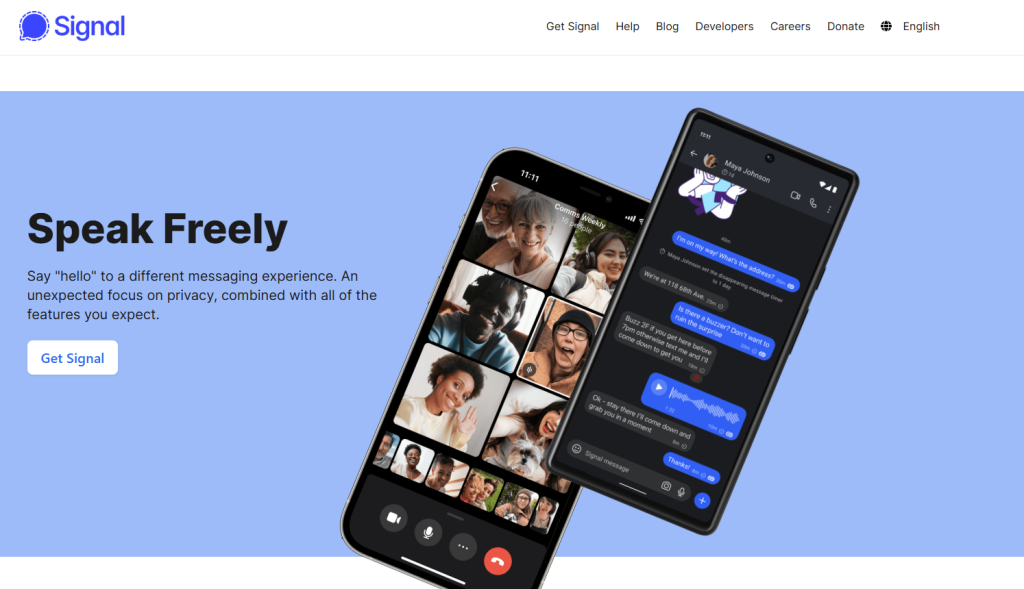
Signal is built around end-to-end encryption by default and minimal data collection.
Additionally, Signal supports groups up to 1,000 members, which is plenty for most private communities.
2) WhatsApp — Best for reaching “everyone”
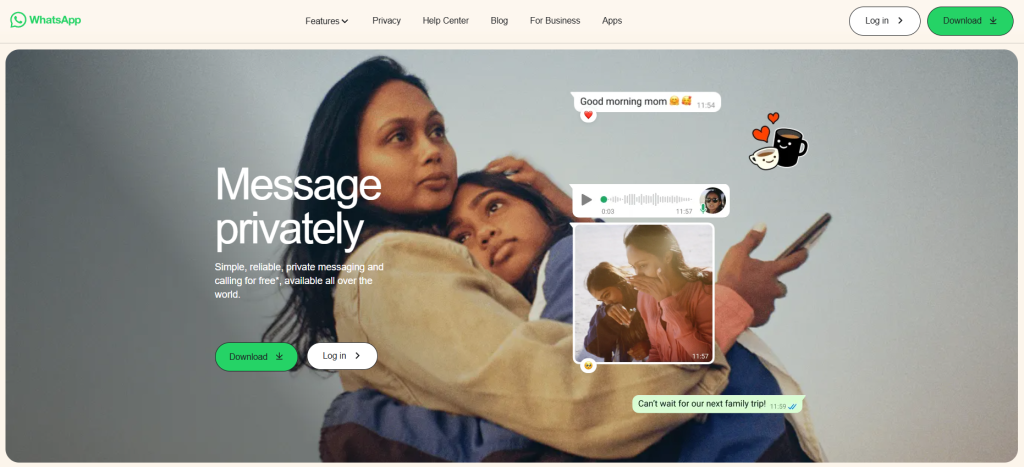
WhatsApp is the easiest pick if you want the biggest global network effect.
Moreover, WhatsApp groups support up to 1,024 members, which works well for large family groups and communities.
Read more: WhatsApp vs Snapchat — Which Chat App Wins?
3) Telegram — Best for huge groups + bots
Telegram is designed for massive groups, channels, and automation.
Surprisingly, Telegram’s end-to-end encryption is mainly for Secret Chats, while “cloud chats” are not end-to-end encrypted by default.
4) iMessage — Best inside the Apple ecosystem
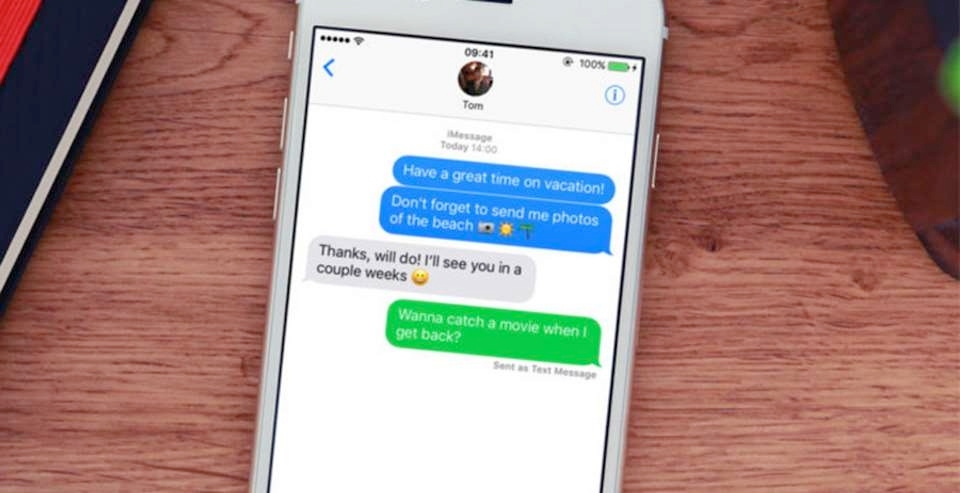
iMessage is convenient if your circle is mostly on iPhone.
Additionally, if you want stronger iCloud protection, Apple’s Advanced Data Protection is a powerful upgrade for many users.
5) Facebook Messenger — Best for Meta-first communication
Messenger is familiar, widely used, and tightly connected to Facebook.
Moreover, Meta has been rolling out default end-to-end encryption and explains how “secure storage” works (PIN or key storage).
6) Discord — Best for voice + communities

Discord is excellent for servers, gaming groups, and voice-first communities.
Furthermore, Discord is moving to end-to-end encryption for audio and video (via DAVE), with enforcement timelines announced for 2026.
7) Snapchat — Best for casual, camera-first chat
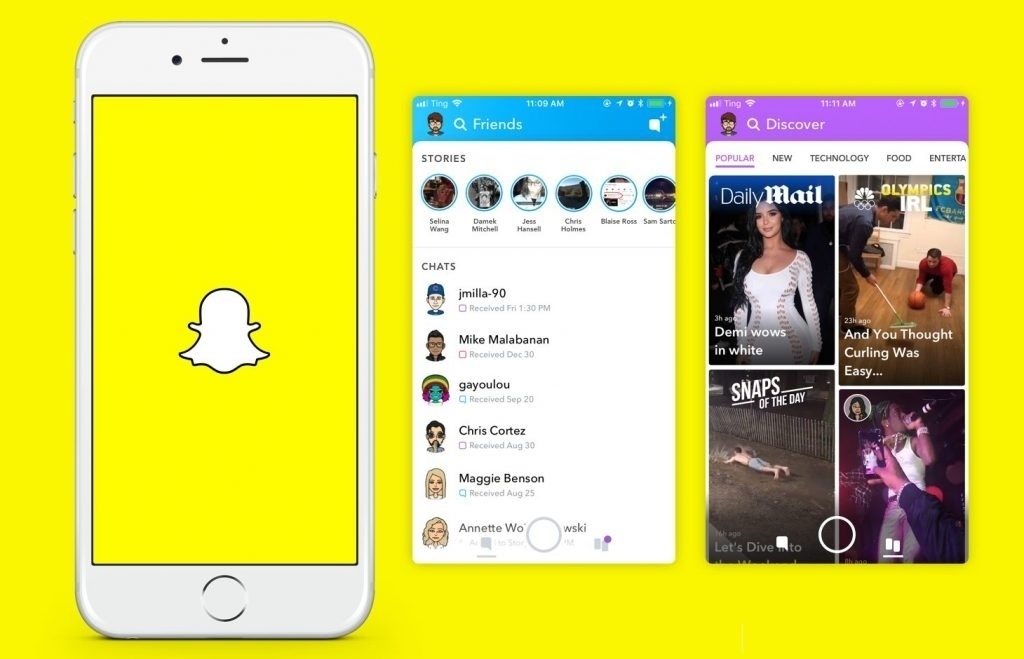
Snapchat fits quick, lightweight conversations and “disappearing message” culture.
To sum up, it’s less about team productivity and more about fast social communication.
Privacy & Feature Comparison (quick scan)
End-to-end encryption (E2EE) matters most when you want “only the participants can read it.”
Interestingly, “E2EE by default” is the easiest way to avoid misconfiguration.
| App | E2EE Default | Group Size | File Sending | Best For |
|---|---|---|---|---|
| Signal | Yes | 1,000 | Limited | Maximum privacy |
| Yes (Signal protocol) | 1,024 | 2GB documents | Global reach | |
| Telegram | No (Secret Chat for E2EE) | 200,000 | 4GB if Premium upload | Large groups + bots |
| Messenger | Rolling out default E2EE | Varies | Limited | Meta ecosystem |
| Discord | E2EE for audio/video | Servers | Limits vary | Voice communities |
Use-case Checklist: pick your “primary app” fast
Additionally, don’t pick based on hype—pick based on your job-to-be-done.
- Choose Signal if privacy is your #1 priority.
- Choose WhatsApp if you want maximum reach and simple E2EE-by-default.
- Choose Telegram if you need very large groups and automation.
- Choose Messenger if your community lives on Facebook/Instagram and you want tighter Meta integration.
- Choose Discord if voice is central and you run a server-based community.
Quick Setup Tutorial (secure your messaging in 10–15 minutes)
Step 1: Lock down your account first
Go to Settings → Privacy / Account / Security (depending on the app).
Select the strongest “baseline security” options.
- Enable a screen lock (PIN/biometric)
- Turn on disappearing messages for sensitive chats (optional)
- Review linked devices and remove anything unknown
- Tighten who can add you to groups (if the app supports it)
You should see your account protected by a lock and your privacy settings updated.
Step 2: Set up safe groups (without chaos)
Go to New Chat → New Group (or Create Group).
Choose the right app based on your group size.
- Use Signal for private groups up to 1,000 members
- Use WhatsApp for groups up to 1,024 members
- Use Telegram for groups up to 200,000 members
- Assign admins and set posting rules (recommended)
You should see your group created and visible in your chat list.
Step 3: Get encryption right (especially on Telegram and Messenger)
Go to Chat Info / Chat Details for the conversation.
Confirm the encryption mode where applicable.
- On Telegram, start a Secret Chat when you need end-to-end encryption
- On Messenger, follow prompts to enable secure storage and set a PIN
- On WhatsApp, remember E2EE is built-in for personal and group chats
- On Signal, E2EE is always on by default
You should see an encryption label or confirmation message in the chat settings.
Step 4: Share large files the “right way”
Go to Attach → Document (not “video” or “photo” if your file is large).
Choose the platform that matches your file size.
- On WhatsApp, documents can be up to 2 GB
- On Telegram, Premium uploads can reach 4 GB per file
- If you hit limits, send a cloud link instead (Drive/Dropbox)
- Keep sensitive files inside E2EE chats where possible
You should see the file attach successfully and appear as a document in the chat.
Step 5: If you use Discord, update for encrypted calls
Go to Discord → Settings → Updates (or update via your app store).
Prepare for encrypted voice/video requirements.
- Update Discord to the latest version
- Start a DM/GDM call and verify the call security indicators
- Expect E2EE requirements for audio/video to apply broadly as Discord enforces it
- If a device can’t update, switch to another client/device
You should be able to join calls normally on updated clients.
FAQs
Is WhatsApp the most popular messaging app globally?
The answer is Yes. WhatsApp has been reported at 3+ billion monthly users, which is unmatched in most regions.
Alternatively, choose Signal if privacy matters more than reach.
Is Telegram end-to-end encrypted by default?
The answer is No. Telegram’s E2EE is mainly for Secret Chats, not regular cloud chats.
Alternatively, use Signal or WhatsApp for E2EE-by-default messaging.
Is Messenger end-to-end encrypted now?
The answer is Yes (rolling out by default for personal messages and calls).
Alternatively, use Signal if you want a simpler privacy-first experience.
Can WhatsApp handle large communities?
The answer is Yes. WhatsApp supports groups up to 1,024 members.
Alternatively, use Telegram if you need massive groups up to 200,000.
Can I send very large files on WhatsApp?
The answer is Yes (as documents up to 2GB).
Alternatively, use Telegram Premium uploads up to 4GB, or share a cloud link.
Does Discord support end-to-end encryption?
The answer is Yes for audio and video encryption via Discord’s DAVE rollout.
Alternatively, for private text-first messaging, use Signal or WhatsApp.
Conclusion
To sum up, the best messaging app in 2026 depends on your goal: privacy (Signal), reach (WhatsApp), or scale (Telegram/Discord).
Additionally, you may also like our internal guide: “Messaging Security Checklist: 2FA, backups, disappearing messages, and safe groups” (internal link).
Moreover, comment with your country + use case, share this with your team, or contact us if you want a “primary + backup app” recommendation.