If you are looking for an all-in-one social media management platform, ContentStudio is likely on your radar.
It promises publishing, scheduling, analytics, collaboration, content curation, and inbox management in one dashboard. But does it truly deliver? Or is it trying to do too much at once?
In this in-depth review, you will learn:
- What ContentStudio is and who it is for
- Key features and real-world use cases
- Pricing breakdown
- Pros and cons
- Best alternatives
- Final verdict
Let’s dive in.
What Is ContentStudio?
ContentStudio is an all-in-one social media management and content marketing platform built for:
- Content marketers
- Social media managers
- Marketing agencies
- Growing brands
It allows you to:
- Create and publish social media posts
- Schedule content across multiple platforms
- Curate trending content
- Manage conversations in a unified inbox
- Track analytics and generate reports
- Collaborate with teams and clients
Unlike many social scheduling tools, ContentStudio puts strong emphasis on content discovery and curation, making it ideal for brands that share curated industry content regularly.
Supported Social Media Platforms
ContentStudio supports most major platforms, including:
- X
- YouTube
- TikTok
- Threads
- Bluesky
- Tumblr
- Google Business Profile
This wide support gives agencies and multi-brand teams flexibility.
Core Features of ContentStudio
1. Publishing & Scheduling

ContentStudio allows you to:
- Create posts for multiple accounts at once
- Customize captions per platform
- Add images, videos, hashtags
- Schedule posts in advance
- Auto-publish at optimized times
AI Assistance
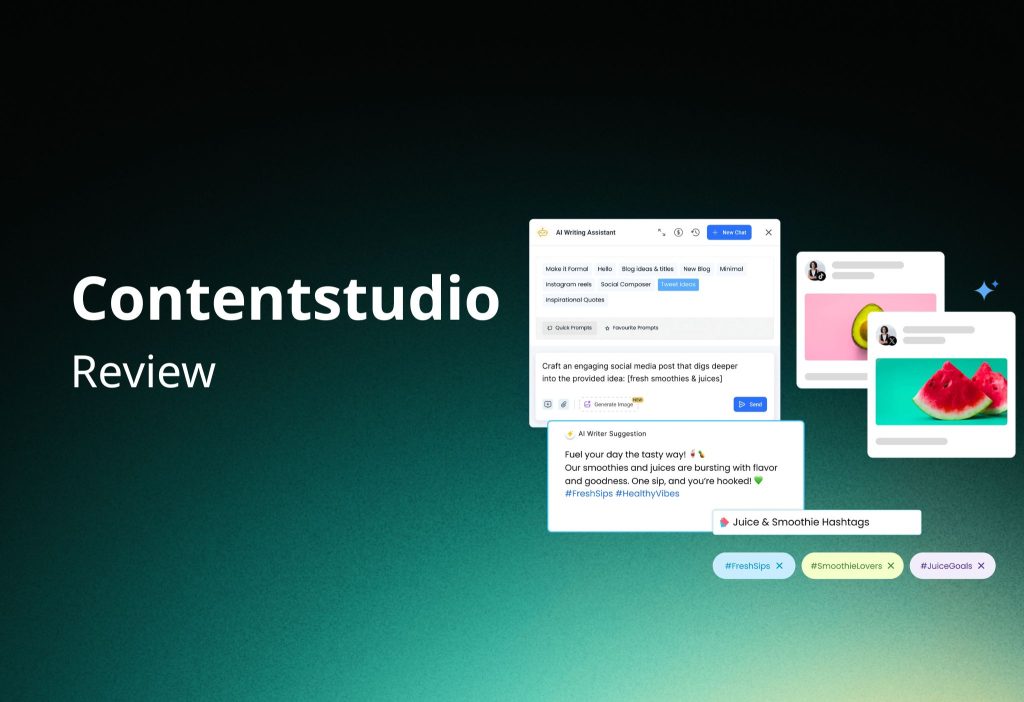
The built-in AI Assistant can:
- Generate captions
- Suggest hashtags
- Create visual content ideas
This speeds up content production for busy teams.
Best Time to Post
ContentStudio analyzes historical engagement data and recommends the best publishing times. Over time, recommendations improve as more data is collected.
2. Social Queues

Instead of scheduling posts one by one, you can:
- Create weekly posting slots
- Add posts into a queue
- Let the system publish automatically
This ensures consistent content without daily manual scheduling.
3. Content Categories
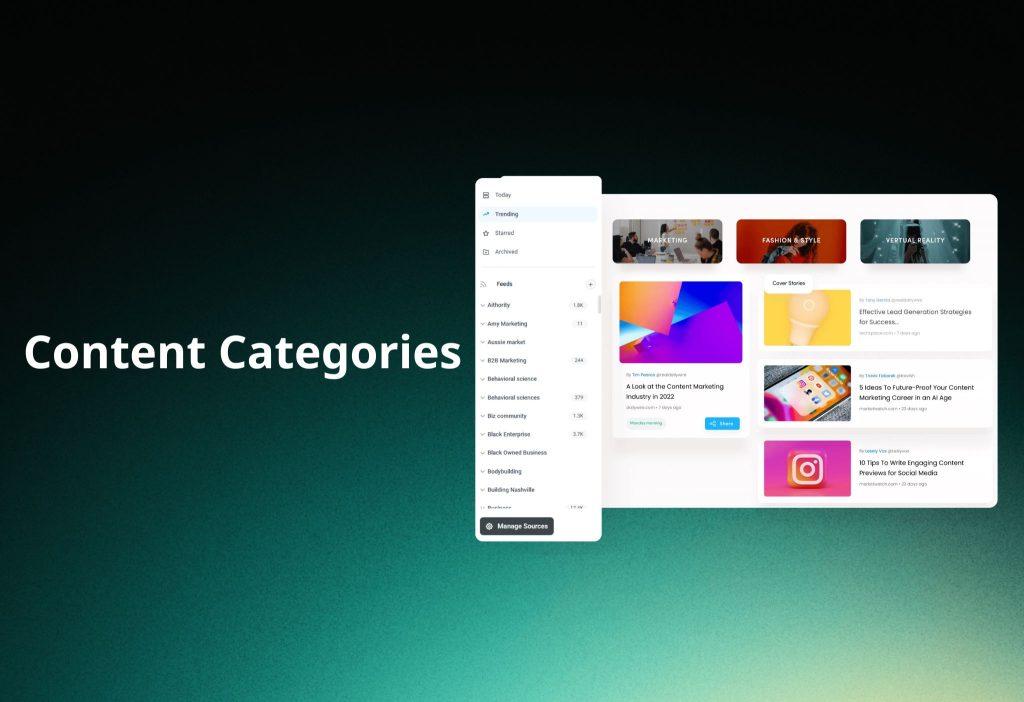
Content Categories help organize posts into groups such as:
- Educational
- Promotional
- Entertaining
- News
You can assign weekly time slots to entire categories. This ensures balanced content distribution and strategic posting.
4. Blog Post Scheduling

You can publish directly to platforms like:
- WordPress
- Shopify
- Tumblr
While the blog editor is basic compared to WordPress block editors, it works for simple publishing.
You can also enable automatic social sharing once your blog post goes live.
5. Planner (Content Calendar)

The Planner lets you view content in multiple formats:
- Calendar view
- List view
- Compact list
- Feed view
- Instagram grid
- TikTok grid
Drag-and-drop scheduling makes adjustments simple. Agencies can also share calendars with clients for approval.
6. Analytics & Reporting

ContentStudio provides:
- Engagement metrics
- Follower growth tracking
- Audience demographics
- Sentiment analysis
- Top-performing posts
Competitor Analysis
You can track competitor performance and compare engagement metrics.
White-Label Reporting
Agency users can:
- Add their logo
- Customize reports
- Schedule automated report delivery
This is valuable for client retention and ROI reporting.
7. Discover (Content Curation Tool)

The Discover tool is ContentStudio’s strongest feature.
It allows you to:
- Search by keyword
- Browse curated industry topics
- Filter by engagement metrics
- Share content directly to social media
You can also identify influencers within your niche for outreach and collaboration.
For brands that rely on curated content marketing, this feature alone is a major advantage.
8. Unified Social Inbox

The unified inbox pulls in:
- Messages
- Comments
- Reviews
- Mentions
All conversations appear in one dashboard.
Key features include:
- Conversation assignment
- Collision detection (avoid duplicate replies)
- Saved replies
- Advanced filtering
- Client profiles
There is also a mobile app for managing conversations on the go.
Additional Features
ContentStudio also offers:
- Automation recipes
- Evergreen post recycling
- RSS feed automation
- Bulk CSV uploads
- Approval workflows
- Custom user roles
- Link-in-bio page builder
- Integrations with Pocket and Feedly
These tools make it suitable for high-volume content teams.
Pricing Breakdown
ContentStudio offers three plans:
Standard — $29/month ($19/month annually)
- 1 user
- 1 workspace
- 5 social accounts
- Basic publishing and analytics
Best for freelancers or solo creators.
Advanced — $69/month ($49/month annually)
- 2 users
- 2 workspaces
- 10 social accounts
- Social inbox
- Discover tool
- Competitor analytics
- Evergreen recycling
Best for growing teams.
Agency Unlimited — From $139/month ($99/month annually)
- Unlimited users
- Unlimited workspaces
- 25+ social accounts
- White-label reporting
- Client management tools
Best for agencies.
A 14-day free trial is available.
Pros and Cons
Pros
- Comprehensive all-in-one solution
- Best-in-class content discovery
- Powerful unified inbox
- Strong collaboration tools
- Excellent for agencies
Cons
- Steeper learning curve
- Interface can feel cluttered
- Key features locked behind higher-tier plans
- Slightly higher starting price than some competitors
ContentStudio Alternatives
If ContentStudio feels too complex, consider:
1. SocialBee
Simple interface, strong scheduling, affordable pricing.
2. Sendible
Agency-focused tool with collaboration and reporting features.
3. Vista Social
Includes social listening and review management tools.
Final Verdict: Is ContentStudio Worth It?
ContentStudio is one of the most feature-rich social media management platforms available in 2026.
It stands out for:
- Content discovery
- Unified inbox
- Agency collaboration tools
- Advanced automation
However, it may feel overwhelming for beginners or solo creators who only need basic scheduling.
If you run an agency, manage multiple brands, or rely heavily on curated content marketing, ContentStudio is a strong investment.
If you want simplicity above all else, a lighter scheduler may be a better fit.
The best way to decide? Try the free trial and explore the features yourself.