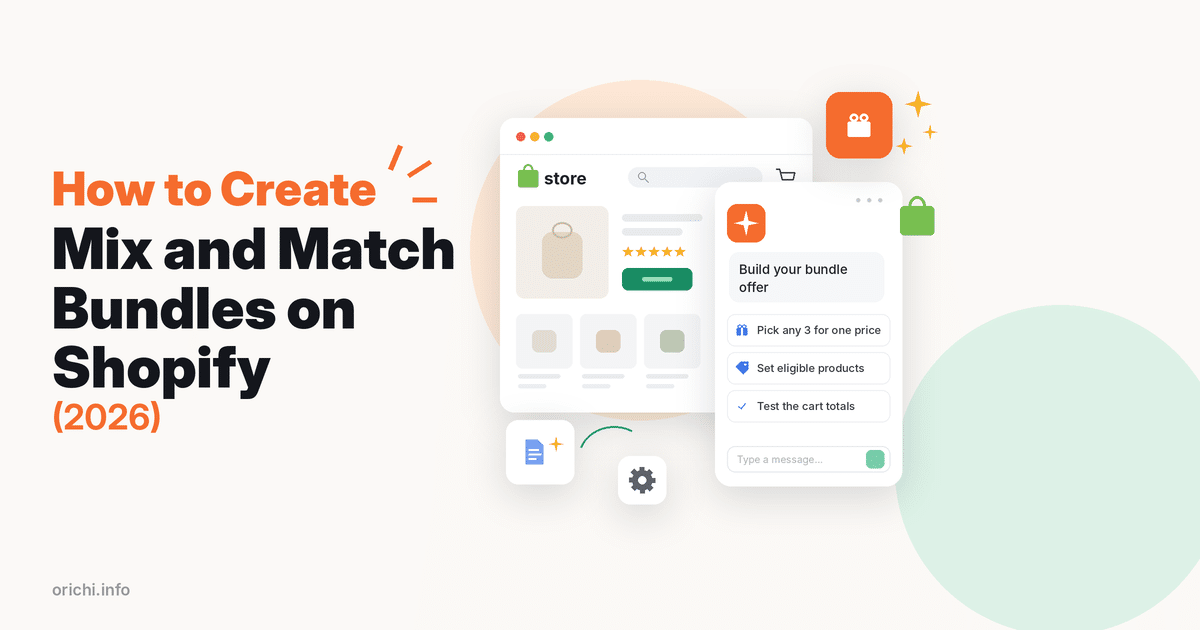
A Shopify mix and match bundle (“pick any 3 socks for $30”) needs a bundle app with a mix and match builder, because Shopify’s own Bundles app only builds fixed bundles and multipacks. Our OC: Volume Discount Bundle App is still building one, so today that means apps such as BOGOS, Easy Bundles or MBC. If every item in the group has the same price, you can fake it for free with an automatic discount that has a minimum quantity, but you cannot set a true fixed total that way.
This guide covers both routes, the pricing math behind “any N for $X”, and which route fits your store.
Quick answer
- Want a real “any 3 for $30” price and a picker on the product page? Use a bundle app that has mix and match today, such as BOGOS, Easy Bundles or MBC. Our OC: Volume Discount Bundle App has it in development (planned as pick-one-per-group bundles), not live yet.
- All items cost the same and you only need the discount? Use a native automatic discount with a minimum quantity on one collection. It is free, but shoppers see no picker or progress.
- The bundle is always the same items? That is a fixed bundle, not mix and match. Use the free Shopify Bundles app instead.
What a mix and match bundle is (and is not)
In a mix and match bundle the shopper chooses the items. You set the rules: which products are eligible, how many must be picked, and what the group costs. In a fixed bundle, you choose the items.
This matters because the two need different tools. Shopify’s own Bundles app lets you “create and edit fixed product bundles and multipacks”, with up to 30 components per fixed bundle and a maximum of 3 options and 100 variants per bundle, according to the Shopify Bundles help page. Its help pages do not offer a mix and match type. In a Shopify Community thread, one merchant asked how to discount any 3 socks automatically, and several app makers who replied pointed to fixed-total offers such as “any 3 for £30”.
Why run a mix and match offer
Shoppers get choice, and average order value rises because the offer unlocks only at 2, 3 or more items. Slower sellers can ride along with hero products. Make sure the bundle price covers the most expensive combination.
The pricing math behind “any N for $X”
A fixed total (“3 for $30”) behaves differently from a percentage as soon as prices or quantities change.
| Cart | Fixed total “3 for $30” | Native: 16.67% off, min. 3 items | Native: $6 off once per order, min. 3 items |
|---|---|---|---|
| 3 socks at $12 ($36) | $30.00 | $30.00 | $30.00 |
| 3 socks at $10, $12, $14 ($36) | $30.00 | $30.00 | $30.00 |
| 3 socks at $14 ($42) | $30.00 | $35.00 | $36.00 |
| 6 socks at $12 ($72) | $60.00 (two sets) | $60.00 | $66.00 |
| 4 socks at $12 ($48) | $42.00 (one set + one at full price) | $40.00 | $42.00 |
Data checked Oct 22, 2026. Example prices; native rules from the Shopify Help Center pages linked in this guide.
The takeaway: a percentage only equals a fixed total when the cart total is the same every time. If your eligible items have different prices, or you want “every full set of 3 for $30”, you need an app that supports fixed pricing.
Option 1: OC: Volume Discount Bundle App (mix and match in development)
OC: Volume Discount Bundle App is our app, rated 5.0 from 76 reviews with the Built for Shopify badge, a Free plan with 1 campaign and a Plus plan at $7.99/month. Today it runs fixed bundles, BOGO, quantity breaks and volume discounts. Its mix and match builder is still in development, so you cannot set up a mix and match bundle in it yet.
How it is planned to work, so you can decide whether to wait: you create option groups (for example group 1: A, B, C; group 2: D, E, F; group 3: G, H, I) and the shopper picks one product from each group to form a discounted bundle, such as A + E + I. It will sit under the Campaign menu as a campaign type, and the bundle price will apply only to items added through the widget, not items added from separate product pages. That suits gift sets built from different categories, but it is not the same as “any 3 from one collection for $30”, so for that offer use one of the options below.
Option 2: Use a mix and match app that works today
BOGOS, Easy Bundles and MBC list mix and match (compared below). Menus differ, but setup follows these steps:
- Install the app and finish its onboarding. Turn on its app block or app embed in the theme editor if asked.
- Create a new campaign and choose the mix and match (or build a box) bundle type.
- Add the eligible products. Keep it tight: one collection or 6–20 products.
- Set the minimum and maximum number of picks, so a shopper cannot add 10 items to a 3-item deal.
- Set the rule: how many items make a set (for example 3) and the pricing method. Pick a fixed total for “3 for $30”, or tiered pricing for “2 save 10%, 3 save 20%”.
- Show the saving in plain numbers (“Pick any 3 for $30, save up to $12”).
- Publish, then run the checklist below.
Option 3: The native Shopify workaround (no app)
If every eligible item has the same price, a native automatic discount gets you most of the way. In Discounts, create an Amount off products automatic discount, apply it to one collection, and set the minimum purchase requirement to Minimum quantity of items. Shopify notes that only the eligible items count toward that minimum, and that a fixed amount discount applies to all eligible products unless you tick Only apply discount once per order (Shopify Help Center: amount off products).
A Buy X get Y automatic discount is the other native choice. It can use a collection as the qualifying items and give a percentage off, an amount off each item, or free items (Shopify Help Center: Buy X get Y). That suits “buy 2, get the 3rd free”, not “3 for $30”.
Limits: no picker, no “add 1 more to save” message and no true fixed total.
Which route fits your store
| Store situation | Recommended route | Why |
|---|---|---|
| Mixed prices, “any 3 for $30” promise | Bundle app with fixed pricing (e.g. BOGOS, Easy Bundles or MBC) | Keeps the total exactly at the advertised price |
| Same-price items (socks, candles, snacks), simple offer | Native automatic discount | Free, and a percentage equals the fixed total when prices match |
| Gift boxes or sets with a picker on one page | Bundle app with mix and match or build a box | Shoppers choose items inside one widget |
| Same items every time | Shopify Bundles (fixed bundle) | Native, tracks inventory per component |
| Wholesale tiers by quantity | Quantity breaks or volume discount | Discount grows with quantity, no picking needed |
Data checked Oct 22, 2026.
Mix and match apps compared
| App | Rating | Free plan | Lowest paid plan | Mix and match on listing |
|---|---|---|---|---|
| OC: Volume Discount Bundle App | 5.0 | Yes, 1 campaign | $7.99/month (Plus) | In development, not available yet |
| BOGOS: Free Gift Bundle Upsell | 5.0 | Yes, 30 orders lifetime; includes mix and match | $29.99/month (Basic) | Yes; build a box on Basic |
| Easy Bundles: Bundle Builder | 4.9 | Yes, up to $500 bundle sales/month; includes mix and match | $29/month (Essential) | Yes (BYOB) |
| MBC Mix and Match Bundles App | 4.9 | Yes, stores with up to 10 orders | $15.99/month (Tier-1) | Yes, plus build a box |
Where others are stronger: BOGOS, Easy Bundles and MBC have mix and match live today, while ours is still in development. BOGOS and Easy Bundles also have far more reviews, and Easy Bundles describes full-page box builders in detail. Our paid plan costs less than their lowest paid tiers, which matters if you mainly need quantity breaks or fixed bundles.
Test checklist before you launch
One-star reviews on a large bundle app this year mention the wrong variant being added, a free gift missing from orders, and a compare-at price that looked wrong at checkout. Run these checks on your own store:
- Add the items from separate product pages, not only through the widget. In the Community thread above, one app maker said this behaviour is worth testing separately.
- Try 2, 3, 4 and 6 items and compare the totals with your pricing table.
- Pick different variants (sizes, colors) and check the order shows the right ones.
- Stack a discount code to see whether it combines or replaces the bundle price. Whether codes stack depends on the combination settings of each discount (Shopify Help Center: combining discounts).
- Check mobile, where a horizontal picker with many items gets cramped.
For pricing ideas beyond mix and match, see our guide to pricing product bundles on Shopify. To compare bundle apps more broadly, read our list of the best bundle apps for Shopify, and for fixed bundles see how to create a bundle on Shopify.
FAQ
Can Shopify do mix and match bundles without an app?
Not as a true bundle. Shopify Bundles covers fixed bundles and multipacks. You can approximate “any 3” with an automatic discount that has a minimum quantity, but there is no picker and no fixed total.
How do I discount any 3 items from one collection automatically?
Create an automatic Amount off products discount, select that collection, and set the minimum quantity to 3. The discount then applies to every eligible item in the cart, including a 4th or 5th.
Can I charge a fixed total like $30 for any 3 items?
Natively only when all items cost the same, by converting the total into a percentage. For mixed prices, use an app with fixed pricing.
Mix and match or quantity breaks?
Mix and match combines different products. Quantity breaks reward more units of one product.
Start your first mix and match offer
Need a fixed “any 3 for $30” price today? Use one of the apps above and run the test checklist first. If quantity breaks or fixed bundles also fit your products, try OC: Volume Discount Bundle App on its free plan; its mix and match builder is in development.