Social Status, a social media analytics and reporting tool built to help agencies and brands save hours of manual work. Instead of pulling numbers from each platform one by one, you can generate consistent reports across channels with far less effort.

Overview
Social Status brings multi-channel analytics into one place for owned profiles, competitors, paid ads, and influencer campaigns. It supports major platforms such as Facebook, Instagram, TikTok, LinkedIn, YouTube, and X. The tool focuses heavily on customizable reporting, white-label exports, and monthly benchmarking so teams can track performance and explain results clearly.
What this tool is
Social Status is an analytics and reporting platform for social media, designed to automate reporting rather than manage content publishing. It connects in read-only mode to public profiles and supported accounts, then organizes metrics into a unified dashboard that often goes deeper than each platform’s built-in analytics.
Features
Profile Analytics
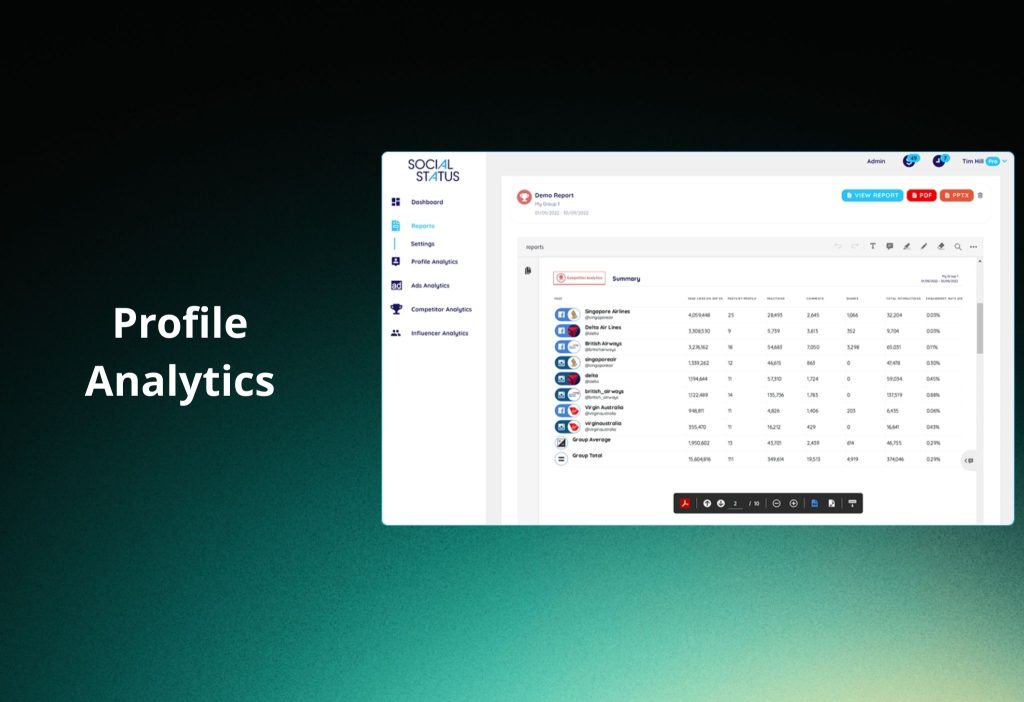
Profile Analytics is where Social Status helps you understand how your owned accounts are performing over time, using a single unified dashboard instead of jumping between native platform analytics. Once connected in read-only mode, you can track key growth and engagement patterns, spot content that consistently drives results, and quickly explain what changed month to month. This is especially useful when you manage many profiles across Facebook, Instagram, TikTok, LinkedIn, YouTube, and X, because it keeps reporting consistent even when each platform reports metrics differently.
Competitor Analytics

Competitor Analytics is built for benchmarking, not guessing. It lets you track competitor performance trends and identify which content formats, topics, or posting patterns are driving outsized results in your niche. Instead of manually scanning competitor feeds and saving screenshots, you get structured insights that make it easier to answer practical questions like “What are they doing that we aren’t?” and “Which posts are actually moving the needle for them?” Over time, this makes strategy reviews faster and more data-driven.
Influencer Analytics

Influencer Analytics focuses on making influencer reporting cleaner and less chaotic. Rather than relying on creators to send screenshots or inconsistent numbers, the goal is to centralize campaign performance into a reporting flow that looks and feels like your other social reporting. This helps agencies and brands compare influencer results against organic and paid performance in one consistent framework, which is usually the hardest part when multiple partners and formats are involved.
Ads Analytics
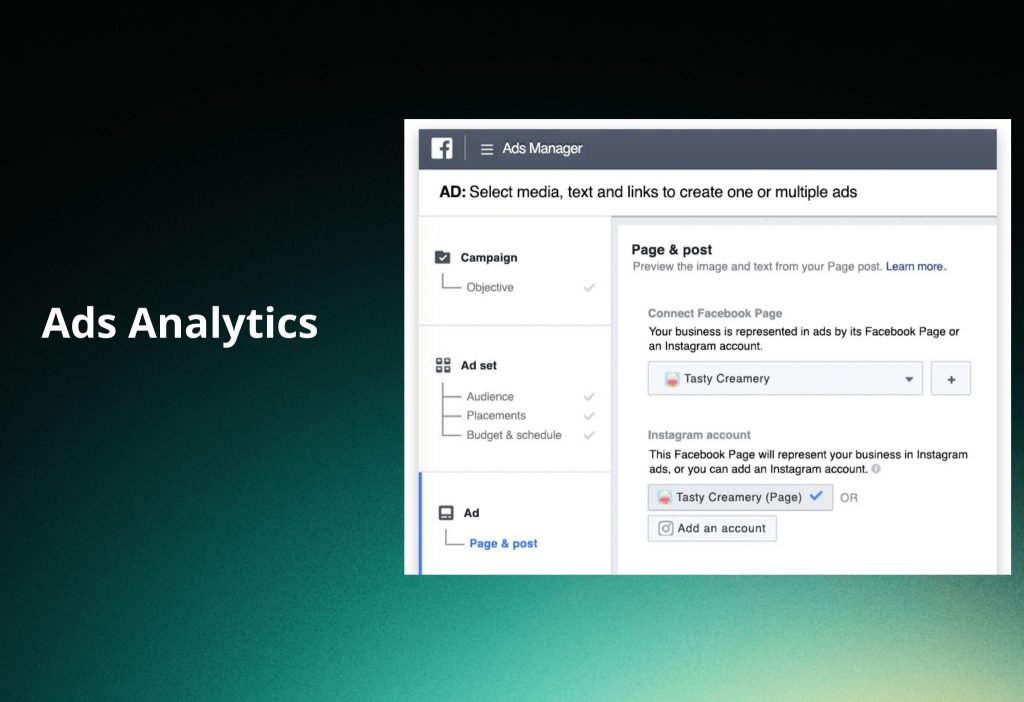
Ads Analytics is designed to turn paid performance into stakeholder-friendly reporting without rebuilding spreadsheets every time. It supports reporting for ads across the major supported platforms and helps you break down performance in a way that’s easier to interpret, such as by account structure or campaign-level views. The practical value is clarity: you can tell a paid performance story with the same visual structure and reporting logic each period, which reduces confusion when teams compare results across months or clients.
Automated Reports
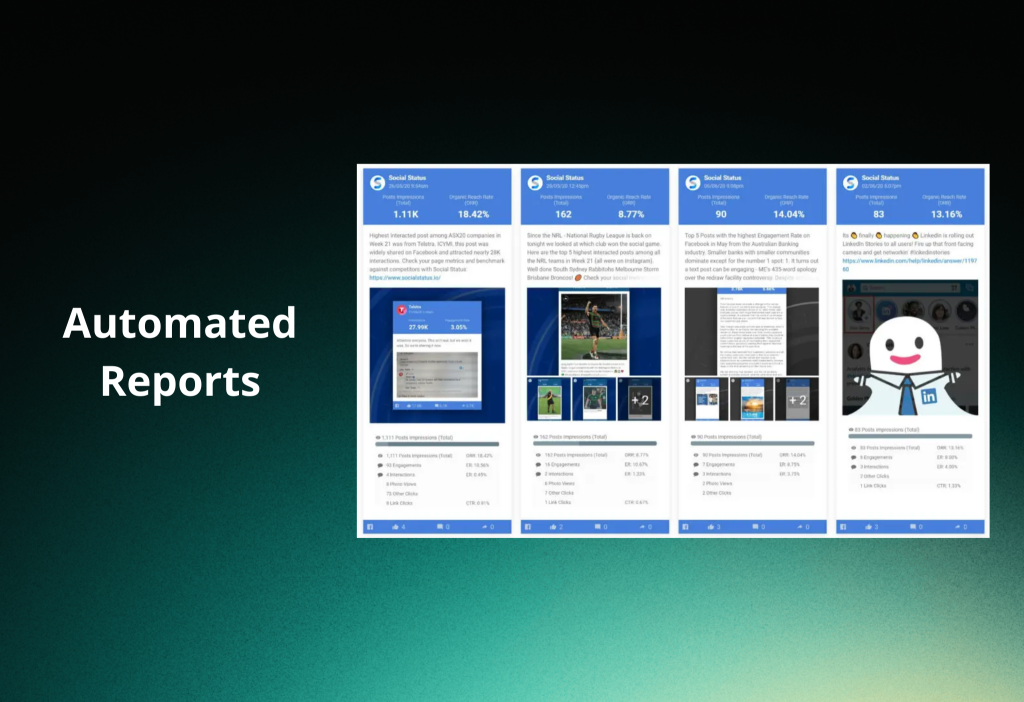
Automated Reports are the core “time-saver” feature for agencies. You can create reusable report templates, apply white-label branding, and set recurring schedules so the same report format is delivered regularly with minimal manual effort. This matters because reporting is rarely a one-time task; it’s a repeated process. Once your templates are built, your workflow becomes predictable, and your team spends less time formatting and more time interpreting insights.
Benchmarks
Benchmarks add context, which is often the missing piece in performance reporting. Instead of only comparing a profile against its own past, you can view performance relative to broader benchmarks that are updated monthly and segmented by industry and profile size. This helps you explain why a “good” month might look average for a category, or why a “flat” month might actually be strong compared to peers—making your reporting more credible and easier to defend.
Upcoming: Snapchat Support
Upcoming support for Snapchat signals an expansion beyond the current core channel set. For teams that rely heavily on cross-platform reporting, adding another major network reduces the gaps that force you back into manual reporting. If Snapchat is part of your channel mix, this update could make your reporting workflow more complete and consistent.
Pricing
Social Status offers a limited free plan and several paid tiers with monthly or annual billing. There is no long-term contract requirement, and getting started typically includes a quick free trial process.
In the pricing overview provided, the tiers are positioned as Starter at around $99 per month (about $1,188 per year), Pro at around $199 per month (about $2,388 per year), Business at around $399 per month (about $4,788 per year), and Enterprise at around $1,499 per month (about $9,588 per year). A discounted rate is also mentioned for NFP/Charity use cases, with an example price of $149.50 per report.
Pros and cons
One of the biggest advantages is white-label automated reporting, which can save agencies a lot of time every reporting cycle. The platform also stands out for combining organic, paid, influencer, and competitor insights in one place, which reduces the usual “tool switching” problem.
On the downside, report generation speed can feel slower than expected at times, and deep metric-level customization may not be as flexible as advanced teams want. It also does not aim to be an all-in-one publishing tool, so features like scheduling or inbox management are not the focus, and some channels like Pinterest, Reddit, or Threads are not included in the stated coverage.
Reviews and reputation
Social Status is rated strongly across review platforms and is often described as a top pick for deep analytics and next-level reporting. It is commonly praised for reducing manual reporting time, making competitor comparisons easier, and lowering the stress of report setup and ongoing configuration.
References in the summary mention high visibility on platforms such as G2, SaaSworthy, and Capterra, with examples of feedback highlighting time savings and easier competitor benchmarking.
What could be better
Two practical improvements that come up are faster report generation and more granular customization of report metrics. Expanding channel support to platforms like Pinterest, Reddit, Threads, or Bluesky would also make the product more “complete” for teams managing broader social ecosystems.
For teams who want a single platform for everything, adding optional all-in-one features like scheduling could be helpful, but it may also change the product’s core focus. A clearer and more public-facing changelog was also noted as something that would improve transparency.
Should you use it?
Yes, if you are an agency or a brand team that needs reliable, repeatable, multi-channel reporting with strong analytics for competitors, influencers, and ads. It is a solid fit when your biggest pain is reporting workload, consistency, and client-ready presentation.
It may not be the best choice if you want a full social media management suite that combines publishing, inbox, community management, and analytics in one place.
Install link
To start, visit socialstatus.io and begin the free trial. Read more Social widgets from Orichi