Social media monitoring is the process of tracking mentions, keywords, and trends across social channels (and beyond). But in 2026, can you really afford to find out about a crisis hours late?
In this article, we will show you the difference between monitoring vs “social monitoring” (broader listening), plus the top 10 tools for 2026, and a 5-phase setup you can copy. Hopefully, after reading in Orichi, you’ll know exactly which tool fits your budget—and how to launch alerts that actually save your brand.
Teaser: Top 5 tools at a glance
| Tool | Starting price (public) | Best for |
|---|---|---|
| Hootsuite | From $99/month | Teams that want scheduling + monitoring + optional listening |
| Sprout Social | From $199/seat/month (annual billing shown) | Mid-market teams needing inbox + listening + AI assist |
| Brand24 | From $199/month | SMB monitoring + “spike” alerts + quick reporting |
| Mention | From $599/month (annual billing shown) | Companies needing wide web coverage + alerts |
| Meltwater | Enterprise (quote) | PR/comms teams needing news + social + broadcast + AI |
Social Media Monitoring vs Social Monitoring
Social media monitoring is tactical: “What did people say about us today, and what do we reply?”
Interestingly, “social monitoring” (often used like broader social listening) is strategic: “What patterns are forming across social + news + reviews + video + AI search, and what do we change?”
Quick comparison table
| Item | Social media monitoring | Social monitoring (broader listening) |
|---|---|---|
| Scope | Mentions, tags, comments, DMs | Social + news + blogs + forums + reviews + audio/video signals |
| Goal | Respond fast, manage reputation | Find insights, predict spikes, guide product/PR/ads |
| Example outcome | “Reply to the complaint thread” | “Detect conversation spike + shift messaging + brief leadership” |
| Typical buyer | SMB / agencies | Enterprise / PR / insight teams |
Moreover, SMBs usually start with monitoring first. Enterprise teams typically need broader social monitoring because risks and channels multiply fast.
Top 10 Social Media Monitoring Tools 2026
Summary table
| Tool | Key features for 2026 | Pricing (public) | Best for |
|---|---|---|---|
| Meltwater | 15 social channels + TV/radio + 270k news + 20k podcasts + spike alerts + GenAI Lens (LLM visibility) | Quote | PR & comms |
| Brandwatch | Real-time alerts across 100m+ sources + AI insights + video intelligence via ViralMoment | Quote | Large brands |
| Sprout Social | Smart Inbox + Message Spike Alerts + AI Assist (OpenAI integration) + Listening sentiment insights | From $199/seat/mo | Mid-market |
| Hootsuite | Scheduling + monitoring + optional listening powered by Talkwalker (images/videos, review sites, podcasts, many sources/languages) | From $99/mo | Agencies/teams |
| Talkwalker (by Hootsuite) | Social listening with logo detection + broad data coverage (enterprise-grade) | Quote | Global listening |
| Agorapulse | Centralized inbox (organic + paid) + AI writing assistant + clear per-user pricing | From $99/user/mo (or $79 annual) | SMB/lean teams |
| Brand24 | Mentions + sentiment + Storm Alerts (spike notifications) | From $199/mo | SMB monitoring |
| Mention | Monitoring across huge web sources + note: Publish/Respond routes to Agorapulse | From $599/mo | Web-wide tracking |
| Awario | Sentiment sorting + influencer discovery + lead-finding workflows | ~From $49/mo (varies) | Budget listening |
| YouScan | Visual + social insights with “Insights Copilot,” trend detection, and integrations | $499/mo (annual) | Visual-first brands |
1) Meltwater (Enterprise PR + “everything monitoring”)
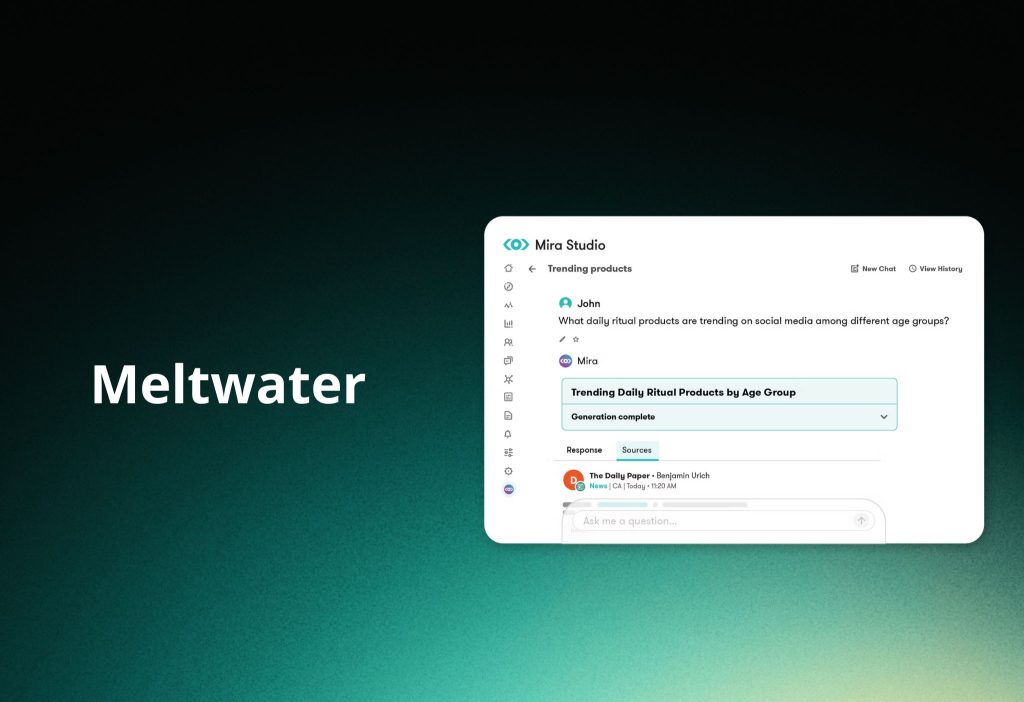
Meltwater focuses on breadth: social + news + broadcast + podcasts in one system.
Additionally, Meltwater highlights conversation spike detection and historical analysis via a rolling archive.
Pros
- Very broad coverage (useful for PR cascade: news → social → podcasts).
- New angle: GenAI Lens to monitor how LLMs describe your brand.
Cons
- Pricing is typically quote-based (enterprise sales motion).
2) Brandwatch (Deep analytics + video intelligence)
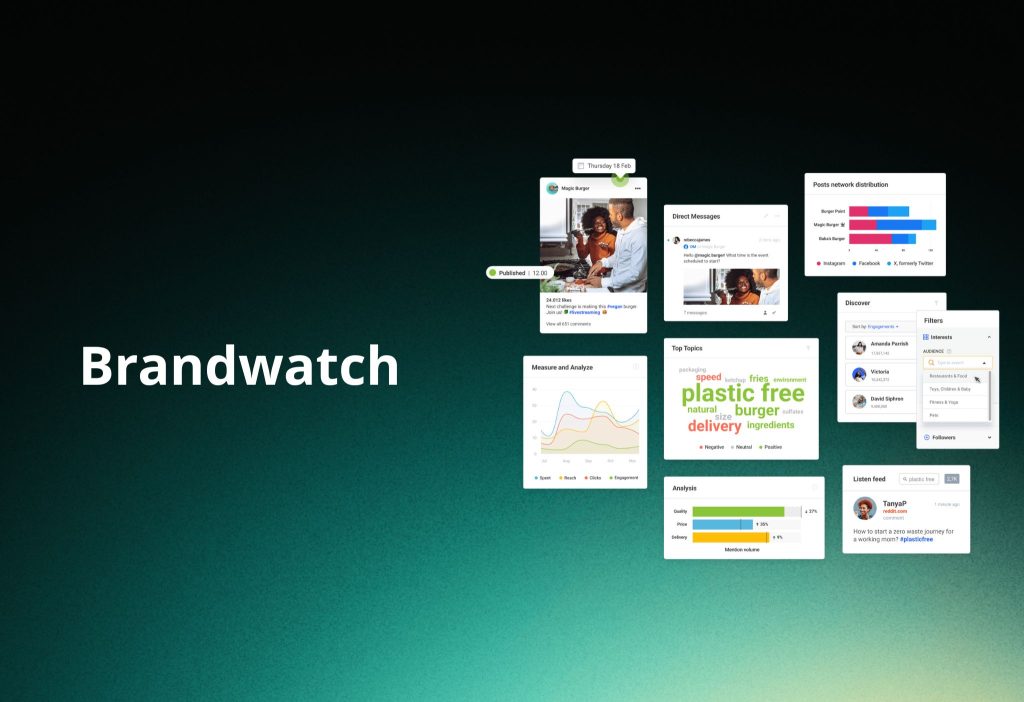
Brandwatch positions itself as an AI-driven social suite with real-time alerts across a very large source set.
Surprisingly, Brandwatch also pushes video intelligence via Brandwatch x ViralMoment (AI-powered video analysis to unify “what’s said” with “what’s shown”).
Pros
- Strong for trend discovery + threat monitoring.
- Video trend visibility (big deal for TikTok/Reels-heavy categories).
Cons
- Typically custom pricing.
3) Sprout Social (Inbox + Listening + AI Assist)
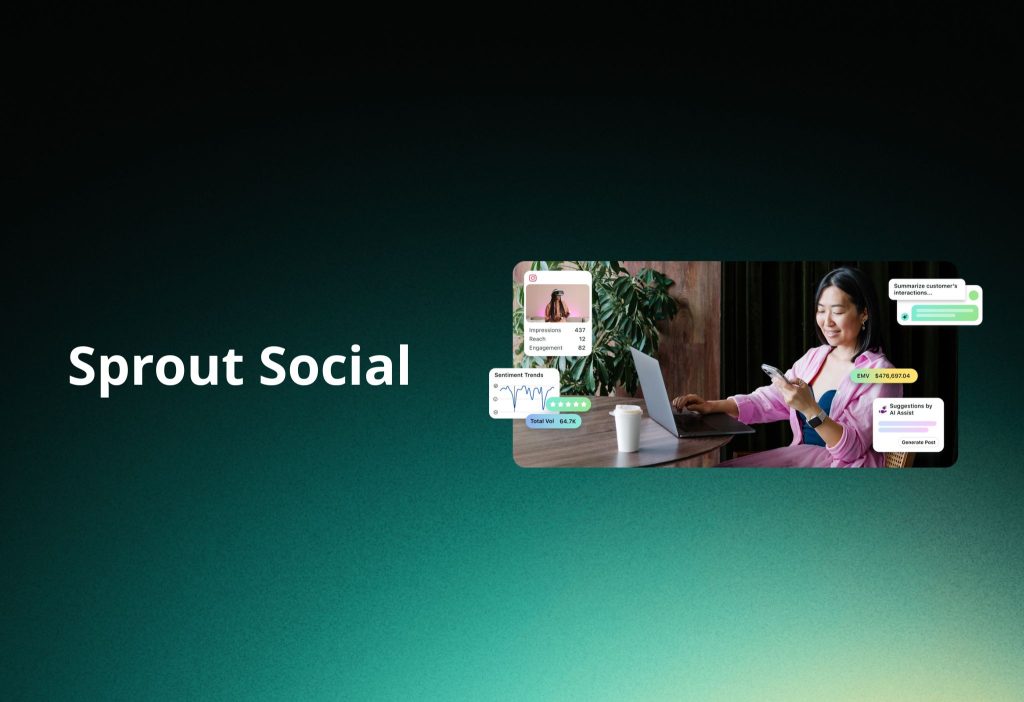
Sprout’s Smart Inbox unifies social messages so you can monitor and respond quickly.
Furthermore, Sprout includes Message Spike Alerts so your team gets notified when inbound messages surge.
Interestingly, Sprout’s AI features can use an OpenAI integration for summaries and other assists.
Pricing (public): plans shown from $199/seat/month (annual billing shown).
4) Hootsuite (Best “all-rounder” starter for teams)
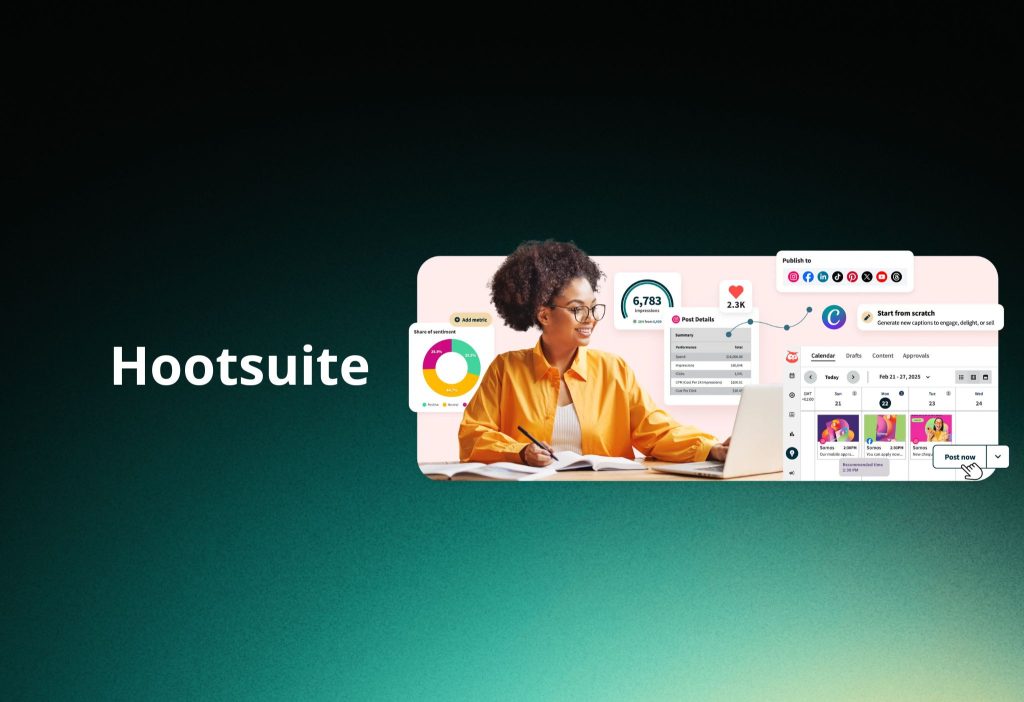
Hootsuite’s own comparison page shows plans starting at $99/month.
Moreover, Hootsuite positions social listening as powered by Talkwalker, emphasizing broad coverage including images/videos and many sources/languages.
Proof-style example: Hootsuite publishes a case study showing 108% sales increase in 2 weeks for a small business makeover campaign.
5) Talkwalker (by Hootsuite) (Enterprise listening)
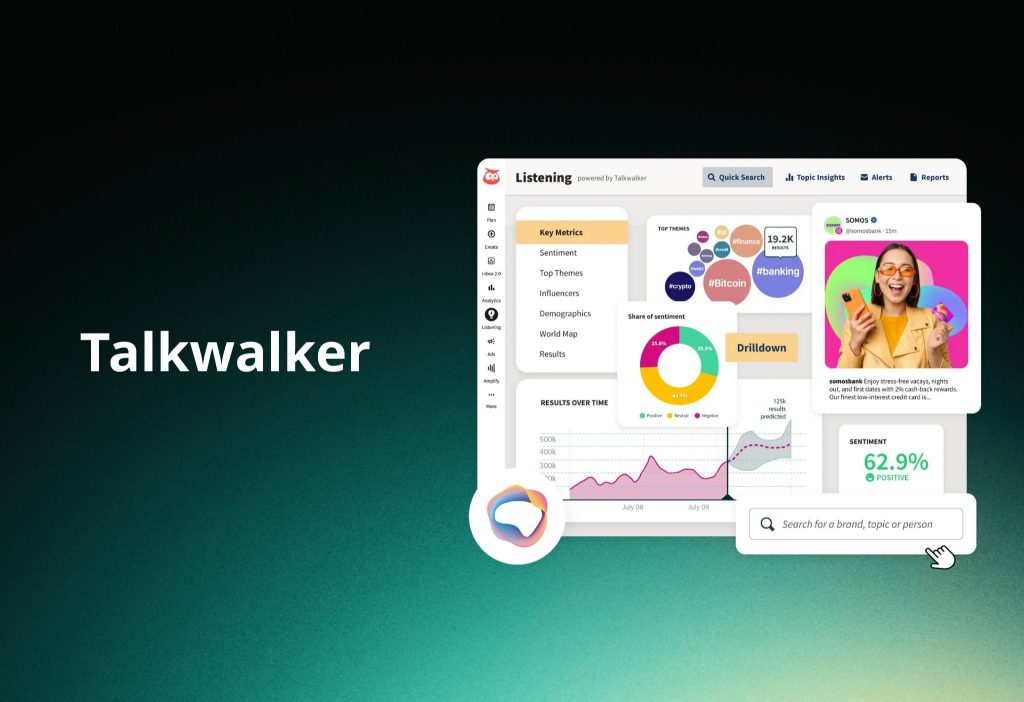
Talkwalker is now part of Hootsuite, and it’s typically positioned for enterprise-grade listening.
Additionally, Talkwalker promotes AI capabilities like logo detection (useful when your brand appears in video without text tags).
6) Agorapulse (Lean teams that need an inbox + light listening)
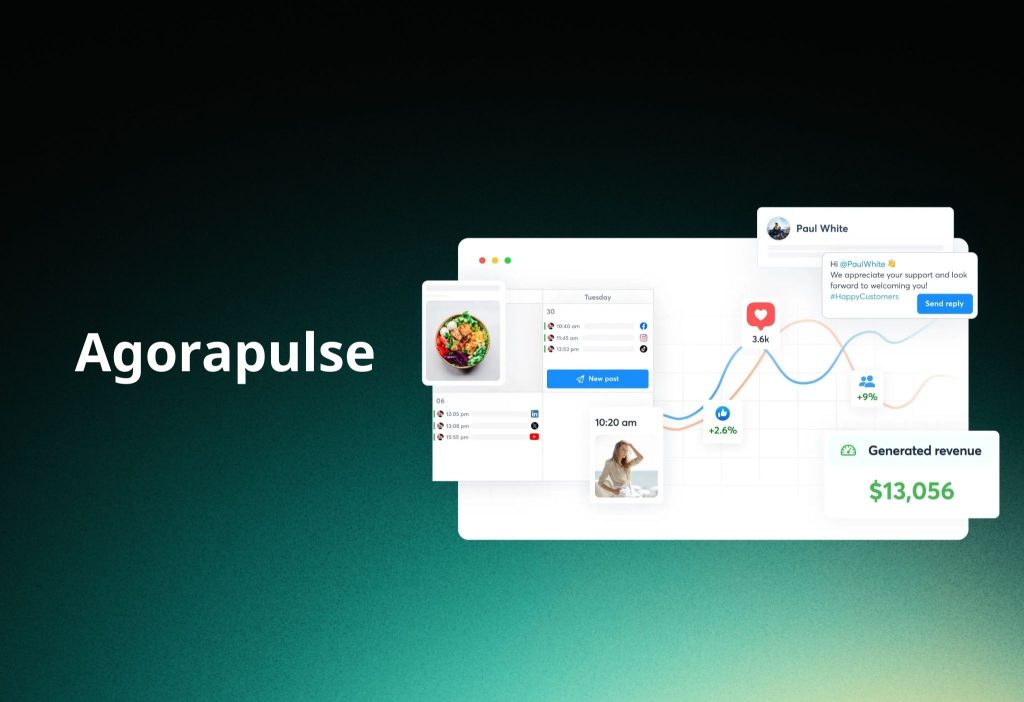
Agorapulse highlights a centralized inbox for comments, mentions, private messages, and reviews.
Moreover, it offers an AI writing assistant to enhance copy.
Pricing (clear): their support doc shows Standard $99 monthly / $79 annual (per user), with higher tiers above.
7) Brand24 (Fast monitoring + “Storm Alerts”)
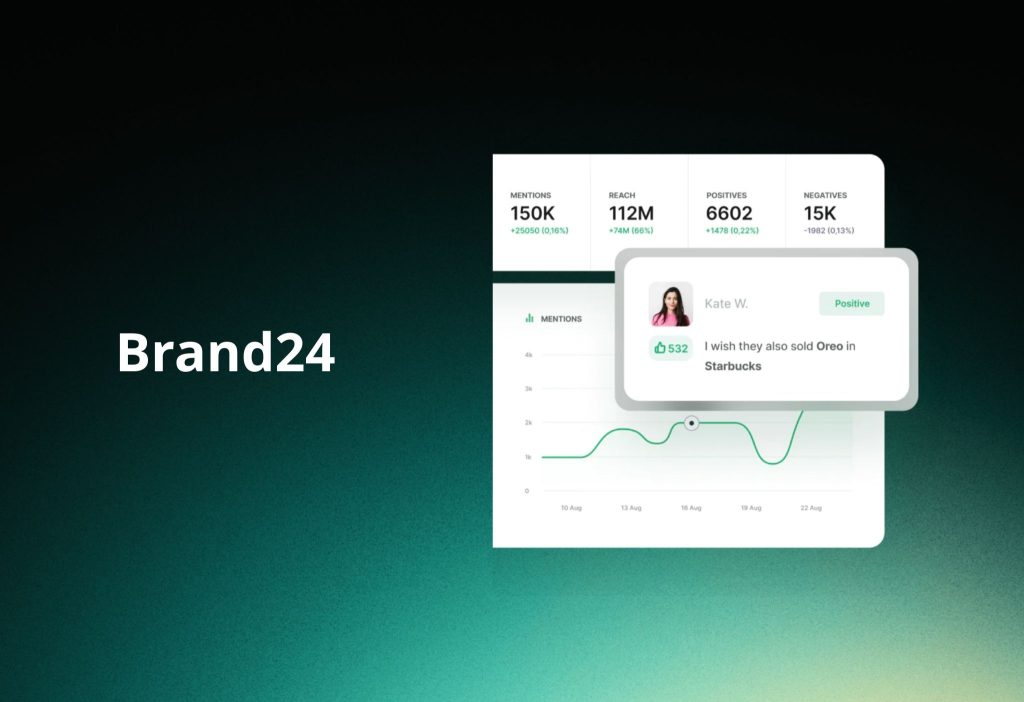
Brand24’s pricing page shows plans starting at $199/month.
Furthermore, Brand24’s “Storm Alerts” are instant notifications when mention volume or reach changes by a chosen percentage.
8) Mention (Wide web coverage + note on workflows)
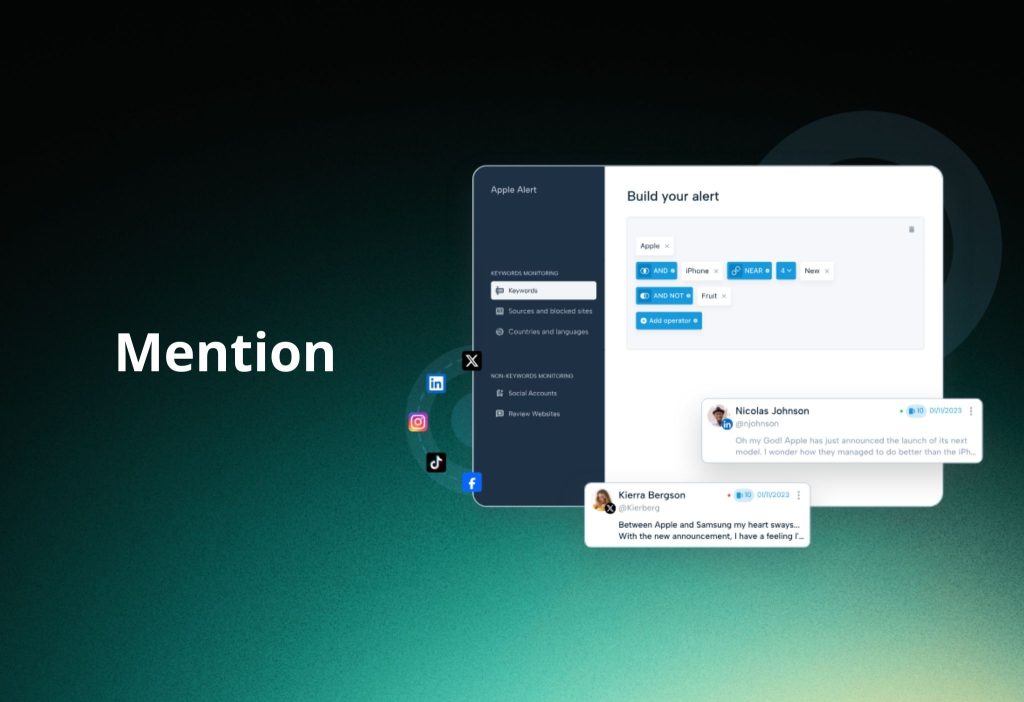
Mention’s pricing page shows a plan starting at $599/month (billed yearly), aimed at “companies.”
Interestingly, Mention also states that for “Publish and Respond,” they recommend using Agorapulse—so treat Mention as more monitoring-first in your stack.
9) Awario (Budget listening + sales leads)
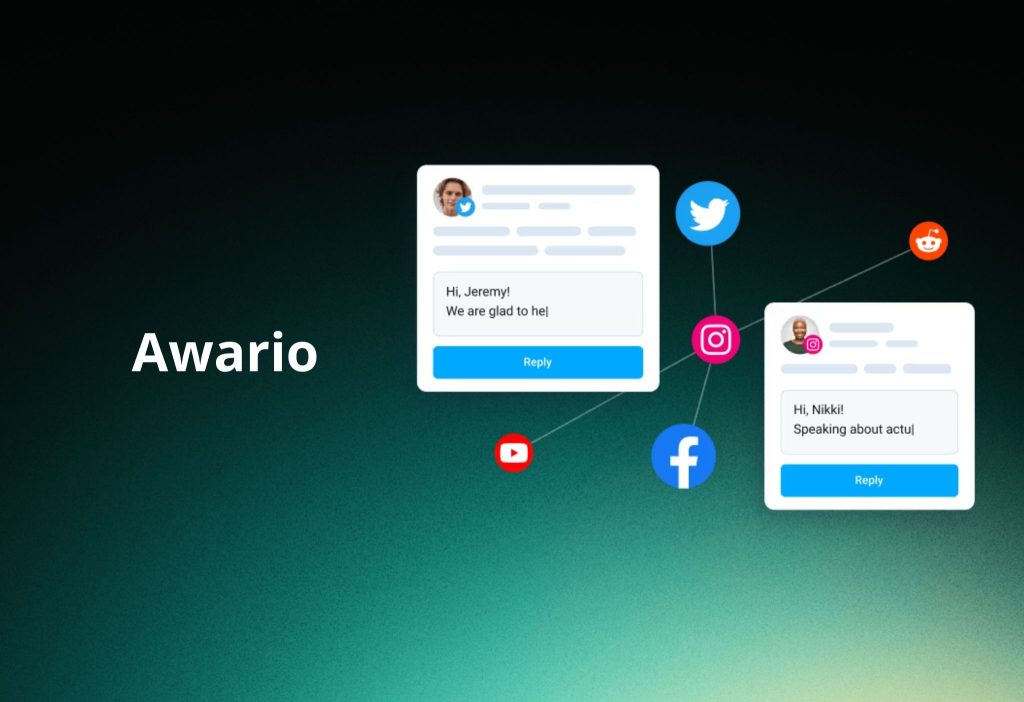
Awario focuses on analytics like mention growth, reach, and sentiment sorting.
Moreover, Awario also positions itself for lead discovery and competitive monitoring.
Pricing note: pricing varies by currency/region; third-party summaries often cite plans around $49/month.
10) YouScan (Visual + trend intelligence)
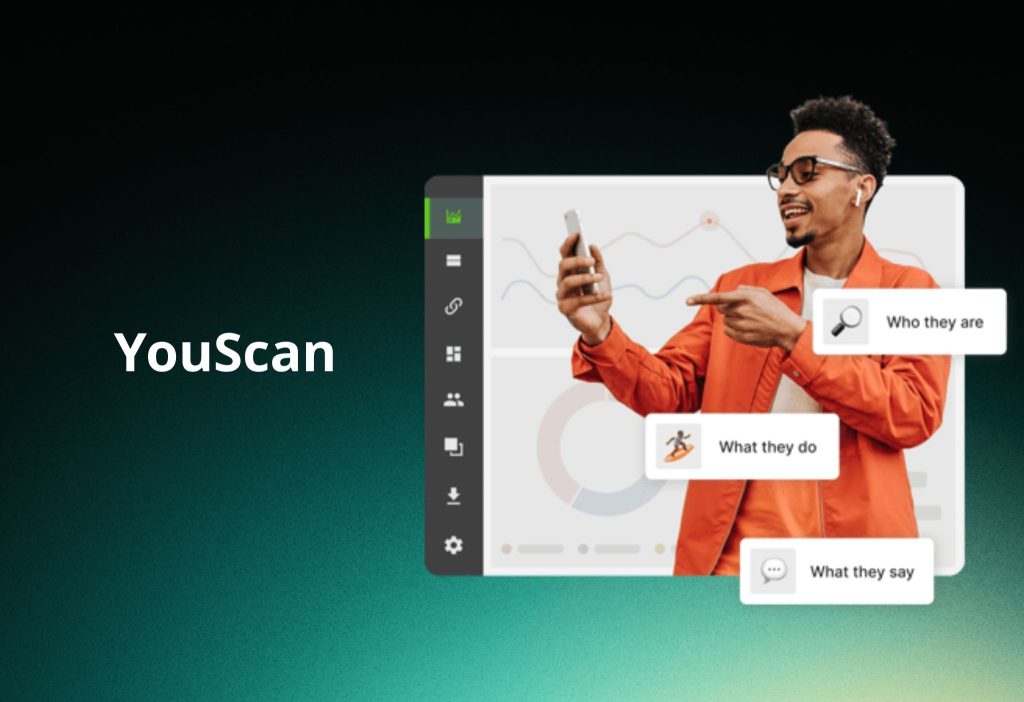
YouScan’s pricing page shows a Starter plan at $499/month (billed annually) with included features like an “Insights Copilot,” trend detection, and integrations.
How to choose a tool by budget and goals
Budget alone is not enough. Your risk level and channel mix matter more.
Quick budget framework (2026 reality)
- $0 (Native tools): platform search + notifications (good for creators and tiny brands).
- Under $100: lightweight monitoring (usually fewer sources + weaker workflows).
- $99–$249/seat: team inbox + alerts + basic listening (common “sweet spot”).
- Enterprise: multi-source intelligence + compliance + global language coverage.
7-point checklist (use this before you buy)
- Platform coverage (TikTok, Reddit, YouTube, forums, review sites).
- Alert quality (spike alerts, storm alerts, thresholds).
- Sentiment depth (auto + manual correction options).
- AI usefulness (summaries, query suggestions, video/visual analysis).
- Workflow (assign, approve, inbox routing).
- Integrations (Slack/CRM/helpdesk—whatever runs your ops).
- Reporting (export, templates, executive-ready dashboards).
5-phase implementation guide (copy/paste workflow)
Phase 1: Set goals + keywords (Day 1)
Go to your tool’s Project / Topic / Query area.
- Click Create Project (or New Topic).
- Add keywords for:
- Brand name + common misspellings
- Competitors
- Product names + campaign hashtags
- Tick filters for language and region if you sell locally.
You should see a new project/topic with “0–new mentions” starting to populate within minutes.
Phase 2: Build a baseline (Weeks 1–3)
Go to Analytics / Overview.
- Select a date range of last 14–21 days.
- Choose metrics:
- Mention volume
- Reach/impressions
- Sentiment
- Save this as your Baseline Report.
You should see your “normal week” so spikes are obvious later.
Phase 3: Turn on alerts + workflows (Week 3)
Go to Alerts / Notifications.
- Click Create Spike Alert / Storm Alert.
- Choose thresholds:
- “% change vs average” or “messages per hour”
- Select delivery:
- Mobile push
- Slack (if supported)
You should see an alert rule listed as Active (and test notifications should arrive).
Phase 4: Reporting + optimization (Monthly)
Go to Reports / Export.
- Choose a template:
- Executive summary
- Campaign performance
- Customer care
- Select top drivers:
- Top posts
- Top authors
- Top topics
You should see a clean PDF/CSV-style export your team can reuse monthly.
Phase 5: Prove ROI (Quarterly)
Go to Performance / ROI (or build a simple spreadsheet).
- Compare:
- Response time (before vs after)
- Negative sentiment trend
- Conversions/leads influenced by social
- Link “wins” to real outcomes (sales, retention, reduced support load).
You should be able to explain the business impact in 5 minutes, not 50.
2026 trends + mini case studies
Trend 1: Video-first monitoring is now mandatory
TikTok/Reels move faster than text. Tools are responding by improving video/visual understanding.
Trend 2: “AI visibility” monitoring (LLM monitoring)
Surprisingly, brands now track how AI assistants describe them, not just what social users say. Meltwater’s GenAI Lens is one example of this shift.
Case study example: Hootsuite (Small business growth)
Hootsuite reports an Apricotton case with 66,000 impressions, 8 hours saved/week, and 108% sales increase in 2 weeks.
Case study example: Sprout Social (B2B growth on LinkedIn)
Sprout published a Plaid case study showing 60% audience growth on LinkedIn (plus engagement and time-saved stats).
FAQs
1) Do I need social monitoring if I’m a small business?
The answer is No. Start with basic monitoring + alerts first, then upgrade when volume/risk grows. Alternatively, use a lower-cost tool like Brand24/Awario before enterprise platforms.
2) Is social listening the same as social media monitoring?
The answer is No. Monitoring is tactical response; broader listening adds multi-source insight and trend discovery. Alternatively, choose a hybrid tool that offers both in one stack.
3) Can these tools detect a crisis early?
The answer is Yes. Spike/storm alerts are designed to surface surges fast so you can respond before escalation. Alternatively, set manual “watch lists” for high-risk keywords.
4) Do I need AI features (summaries, assistants) to win in 2026?
The answer is No. They help speed and scale, but strong keywords + workflows matter more. Alternatively, keep AI off and focus on clean queries and reporting cadence.
5) Is Hootsuite enough for most teams?
The answer is Yes. For many teams, Hootsuite covers scheduling + monitoring, and you can add listening when needed. Alternatively, pick Sprout if you need heavier inbox + listening depth.
6) Is Sprout Social worth the higher per-seat cost?
The answer is Yes for teams that live in the inbox and need structured listening/alerts. Alternatively, use Agorapulse for a simpler per-user workflow.
7) Should PR teams choose Meltwater or Brandwatch?
The answer is Yes—either can fit, but they optimize differently. Meltwater leans into multi-channel media monitoring + GenAI Lens; Brandwatch leans into deep consumer intelligence and video analysis partnerships. Alternatively, shortlist both and run a pilot on one campaign.
Conclusion
To sum up: pick a tool based on coverage + alerts + workflow fit, then launch with a 5-phase rollout so you get ROI—not just dashboards.
Moreover, if you’re also comparing reporting/analytics stacks, add an internal link here: [Read next: Top Social Analytics Tools 2026].
Finally, try a free trial where available (for example, Hootsuite and Sprout both promote trials on their pages), and comment: Which tool is your favorite in 2026—and why?