Selecting the right website builder for small businesses can give you a real edge online. A good platform helps you look professional on a budget. It also supports brand growth, lead capture, and product sales. But with so many tools, the “best” choice depends on your goal, your team, and how you plan to sell.
This guide compares leading platforms from practical angles, so you can choose with confidence and avoid costly rebuilds later.
What Is a Website Builder?
A website builder is software that lets you create and publish a site without writing code. You use a drag-and-drop editor, templates, and built-in hosting to design pages. Many tools also include ecommerce features like product pages, checkout, and payment options. This keeps your focus on your offer, not on HTML or CSS.
Many website builders for small businesses include free trials, free tiers, or low-cost plans. That makes them useful for testing a business idea, launching an MVP, or building an early online presence with limited budget.
Why Small Businesses Need a Website Builder
Startups, solopreneurs, and small teams often have tight budgets and limited time. A strong website builder helps you compete online without custom development. It reduces complexity and speeds up launch.
Faster time to market
Small businesses need speed. You may want to validate demand, start selling, or build trust fast. Website builders let you launch in hours or days using templates, a drag-and-drop interface, built-in hosting, and AI-powered setup. Many also include a domain connection and basic SEO settings.
Cost efficiency
Custom websites cost more than most early-stage teams expect. Design, development, and ongoing maintenance add up. Website builders lower these costs with bundled tools and flexible plans. You can start small, then upgrade as traffic, content, and product lines grow.
Ease of use
Modern website builders prioritize a user-friendly interface. Visual editing, guided workflows, and ready-made layouts help non-technical users publish quickly. AI website builders can generate starter pages, sections, and copy. You can update landing pages, add products, and edit content without touching code.
Integrations with sales tools and apps
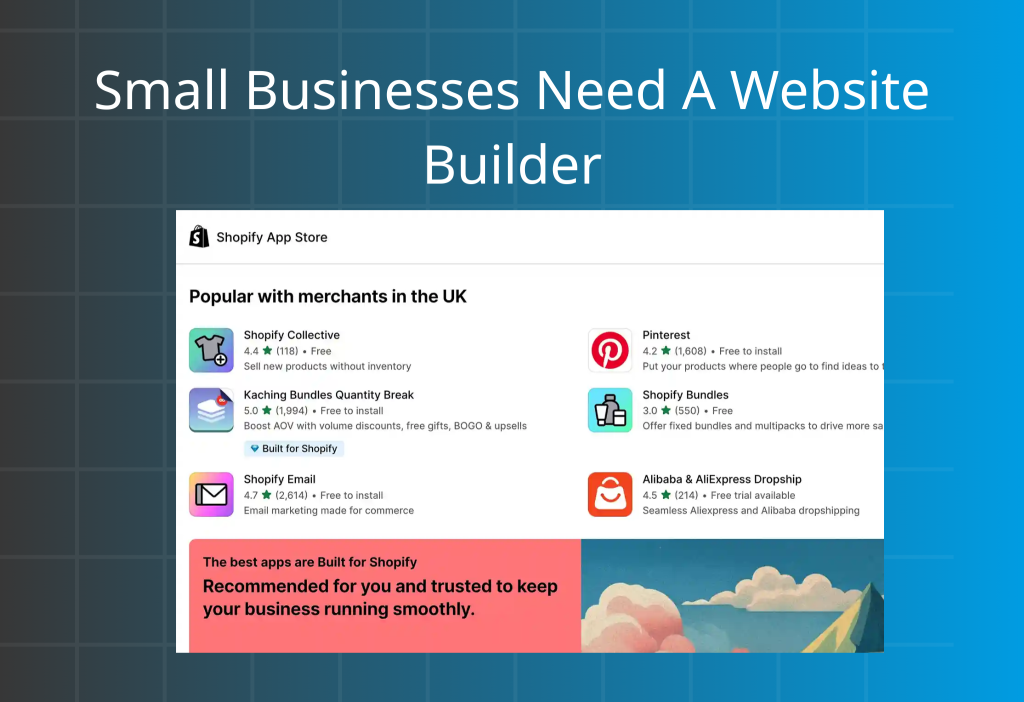
If your site must drive revenue, integrations matter. The best website builders for small businesses connect with third-party apps for payment processing, email marketing, CRM, shipping, analytics, SMS, and automation. This supports a smoother customer journey and better operations.
For example, Shopify includes core ecommerce functions and connects to a large app ecosystem. You can add tools for fulfillment, landing pages, conversion rate optimization, subscriptions, and sales funnels without heavy engineering.
Key Features to Look for in a Website Builder
Whether you start with a free plan or a paid tier, use these criteria to evaluate any website builder for small business.
User-friendly interface
Choose a builder with a clean dashboard and an intuitive editor. A strong drag-and-drop experience, preview mode, and simple navigation reduce mistakes and save hours. You should be able to edit layout, copy, images, and calls to action quickly.
Flexible, clear pricing
Pricing should be easy to understand. Look for transparent tiers, a free trial, and upgrades that match growth. Free plans can work for validation. Paid plans often unlock essential features such as custom domains, ecommerce tools, advanced analytics, and stronger support. Optimize for long-term value, not the lowest entry price.
Mobile optimization
Your website must work on smartphones. Responsive design is not optional. If mobile navigation is slow or confusing, visitors leave. Choose a platform that supports mobile-first layouts, fast load times, and easy tap targets for buttons and menus.
Fast hosting and strong security
Reliable hosting improves user experience and SEO. Look for strong uptime, fast performance, and built-in CDN support when available. Security matters even more if you process payments or store customer data. Prioritize SSL certificates, automatic updates, fraud prevention tools, and secure checkout.
Core features plus advanced functions
At minimum, you need page building, templates, blog or content tools, forms, and SEO controls like meta titles and descriptions. For growth, consider A/B testing, CRM, marketing automation, integrations, inventory management, subscriptions, memberships, and reporting. These features improve conversion rate optimization and lifetime value. If organic traffic matters, use a structured SEO framework from day one (even if you’re on a builder)
Template variety and design flexibility
Templates help you launch faster. Choose modern, industry-relevant designs that are easy to customize. You want brand consistency across typography, colors, and sections. The builder should support clean layout control without breaking responsiveness.
Scalability
Your platform should scale with traffic and catalog size. Look for plan upgrades, stronger ecommerce capacity, and developer options when needed. For example, some platforms offer entry plans for startups and enterprise tiers for higher volume. This reduces the risk of migration later.
Support and community
Support quality matters when you hit a blocker. Look for live chat or email support, clear documentation, onboarding guides, and active communities. Tutorials and 24/7 help are valuable when your site is tied to revenue.
9 Best Website Builders for Small Businesses
Quick comparison (at a glance)
| Platform | Best for | Setup style | Ecommerce strength | Typical pricing |
|---|---|---|---|---|
| Shopify | Stores that want to sell and scale | Templates + editor + AI | Excellent (checkout, POS, apps) | $39–$2,300/mo |
| Weebly (Square Online) | Simple, low-cost sites + Square users | Drag-and-drop | Basic | $0–$19/mo |
| Wix | Fast launch + design flexibility | Drag-and-drop + AI | Good (small–mid stores) | $0–$159/mo |
| GoDaddy | “Get online today” | Guided + mobile edits | Light | $0–$23.99/mo |
| Squarespace | Premium design + service businesses | Templates + editor + AI | Good (simple catalogs) | $0–$99/mo |
| BigCommerce | B2B, wholesale, multi-channel growth | Platform-first | Strong (global, B2B) | $29–$299/mo + custom |
| Bluehost | WordPress + hosting bundle | WordPress-centric | Depends on plugins | $3.99–$141.19/mo |
| Hostinger | Budget + beginner-friendly | Builder + AI | Light–medium | $2.99–$29.99/mo |
| WooCommerce | WordPress stores needing full control | Plugin-based | Strong (with setup) | Free plugin + add-ons |
1) Shopify
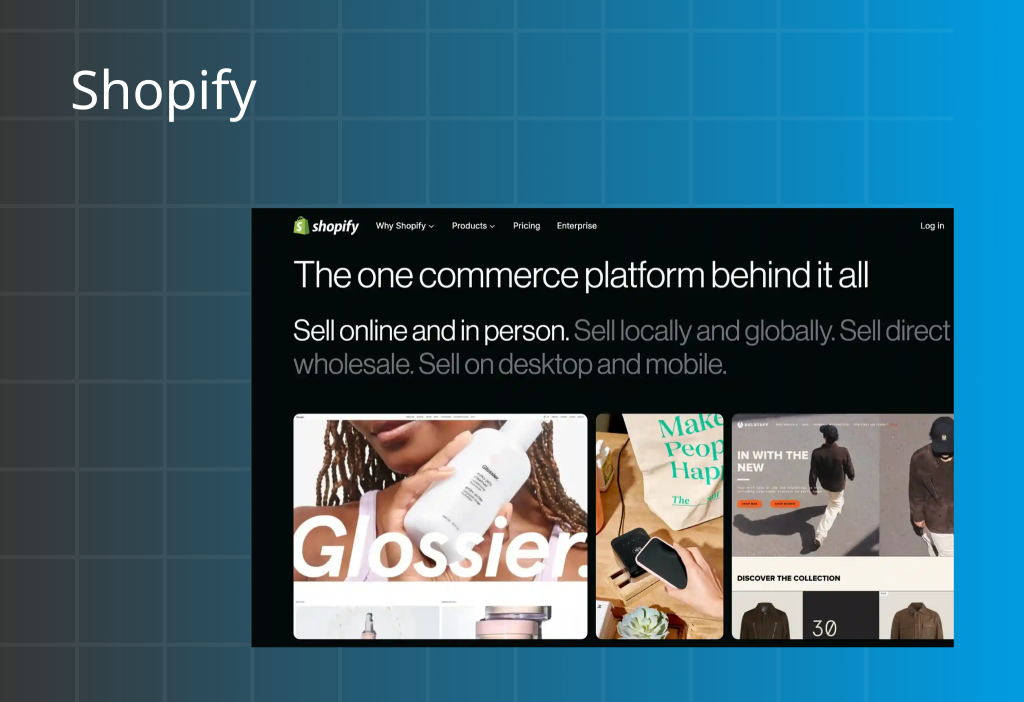
Shopify is a leading ecommerce platform that also works as a full website builder for small businesses. Shopify bundles site design, hosting, checkout, payment processing, shipping tools, analytics, and app integrations in one system.
Shopify fits many business models. This includes product sellers, service providers that sell add-ons, digital product brands, and membership-style businesses.
Best for: Ecommerce, omnichannel selling, scaling operations
Standout semantic entities: Shopify Payments, Shopify POS, Shopify App Store, Shopify Magic, Sidekick, Horizon themes
Pros
- Easy templates and a beginner-friendly editor
- Pricing tiers that match growth stages
- 24/7 customer support (from Basic plan)
- 3-day free trial, then $1/month for the first 3 months
- Shopify Payments with $0 transaction fees (and a free card reader for in-person events, where available)
- Large app marketplace (8,000+ apps)
- AI features like Shopify Magic and Sidekick
- Omnichannel selling: online store, social, marketplaces, and POS
Cons
- Can cost more if you only need a basic brochure site
- No native email inbox hosting as a centralized solution
Pricing: $39–$2,300/month
Why small businesses choose Shopify
Shopify combines website building and ecommerce in one dashboard. The setup is fast, and the platform scales well. The trial and intro pricing also make it easy to test without heavy upfront spend.
Verdict
Shopify balances ease, sales power, and scalability. It can cost more than simple site builders, but the commerce tools and ecosystem often justify the price for revenue-driven brands.
Recent updates (as noted in the source text)
Shopify Editions Summer ’25 highlighted upgrades to built-in features, themes, and AI tools, including Sidekick and Horizon themes.
2) Weebly (Square Online)
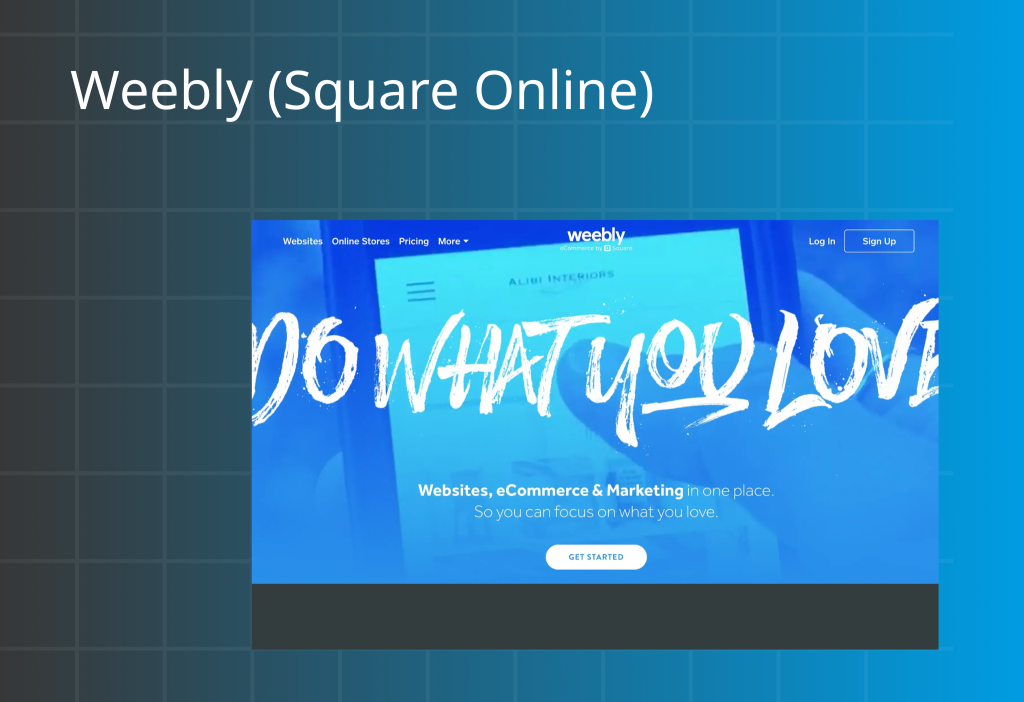
Weebly started as a drag-and-drop website builder for beginners. After Square (Block, Inc.) acquired Weebly, ecommerce and POS features became part of the Square Online ecosystem.
Weebly is simple, affordable, and practical for basic stores—especially for businesses already using Square in-person.
Best for: Budget-friendly websites, Square POS users
Standout semantic entities: Square Online, Square Payments, Square POS, SSL
Pros
- Free plan and low-cost tiers
- Easy interface for non-technical users
- Basic ecommerce (products + Square payments)
- Hosted platform with SSL included
Cons
- Limited scalability for large catalogs or advanced ecommerce
- Fewer templates and less design flexibility
- Slower pace of feature updates and support compared to larger platforms
Pricing: $0–$19/month
Why small businesses choose Weebly (Square Online)
Weebly helps solo sellers launch fast and keep costs low. The biggest advantage is tight integration with Square payments and POS for a smoother online/offline workflow.
Verdict
Weebly is a strong pick for simplicity and cost control. Choose it if you do not need advanced ecommerce features yet.
Recent updates (as noted in the source text)
Square Online indicates Weebly is not being discontinued soon, but new sites are often recommended to start on Square Online for a more modern commerce setup.
3) Wix
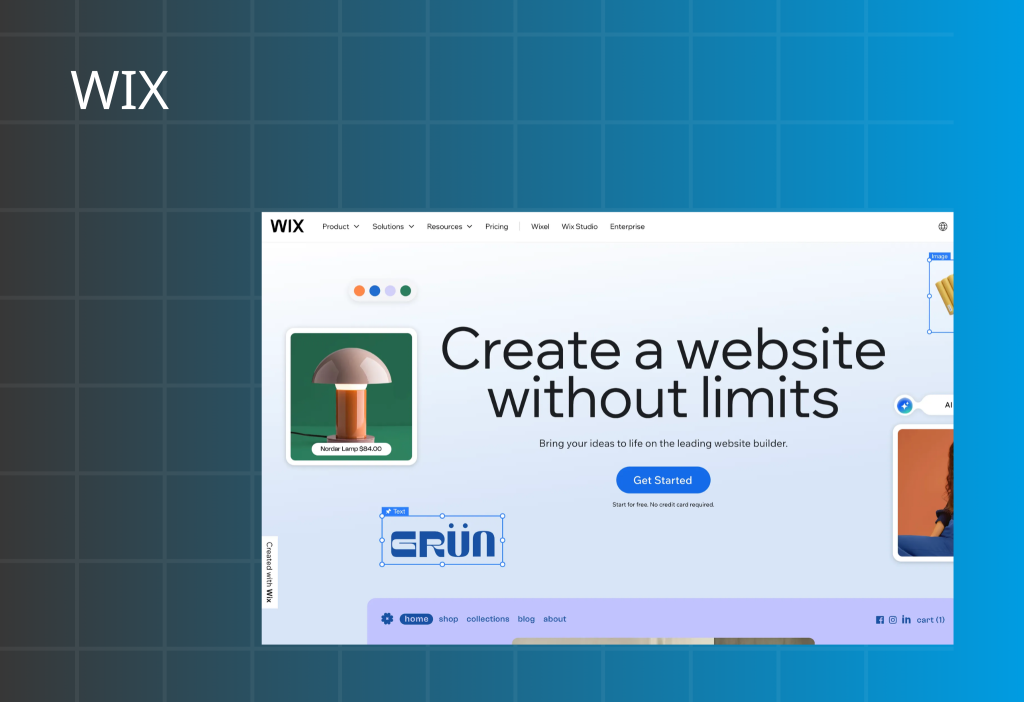
Wix is a cloud website builder with a drag-and-drop editor, AI-assisted design tools, an app marketplace, hosting, and core ecommerce functions. Wix is known for fast building and strong template variety.
Wix suits small businesses that want design freedom without coding.
Best for: Brand sites, service businesses, quick design-led builds
Standout semantic entities: Wix Editor, Wix App Market, Semrush integration, AI website builder
Pros
- User-friendly editor and 2,000+ templates
- Email marketing available from low-cost plans
- Keyword support via Semrush integration
Cons
- Can feel overwhelming for first-time users
- Performance can slow down depending on design and apps
Pricing: $0–$159/month
Why small businesses choose Wix
Wix combines quick setup with creative control. AI tools can help generate site copy, suggest layouts, and enhance images. Wix also supports marketing workflows without needing many extra tools.
Verdict
Wix is a strong option for small businesses that value design quality and speed. It works best when you want a polished web presence more than an enterprise-grade commerce stack.
Recent updates (as noted in the source text)
Wix expanded font options through a Monotype partnership and improved catalog syncing to Pinterest, plus AI assistance for email drafts and layouts.
4) GoDaddy
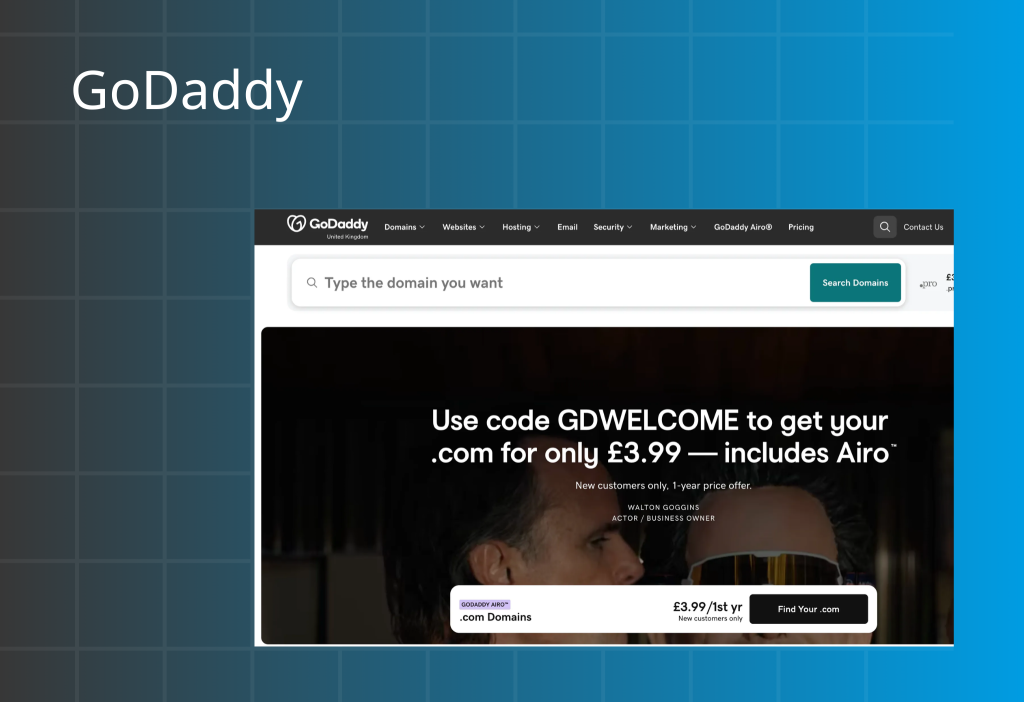
GoDaddy moved beyond domains and hosting into a website builder built for speed. The platform focuses on fast onboarding, mobile editing, and simple social publishing tools.
GoDaddy works well for micro-businesses that need a basic website and reliable hosting with minimal setup.
Best for: Fast launch, domain + hosting bundle, simple marketing workflows
Standout semantic entities: GoDaddy Airo, domain registrar, hosting, SSL, AI social post creator
Pros
- Affordable plans for startups
- Strong mobile app for quick edits
- AI enhancements for creation and catalogs
- Quick setup with built-in social tools
Cons
- Template and design quality can feel limited
- Limited ecommerce depth and design flexibility
- Basic SEO controls
Pricing: $0–$23.99/month
Why small businesses choose GoDaddy
GoDaddy reduces vendor juggling. Domain, hosting, and SSL are handled in one place. The AI social tools also help teams plan and publish content faster.
Verdict
GoDaddy is a good fit for side hustles and early-stage businesses that need speed, cost control, and reliable basics.
Recent updates (as noted in the source text)
GoDaddy introduced GoDaddy Agency services and released the “Airo® Site Designer” globally for managed WordPress clients after exiting beta.
5) Squarespace
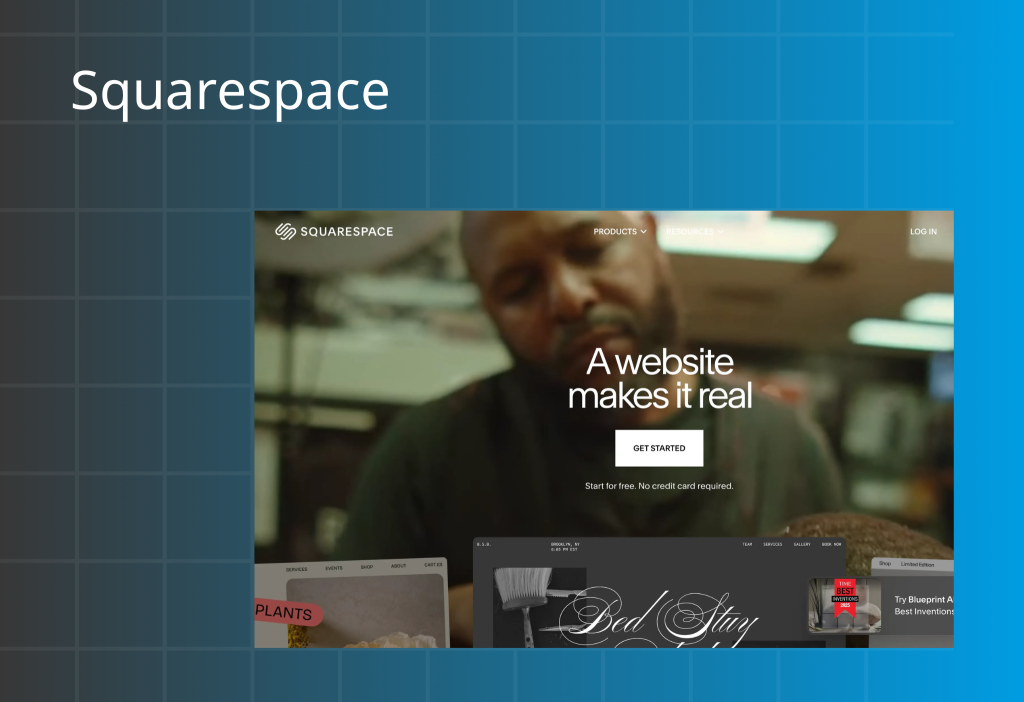
Squarespace is known for polished templates and a clean design system. It also supports service businesses through scheduling, blogging, and content tools.
Squarespace works best when visual presentation is a core part of the brand.
Best for: Creative brands, consultants, service businesses, appointment-based sites
Standout semantic entities: Acuity Scheduling, Blueprint AI, templates, content tools
Pros
- High-quality templates and strong visual identity support
- Unified platform and easy management
- Built-in tools for bookings, blogging, and service workflows
Cons
- Not ideal for complex inventory or POS workflows
- Smaller plugin ecosystem than app-heavy platforms
- Can be less scalable for large ecommerce operations
Pricing: $0–$99/month
Why small businesses choose Squarespace
Squarespace makes it easy to launch a premium-looking site. Built-in scheduling (Acuity) supports bookings, and AI tools help speed up layout and page creation.
Verdict
Squarespace is a top choice for design-led and service-driven businesses. For complex ecommerce, platforms like Shopify may be a better fit.
Recent updates (as noted in the source text)
Squarespace added AI features (Blueprint AI, Beacon AI, Finish Layout), expanded store page capabilities, and launched Squarespace Capital in select regions.
6) BigCommerce
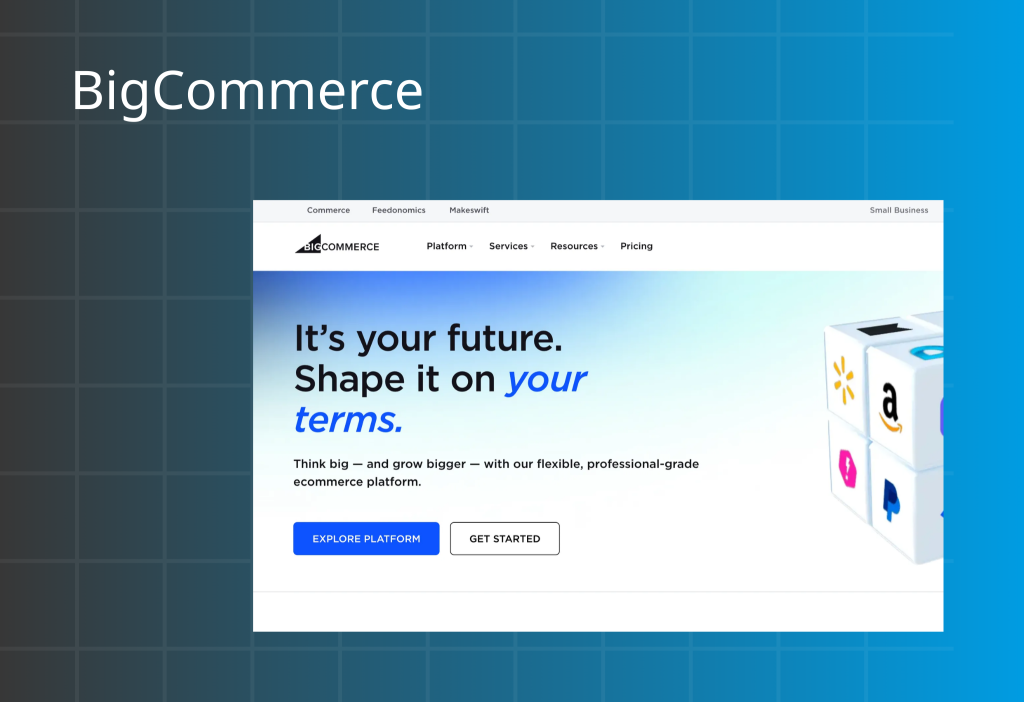
BigCommerce is a SaaS ecommerce platform that prioritizes growth and backend capability. It supports multi-storefront setups, B2B features, APIs, and global payments.
BigCommerce fits teams that want to scale beyond a basic store and sell across channels.
Best for: B2B ecommerce, wholesale, global selling, multi-channel operations
Standout semantic entities: multi-storefront, B2B, open APIs, global payments, Google Shopping, Amazon
Pros
- Strong B2B ecommerce features
- Global selling support (including many currencies)
- Multi-channel selling (Google, Amazon, Instagram, eBay, and more)
- Free 15-day demo and consult-style onboarding
- 24/7 support via phone, chat, and email
Cons
- Steeper learning curve
- Can be more complex and costly than simple builders
Pricing: $29–$299/month + custom plans
Why small businesses choose BigCommerce
BigCommerce supports complex selling models and international growth. It is built for teams that want strong commerce infrastructure and channel expansion.
Verdict
BigCommerce is best when growth is the plan. If you only need a small site with a few products, a simpler builder may be easier.
Recent updates (as noted in the source text)
BigCommerce aligned under Commerce.com, Inc. alongside Feedonomics and Makeswift, with a stated focus on AI-driven commerce.
7) Bluehost
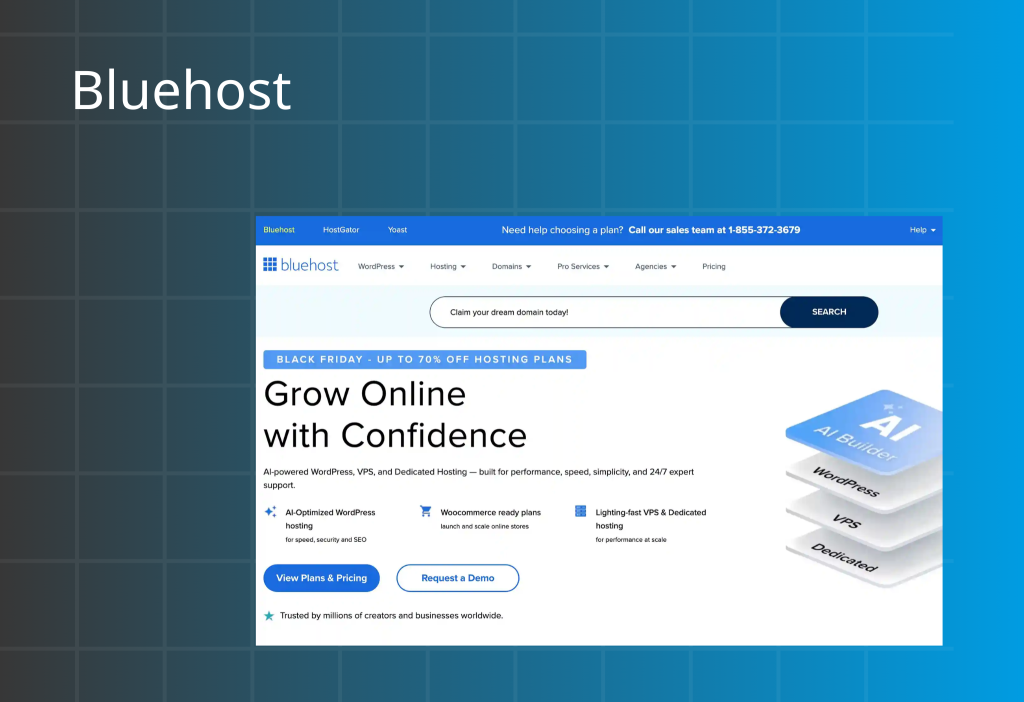
Bluehost is best known for web hosting. Bluehost also offers site-building tools, often in a WordPress workflow. Many users choose Bluehost when they want a single vendor for hosting, domain, and SSL.
Bluehost is not the most “pure” drag-and-drop builder, so it can feel less intuitive than all-in-one website builders.
Best for: WordPress sites, content + SEO workflows, hosting bundles
Standout semantic entities: WordPress, hosting, domain, SSL certificates, CDN (where applicable)
Pros
- Reliable hosting and strong WordPress integration
- Helpful support and a free domain for year one (plan-dependent)
- Affordable entry pricing
Cons
- Builder experience can feel limited compared to dedicated builders
- Renewal pricing and hosting tiers can be confusing
- Some server-location limits can affect latency outside the US
Pricing: $3.99–$141.19/month
Why small businesses choose Bluehost
Bluehost simplifies setup by bundling hosting, domain, and SSL. WordPress integration also supports blogging and SEO for content-led businesses.
Verdict
Bluehost is a practical option for small teams that want WordPress with a trusted hosting provider. For visual-first editing and easy storefront management, other builders can feel smoother.
Recent updates (as noted in the source text)
Bluehost announced Oracle Cloud Infrastructure adoption to improve performance and scalability, with more AI features planned for site creation.
8) Hostinger
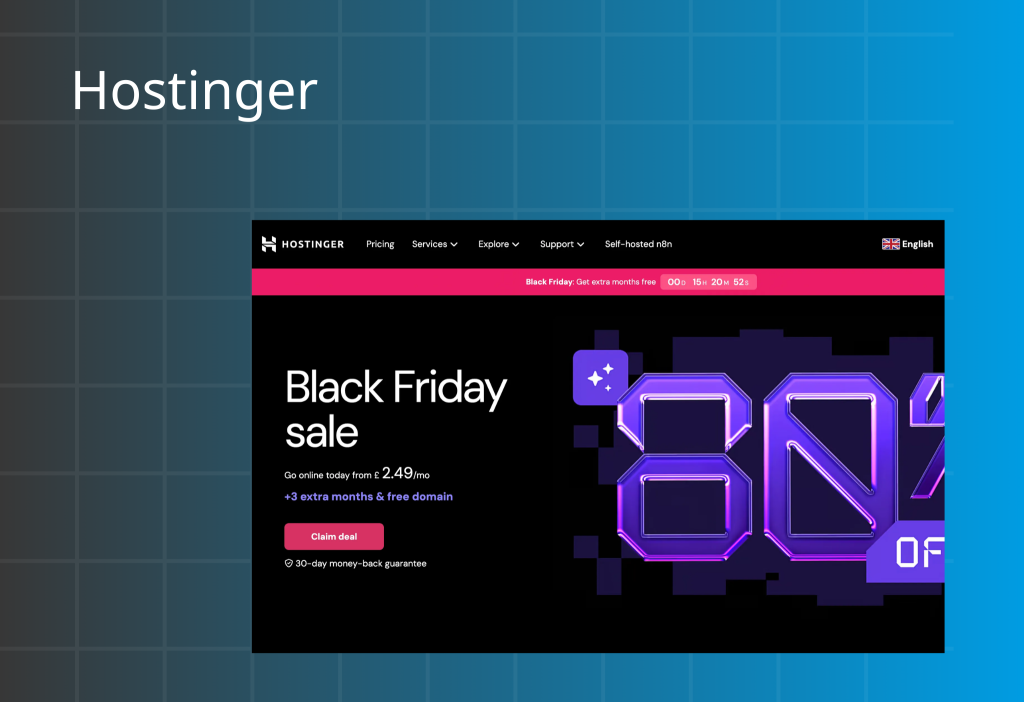
Hostinger bundles hosting with a beginner-friendly website builder. The platform focuses on affordability, simple UI, and built-in AI tools for faster setup.
Hostinger is strong for basic sites and early validation, but it may not suit complex ecommerce growth.
Best for: Budget launches, simple business sites, beginner setups
Standout semantic entities: hosting bundle, AI website builder, SSL, payment gateways
Pros
- Very low entry price for hosting + builder bundles
- Simple drag-and-drop editor with AI tools
- Good security baseline and support reputation
- 24/7 customer support
Cons
- Limited scalability and deep customization
- Template switching and migration constraints
- Smaller integration ecosystem than major platforms
Pricing: $2.99–$29.99/month
Why small businesses choose Hostinger
Hostinger reduces setup friction by bundling hosting, builder, domain options, and SSL. AI tools help teams publish faster with less effort.
Verdict
Hostinger is a strong value choice for simple sites and lean budgets. For large catalogs, advanced integrations, or complex commerce, consider Shopify or BigCommerce.
Recent updates (as noted in the source text)
Hostinger added a link-in-bio builder and ecommerce upgrades, including expanded payment gateway support and native shipping setup for beginners.
9) WooCommerce
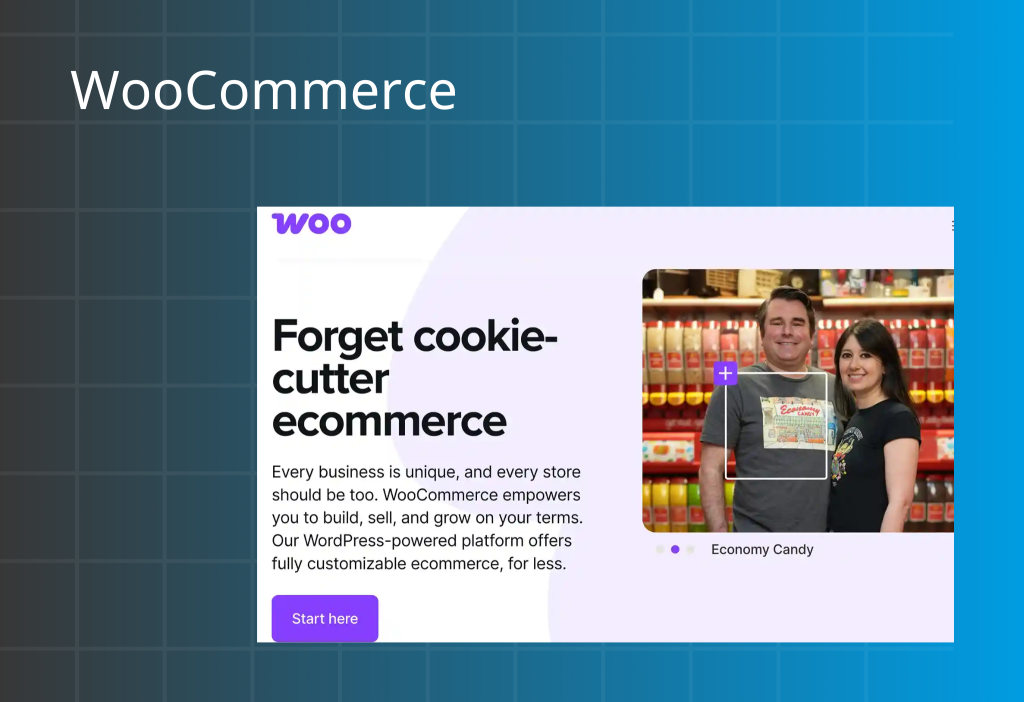
WooCommerce is not a standalone website builder. WooCommerce is an open-source ecommerce plugin for WordPress. It turns a WordPress site into a full online store with strong control over products, checkout, and extensions.
WooCommerce works best for teams willing to manage a WordPress stack and handle hosting, themes, and plugins.
Best for: WordPress users who want maximum control and extensibility
Standout semantic entities: WordPress, open-source plugin, themes, extensions, payment gateways, performance hosting
Pros
- Free core plugin (no monthly plugin fee)
- Highly customizable with themes and extensions
- Strong SEO potential when paired with WordPress content
- Many payment gateways and product types
- Flexible store structures (including multi-storefront via extensions)
Cons
- Requires WordPress knowledge and ongoing maintenance
- Costs rise with premium themes, extensions, and fast hosting
- No built-in support team for the plugin itself
Pricing: Free (plugin) + add-on and hosting costs (“hidden costs” depend on setup)
What Is the Best Website Platform? Quick Comparison Table
| Platform | G2 rating | Free plan / trial | Pricing | Best for |
|---|---|---|---|---|
| Shopify | 4.4/5 | 3-day trial + $1 for first 3 months | $39–$2,300/mo | Full website + ecommerce + scaling with POS, apps, and analytics |
| Weebly (Square Online) | 4.2/5 | Free basic | $0–$19/mo | Low-budget sites that want a tight link with Square POS and Square Payments |
| Wix | 4.2/5 | Free basic | $0–$159/mo | Fast launch with strong templates, a drag-and-drop editor, and an app marketplace |
| GoDaddy | 4.0/5 | Free basic | $0–$23.99/mo | Micro-businesses that want quick setup with domain + hosting + SSL in one place |
| Squarespace | 4.5/5 | Free basic | $0–$99/mo | Creative and service brands that want premium templates, booking, and simple management |
| BigCommerce | 4.2/5 | 15-day trial | $29–$299/mo + custom | Global ecommerce growth, multi-channel selling, and B2B/wholesale features |
| Bluehost | 3.4/5 | No | $3.99–$141.19/mo | Hosting + WordPress site setup for content-led small businesses |
| Hostinger | 4.4/5 | 7-day Horizons trial | $2.99–$19.99/mo | Budget beginners launching simple sites with AI tools and bundled hosting |
| WooCommerce | 4.4/5 | Free plugin | Hidden costs | WordPress-based stores that want full control with themes, plugins, and custom checkout |
How to Select the Right Website Builder (Expert Tips)
Use your business model first. Then choose the platform that fits your operations, not just your design taste.
If you’re creating an online store
Pick a platform with proven ecommerce infrastructure. Focus on checkout quality, secure payments, product management, and an ecosystem you can extend. If you want a simple ecommerce build path, use this guide as a baseline
Prioritize
- Payment processing and fraud protection
- App ecosystem (marketing, shipping, CRM, analytics)
- Inventory management and order management
- SEO + marketing tools (email, automation, product feeds)
- Multi-channel selling (social, marketplaces, POS)
- 24/7 support if revenue depends on uptime
Best picks: Shopify, WooCommerce (WordPress), BigCommerce
If you’re on a budget or early stage
Choose a lightweight platform that helps you launch fast. Keep monthly costs low while still covering the basics.
Prioritize
- Low monthly pricing and clear upgrade path
- Built-in hosting and SSL certificates
- Simple editor and ready templates
- CRO-friendly layouts for landing pages
- Domain connection (or an easy upgrade to one)
Best picks: Weebly (Square Online), Hostinger, Wix, GoDaddy
If your site is content-first
Choose a platform that makes publishing easy. Your editor, SEO structure, and blog workflow matter more than fancy ecommerce features.
Prioritize
- Strong content editor and media handling
- Clean URL structure, metadata control, and site speed
- Templates designed for reading and navigation
- Plugins or extensions for SEO and performance (where relevant)
Best picks: WordPress + WooCommerce, Bluehost (WordPress hosting), GoDaddy (simple content sites)
If you expect to scale
Choose a builder that supports growth without a rebuild. Scaling usually means more products, more channels, and more automation.
Prioritize
- Multi-storefront or multi-site capability
- Integrations, API access, and automation workflows
- Advanced analytics and segmentation
- Performance, reliability, and support
Best picks: Shopify, BigCommerce, WooCommerce (WordPress)
Conclusion
You now have a clear view of the top website builders for small businesses. The best choice is the one that supports your current needs and still works when your traffic, content, and product catalog grow.
Start with your goal. Then confirm the essentials: ease of use, mobile optimization, hosting speed, SSL security, and integrations. When you choose well, your website becomes a long-term asset that builds trust, earns search visibility, and drives sales.
FAQs
What is the best website maker for a small business?
There is no single best option for everyone. The best website maker depends on your goal. If you need ecommerce and growth, choose a platform with strong checkout, analytics, and integrations. If you run a service business, prioritize design, booking, and a simple editor. Choose a tool that lets you start lean and upgrade without switching platforms.
Can ChatGPT build me a website?
ChatGPT can help you plan your site structure, write copy, and generate code snippets. But you still need a website platform to apply templates, configure hosting, connect a domain, set up SSL, and add integrations to publish a complete website or online store.
Is Shopify or Wix better?
It depends on what you sell and how you grow. Shopify is better for ecommerce at scale, with strong checkout, payments, apps, and operations. Wix is better if you want fast setup and flexible design for a brand site or a small store with lighter inventory needs.